

Introduction to Plus Messenger
Plus Messenger is an unofficial messaging application that leverages the powerful Telegram's API. With its user-friendly interface and rich set of features, Plus Messenger has rapidly gained popularity among users worldwide. It is one of the #One of the best rated messaging apps on Play Store# and boasts over 50 million downloads. The app is translated into more than 20 languages and supports numerous language-specific groups, making it accessible to a diverse global audience.
Key Features and Customization Options
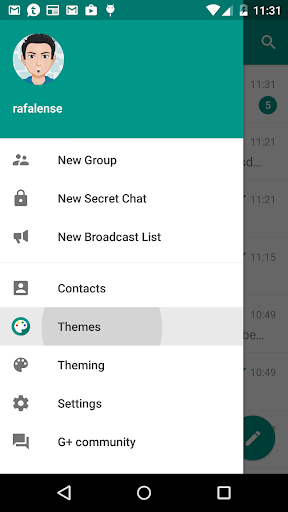
What sets Plus Messenger apart from the official Telegram app are its extra features and extensive customization options. Users can enjoy a more personalized messaging experience with a variety of tools designed to enhance usability, privacy, and style.
Enhanced User Interface
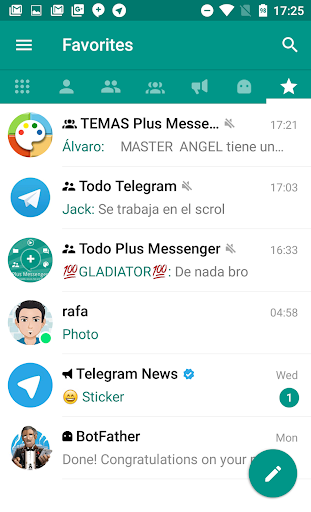
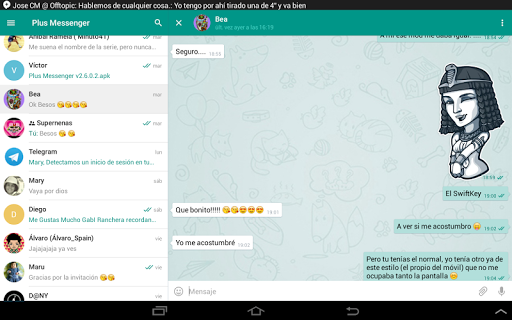
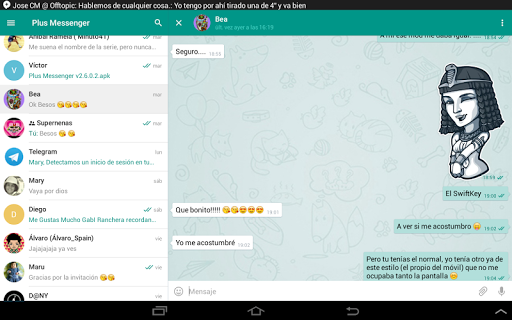
The app introduces separated tabs for chats—including users, groups, channels, bots, favorites, unread, and admin/creator. Users can customize tabs to suit their preferences, making navigation more intuitive. The interface remains familiar to Telegram users but with added nifty tweaks that improve overall experience.
Multi-Account Support and Organization
Another standout feature is the ability to manage up to 10 accounts. Plus Messenger allows users to create categories—custom groups such as family, work, or sports. These categories can be saved and restored, facilitating seamless switching and organization of multiple chat groups.
Advanced Customization and Appearance
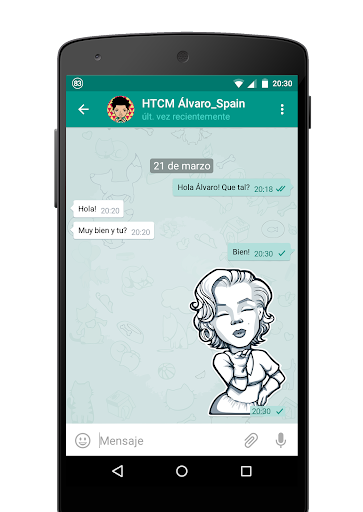
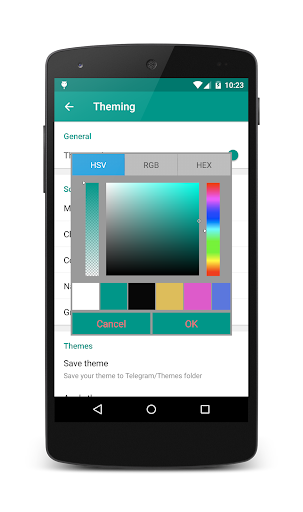
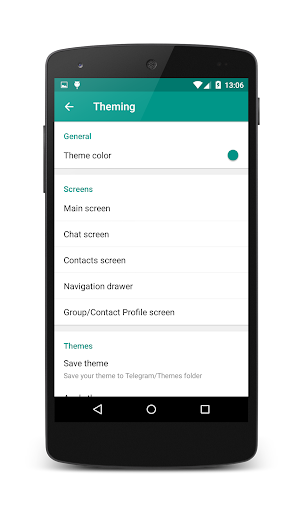
The app offers >10 distinct bubbles and checks designs to personalize message styles. Users can change default app folders, utilize phone emojis and fonts, and switch to night mode easily from the navigation menu. It also allows setting the photo quality before sending and offers a variety of themes for a distinctive look.
Privacy, Security, and Additional Functionalities
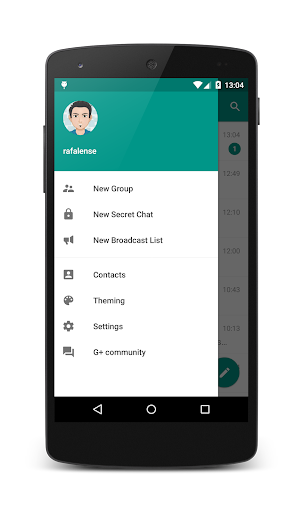
Privacy is a significant focus for Plus Messenger. Users can hide their mobile number from the navigation menu drawer and settings, displaying their username instead of their mobile number. The app also provides options to lock chats for added security and control who can see your online status.
Other notable features include floating notifications indicating when users are online or writing, the ability to forward messages without quoting, and edit messages or captions before forwarding. Plus Messenger also supports saving documents with original names and copying text selections.
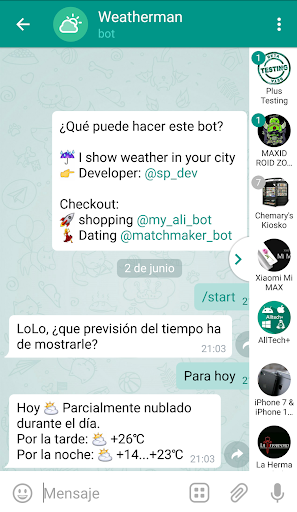
Media sharing is also enhanced with options to set photo quality prior to sending and show download progress. The app offers quick switching between chats through a dedicated quick bar, making multitasking effortless.
Additional Features and Community Support
Plus Messenger is rich in features aimed at improving the user experience. You can show user biographies in chats, add timestamps to floating dates, or start a round video using the main camera. The app provides comprehensive options for showing/hiding buttons, customizing bubble designs, and switching themes.
For community support and updates, you can join the Plus Messenger channel or the support group. The app's social presence extends to Twitter. Plus Messenger also offers dedicated apps for themes that allow further personalization.
Why Choose Plus Messenger?
If you are seeking a messaging app that combines the reliability of Telegram with additional customization and privacy features, then Plus Messenger is an excellent choice. Its extensive feature set—including multi-account support, categories, themes, and privacy controls—makes it a versatile tool for personal and professional communication.
Whether you're a fan of personalization or need advanced options for privacy and security, Plus Messenger offers a compelling package. Give it a try and elevate your messaging experience with this feature-rich, user-centric app.
Pros
- Highly customizable user interface.
- Fast and dependable performance.
- Secure with end-to-end encryption.
- Supports multiple accounts simultaneously.
- Enables rich media sharing.
Cons
- Lacks some advanced features.
- Occasional bugs after updates.
- Limited support on older devices.
- Can be demanding on system resources.
- Notification delivery may be inconsistent.










