





Messenger Kids – The Messaging App for Kids
Discover how Messenger Kids is transforming the way children connect and communicate online, offering a safe, fun, and parent-controlled messaging environment. Designed specifically for children, this app combines engaging features with essential parental controls to ensure a secure and enjoyable digital experience for young users.
Made for Kids. Controlled by Parents.
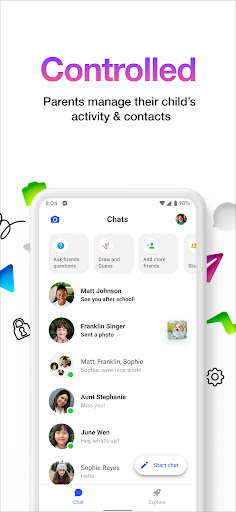
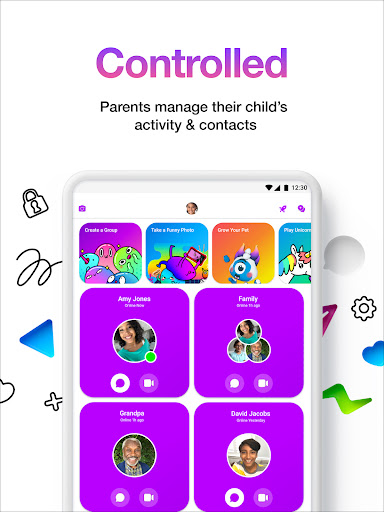
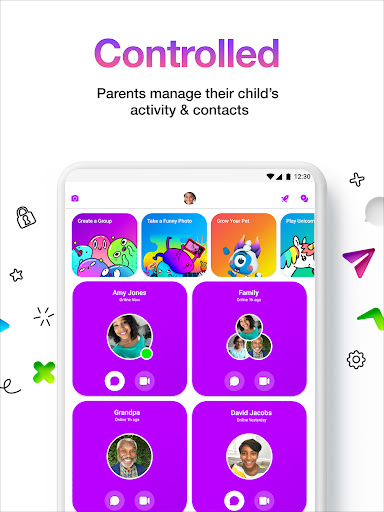
One of the standout aspects of Messenger Kids is its focus on safety and parental oversight. Parents can manage their children’s contact lists through a dedicated Parent Dashboard, providing peace of mind by allowing them to approve friends and monitor messages. When a child blocks a contact, parents receive instant notifications, ensuring they stay informed about their child's interactions.
Additionally, the app is free of in-app purchases and ads, making it a worry-free platform for kids. Parental controls extend to setting usage limits, such as scheduled bedtime periods, helping families manage screen time effectively.
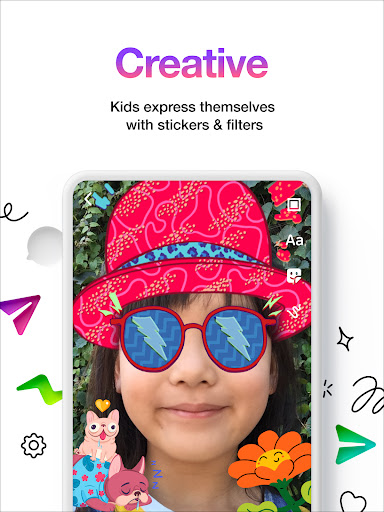
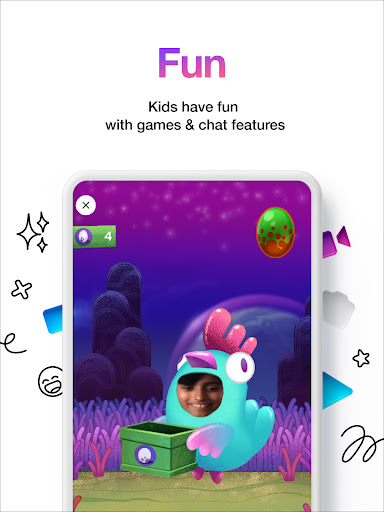
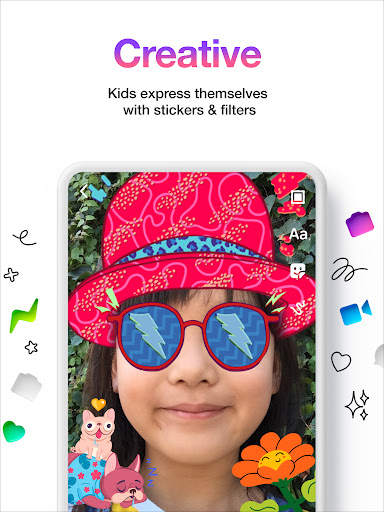
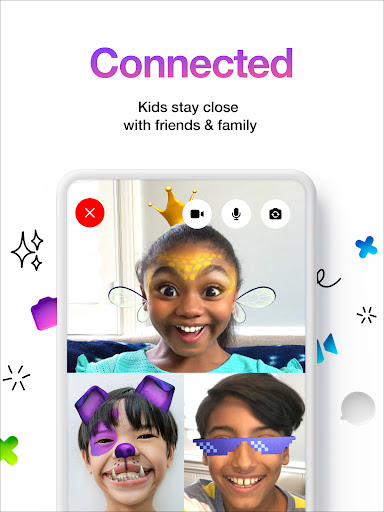
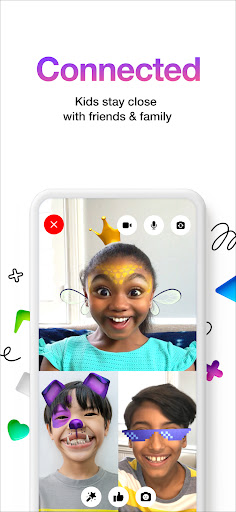
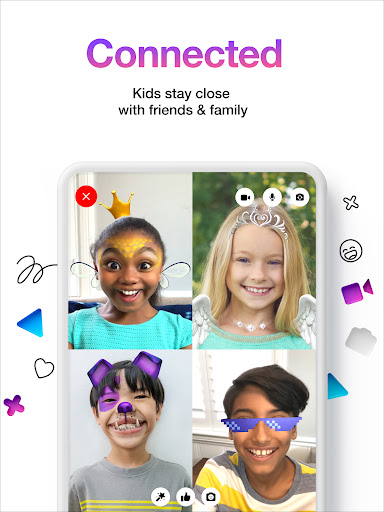
Kids can express themselves creatively using fun filters, reactions, and sound effects during video chats. The app also supports creative conversations with stickers, GIFs, emojis, and drawing tools, encouraging children to communicate in engaging and innovative ways. An easy-to-start experience means no phone number is required, simplifying the setup process for young users.
A Safe and Engaging Digital Playground
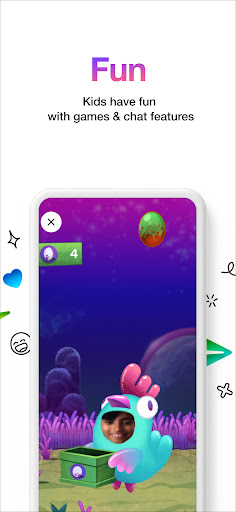
If you’re a parent or guardian curious about how Messenger Kids operates, you’ll find that it combines vibrant visuals and interactive features to create a playful communication environment. The app features lively colors, stickers, and augmented reality (AR) masks, making chats lively and fun for kids.
Beyond basic messaging, Messenger Kids offers drawing tools and AR effects, allowing children to explore creativity while connecting with friends and family. These features turn messaging into a digital playground, where imagination and technology meet seamlessly.
Prioritizing Safety and Privacy
Parents will appreciate the screen management tools available within the app. The sleep mode feature lets you schedule times when the app is inaccessible, helping you enforce healthy digital habits. Parental approval is required for contacts, ensuring children only connect with approved friends and family members, thus providing a controlled environment that fosters safe online interactions.
Since Messenger Kids has no ads or inappropriate content, parents can rest assured that their child’s conversations are protected from exposure to unwanted material. The app can be easily monitored and managed through Facebook, giving parents direct oversight without complex setup procedures.
Easy for Kids to Use with Parental Support
The user interface of Messenger Kids is designed to be intuitive and engaging for children. Kids can quickly learn how to navigate the app, send stickers, make voice or video calls, and engage in creative activities—all without overwhelming complexity. While the app is educationally friendly and easy to use, it’s important for parents to maintain ongoing conversations about online safety and responsible digital behavior.
By balancing fun features with robust safety controls, Messenger Kids provides a trusted platform for children to explore messaging in a protected manner. It’s like giving your kids a bicycle with training wheels—supporting their independence while keeping them safe.
Final Thoughts
In conclusion, Messenger Kids is an excellent choice for parents seeking a safe, controlled, and engaging messaging app for their children. It offers a harmonious blend of entertainment and security, empowering kids to communicate creatively while giving parents peace of mind. With features like parental controls, creative tools, and safe environment management, Messenger Kids is truly a thoughtful solution for introducing children to the digital world responsibly.
If you want to learn more about Messenger Kids or get involved by providing feedback, visit messengerkids.com.
Pros
- Safe communication for children
- Parental controls available
- No phone number required
- Fun filters and stickers
- Ad-free experience
Cons
- Limited features for older kids
- Requires Facebook account for parents
- No end-to-end encryption
- Can be addictive
- Limited to text, video, and voice










