
Overview of the Workforce Tools App
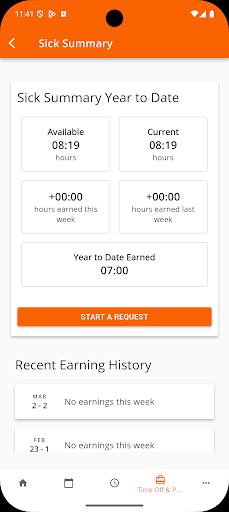
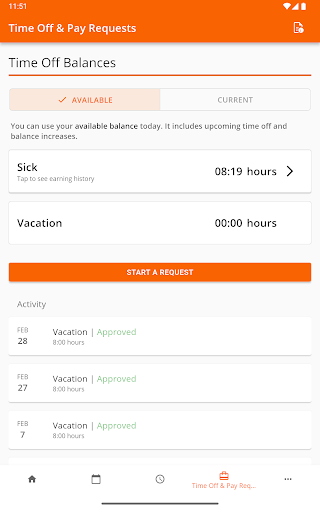
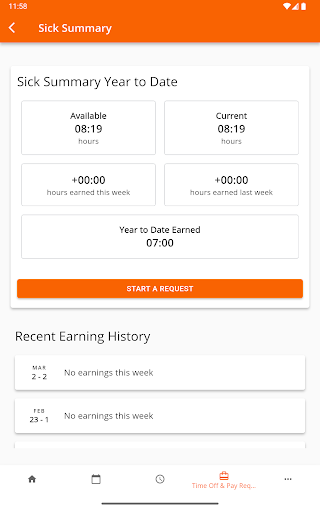
The Workforce Tools app is a powerful mobile solution designed to provide users with a centralized platform for managing their work-related tasks seamlessly. Whether you're checking time cards, reviewing schedules, or submitting time off requests, this application ensures an integrated experience across various workforce management systems. Its high level of configurability guarantees a smooth and personalized user experience, making it an indispensable tool for employees and managers alike. By connecting with any designated workforce management platform, the app streamlines day-to-day operations, reduces administrative burdens, and boosts productivity.
Key Features of Workforce Tools
Centralized Workforce Management
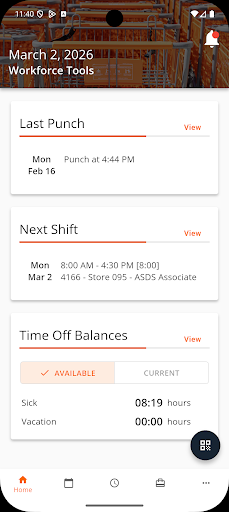
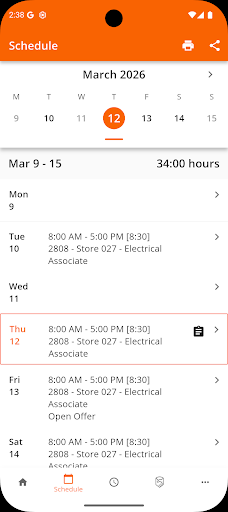
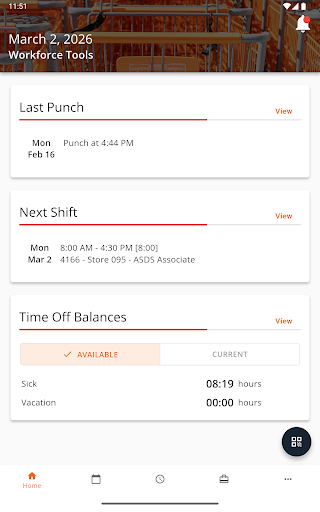
The Workforce Tools app consolidates all essential work-related functions into one easy-to-use mobile platform. From viewing shift schedules to managing pay information, users can perform critical activities without switching between multiple systems. Its compatibility with different workforce management solutions ensures flexibility and adaptability to various organizational needs. Whether you're a shift worker or a supervisor, having all work tools in one application simplifies your routine and enhances efficiency.
Real-Time Schedule Updates
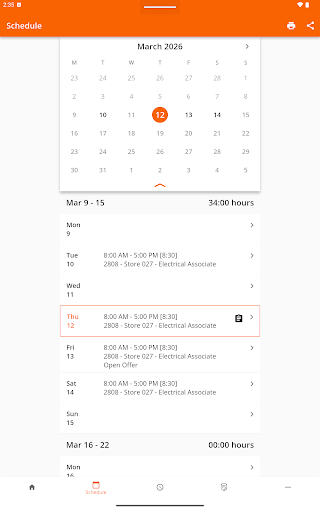
One of the standout features is the ability to receive instant schedule updates. No longer will you be caught unprepared for unexpected shift changes — every modification made by your employer is reflected immediately on your device. This real-time synchronization keeps you informed and allows you to respond swiftly to schedule adjustments, thereby fostering better work-life balance.
Communication and Shift Management
The built-in messaging feature facilitates quick and easy communication with colleagues and management. Need to coordinate a shift swap or clarify schedule details? The app's streamlined messaging interface makes collaboration effortless. This is especially useful for teams that rely on timely coordination and clear communication to maintain smooth operations.
Access to Pay and Deductions
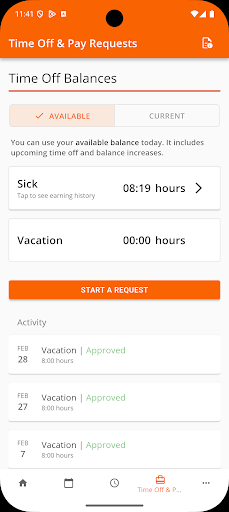
Another valuable aspect of the Workforce Tools app is the ability to view pay information directly from your mobile device. You can effortlessly check earnings, deductions, and download pay stubs without waiting for paper statements or logging into complicated payroll portals. This feature serves as a personal finance assistant in your pocket, helping you stay on top of your compensation details at all times.
Why Choose Workforce Tools?
Beyond its technical capabilities, what truly elevates the Workforce Tools app is its focus on improving work-life balance. By organizing all work-related tasks and information into one accessible platform, it reduces stress and saves valuable time. Whether you're managing your own schedule or overseeing a team, the app's user-friendly design makes it easy for anyone to navigate and utilize effectively.
The app demonstrates high reliability and performs smoothly without crashes. Available on both Android and iOS, it offers universal accessibility for users across different devices. Think of it as the universal remote for your work life, integrating all essential tools into one efficient application.
Conclusion
The Workforce Tools app is a game-changing resource for streamlining work-related activities. Its comprehensive features, ease of use, and seamless integration make it a must-have for anyone seeking to simplify their work management. Whether you're an employee eager to stay updated or a manager wanting better oversight, this app empowers you to handle your work commitments more efficiently. If you haven't tried it yet, now is the perfect time to experience how it can transform your professional life and boost your productivity.
Pros
- Efficiently streamlines employee scheduling.
- Has an intuitive interface that facilitates easy navigation.
- Integrates seamlessly with other business tools.
- Provides real-time updates to boost productivity.
- Offers customizable features to meet diverse requirements.
Cons
- Occasional server synchronization problems.
- Limited functionality when offline.
- Some users experience slow loading times.
- Initial setup may take considerable time.
- Needs regular updates to resolve bugs.











