

Introducing When I Work Team Scheduling: Your Ultimate Workforce Management Solution
Are you tired of chaos and confusion in managing employee schedules? When I Work Team Scheduling is a powerful app designed to streamline shift management, improve communication, and boost productivity in modern workplaces. With over 200,000 businesses relying on this platform, it offers a comprehensive solution to reduce scheduling errors, lower costs, and decrease staff turnover. Whether your team is remote or on-site, When I Work is tailored to meet the needs of shift-based industries, from retail to healthcare and hospitality.
Seamless Setup and User-Friendly Interface
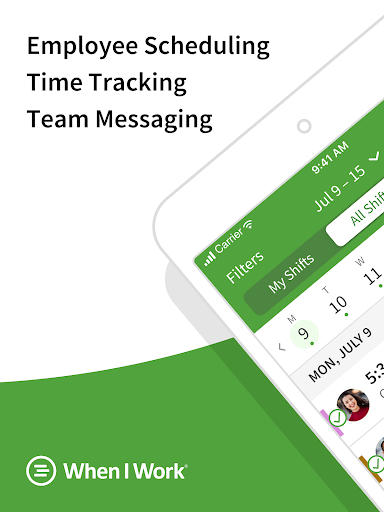
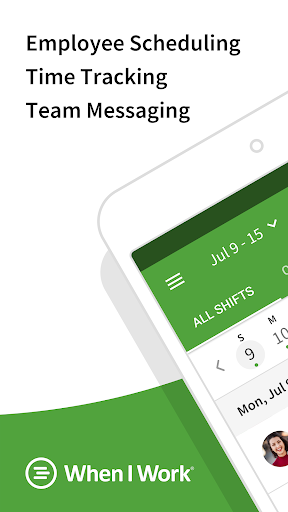
Getting started with When I Work Team Scheduling is quick and simple. Available on both Android and iOS devices, it allows managers and staff to connect effortlessly. The intuitive dashboard presents all essential tools clearly, reducing the learning curve and enabling you to deploy scheduling features immediately. The straightforward design ensures you can assign shifts, communicate updates, and oversee operations without hassle—making team management less stressful and more efficient.
Key Features That Elevate Workforce Management
What truly sets When I Work apart are its innovative features crafted specifically for shift-based teams:
Easy Schedule Creation and Management
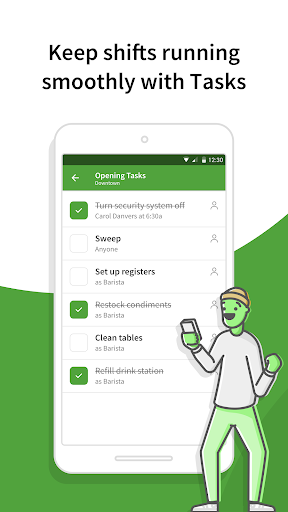
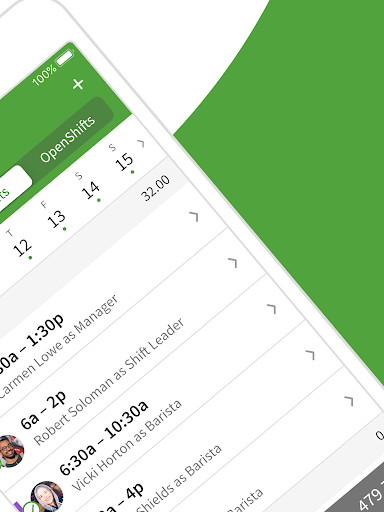
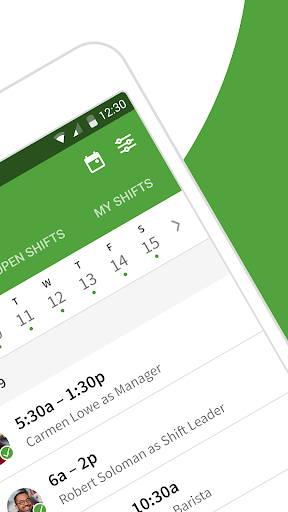
Using a drag-and-drop interface, managers can swiftly create and adjust schedules, swap shifts with minimal effort, and handle last-minute changes. The app’s auto-scheduling capability allows for building comprehensive rosters with just one click, saving time and reducing errors.
Instant Team Communication
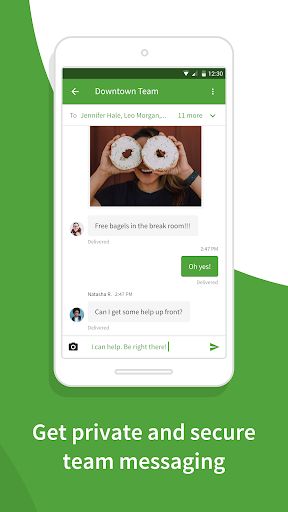
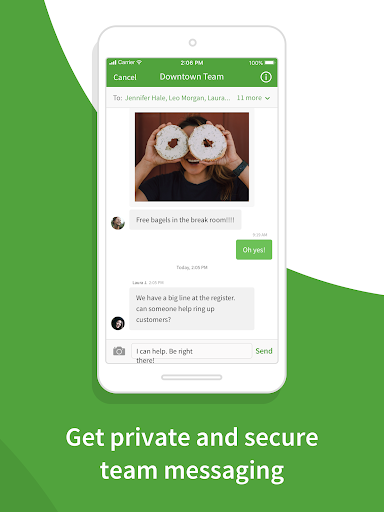
Built-in messaging allows one-on-one or group chats, enabling real-time updates and quick resolution of scheduling conflicts or shift swaps. This direct communication reduces misunderstandings and keeps everyone on the same page.
Time Tracking and Attendance
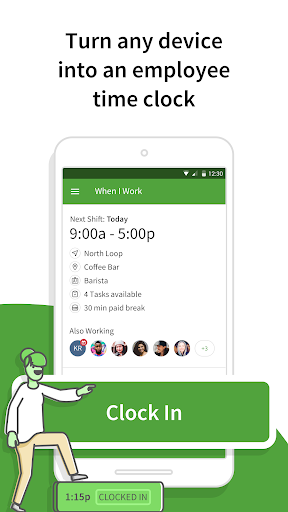
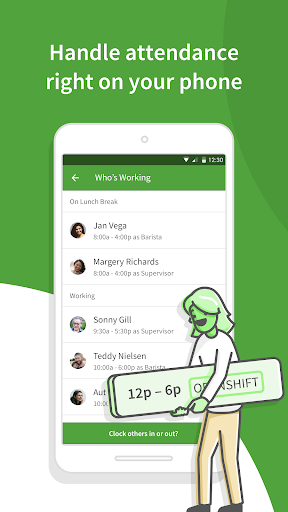
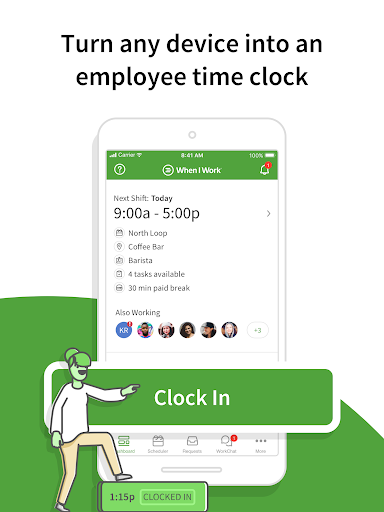
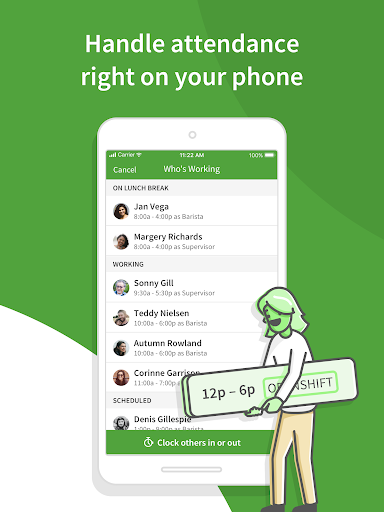
Employees can clock in and out directly from their smartphones, ensuring accurate time tracking. Geofencing features help prevent buddy punching, while shift confirmations and automated alerts enhance accountability.
Shift Trade and Availability Management
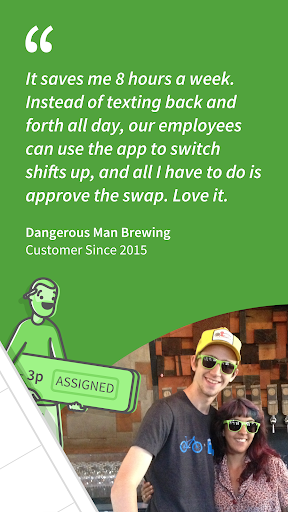
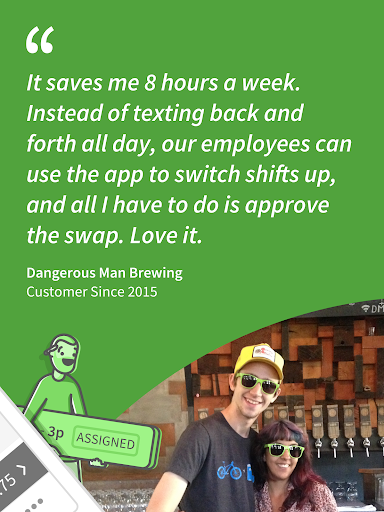
Workers can privately trade shifts or request time off through the app, empowering your team to self-manage and fostering a sense of responsibility.
Operational Insights and Reporting
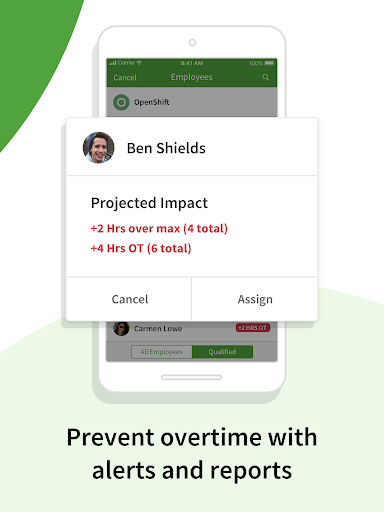
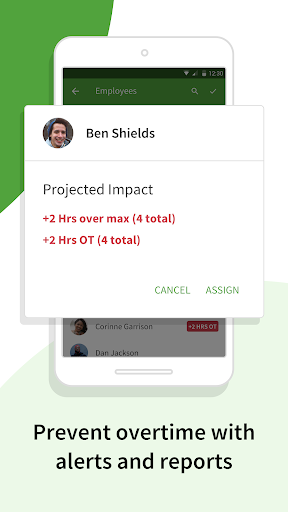
With labor forecasting tools, overtime alerts, and detailed labor reports, you can optimize staffing levels, control costs, and plan for future growth confidently.
Why Choose When I Work?
When I Work Team Scheduling is more than just a scheduling app; it’s a comprehensive workforce management platform that enhances team accountability, communication, and efficiency. Features like mobile clock-ins, shift confirmations, and immediate notifications ensure your team is aligned, punctual, and engaged. Integration with payroll systems simplifies payroll processing, while labor reports help monitor costs and forecast future staffing needs.
Reliability and Security You Can Trust
The platform operates around the clock, offering 24/7/365 system monitoring to keep your data safe and secure. You can rely on When I Work to handle your workforce management needs with integrity and precision.
In Summary
If you're searching for an employee scheduling application that combines ease of use with powerful features, When I Work Team Scheduling is the ideal choice. It simplifies shift planning, enhances communication, and provides valuable insights to help grow your business. Say goodbye to scheduling chaos and hello to a more organized, productive team. Download When I Work today and experience how seamless workforce management can be!
Pros
- User-friendly interface for simple scheduling.
- Integrates smoothly with payroll systems.
- Accessible on mobile devices for management on the go.
- Provides real-time updates and alerts.
- Offers customizable reports and analytics.
Cons
- Limited functionality without internet access.
- Sometimes experiences synchronization problems with calendars.
- Certain features require a premium subscription.
- Initial setup process may be lengthy.
- Limited support for multiple international languages.











