
Introducing the Watch Sync App - BT Notifier: Your Ultimate Smartwatch Notification Companion
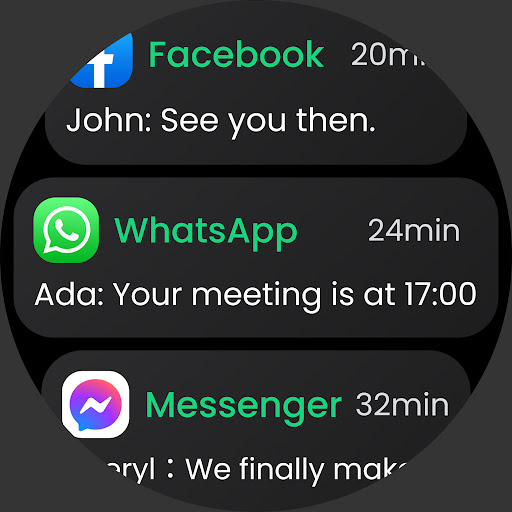
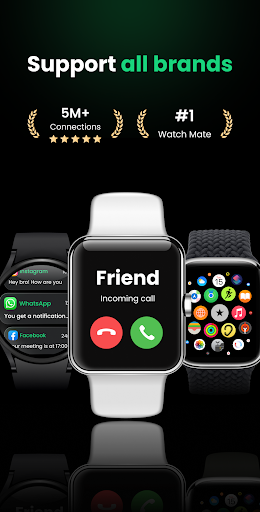
Are you tired of missing important notifications on your smartwatch or feeling tangled in a web of alerts? The Watch Sync App - BT Notifier is designed to simplify your wearable device experience, ensuring seamless connectivity between your smartphone and smartwatch. Whether you own a popular brand like Fire-Boltt, Garmin, Samsung, or Xiaomi, this versatile app supports all major Wear OS devices, making it an essential tool for staying connected on the go.
Effortless Connection: One-Touch Smartwatch Pairing
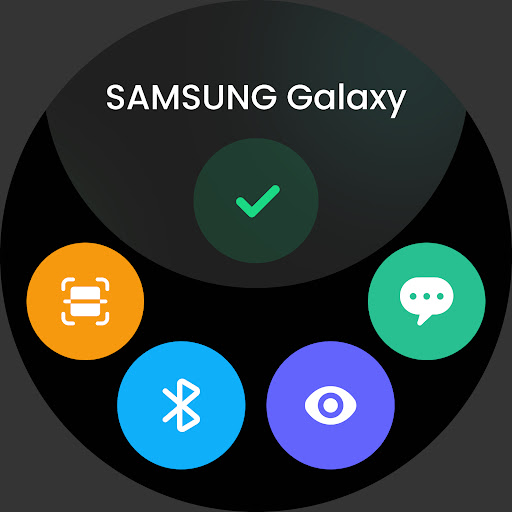
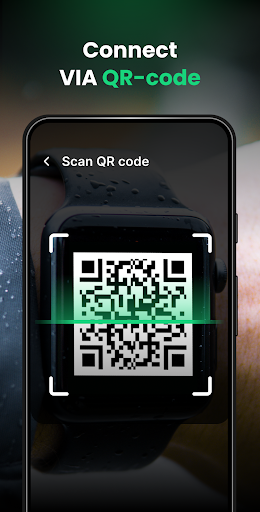
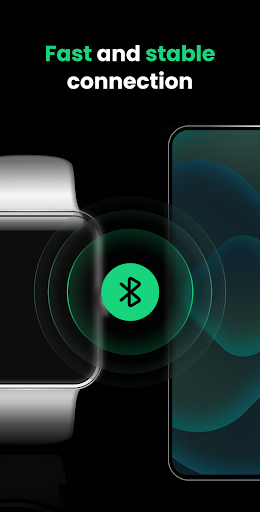
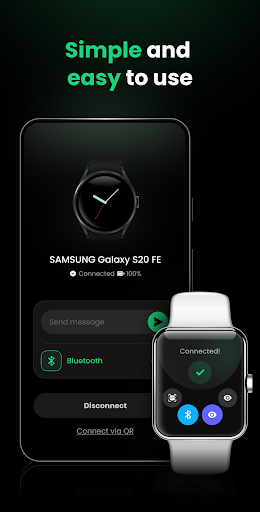
Setting up your smartwatch with your mobile device has never been easier. The Watch Mate feature enables you to connect your watch and phone with just a single tap, simplifying the pairing process. The app offers Bluetooth (BT sync) and QR code methods to accommodate all device types—whether your smartwatch is compatible with your phone or not. After initial setup, stay assured of a fast and stable connection that keeps your notifications flowing smoothly.
Seamless Multi-Device Management
Unlike many other apps, the Watch Sync App - BT Notifier allows you to connect your smartwatch to multiple phones. This multi-device functionality ensures you can manage notifications effortlessly from various sources without switching between devices. Whether you are juggling personal and work phones, this app keeps your notifications centralized, ensuring you never miss an important message or call.
Personalized Notification Settings
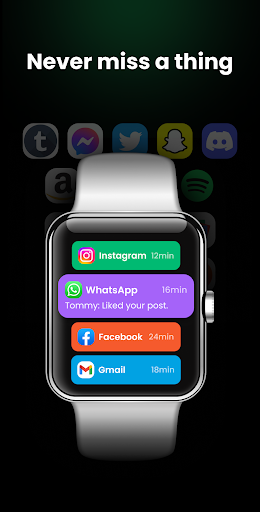
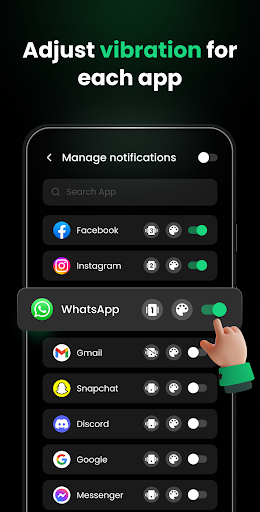
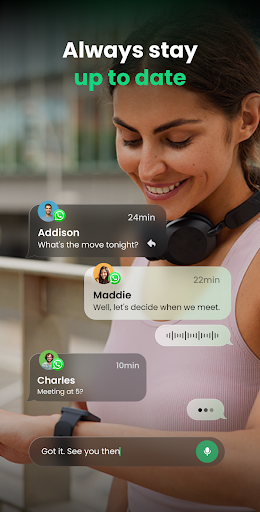
Tailor your smartwatch notifications to match your needs. The app enables you to select specific apps for notifications, helping you avoid message overload and focus on what truly matters. Whether it’s crucial work emails, social media alerts, or missed calls, this level of customization enhances your productivity and prevents unwanted interruptions.
Quiet Mode for Peaceful Moments
Need some downtime? The built-in Do Not Disturb mode provides an easy way to enjoy quiet moments without notification interruptions. You can customize the quiet time duration and rest assured that your smartwatch remains silent during those periods—perfect for meetings, sleep, or meditation sessions.
Step-by-Step Bluetooth Sync Guide
To ensure smooth pairing, follow these straightforward steps:
- Turn on Bluetooth on both your phone and smartwatch.
- Tap "Connect a device" on your phone’s homepage.
- Select your smartwatch from the device list and enjoy the connection.
- Click the QR code icon on your smartwatch.
- Tap "Connect via QR" on your phone’s app.
- Scan the QR code on your smartwatch to establish a secure link.
Exciting Upcoming Features
The developers are continuously enhancing the Watch Sync App - BT Notifier. Future updates include:
- Answering phone calls directly from your smartwatch.
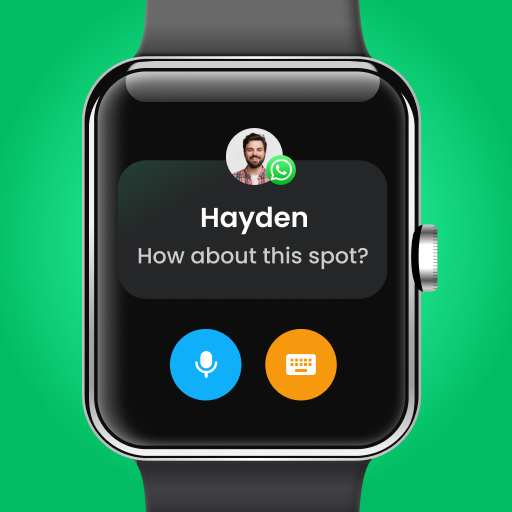
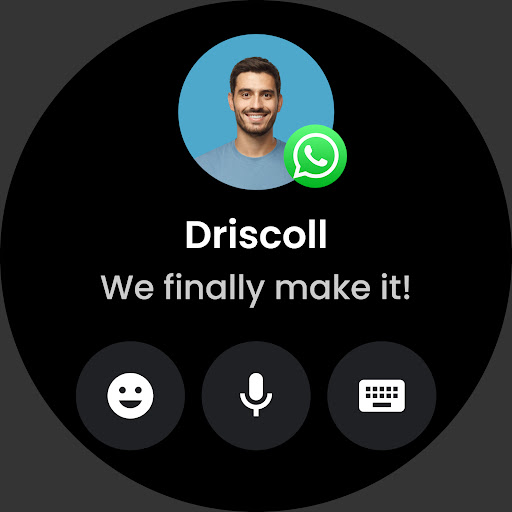
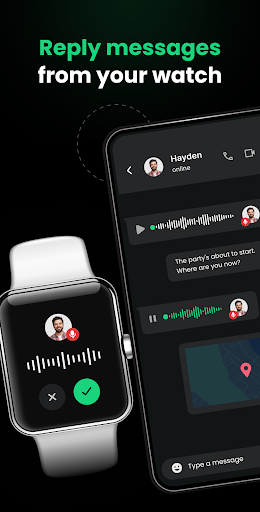
- Replying to messages via voice or text.
- Customizing various watch wallpapers.
- Heart rate monitoring and health reminders for a healthier lifestyle.
Why Choose Watch Sync App - BT Notifier?
This app is your go-to solution for a powerful, reliable, and user-friendly smartwatch synchronization experience. By combining easy connection methods, multi-device management, and customized notifications, it optimizes your interaction with your wearable device. Whether you're at work, home, or on the move, staying updated has never been so effortless.
Enhance Your Connected Life Today
Download the Watch Sync App - BT Notifier now and experience the perfect harmony between your smartphone and smartwatch. Stay in the loop with all your notifications, calls, and messages—no matter where life takes you. Constant updates and improvements mean this app will continually evolve to meet your needs. Don’t miss out on the ultimate smartwatch syncing experience—make your digital life simpler and more connected today.
Pros
- Seamlessly syncs notifications to smartwatch.
- Supports a wide range of smartwatch brands.
- User-friendly interface for easy navigation.
- Quick and simple setup process.
- Enhances productivity by minimizing phone checks.
Cons
- Requires Bluetooth connection to function.
- May drain battery faster on some devices.
- Limited customization options available.
- Occasional connectivity issues reported.
- Some features require in-app purchases.











