

VSD Viewer for Visio Drawings
If you often find yourself needing to access and review complex Visio files while on the go, VSD Viewer for Visio Drawings is an essential tool designed to make your life easier. This professional Android application provides seamless compatibility with multiple Microsoft Visio formats, including •VSD: and •VSDX: files, supporting Visio 2000-2013 versions and newer formats like VSDX and VSD 2013. Whether you’re a visual designer, engineer, or student, the app enables you to open, view, and navigate intricate diagrams effortlessly, anytime and anywhere.
Key Features of VSD Viewer for Visio Drawings
Basic Options
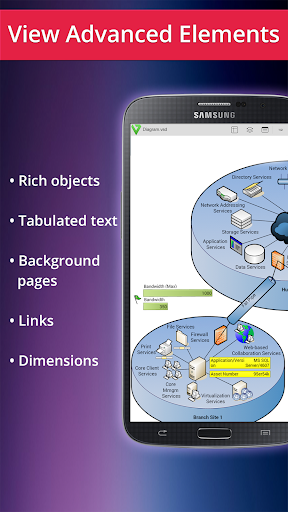
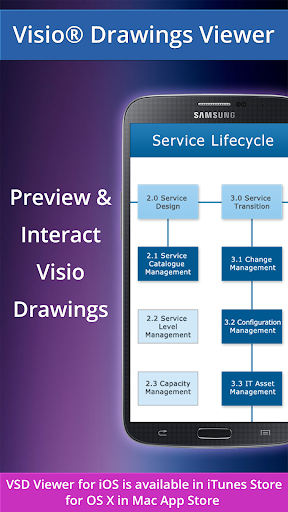
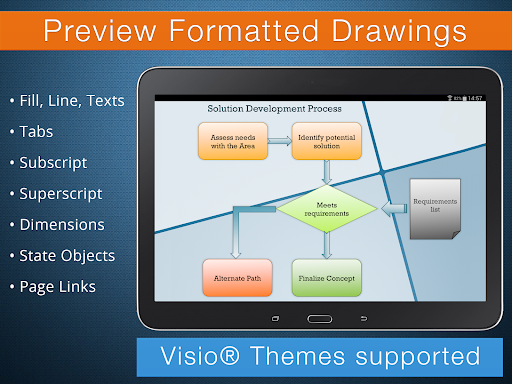
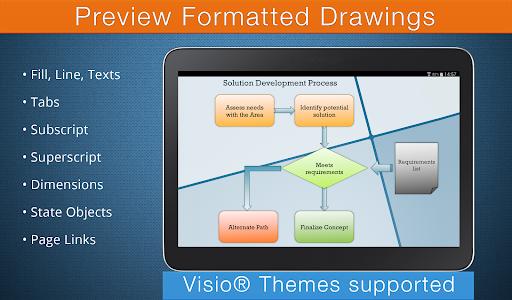
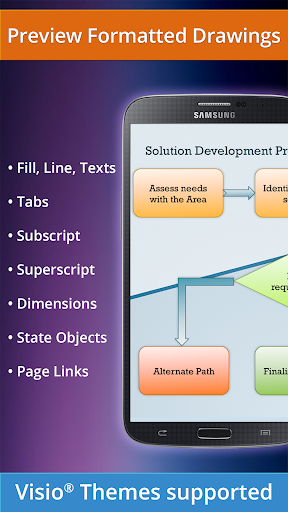
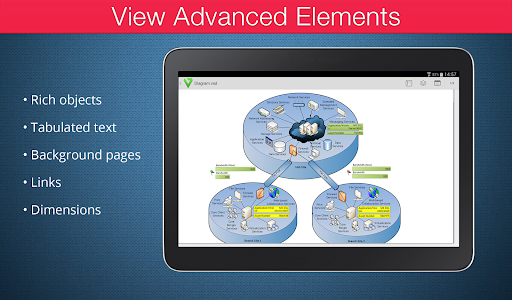
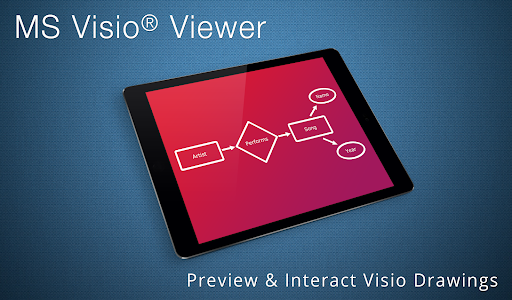
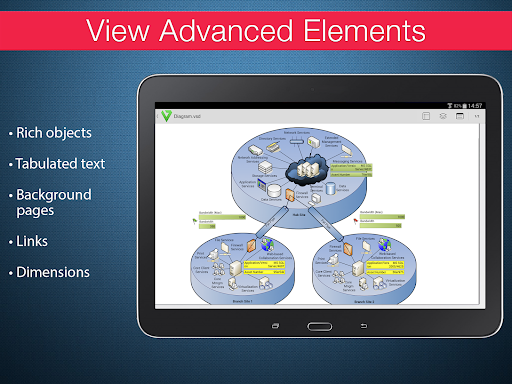
VSD Viewer allows users to preview any Visio drawing in formats such as VSD, VDX, and VSDX. The smooth interface supports essential functionalities like scrolling, zooming, and navigating through multi-page documents, making complex diagrams easier to analyze. Additionally, you can copy text within drawings, view objects with detailed formatting—such as lines, fills, colors, gradients, text formatting, subscript, superscript, and tabulated text. The app also provides options to switch document guides, view hidden objects, and see items placed outside page boundaries, ensuring comprehensive access to your diagrams. Plus, support for original dimension units, built-in metafiles, and page numbering enhance the viewing experience.
Advanced Options
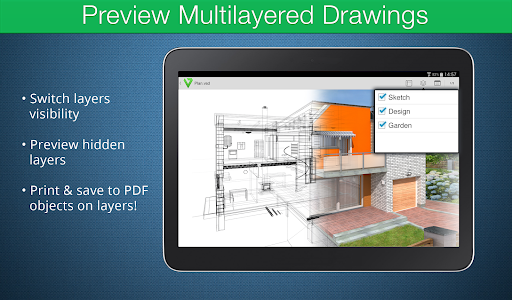
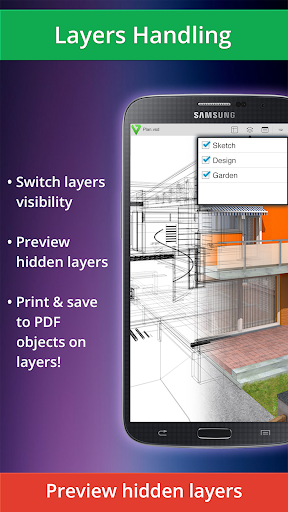
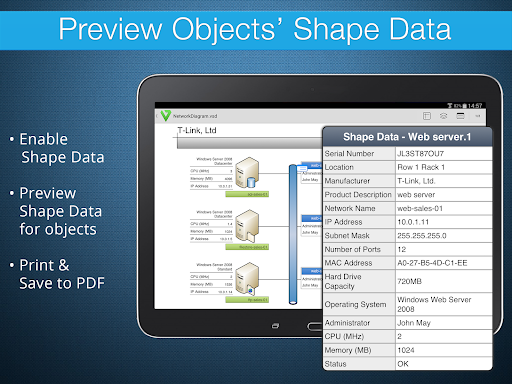
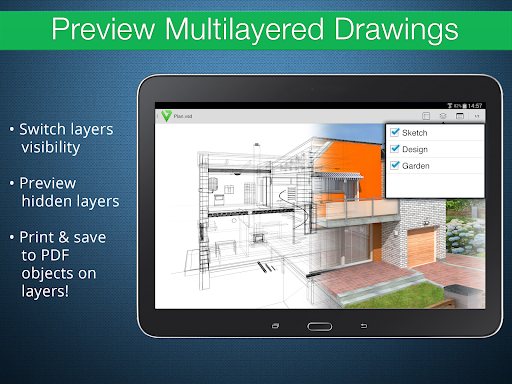
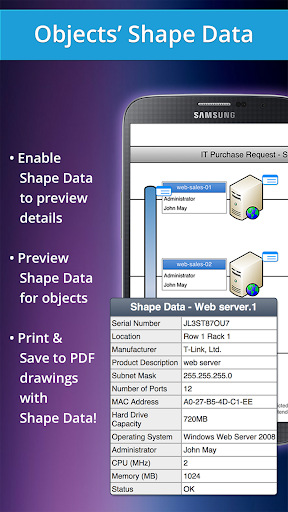
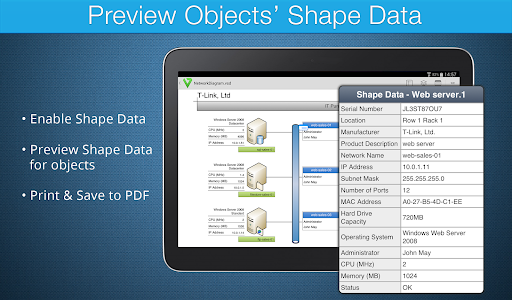
For users requiring deeper control, VSD Viewer offers advanced features such as previewing hidden layers, switching layer visibility, and viewing objects' shape data. The app can handle multilayered, detailed drawings—perfect for technical diagrams and complex Visual Data. It also supports rendering of metafiles (though this feature requires an internet connection as the files are processed remotely). Note that processing large documents with multiple images might take some time due to file complexity and size.
User Experience and Integration
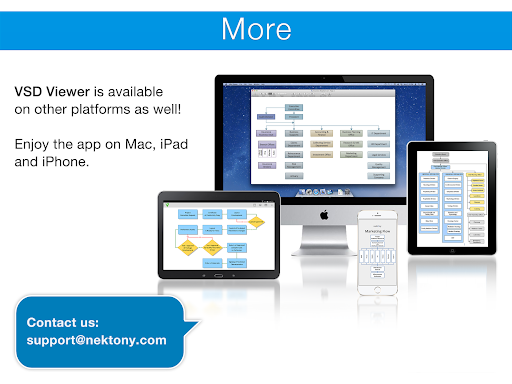
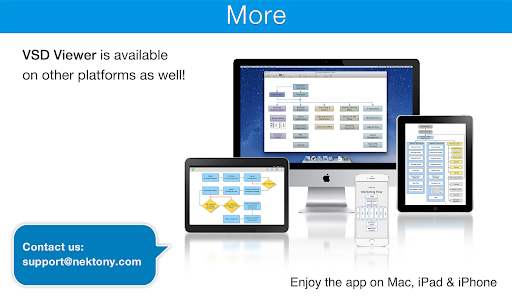
The app boasts an intuitive interface that makes navigation simple, even for first-time users. Features like pinch-to-zoom allow for detailed examination of diagrams without loss of clarity, which is vital for technical analysis. Moreover, VSD Viewer integrates seamlessly with cloud storage services such as Google Drive, Dropbox, and OneDrive. This connectivity means you can directly access your Visio files stored online, eliminating the need for tedious downloads or transfers. Available on both Android and iOS, the app is accessible to a broad user base, whether you’re working on a tablet or smartphone.
Limitations and Feedback
While VSD Viewer is highly versatile, processing large or image-rich documents might require additional time. The rendering of metafiles depends on an active internet connection since they are processed remotely. Developers are continually working to improve performance and functionality, and user feedback is highly encouraged to enhance future updates. For any technical support or suggestions, users can contact the support team via email.
Conclusion: Why You Need VSD Viewer for Visio Drawings
In summary, VSD Viewer for Visio Drawings is an indispensable application for professionals, students, and anyone who frequently works with Visio diagrams. Its combination of ease of use, robust feature set, and support for a wide range of formats and layers makes it the ultimate tool for viewing, navigating, and analyzing Visio files on mobile devices. Whether you're reviewing technical schematics, flowcharts, or complex layered diagrams, this app provides the functionality you need, right at your fingertips. Download VSD Viewer today to experience seamless visualization of your Visio drawings, anytime and anywhere.
Pros
- Supports VSD files
- Handles VSDX formats smoothly
- Enables layer toggling for detailed visualization
- Provides smooth zoom and pan features for complex diagrams
- Compatible with cloud storage services
- Offers an intuitive interface suitable for beginners
Cons
- Limited editing functionalities
- Lacks real-time collaboration features
- May experience occasional lag with large files
- Free version includes advertisements
- Limited support for non-Visio file types











