


Discover the Power of VSCO: Photo & Video Editor
Imagine scrolling through your favorite social media feed and marveling at those perfectly curated images that seem effortless yet stunning. Ever wondered how some photographers achieve that flawless aesthetic? The secret often lies in a powerful yet user-friendly editing tool—VSCO: Photo & Video Editor. This app has carved out a unique space in the world of digital photography and videography, blending professional-grade features with an active community of creatives.
Why VSCO Stands Out in the Crowded Market
What makes VSCO truly exceptional compared to other photo editing apps? It’s not just its impressive arsenal of filters—it's the holistic aesthetic and creative control it provides. With VSCO, editing becomes an art, empowering users to transform their ordinary shots into captivating visual stories. The app’s intuitive and minimalistic interface acts as a digital canvas, placing all essential tools within easy reach, allowing photographers and content creators to focus solely on their craft.
Professional-Grade Presets and Customizable Filters
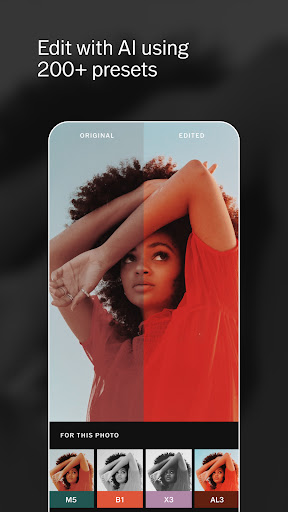
At the heart of VSCO are its rich library of over 200 curated presets. Among these, the popular AL3 preset is celebrated for its ability to brighten images naturally, making it ideal for outdoor, indoor, food, and night photography. These presets work like magic, instantly elevating the visual appeal of your photos. But the true beauty lies in customization—users can fine-tune exposure, contrast, saturation, and more, to match their unique artistic vision.
Precise Editing Controls and Creative Tools
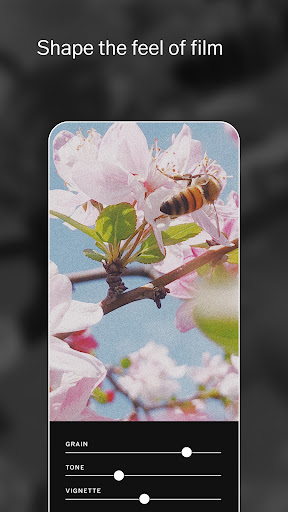
Beyond filters, VSCO offers precise editing tools that give users full control over their images. The Grain tool, for instance, allows you to emulate film textures by adjusting strength, size, and color. The Dodge & Burn tools help photographers modify highlights and shadows, guiding viewers’ attention to the focal points and correcting lighting issues effortlessly.
Dynamic Photo and Video Creation
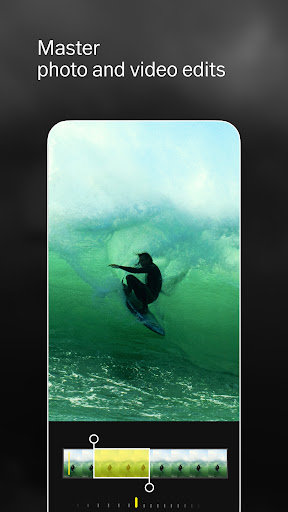
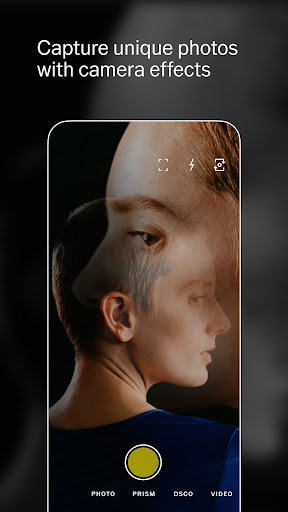
Camera features within VSCO turn your device into a versatile creative tool. Whether you want to shoot with the Burst, Retro, Prism, or DSCO modes, capturing spontaneous moments is seamless. The app also allows you to shoot videos with built-in effects, edit them using the same tools as photos, and enhance your footage with professional-grade presets. Features like Speed enable slow-motion or reverse clips, giving your videos a cinematic touch.
Crafting Beautiful Collages and Enhancing Highlights
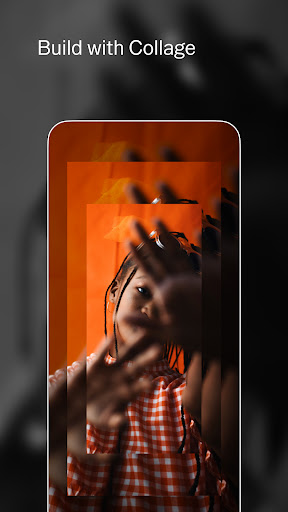
Want to create a striking collage? VSCO facilitates rapid collage creation with customizable templates or blank canvases. Adjust shapes, colors, and sizes to craft a unique visual story. Additionally, tools like Dodge & Burn empower you to perfect lighting and focus, ensuring your images and videos look polished and professional.
Building and Connecting Through VSCO Community
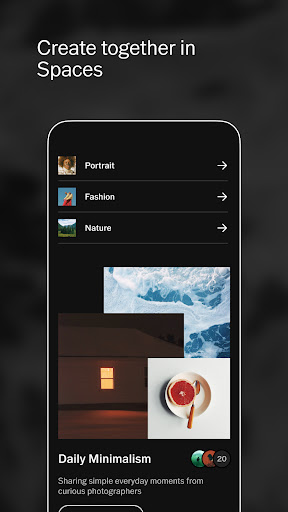
VSCO Spaces foster collaboration and inspiration among creators. These shared galleries allow users to showcase their work, seek feedback, and engage in discussions, cultivating a supportive environment for growth. Whether you’re sharing your latest photos or offering constructive critique, the community features enhance your creative journey.
Membership Plans and Exclusive Features
Getting the most out of VSCO is easy with the VSCO Membership. Start with a free 7-day trial, unlocking access to a vast array of advanced editing tools, exclusive presets, and full community participation. Subscribers can explore over 200+ presets and utilize mobile tools for both photos and videos, adding a professional touch to their visual content. The membership automatically renews unless canceled, making it a seamless investment in your creative pursuits.
Elevate Your Visual Content with VSCO
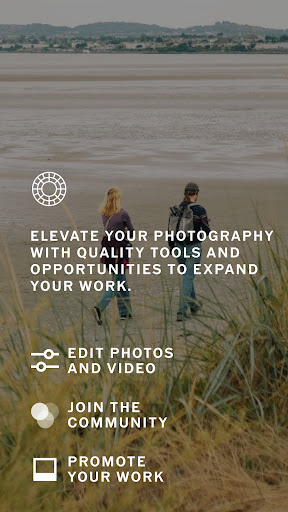
Whether you're an aspiring photographer, a social media influencer, or someone who loves capturing life’s special moments, VSCO offers everything you need to craft stunning images and videos. Its powerful editing tools combined with a vibrant community provide a comprehensive platform for creative expression. With its blend of professional features and user-friendly interface, VSCO remains a top choice for elevating your photography and videography game. So, why wait? Dive into the world of VSCO and unlock your visual storytelling potential today!
Pros
- User-friendly interface
- Availability of high-quality filters
- Advanced tools for editing
- Feature for community sharing
- Consistent updates
Cons
- Limited features in the free version
- Can consume significant system resources
- Occasional crashes of the app
- Full access requires a subscription
- Lacks direct integration with social media











