

Camera for Android: A Comprehensive Mobile Photography Tool
Are you passionate about capturing moments effortlessly and with stunning quality? Camera for Android is a feature-rich app designed to enhance your mobile photography experience. Whether you're an amateur shutterbug or a seasoned photographer, this native system HD camera app offers a quick and intuitive way to take beautiful photos and videos with your Android device. Let's explore what makes this camera app stand out and why it should be your go-to photography companion.
Key Features That Elevate Your Photography
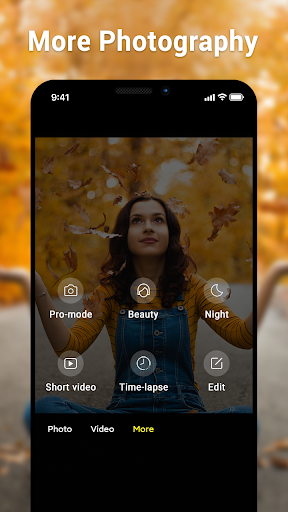
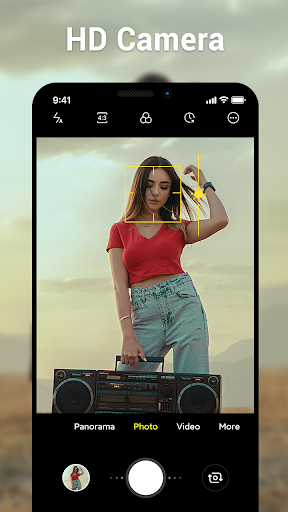
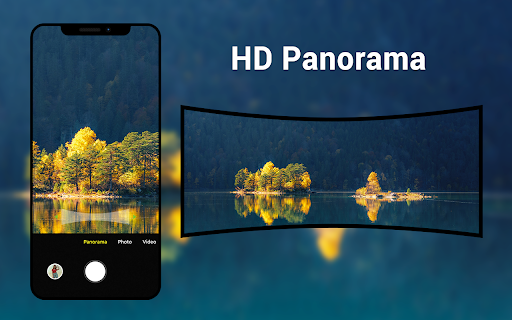
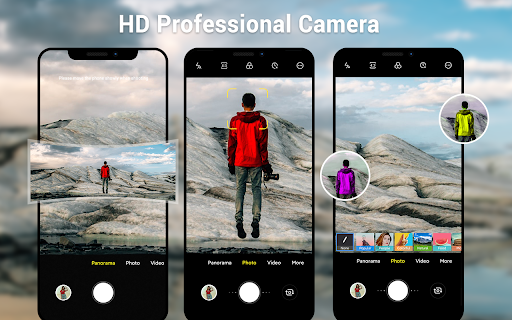
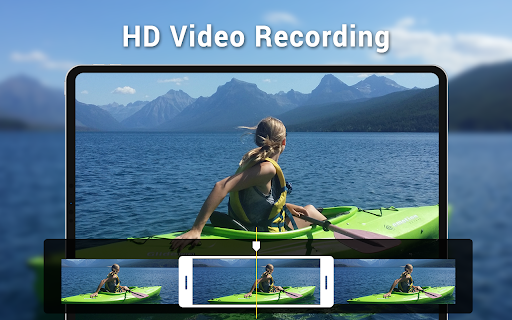
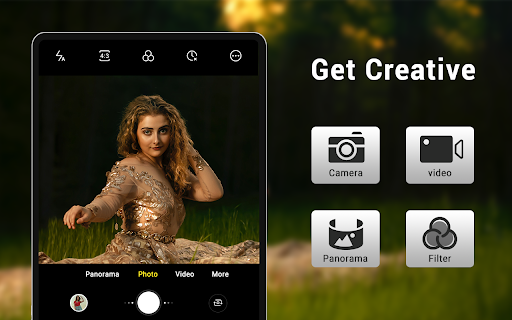
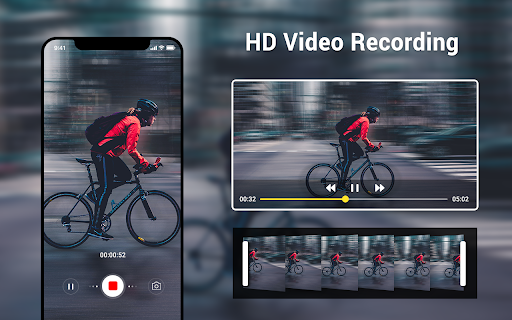
This app provides a versatile set of tools that cater to diverse photography needs. It offers 3 main modes: camera, video recorder, and panorama, ensuring you’re prepared for any shooting scenario. With HD camera and video capabilities, your captures are crisp and clear, making full use of your device's hardware.
One of the standout features is the pinch to zoom functionality, allowing you to effortlessly zoom in on your subject. The smart panorama shooting mode simplifies capturing wide-angle scenes, while the Countdown Timer helps you prepare for that perfect shot.
The app also offers a dynamic user interface, optimized for both phones and tablets, providing a seamless experience across different devices. You can adjust picture quality settings, fine-tune white balance (with options such as Incandescent, Fluorescent, Auto, Daylight, and Cloudy), and select different screen modes like Action, Night, Sunset, and Play to suit your environment.
Additional tools include exposure control, location targeting, and configurable volume keys for easy accessibility. These features make your photography session more flexible and personalized.
Despite the abundance of camera applications in today's market, Camera for Android distinguishes itself as an efficient, native solution tailored to meet user needs. It serves as an excellent supplementary option for devices without pre-installed Android native camera systems.
Enhancing Your Mobile Photography Experience
Let’s take a closer look at why Camera for Android is a must-have for mobile photography enthusiasts. When you launch the app, you're greeted with a sleek and intuitive interface that invites you to start capturing moments immediately. The layout is thoughtfully designed, placing essential features right where you need them—no complicated menus or confusing settings.
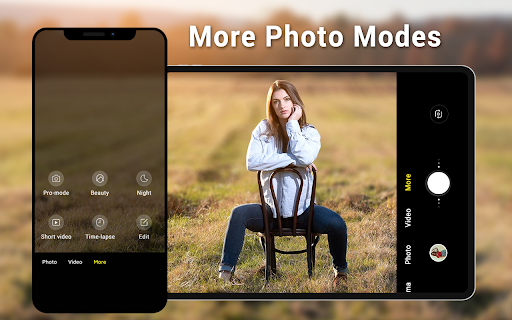
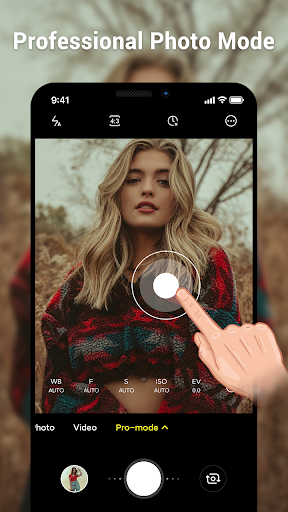
This app caters to both beginners and advanced users. For casual shooters, its straightforward controls make taking good photos easy. For those seeking more control, features like manual mode allow you to adjust focus, ISO, and shutter speed, similar to professional DSLR cameras. The HDR capability is another notable feature, balancing light and dark areas in your images for superior quality, especially in challenging lighting conditions.
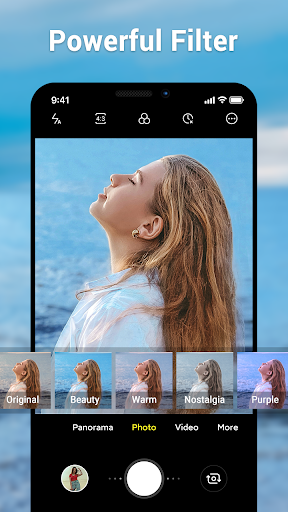
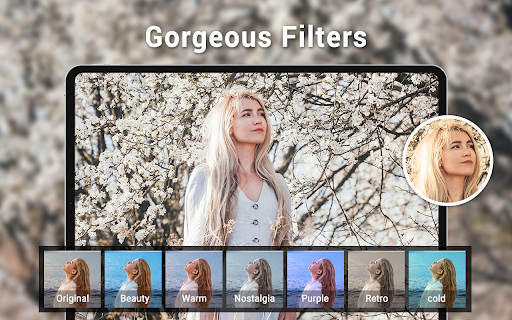
Real-time previews of effects and filters provide a mini editing experience right before you take the shot. This feature enables you to see how filters or adjustments look on your scene, ensuring you get the perfect picture every time.
Performance and Usability
In terms of performance, Camera for Android operates smoothly with quick launch times and minimal lag between shots, making it easy to capture fleeting moments. Remarkably, the app consumes little battery life even when using advanced features such as HDR or filters.
The user interface is designed for ease of use—whether you're capturing a breathtaking landscape, a vibrant sunset, or a spontaneous selfie, navigating the app feels natural. It balances accessibility and depth; beginners won’t feel overwhelmed, and more experienced photographers will appreciate the advanced controls available.
Final Verdict: Is It Worth Your Click?
Overall, Camera for Android impresses with its combination of powerful features, performance, and user accessibility. It transforms your Android device into a portable photography studio capable of capturing stunning images and videos in various scenarios. Whether you're exploring landscape photography or just snapping quick selfies, this app adapts to your needs and helps you unlock your creative potential.
If you're searching for a reliable, feature-packed camera app to elevate your mobile photography game, give Camera for Android a try. It could be the perfect tool to turn everyday moments into extraordinary memories, all while providing a seamless user experience.
Pros
- User-friendly interface for easy navigation.
- High-quality image and video capture.
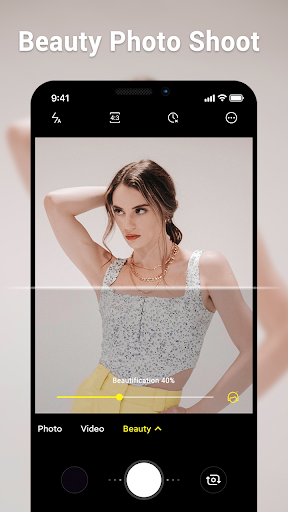
- Multiple shooting modes and effects.
- Fast processing and saving of photos.
- Regular updates with new features.
Cons
- Requires a lot of storage space.
- Occasional glitches with certain devices.
- Ads can be intrusive at times.
- Limited free version features.
- Some features need in-app purchases.










