

Overview of Video Editor & Maker - InShot
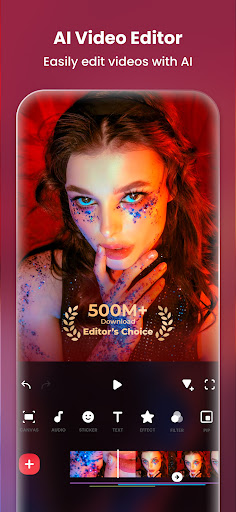
InShot is a powerful all-in-one video editor and video maker application designed to help users create professional-quality videos with ease. Whether you want to add music, text, transition effects, or apply cinematic filters, InShot offers a comprehensive suite of features that cater to both beginners and seasoned content creators.
This versatile app is not limited to video editing; it also functions as a photo editor and collage maker, enabling users to craft stunning visual content suitable for various social media platforms such as YouTube, Instagram, TikTok, WhatsApp, and Facebook. Its intuitive interface and powerful editing tools make it ideal for creating vlogs, promotional videos, or fun personal stories that captivate your audience.
Key Features of InShot
AI Tools for Enhanced Creativity
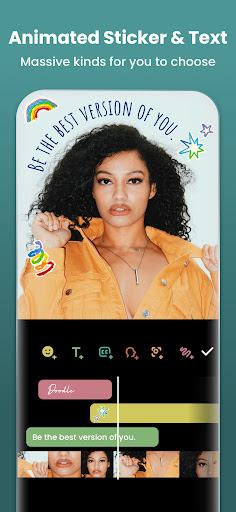
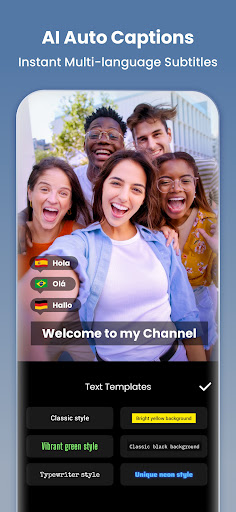
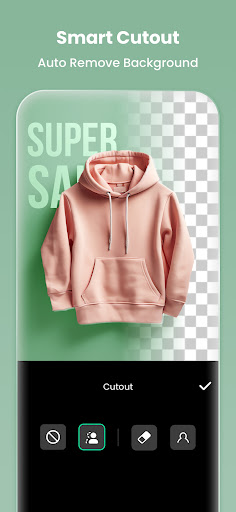
Experience the magic of AI-enhanced editing with features like •AI Tool - AI Body Effects, which provides instant presets to transform and enhance your images and videos with just a single tap. The •Auto Captions feature leverages speech-to-text technology, allowing you to generate subtitles effortlessly without manual typing. With •Auto Remove Background, you can instantly eliminate backgrounds from videos and photos, creating seamless composite content. The •Smart tracking function enables stickers and text to move in perfect sync with your moving objects, adding a dynamic touch to your videos.
Advanced Video Editing Capabilities
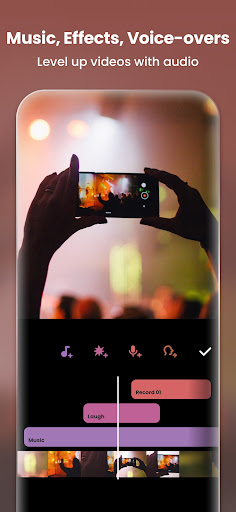
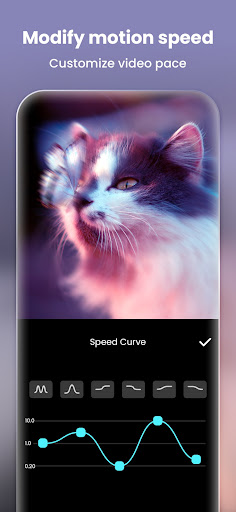
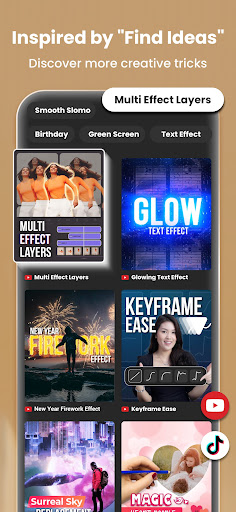
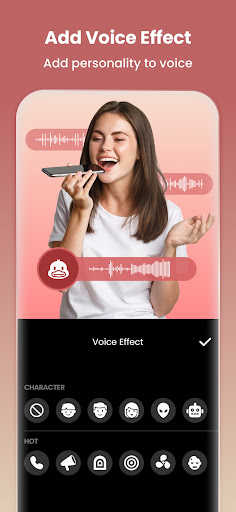
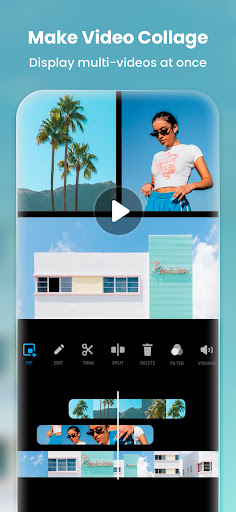
InShot equips you with full-featured editing tools including trim and merge clips to combine multiple videos without quality loss, and reverse videos for creative effects. Add animated text, emoji, and exclusive stickers. Enhance your videos with a rich library of music, sound effects, and voice-overs. Control speed, with options to speed up or slow down footage, including speed ramping for smooth transitions. The app supports keyframes editing for custom animations and chromakey (green screen) editing for creative overlays. Create multi-layered videos with Picture-in-Picture mode and blend modes for artistic effects. The color picker feature allows you to choose any color on the screen for backgrounds or text.
Filters, Effects & Transitions
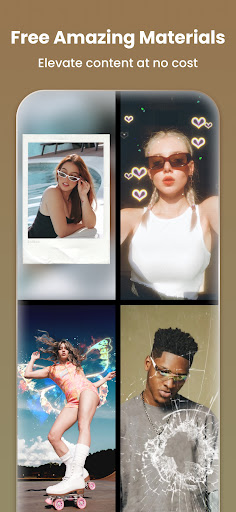
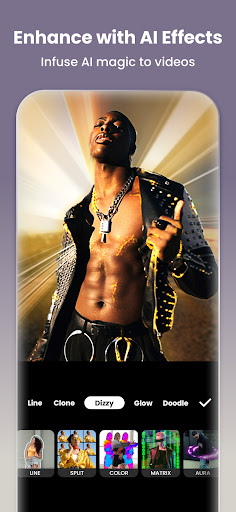
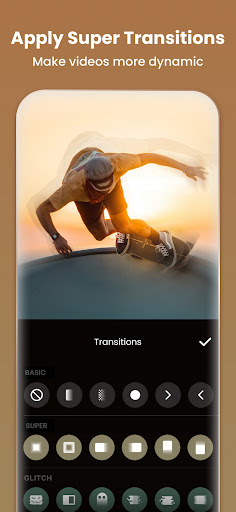
Transform your videos with a variety of cinematic filters and effects. Adjust brightness, contrast, saturation, and more to refine your visuals. Unique effects like Glitch, Fade, Noise, Retro DV and Weather add creative flair. Utilize AI-powered effects to clone, stroke, or apply auto-blur. InShot’s super transition feature enables you to seamlessly combine clips with stylish transition effects, elevating the overall quality of your videos.
Photo Editor & Collage Maker
Beyond video editing, InShot excels as a photo editor with tools to blur background or remove unwanted objects effortlessly using AI or manual controls. Enhance photos with 1000+ stickers, memes, and customizable text. The AI Photo Enhancer turns blurry images into HD quality. The app’s intuitive collage maker offers over 100+ highly customizable layouts, perfect for creating photo grids or story compilations. The Pic Stitch feature supports horizontal, vertical, or automatic layouts with optional subtitles.
Design & Export Options
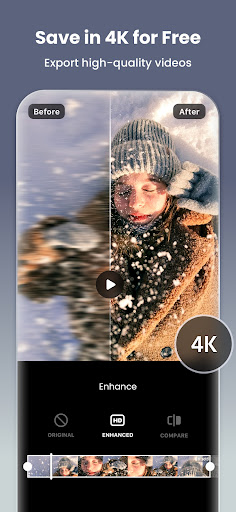
Choose from a variety of background patterns or upload your own images. Fine-tune your project by adjusting video ratios tailored for platforms like Instagram, TikTok, YouTube and more. When it’s time to share, InShot supports custom export resolutions and HD 4K 60fps export options for the highest quality videos. Sharing your creations is quick and easy, directly from the app to social media platforms, helping you to showcase your content to a wide audience effortlessly.
User Experience & Personalization
InShot’s user-friendly interface ensures a smooth editing experience, even for beginners. The layout is clean and intuitive, with all tools within easy reach. Users can personalize videos with various fonts, styles, and transitions to reflect their unique style. Whether you want to craft engaging TikTok videos, eye-catching Instagram stories, or professional YouTube vlogs, InShot makes the editing process straightforward and enjoyable.
Conclusion
In summary, Video Editor & Maker - InShot stands out as a top-tier video editing app that combines simplicity with a robust feature set. Its advanced AI tools, extensive editing options, and seamless sharing capabilities make it an ideal choice for content creators looking to produce high-quality videos and photos for social media. Whether you’re just starting out or seeking a reliable editor for your professional projects, InShot helps you unleash your creative potential effortlessly. Download InShot now and elevate your content creation game to the next level!
Pros
- User-friendly interface for easy editing
- Wide variety of filters and effects
- Supports multiple video formats
- Produces high-quality video output
- Built-in social media sharing features
Cons
- Contains advertisements within the app
- Limited features available in the free version
- Prone to occasional crashes
- Watermark added to videos unless subscribed
- Requires internet connection for full features










