

Introduction to Cut and Paste Photos
Are you passionate about creating quirky, fun, and eye-catching photo edits? Cut and Paste Photos is the perfect app for you. Available on both Android and iOS devices, this user-friendly photo editing tool allows you to effortlessly cut, paste, and customize images. Whether you want to swap faces, create humorous memes, or craft stunning collages, this app simplifies the process, making professional-looking results accessible to everyone. With a straightforward interface and powerful features, Cut and Paste Photos can quickly become your go-to app for creative image editing.
Unleash Your Creativity with Ease
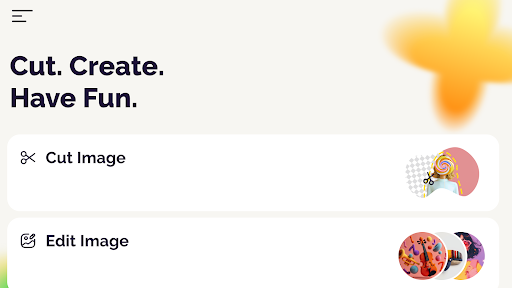
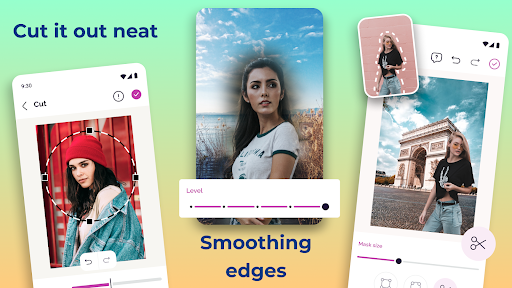
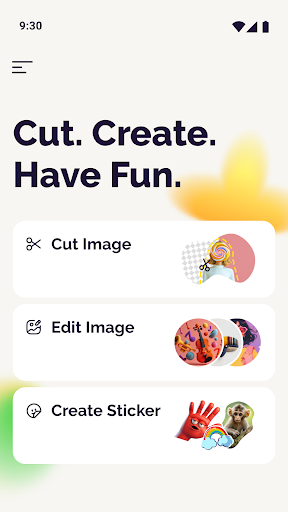
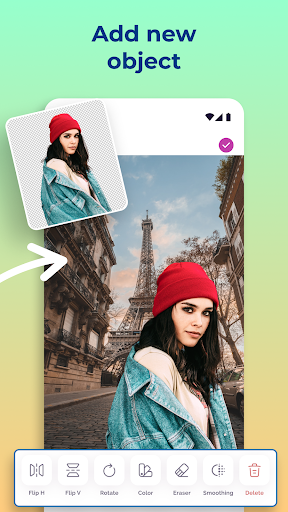
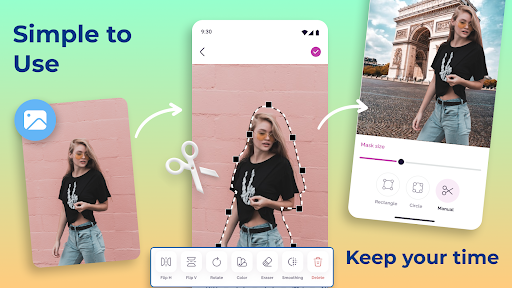
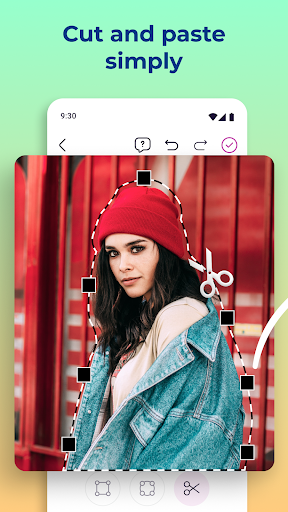
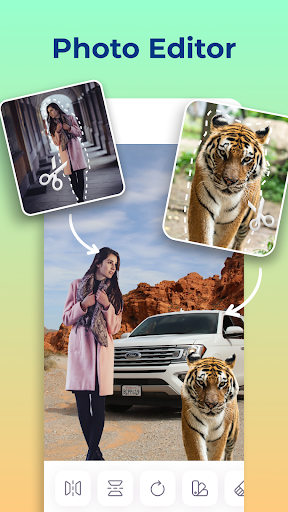
One of the most impressive aspects of Cut and Paste Photos is its intuitive design. The app feels like walking into a candy shop for your photos, with a range of tools that make editing feel fun and effortless. The primary feature enables you to cut out specific objects—such as people, animals, trees, cars, or backgrounds—and seamlessly paste them onto other images. This ability unlocks endless creative possibilities, from making humorous memes to crafting professional montages. The auto-cutting tool is a game-changer, allowing you to quickly outline the part you want to remove, with the app intelligently handling the rest. Whether you’re a beginner or an experienced editor, Cut and Paste Photos ensures a smooth editing experience that produces high-quality results.
Powerful Features for Stunning Photo Edits
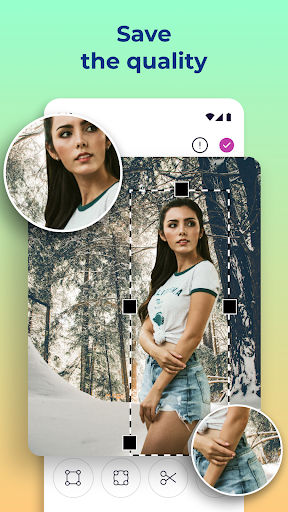
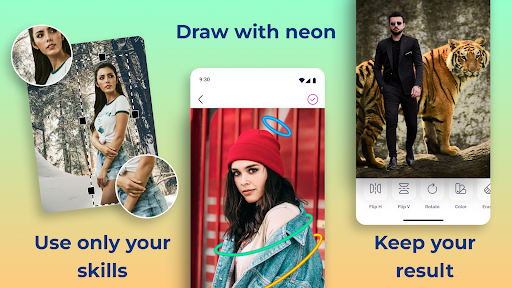
Beyond simple cut and paste capabilities, this app offers a variety of advanced editing tools to enhance your images. The background eraser feature allows you to remove backgrounds in just seconds, providing a clean canvas for your creative ideas. With the ability to maintain the original photo resolution and preserve image quality, your edited photos will look professional, whether for social media posts or printing. Additionally, the app supports multiple layers, enabling you to add various elements—stickers, text, filters, and more—without compromising quality. This layered editing approach gives users the freedom to experiment and create complex compositions effortlessly. Whether you're aiming for a humorous meme, a personal collage, or a promotional graphic, these features make your projects unique and visually appealing.
Share Your Creations Instantly
Once your masterpiece is complete, sharing it is quick and simple. The app integrates seamlessly with major social media platforms, allowing you to post your images directly without exporting to another app. You can also save high-resolution copies of your edits, perfect for printing or further editing later. This makes Cut and Paste Photos not just a tool for casual editing but also a reliable platform for professional-quality content creation and sharing.
Why Choose Cut and Paste Photos?
In a world where visual content dominates, having a versatile and easy-to-use photo editing app like Cut and Paste Photos is invaluable. It eliminates the need for expensive, complex software, and offers a variety of tools suitable for beginners and seasoned editors alike. Whether you’re looking to spice up your social media profiles, create fun personalized images, or produce polished photo montages, this app provides everything you need in one intuitive package. Its features are designed to be fun, efficient, and capable of delivering professional results, all while keeping the process simple and enjoyable. Elevate your photo editing game today by trying out Cut and Paste Photos—the ultimate creative tool for turning ordinary images into extraordinary visuals.
Pros
- User-friendly interface for easy navigation
- High-quality photo editing tools
- Supports multiple image formats
- Fast processing with minimal lag
- Offers creative and fun editing options
Cons
- Contains ads that can be intrusive
- Limited free version features
- Occasional crashes on older devices
- Requires internet for some features
- Subscription needed for premium tools










