

Introduction to Background Eraser Photo Editor
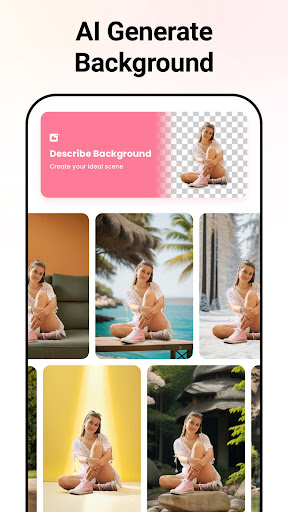
Are you tired of spending hours trying to perfect your photos or remove distracting backgrounds? The Background Eraser Photo Editor is here to simplify your editing experience with its powerful AI-driven tools and user-friendly interface. Designed for both amateurs and professionals, this app allows you to effortlessly achieve pixel-perfect cutouts, create stunning transparent backgrounds, and generate captivating AI backgrounds with just a few taps.
Seamless Background Removal & High-Quality Editing
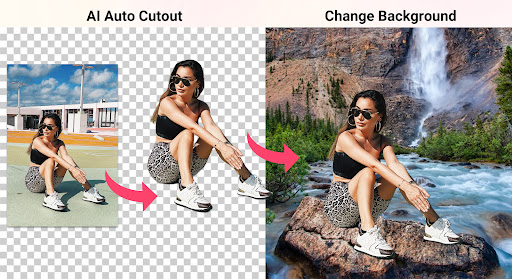
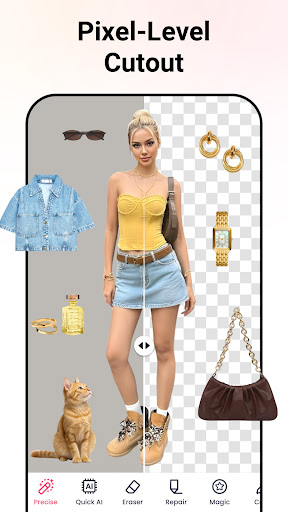
The core feature of the Background Eraser Photo Editor is its ability to automatically • auto cut out images with remarkable precision—pixel-level accuracy guaranteed. Whether you are removing backgrounds for PNG images, YouTube thumbnails, or stickers for WhatsApp, this app ensures crisp edges and no watermark intrusion, delivering professional-grade images in high quality. Thanks to advanced AI technology, it recognizes various subjects including people, animals, plants, and even anime characters, making background removal quick and effortless.
The app also offers a • background remover feature, enabling you to create transparent PNG files instantly. Need to change the background of your photo? Use the background photo editor to replace the existing background with a solid color, new scenery, or any custom backdrop. Its intuitive cutout & background replacement tools make your photo editing process seamless, even for complex shapes like hair and fur.
Advanced Tools and Versatile Modes
Precise Mode
Achieve perfect results with pixel-level accuracy using the • precise mode. This uses powerful AI technology to produce sharper edges and prevent pixel damage, giving your photos a professional finish.
Quick AI Mode
Efficiently recognize and cut out main subjects like people, animals, plants, or anime characters within seconds. Simply upload a photo, and the AI will automatically isolate the object with high precision, even with complex elements like hair or fur. No more tedious manual erasing!
Manual Mode
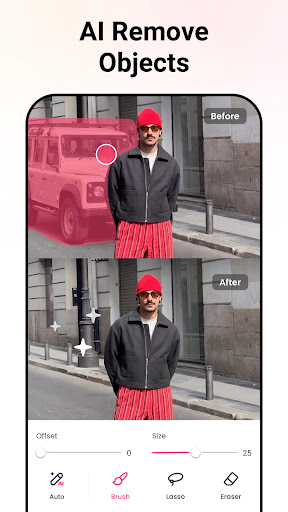
If you prefer hands-on editing, the • manual mode allows you to outline specific areas, erase unwanted parts, and repair edges for a clean, professional look.
Shape Mode
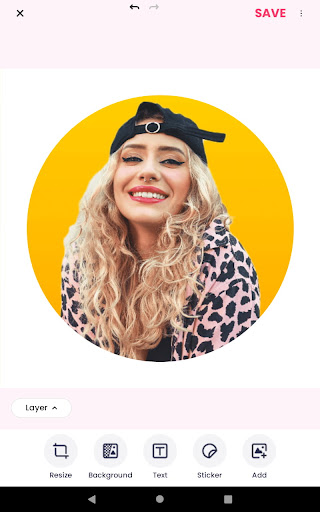
Crop your images into various shapes such as square, rectangle, heart, circle, or custom forms. This feature is perfect for creating personalized stickers or memes.
AI Expand
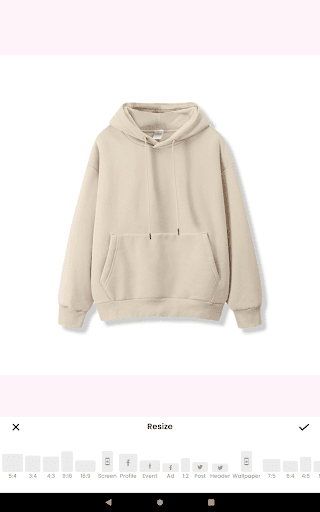
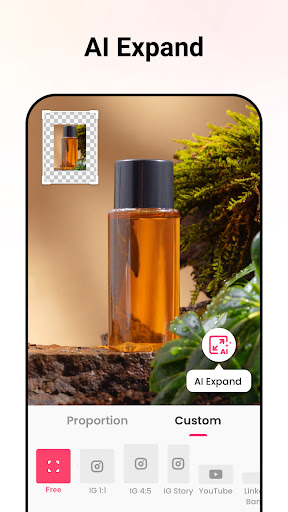
Effortlessly expand your photos in any direction, adjusting aspect ratios without compromising quality. This enables you to create larger compositions or fill backgrounds seamlessly.
Creative and Social Media-Friendly Features
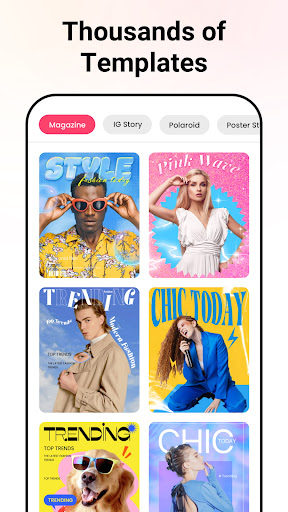
With the Background Eraser Photo Editor, transforming your images into eye-catching content is just a few taps away. Replace backgrounds with solid colors for ID photos, add textures for memes, or generate • AI background images tailored to your subject—perfect for social media posts, stories, or profile pictures.
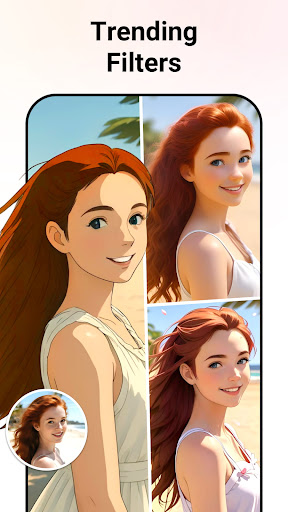
Join the trending • AI Avatar craze by uploading a selfie and converting it into an artistic avatar that reflects your personality or creative alter ego. Whether you want a fun sticker, meme, or a professional profile image, this app offers all the tools you need to stand out.
Easy-to-Use & No Professional Skills Needed
Worried about complex editing skills? Don’t be! The interface of the Background Eraser Photo Editor is designed to be intuitive and accessible. Automatic AI detection does most of the work for you, while manual tools allow for precise adjustments. The app's versatility means you can enhance your photos by adjusting brightness, contrast, and saturation, or cropping and rotating images to your liking.
• Effortlessly expand your photos or change backgrounds to craft perfect visuals for any purpose. This free app requires only minimal permissions—access to your storage for editing files and camera to capture new shots—making it a safe choice for all users.
Download the Background Eraser Photo Editor today and start creating professional-looking images in minutes. Whether you're editing for personal projects, social media, or professional use, this app is your ultimate photo editing companion.
Pros
- User-friendly interface
- High precision editing
- Supports multiple formats
- Fast processing speed
- Regular updates
Cons
- Contains ads
- Limited free features
- Occasional crashes
- No offline mode
- Subscription required for premium access










