

Discover the Ultimate Photo Gallery & Album Experience with Galleryit
Are you tired of cluttered photo collections and struggling to find your favorite memories on your Android device? Look no further than Galleryit, a comprehensive and user-friendly photo gallery app designed to help you view, organize, and securely manage your photos and videos with ease. Whether you're a casual user wanting a sleek gallery interface or someone seeking advanced privacy features, Galleryit offers everything you need for an seamless media management experience.
Key Features of Galleryit: Your All-in-One Photo & Video Solution
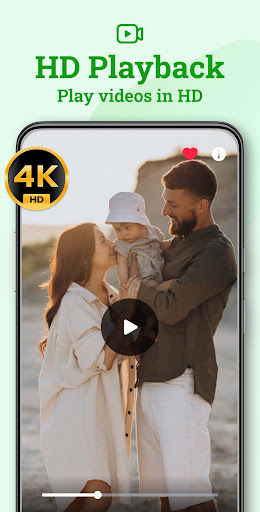
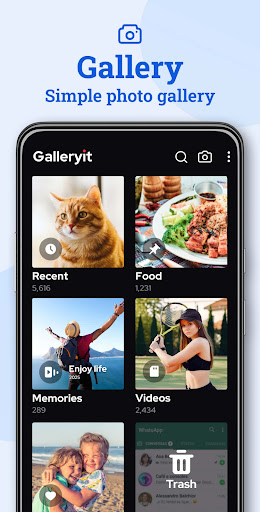
All-in-one photo gallery – With Galleryit, you can effortlessly view a wide range of media formats including JPEG, GIF, PNG, Panorama, MP4, MKV, RAW, and more. The app supports viewing images as slideshows, allowing you to customize slideshow intervals for a personalized experience. It’s perfect for showcasing collections or reliving your favorite moments with just a tap.
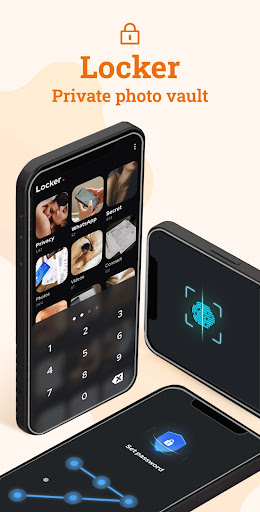
Secure photo & video locker – Privacy is paramount. Protect your sensitive photos and videos by locking them with a PIN, pattern, or fingerprint. The app uses military-grade encryption to keep your private files safe from unauthorized access, making it ideal for those who want an extra layer of security for their personal media.
Deleted files recovery – Accidentally deleted a cherished photo or video? No worries! Galleryit automatically moves deleted files to a trash bin, allowing quick recovery. You also have the option to permanently delete files to free up storage space.
Fast & intelligent file search – Finding specific photos or videos has never been easier. The app features smart classification by •time, •location, and •file type. Use filters like date taken, filename, size, or last modified to quickly locate your desired media.
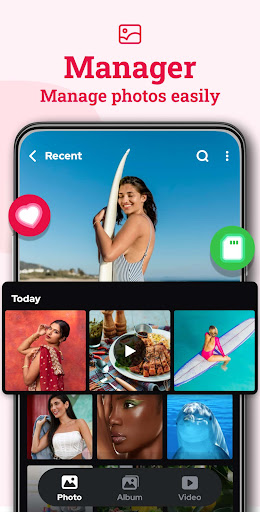
Easy file management – Create custom folders to organize your albums, share files via email or social media, or personalize your device’s home and lock screens with your favorite images. Managing and sharing your media has never been more convenient.
Uninstall protection – Worried about accidental uninstallation? Galleryit uses device administrator permissions to prevent unauthorized removal, ensuring your private content remains protected even if others try to uninstall the app.
Upcoming Features to Enhance Your Photo Experience
Stay tuned for exciting new features such as:
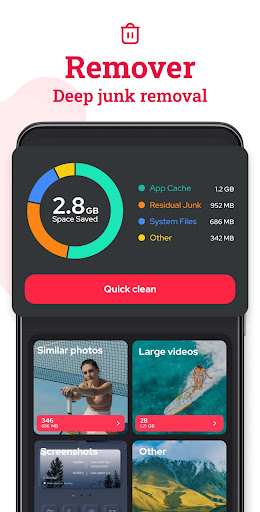
- File cleaner – Detect duplicate photos, large videos, and useless data to optimize storage.
- Picture/video compression – Choose from multiple resolution options to save device memory without sacrificing quality.
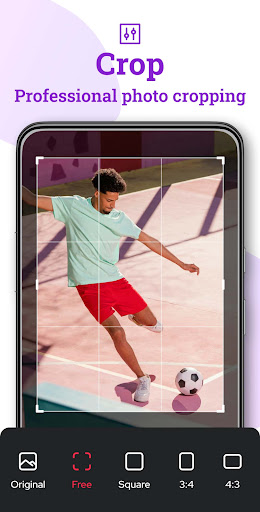
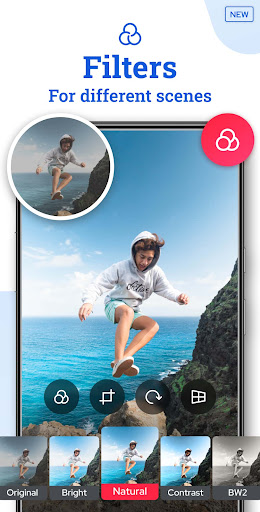
- Advanced editing tools – Add text, stickers, or edit selfies directly within the app, making your media more engaging.
Privacy & Security - Your Personal Photo Vault
Your privacy is safeguarded with the private photo vault feature. Lock your album with a PIN, pattern, or fingerprint to hide sensitive images from prying eyes. The app offers a completely safe environment for storing private photos, ensuring that only you can access your most personal moments. This seamless photo lock solution makes it easy to share your device without worrying about exposing private content.
Why Choose Galleryit? The Best Photo Gallery App for Android
Galleryit stands out as a top-tier photo gallery app for Android, combining robust features with an intuitive interface. Its capability to support viewing, editing, organizing, and securing your media within a single app makes it a comprehensive solution for everyday users and professional photographers alike. Experience rapid performance, customizable options, and reliable privacy features designed to give you full control over your media collection.
Whether you need a simple photo viewer or a powerful media organizer, Galleryit is your go-to app. Say goodbye to chaotic photo roll moments and embrace a beautifully organized digital gallery today!
Pros
- User-friendly interface enabling easy navigation.
- Supports a variety of image and video formats.
- Offers quick performance with fast loading times.
- Includes built-in photo editing tools.
- Prioritizes security with privacy-focused features.
Cons
- Does not provide cloud backup options.
- Offers limited customization for albums.
- Contains intrusive advertisements at times.
- Does not support GIFs.
- Some features require in-app purchases.










