

Overview of Photo Gallery - Album, Vault
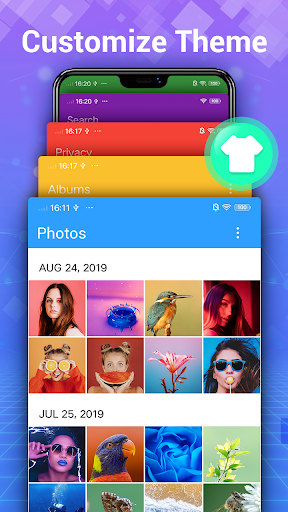
Photo Gallery - Album, Vault is a fast, lightweight, and comprehensive photo management app designed to serve as the ultimate home for your photos and videos. Whether you want to organize, edit, share, or keep your images private, this all-in-one gallery application has you covered. It seamlessly combines features like automatic organization, secure vault, advanced editing tools, and intuitive album management, making it an essential companion for Android users seeking a robust and user-friendly photo gallery solution.
Effortless Organization and Viewing
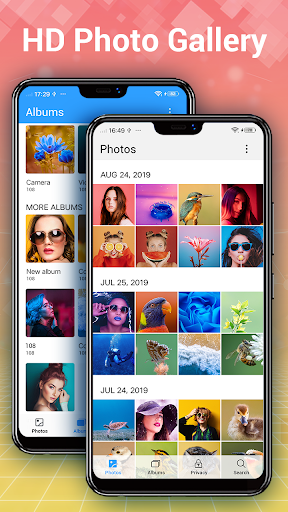
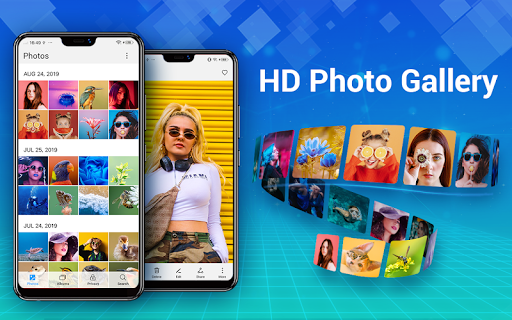
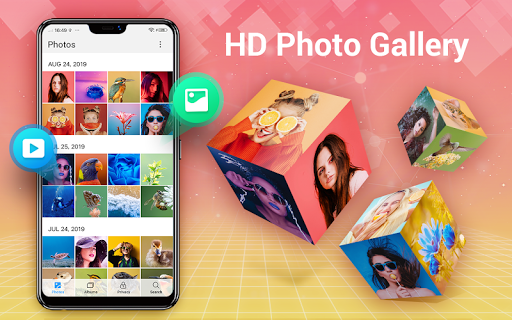
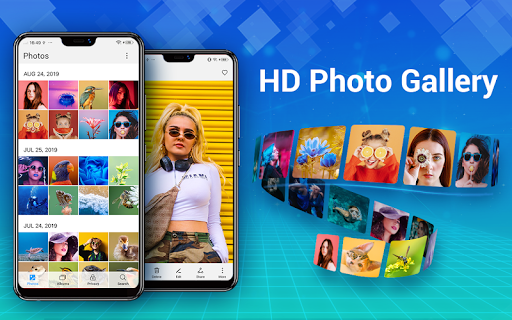
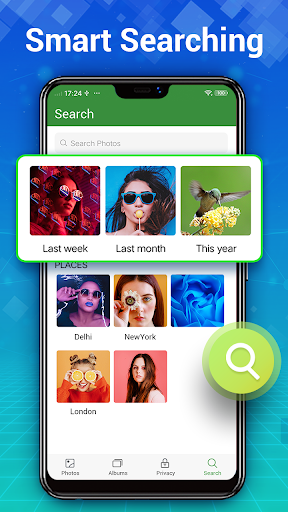
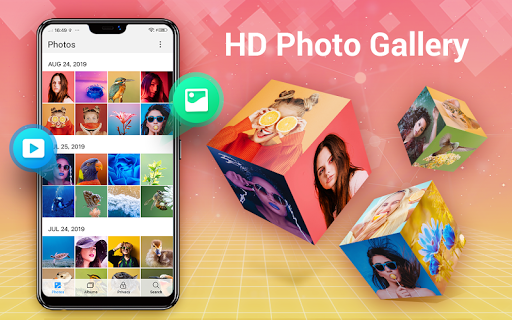
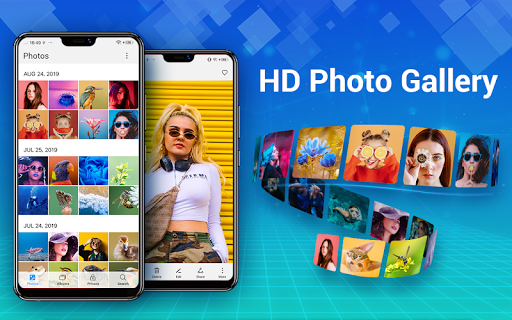
Managing a vast collection of photos and videos can often be daunting, but Photo Gallery - Album, Vault simplifies the process with its intelligent organization system. It automatically sorts your media files, allowing you to find your favorite moments in seconds. You can create custom albums, mark favorites, and set up folders for external SD cards to enhance your organizational workflow. The app supports a quick search feature with smart categorization, making location-based or date-based searches effortless. Its HD thumbnails and slideshow capabilities transform your gallery experience into a visual delight.
Support for Multiple Media Types
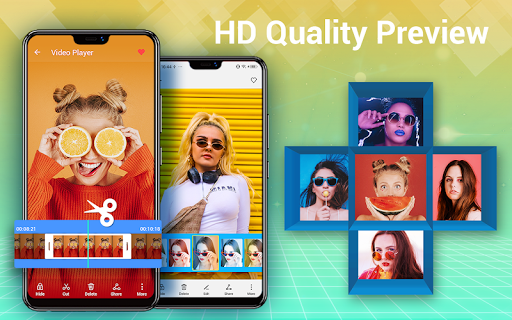
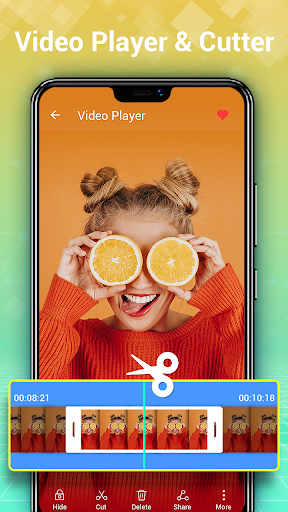
Beyond standard images, this app handles a variety of media formats such as GIFs and videos. The ability to browse thousands of media files in high definition, combined with options to delete, copy, or move items, encourages efficient management. You can organize your images into albums, set wallpapers directly from your gallery, and easily rename or favorite specific photos—streamlining your entire media collection management.
Secure Privacy with Gallery Lock and Vault
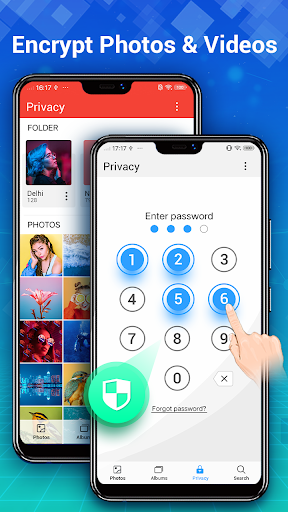
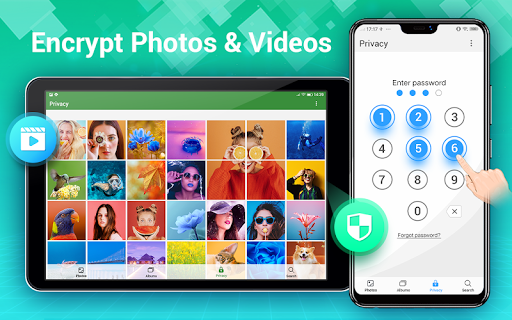
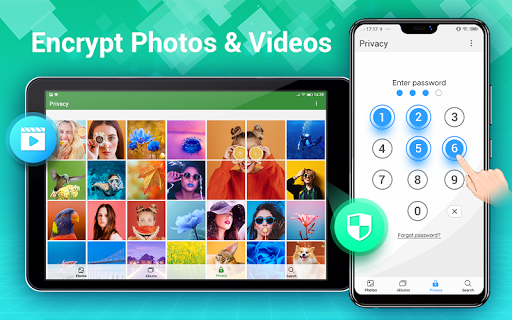
Privacy is paramount, especially when it comes to sensitive photos and videos. Photo Gallery - Album, Vault offers a •Gallery Lock: feature that encrypts your private media files, hiding them from the system gallery and other apps. These hidden files are protected with PIN, fingerprint, or password authentication, ensuring only you can access them. Create a secure vault to safeguard personal images such as private selfies, romantic moments, or confidential files, giving you peace of mind that your secrets stay safe.
Encrypted Storage and Privacy Features
The app’s security measures extend to encrypt your private media, making sure they are not visible without proper authorization. Additionally, it offers cloud backup options, so your treasured memories are preserved even if your device is lost or damaged. Deleting files moves them to a recycle bin, allowing you to recover accidentally deleted photos or videos within your chosen timeframe.
Advanced Editing and Creative Collage Maker
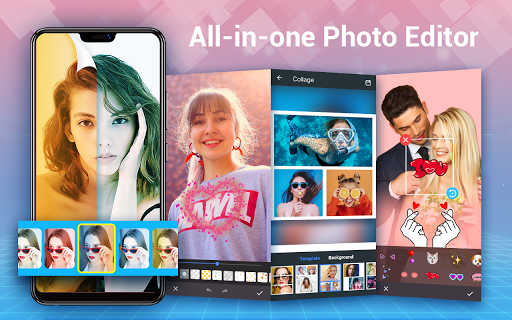
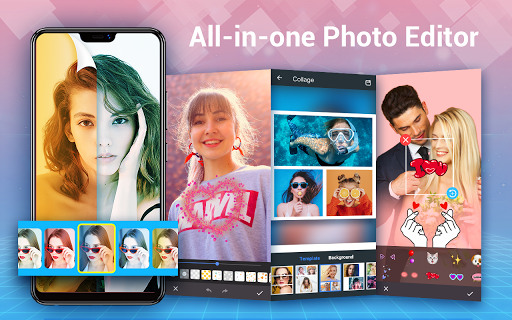
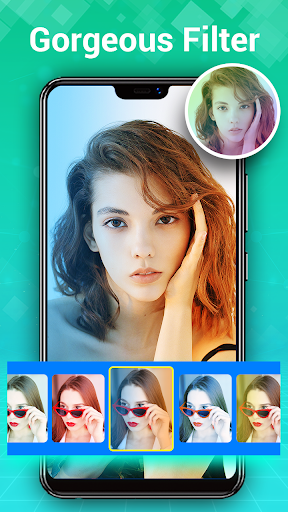
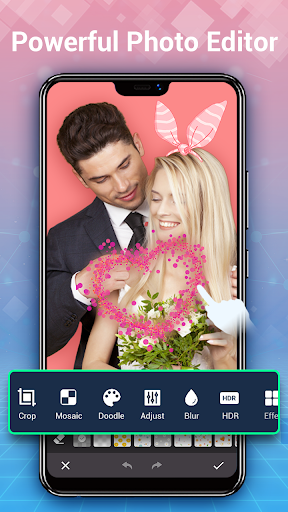
Transform your photos with the built-in all-in-one photo editor. Auto-enhance tools enable quick optimization with a single tap, tweaking brightness, contrast, and sharpness. Creative editors allow you to add filters, stylish stickers, text, doodles, mosaics, cropping, blurring, and more. Want to create stunning collages? The app provides a versatile photo collage maker supporting both freeform and grid styles. Select multiple images to generate eye-catching collages perfect for sharing on social media platforms like Instagram, Facebook, or WhatsApp.
Rich Collage and Editing Features
Choose from a wide range of templates, backgrounds, and customization options to craft personalized photo collages. Whether you prefer a symmetrical grid or a free-style layout, the app caters to your creative needs, making photo editing and collage creation both simple and fun.
User-Friendly Interface and Additional Features
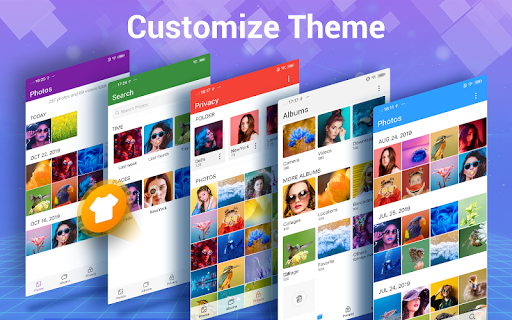
Designed with a sleek interface, Photo Gallery - Album, Vault ensures easy navigation even for beginners. You can browse and search photos by date, location, or albums swiftly. The app supports various image formats, offers a drag-and-drop album organization, and allows you to set images as wallpapers or mark them as favorites. It’s fully offline, ensuring your media privacy and quick access without needing an internet connection.
Supporting Features for Optimal Experience
Additional functionalities include a trash bin for recovering deleted items, quick photo or video preview, slideshow mode for reliving memories, and support for files stored on external SD cards. For Android 11 and above, you need to enable the “MANAGE_EXTERNAL_STORAGE” permission for full file management capability. The app also supports background video playback via foreground service, enabling continuous listening or viewing without reopening the gallery.
Why Choose Photo Gallery - Album, Vault?
In an era where capturing and sharing memories has become effortless, managing those precious moments demands a powerful yet easy-to-use application. Photo Gallery - Album, Vault excels not only in organizing your photos and videos but also prioritizes security and editing features. Its intuitive design makes it accessible for all users, whether you're a casual photo enthusiast or a professional content creator. With regular updates and enhancements, it remains a reliable partner in your digital photo journey. If you’re seeking a versatile gallery app that combines speed, security, and creative tools seamlessly, this app is undoubtedly worth trying.
Pros
- Intuitive user interface.
- Supports multiple image formats.
- Easy album organization.
- Secure photo vault feature.
- Efficient search functionality.
Cons
- Limited cloud storage.
- Ads in free version.
- No video support.
- Occasional lags.
- Requires in-app purchases.










