


Vivaldi Browser - Fast & Safe
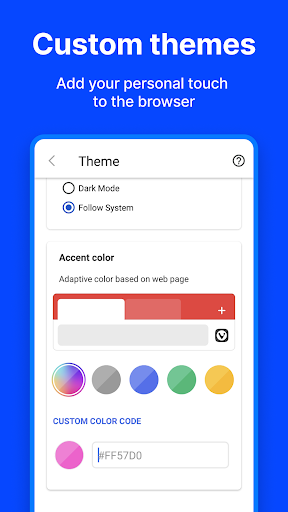
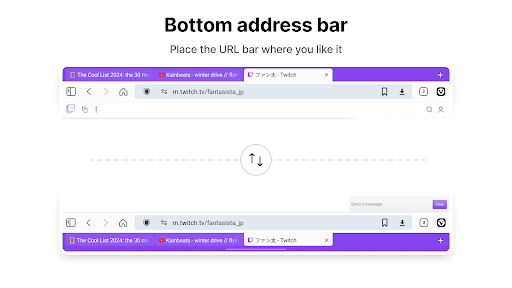
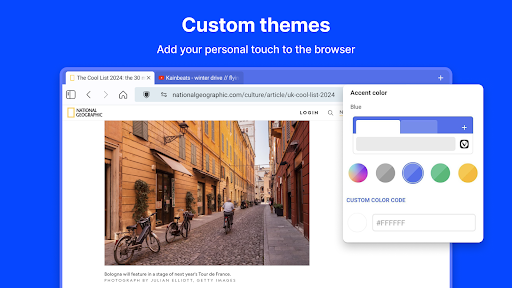
Discover the Vivaldi Browser, a fast and ultra customizable web browser designed to prioritize your privacy over profit. Built for users who want a browsing experience that adapts to their unique style and needs, Vivaldi offers a plethora of smart features that enhance your online journey.
Key Features of Vivaldi Browser
Personalized Speed Dial
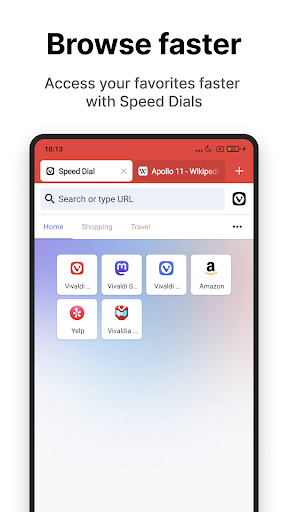
Experience faster browsing by adding your favorite bookmarks as Speed Dials on the new tab page. Organize them into folders and choose from a variety of layout options to make your browsing workspace truly your own. Easily switch Search Engines on the fly using Search Engine Nicknames like "d" for DuckDuckGo or "w" for Wikipedia while typing in the address bar.
Innovative Tab Management
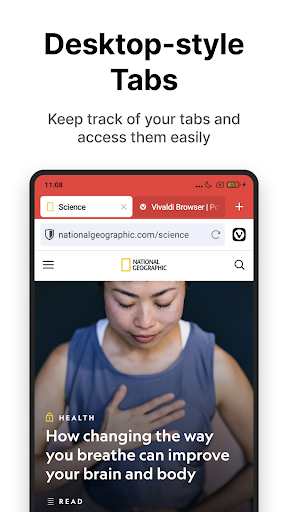
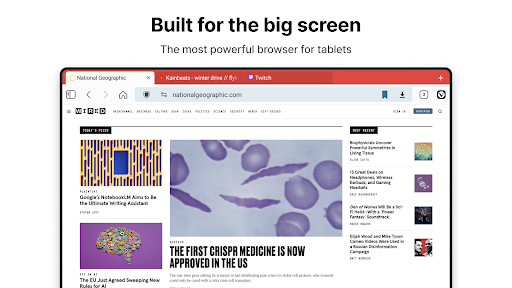
Vivaldi introduces a unique two-level tab stacking system on Android—an industry first for mobile browsers. Long-press the New Tab button and select “New Tab Stack” to explore this feature. Users can choose between a Tab Bar applicable on large screens or utilize a Tab Switcher for managing multiple open tabs efficiently.
Privacy and Security
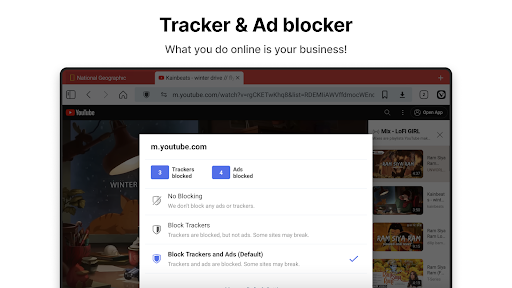
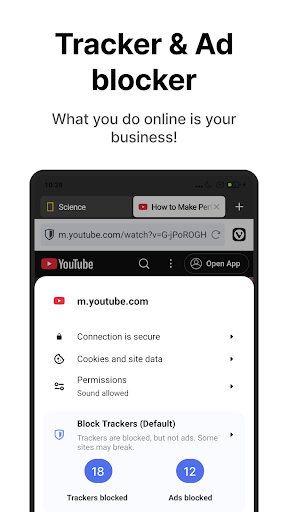
Your privacy is at the core of Vivaldi. The browser does not track your behavior and actively blocks trackers and ads by default. It features Private Tabs—allowing you to browse without storing history, cookies, or temporary files. Built-in Ad & Tracker Blocker ensures a clutter-free, faster, and more secure browsing experience without the need for additional extensions.
Smart Tools for Enhanced Browsing
Vivaldi comes equipped with a suite of handy built-in tools to streamline your browsing:
- Website translations powered by Lingvanex with Vivaldi Translate
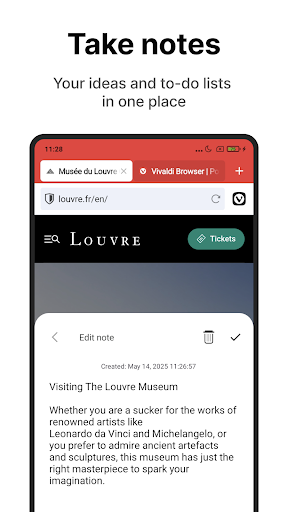
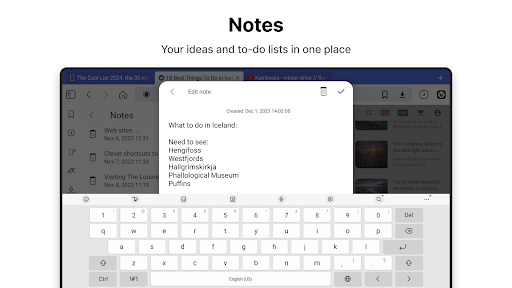
- Notes feature to annotate and securely sync across devices
- Screenshot capturing for full-page or partial area
- QR Code Scanner for quick sharing between devices
- Page Actions to customize web content with filters
Seamless Cross-Device Syncing
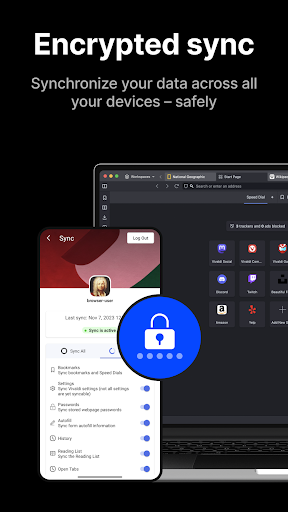
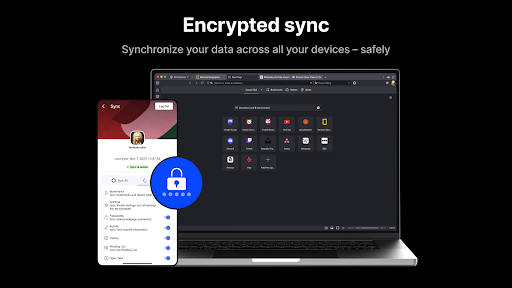
Vivaldi is compatible with Windows, macOS, and Linux, offering seamless syncing of your open tabs, bookmarks, logins, and Notes across devices. All data is end-to-end encrypted, ensuring your browsing session remains confidential and secure. You can further safeguard your data with an encryption password.
Additional Features
- Encrypted Sync across platforms
- Dark Mode for comfortable nighttime browsing
- Reader View for cleaner content reading
- Clone Tab to duplicate browsing sessions
- Cookie Banner Blocking to eliminate intrusive pop-ups
- Downloads Manager with support for external download managers
- Auto-clear browsing data on exit to maintain privacy
- WebRTC leak protection for enhanced privacy
Conclusion
If you're searching for a browser that combines speed, security, and personalization, look no further than Vivaldi. Its extensive features, flexible customization options, and commitment to privacy make it an ideal choice for both casual users and power users alike. For a complete browsing experience that truly adapts to your style, give Vivaldi a try today and take your online journey to the next level!
Pros
- Highly customizable interface options.
- Built-in ad and tracker blocker.
- Integrated notes and screen capture features.
- Seamless synchronization across devices.
- Fast browsing speed.
Cons
- Can be overwhelming for new users initially.
- Heavier than some competing browsers in terms of size.
- Limited support for extensions.
- Occasional issues with syncing.
- May consume more resources on older devices.











