

Discover the Power of Vector Ink: SVG, Illustrator — The Ultimate Vector Graphic Design App for Android
If you're passionate about creating stunning vector graphics on the go, Vector Ink: SVG, Illustrator is the app you need. This innovative mobile application has rapidly gained popularity in the design community, thanks to its robust features and user-friendly interface. Whether you're a professional designer or an enthusiast exploring digital illustration, Vector Ink offers the perfect balance of power and ease of use to bring your ideas to life effortlessly.
Unleash Your Creativity with Intuitive Tools and Features
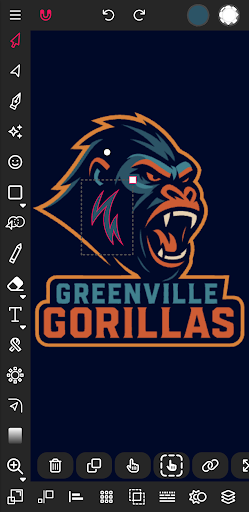
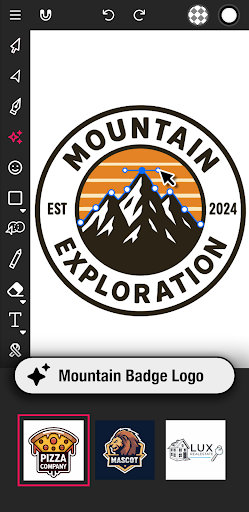
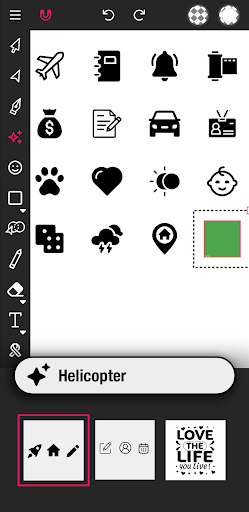
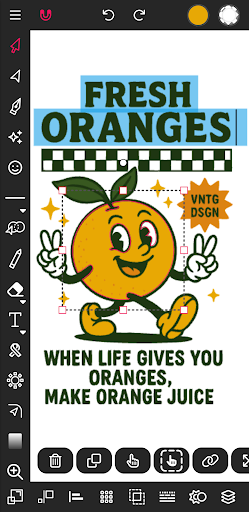
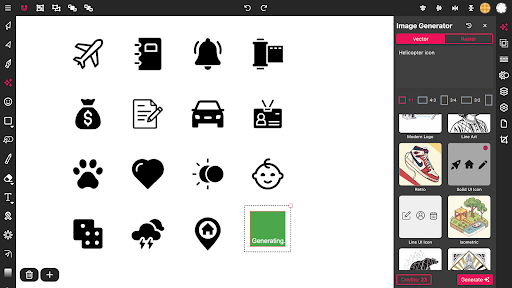
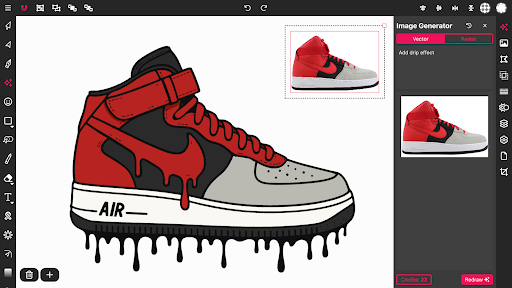
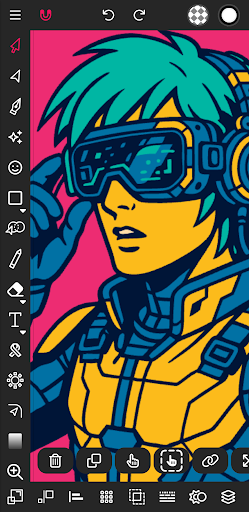
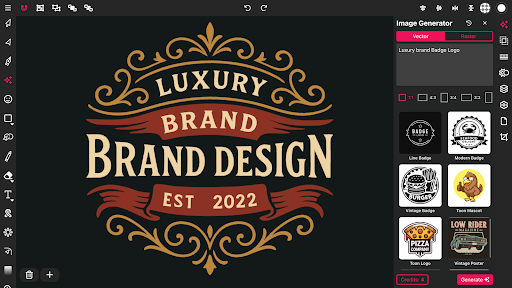
From the moment you launch Vector Ink, its intuitive and thoughtfully organized interface makes creative work seamless. Designed to cater to both seasoned designers and beginners, the app ensures that navigating through various tools feels natural. You can start creating with minimal learning curve, thanks to its clear layout and accessible features. The app supports a wide array of vector design functionalities, including drawing, shape creation, and layering, so you can develop complex illustrations or simple sketches with equal ease.
Seamless SVG Import and Export for Cross-Platform Flexibility
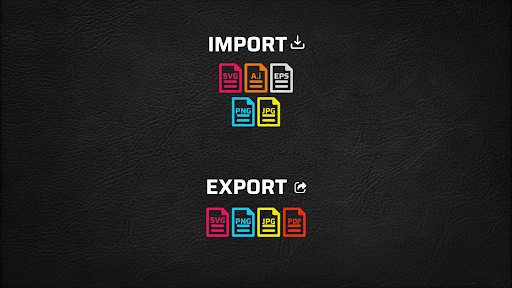
One of the standout features of Vector Ink is its full support for scalable vector graphics (SVG). Import your existing SVG files effortlessly, allowing for easy editing and refinement. When your design is complete, exporting in SVG format ensures your artwork maintains its quality and scalability across different platforms. This seamless import/export capability makes Vector Ink an ideal tool for artists working across desktop and mobile environments, facilitating a smooth workflow from start to finish.
Advanced Vector Editing and Design Precision
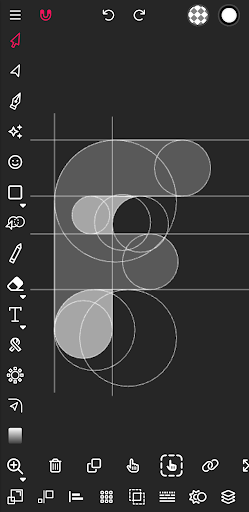
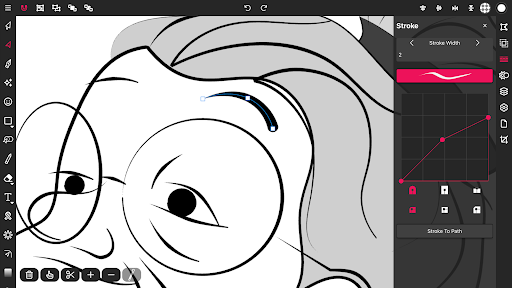
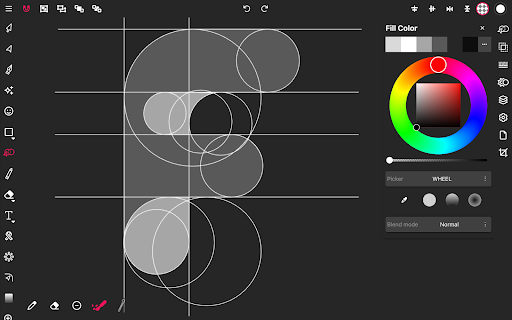
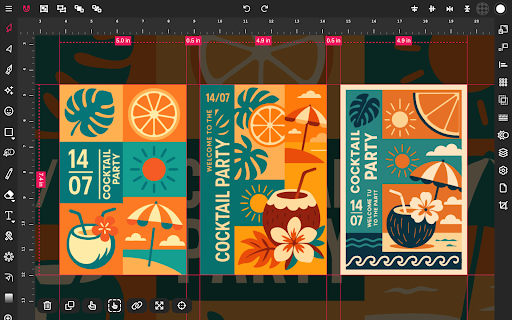
Precision is at the core of Vector Ink. The app includes a collection of powerful tools like the Path Builder that allows you to merge, trace, and create complex shapes rapidly—saving you hours of manual effort. Use the built-in Draw Tool with smart guides for stabilized freehand strokes, whether you're sketching a character, logo, or intricate pattern. The app also features snap-to-grid, customizable guides, and geometric shape tools, aiding you in achieving clean, professional-quality designs effortlessly.
Rich Color and Layer Management for Dynamic Artwork
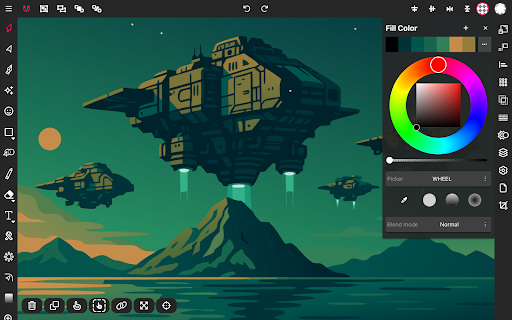
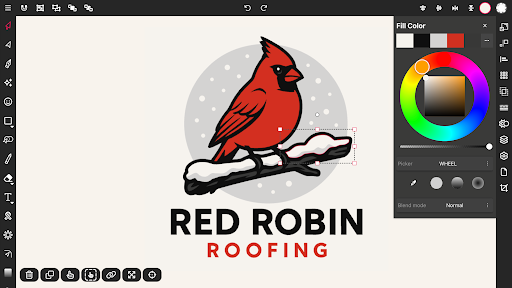
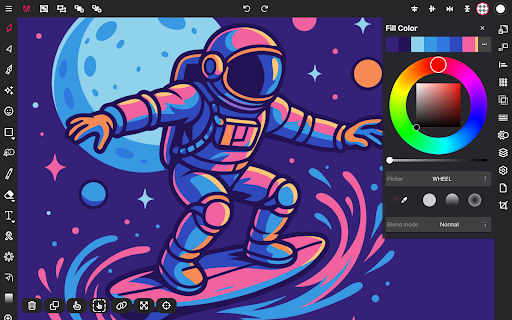
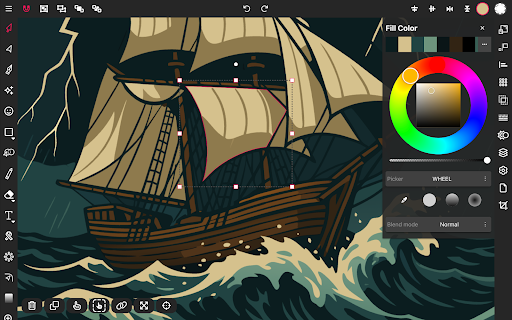
Bring your illustrations to life with an extensive suite of color tools. Choose from multiple color pickers—including wheel, RGB, HSB, and hex—to craft gradients with multiple stops, both linear and radial. The advanced color palette editor lets you generate, save, and manage custom palettes, ensuring your color schemes are always on point. Additionally, the layered workspace empowers you to organize your artwork efficiently—adding, deleting, grouping, and reordering layers to fine-tune your projects without hassle.
Versatile Drawing and Editing Features
Whether you prefer finger drawing or stylus input, Vector Ink adapts seamlessly. Its built-in virtual stylus functionality provides real-time visual feedback, making detailed editing easier on touchscreen devices. The app’s smart stabilizers assist in creating even, smooth strokes, perfect for detailed character designs or logo tracing. Beyond drawing, it includes tools like the Corner Tool, Ribbon Tool, Rectangle, Circle, Star, and Polygon tools to expand your creative options. Advanced controls like boolean operations, stroke customization, and text-to-path conversion further enhance your design capabilities.
Comprehensive Import & Export Options
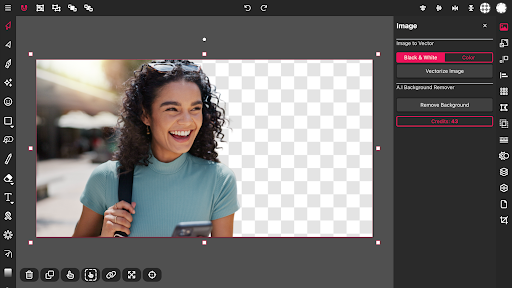
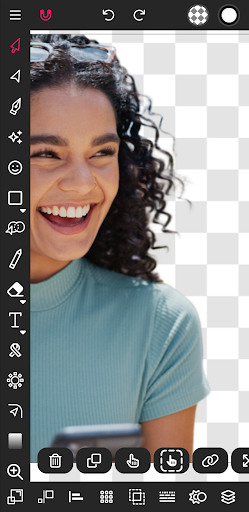
Easily import images in formats like PNG, JPG, and SVG to use as reference or incorporate into your designs. When your project is complete, export your artwork as PNG, JPG, or SVG, with options for transparent backgrounds or specific dimensions. This flexibility simplifies sharing your designs with clients or transferring them for printing and digital publishing.
Why Choose Vector Ink? A Mobile Vector Design Powerhouse
Designed with mobile users in mind, Vector Ink delivers a high-performance vector editing experience on Android devices. Its smooth responsiveness, optimized performance, and accurate touch input handling mean you can work on intricate illustrations without lag or frustration. The app’s lightweight nature doesn’t compromise on features, providing a comprehensive suite of tools for professional-quality vector graphics creation.
Conclusion: Elevate Your Vector Design Game
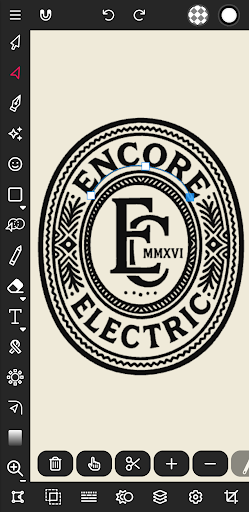
In summary, Vector Ink: SVG, Illustrator is a versatile and powerful vector graphic design app that caters to all levels of artists and designers. Its intuitive interface, robust toolset, and top-notch performance make it an excellent choice for creating logos, icons, illustrations, and more directly from your mobile device. Whether working on a quick sketch or a detailed project, Vector Ink equips you with everything needed to turn your creative ideas into stunning digital art. Embrace the future of mobile vector design and unleash your creative potential with this must-have app.
Pros
- User-friendly interface suitable for beginners
- Extensive selection of design tools and functionalities
- Supports SVG file format
- Regular updates introducing new features
- Compatible with multiple platforms
Cons
- Lacks advanced features necessary for professional use
- In-app purchases can be costly
- Prone to occasional bugs and crashes
- Needs internet connection to access all features
- Limited export options











