

Introduction to Concepts: Sketch, Note, Draw
Have you ever experienced that moment when you're bursting with ideas but don't have a suitable space to jot them down? Concepts: Sketch, Note, Draw steps in as your ultimate digital companion — a versatile app that combines the functionalities of a notebook, a whiteboard, and a sketchpad into one seamless experience. Designed for artists, designers, students, or anyone passionate about unleashing their creativity, this app transforms your device into a portable, powerful creative workspace.
What Makes Concepts Unique
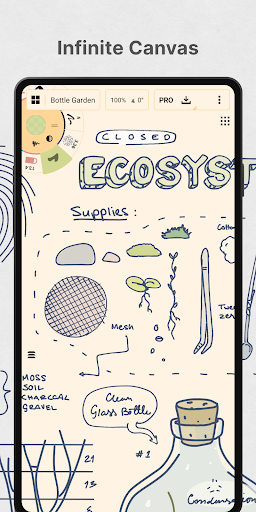
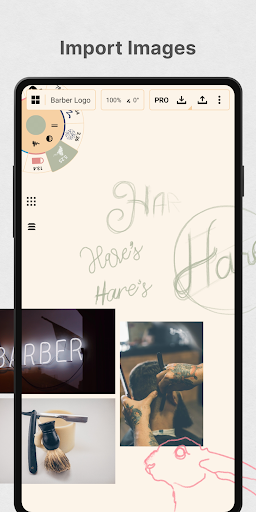
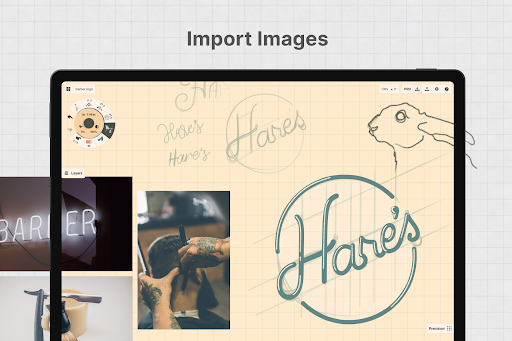
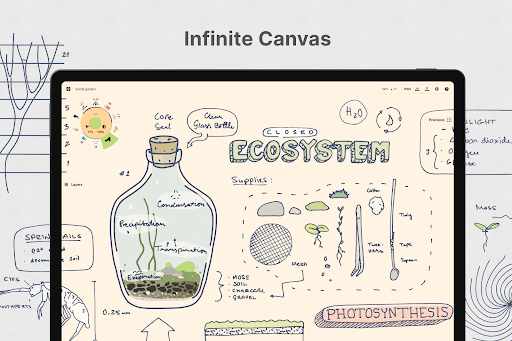
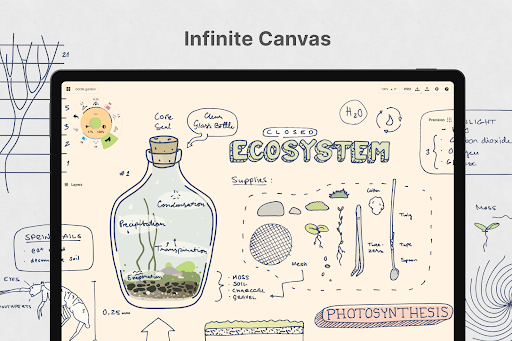
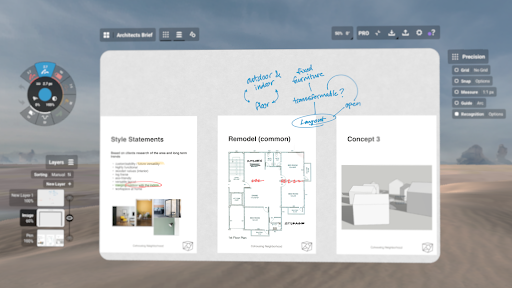
This app isn’t simply a drawing tool; it’s a comprehensive creative suite capable of supporting your entire creative process. Whether you’re sketching rough concepts, designing detailed illustrations, taking notes, or brainstorming ideas, Concepts provides an infinite canvas that redefines digital creativity. No more worrying about running out of space — you get endless room to explore, plan, and create. The app offers features like pan and zoom, allowing you to navigate your ideas effortlessly and develop your projects without physical constraints.
Key Features of Concepts: Sketch, Note, Draw
Unlimited Canvas and Customization
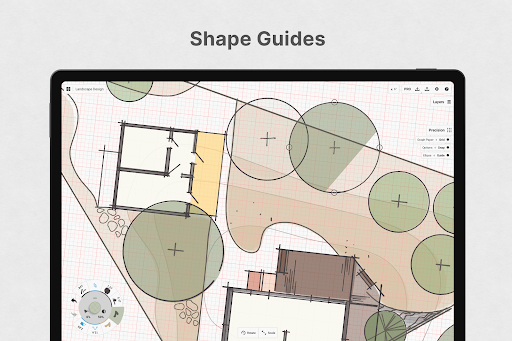
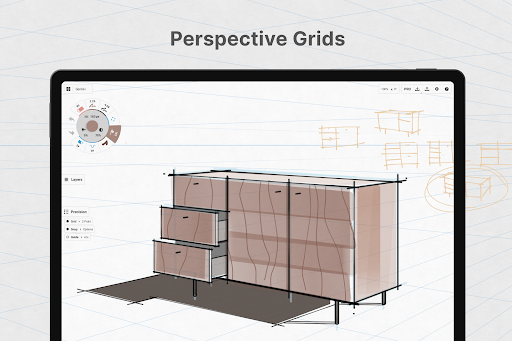
The highlight of Concepts is its infinite canvas, which lets you sketch, doodle, take notes, or make mind maps with no limits. You can customize your workspace with various paper types, grids, and guides, adapting it to your specific project needs.
Realistic Drawing Tools
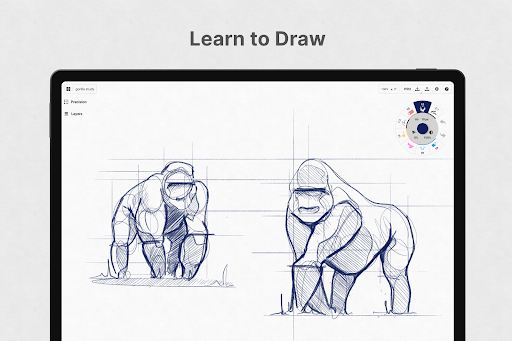
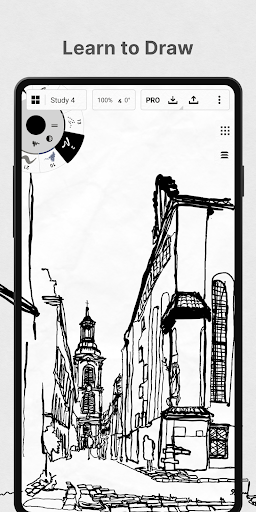
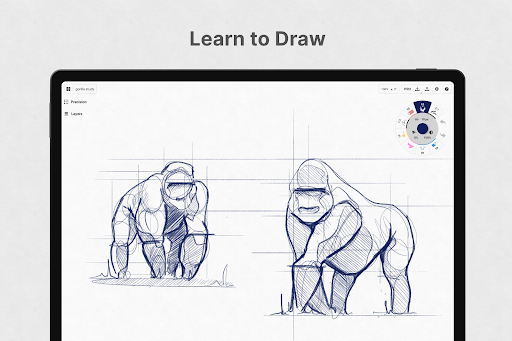
Enjoy a rich selection of realistic pencils, pens, and brushes that respond to pressure, tilt, and velocity. These tools include adjustable live smoothing, enabling natural and smooth strokes. Whether you’re working on delicate line art or broad washes, the tool set responds intuitively, giving you authentic art supplies at your fingertips.
Advanced Vector-Based Editing
Thanks to its vector-based architecture, every stroke remains editable and scalable. Use tools like Nudge, Slice, and Select to modify your elements without redrawing — perfect for refining details or rearranging components seamlessly.
Color Tools and Layers
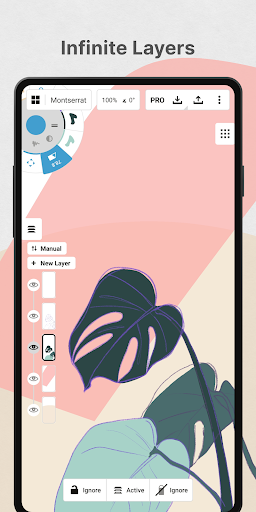
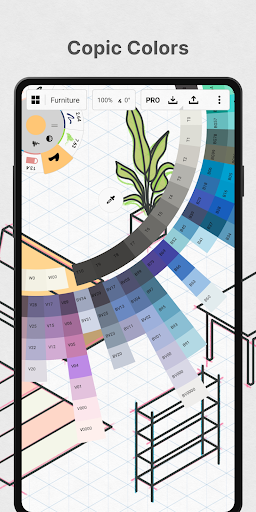
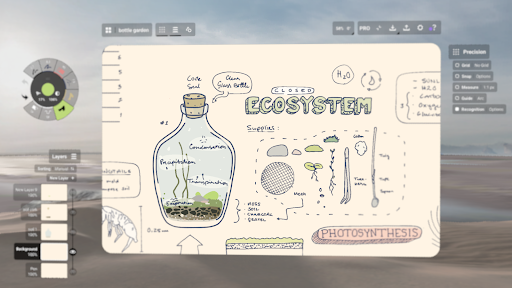
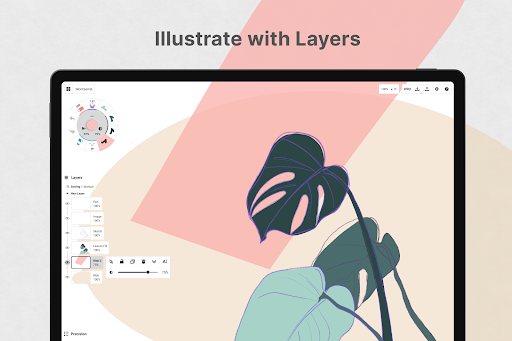
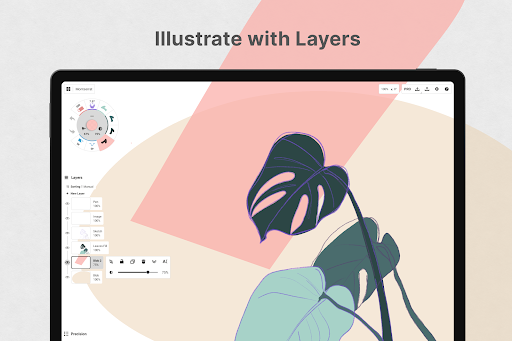
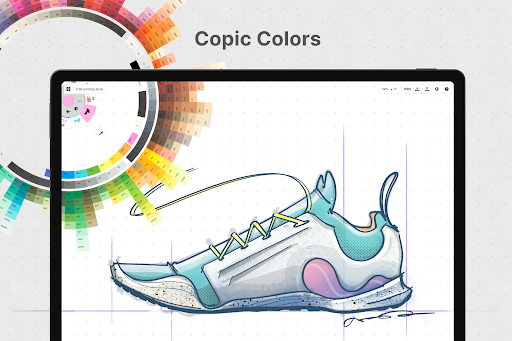
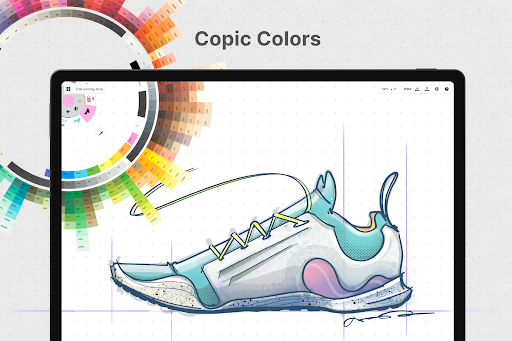
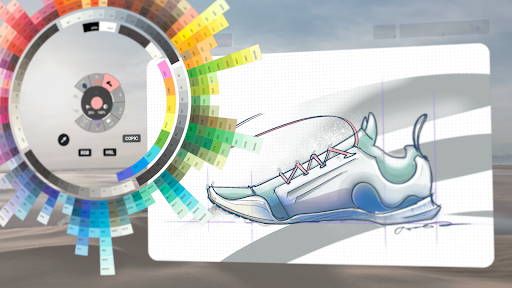
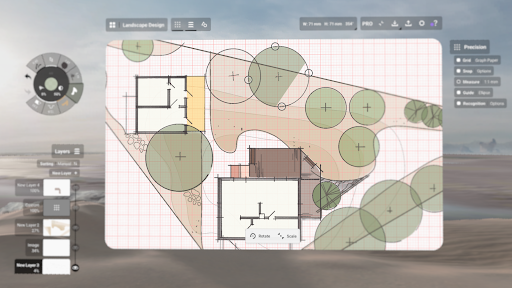
Design with precision using the HSL, RGB, and COPIC color wheels, which make it easy to select harmonious color palettes. The app also supports layers with automatic sorting and adjustable opacity, allowing for complex compositions and better organization of your ideas.
Precision and Personalization
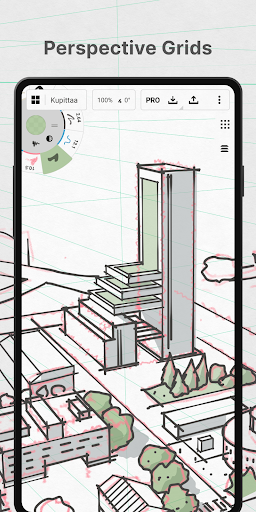
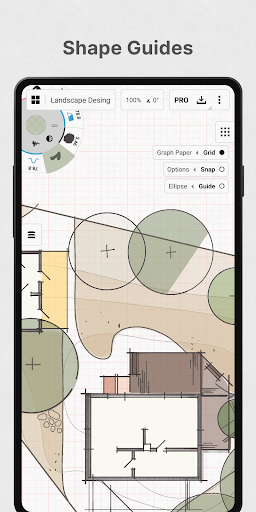
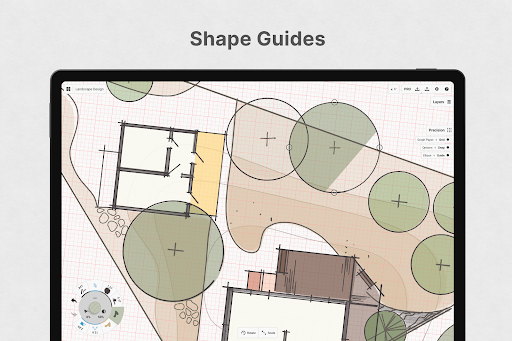
Utilize features like shape guides, live snap, and measurement tools to create accurate sketches. You can personalize your entire workflow — from the canvas background to tool presets and gestures — making your experience truly tailored to your style.
Sharing and Exporting
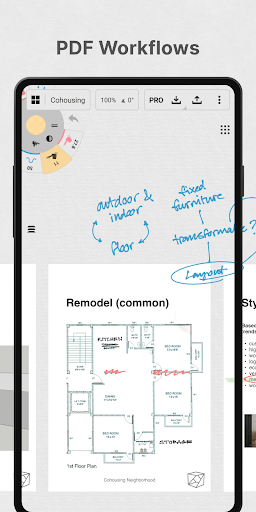
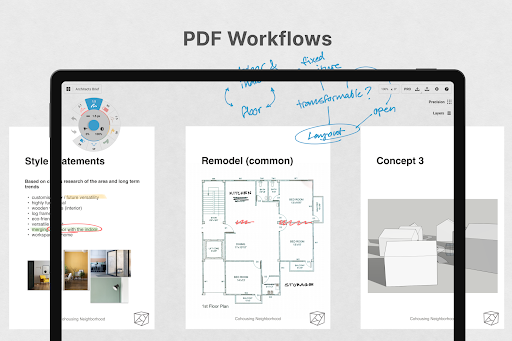
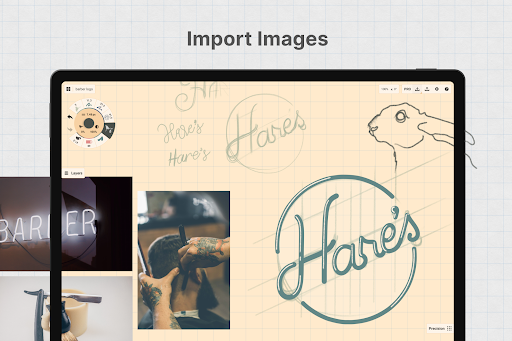
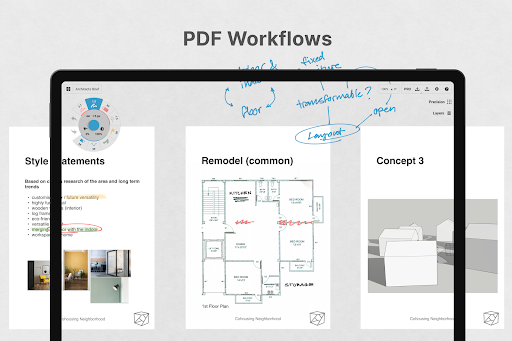
Share your artwork effortlessly by exporting high-resolution images, PDFs, SVGs, or layered files like PSD and PNG. Collaboration is simplified with options for real-time sharing, making it ideal for team projects or client feedback.
Subscription and Purchase Options
Concepts offers both free and premium features. The free version includes endless sketching on an infinite canvas, basic tools, a limited set of paper and grid options, and five layers. To unlock more advanced tools, such as custom grids, additional library access, and advanced export options, you can subscribe to the premium plan, which also grants access across multiple platforms like Android, Chrome OS™, iOS, and Windows.
One-time purchases are available for lifetime access to essential tools, including shape guides, infinite layers, and various export formats. Multiple purchase options cater to diverse workflows, ranging from basic sketching to professional-grade design work.
Intuitive User Experience and Compatibility
The app’s clean, streamlined interface guarantees ease of use for beginners and pros alike. Despite its powerful features, there’s minimal learning curve, which encourages creativity without frustration. Optimized for pen-enabled devices, it offers a smooth, responsive drawing experience, whether you're using a stylus or a finger.
Designed with frequent updates and user feedback in mind, Concepts continually evolves to meet the needs of its creative community. Support is readily available, and engaging with the developer is simple through in-app chat or email.
Empower Your Creativity Today
If you’re looking for a versatile, flexible, and professional digital sketching app, Concepts: Sketch, Note, Draw stands out as a top choice. Its combination of powerful vector tools, a vast array of brushes, customizable workspace, and seamless sharing options makes it an invaluable asset for artists, designers, students, and hobbyists alike. Dive into your imagination, experiment freely on your infinite canvas, and turn your ideas into stunning visuals. With Concepts, your creativity knows no bounds.
Pros
- Intuitive user interface design.
- Extensive selection of drawing tools.
- Supports various file formats.
- Synchronizes seamlessly across devices.
- Responsive, lag-free performance.
Cons
- Limited features in the free version.
- Reports of occasional app crashes.
- Lacks offline mode functionality.
- Steep learning curve for new users.
- Intrusive ads in the free version.










