

Unleash Your Creativity with FlipaClip: Create 2D Animation
Discover the power of your imagination through FlipaClip, an intuitive and versatile app designed to help both beginners and aspiring animators bring their ideas to life. Whether you're into whimsical storytelling, expressive characters, or captivating visual effects, FlipaClip provides the perfect platform to explore your animation style and unlock your creative potential. With its simple frame-by-frame animation process, this popular application has taken the world by storm, offering a virtual flipbook experience right at your fingertips.
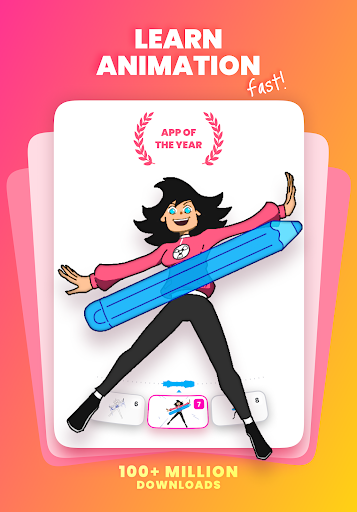
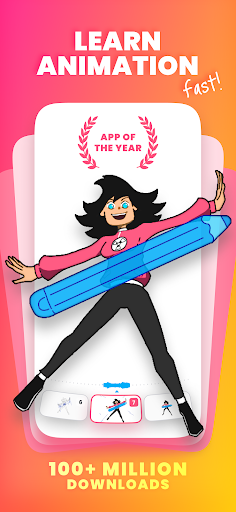
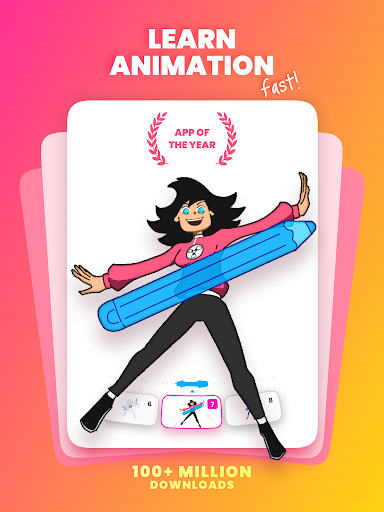
Praised as the App of the Year by the Google Play Store, FlipaClip has amassed over 30 million downloads worldwide. Its user-friendly interface combined with powerful features makes it accessible for users across all age groups. From creating whimsical cartoons and memes to developing complex animated videos or GIFs, FlipaClip supports an extensive range of animation styles including cartoons, anime, stick figures, stop motion, Gacha Life, furry art, music videos, and even NFT loop animations. Gamers, in particular, will enjoy crafting animations of popular characters from Roblox, Minecraft, and Battle Royale games.
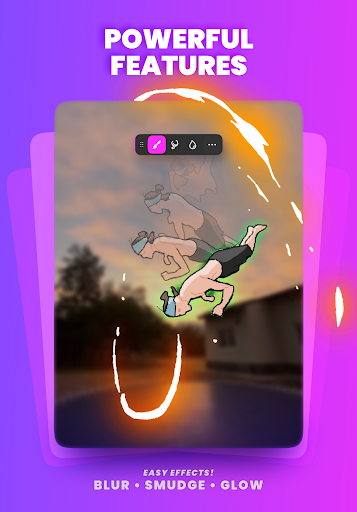
The app allows you to organize your projects into stacks, switch between light and dark modes, use blending modes, add glow effects, incorporate photos and videos, insert music, and participate in daily challenges. These features empower creators to produce high-quality short stories and storyboards, transforming initial ideas into finished animated projects. The dedicated community of animation enthusiasts continually shares their work, inspiring new users and fostering a vibrant creative environment.
Key Features of FlipaClip
Art Drawing Tools
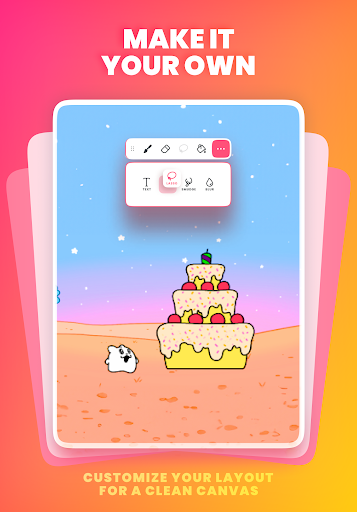
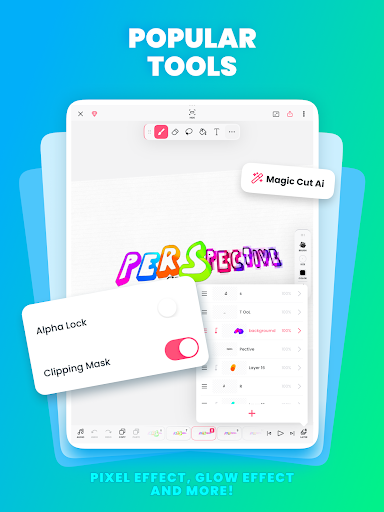
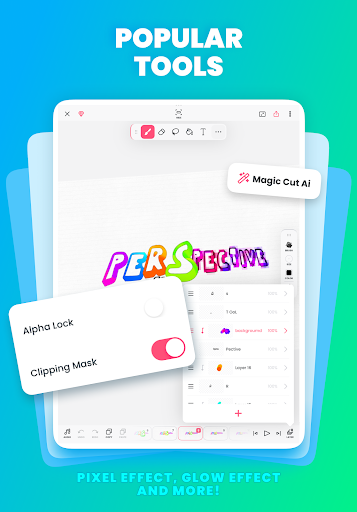
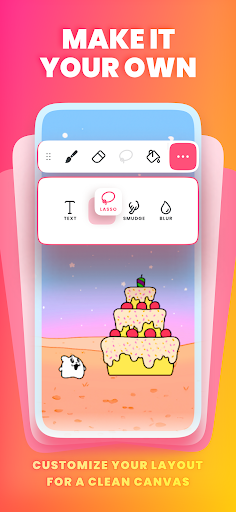
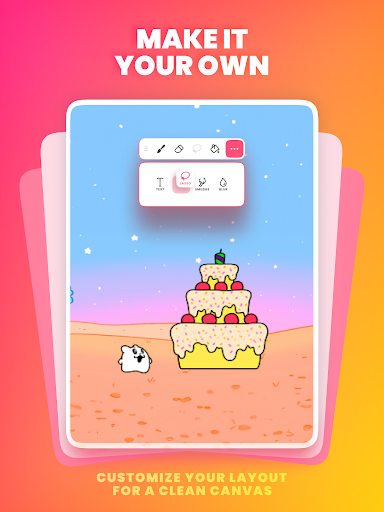
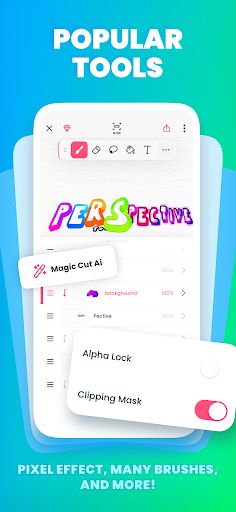
Make stunning artwork with a variety of practical tools like brushes, lasso, fill, eraser, ruler shapes, mirror tool, and the ability to insert text with multiple font options—all available for free! You can paint on custom canvas sizes and draw with a pressure-sensitive stylus — Samsung S Pen and SonarPen are supported to make your drawing experience even better.
Animation Layers
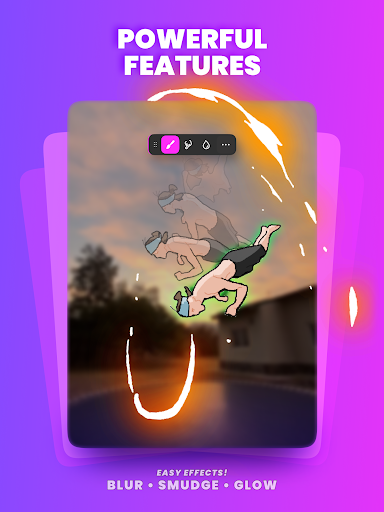
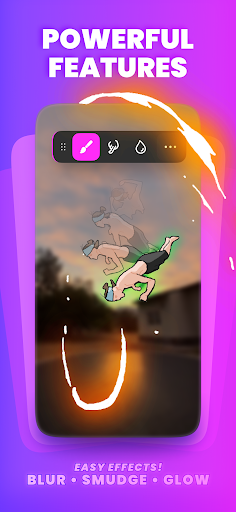
Layers are fundamental for creating detailed animations. With FlipaClip, you can try the glow effect and use blending modes to enhance your artwork. Create on up to 3 layers for free, or upgrade to the pro version to add up to 10 layers for more complex projects.
Powerful Video Animation Tools
The app features an animation timeline, onion skinning for seamless frame blending, a frames viewer to manage your scenes, overlay grids for precision, and scrubbing controls for smooth workflow. These tools help you create smooth, professional-looking animations efficiently.
Create Videos with Music and Sound Effects
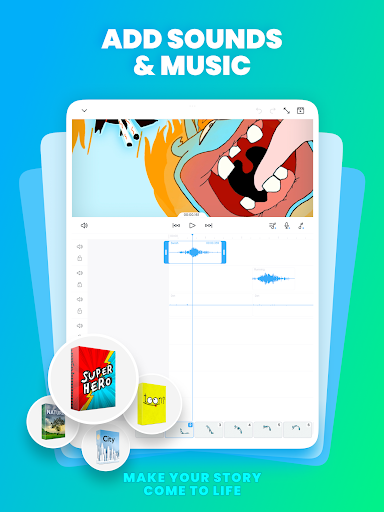
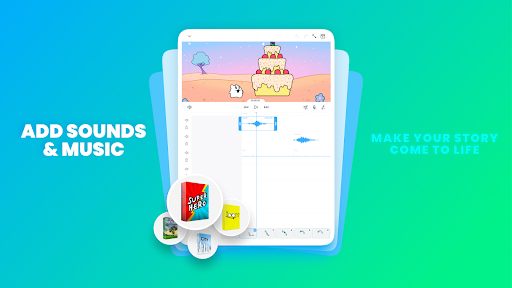
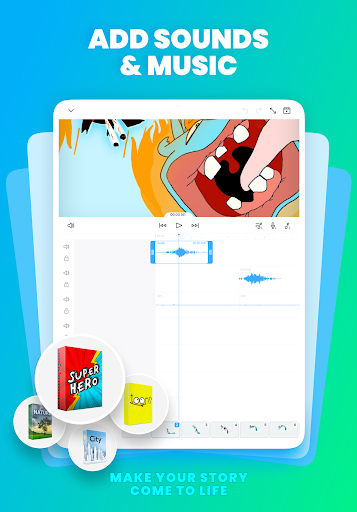
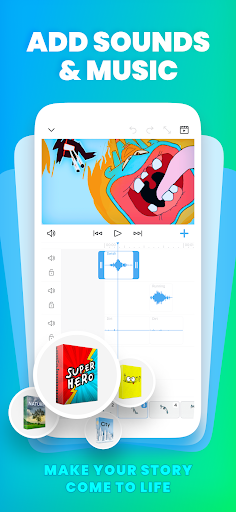
Bring your animations to life by adding music and sound effects. Import your personal audio files or record voice-overs directly within the app. Use the curated sound packages to add depth and emotion to your animated stories.
Photos & Videos
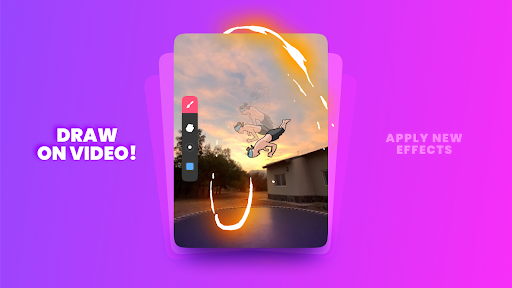
Animate over photos and videos or create rotoscoped animations effortlessly. This feature opens endless possibilities for creative projects, from adding motion to still images to complex video overlays.
Save & Share Your Creations
Export your animations as MP4, GIF, or PNG sequences with transparency support. Post directly to platforms like YouTube, TikTok, Instagram, and many others to showcase your work to a global audience.
Join Challenges & Community
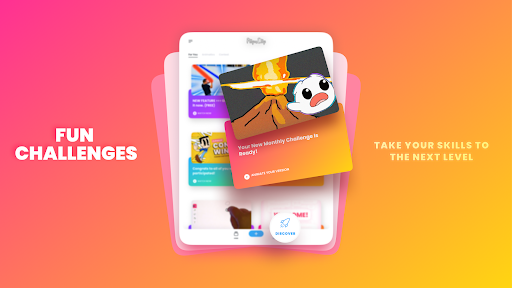
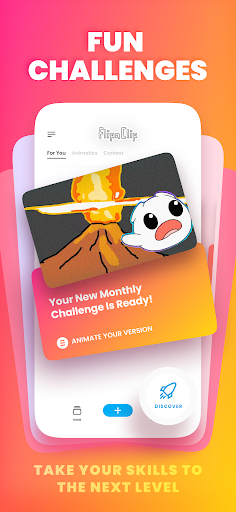
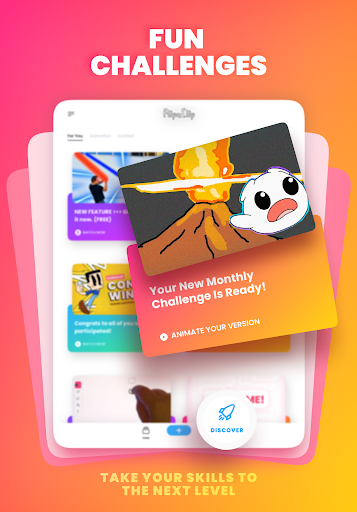
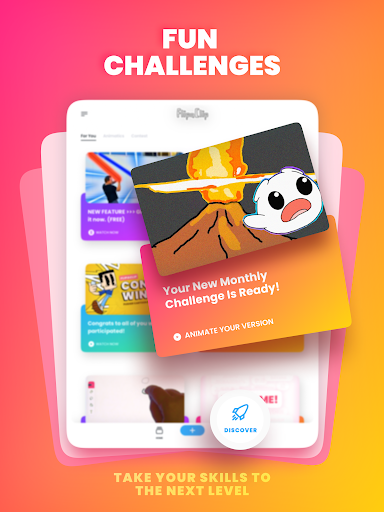
Participate in free animation challenges and contests, win exciting prizes, and connect with a thriving community of creators. Share tips, tutorials, and inspiration to grow your skills and influence as an animator.
Getting Started with FlipaClip
Starting your animation journey with FlipaClip is quick and straightforward. Download the app from your app store—available on both Android and iOS. The intuitive interface guides you through the basics with helpful tutorials, making it easy for newcomers to create their first animated project within minutes.
Designed for users of all ages, the app provides a rich set of drawing tools, customizable workspace, and seamless sharing options. Whether you're a budding artist or a seasoned animator, FlipaClip offers a fun, accessible way to explore animation and express your creativity.
Join thousands of other creators who are transforming their ideas into captivating animated stories. Download FlipaClip today and start bringing your unique visions into motion!
Pros
- User-friendly interface suitable for beginners.
- Includes a variety of drawing tools.
- Supports onion skinning feature.
- Easy management of frame-by-frame animation.
- Allows exporting animations in multiple formats.
Cons
- Limited number of layers in the free version.
- Advertisements can sometimes be disruptive.
- Certain features require in-app purchases.
- Occasional app crashes have been reported.
- Does not support 3D animation.










