

Introducing PaperColor: The Ultimate Digital Drawing & Painting Application
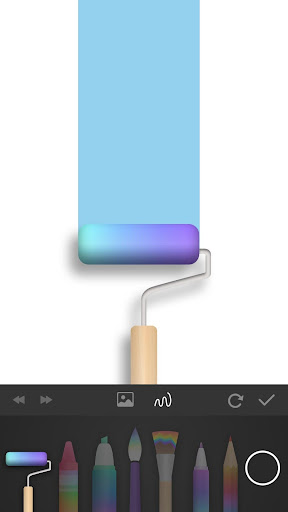
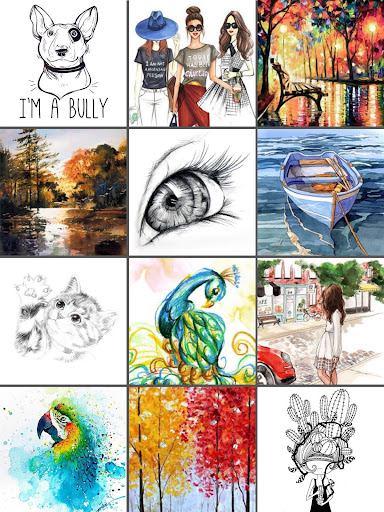
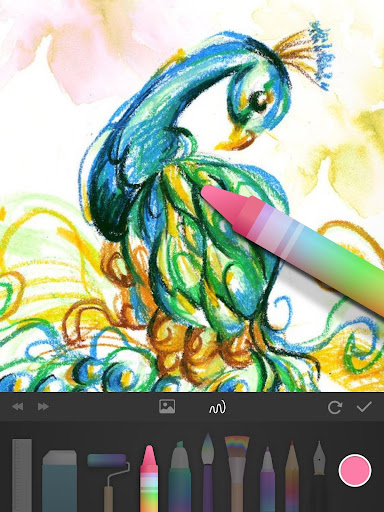
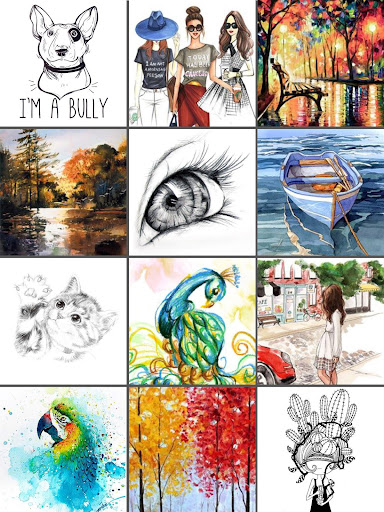
PaperColor is an excellent painting application designed to imitate traditional artists' tools, offering an authentic painting and doodling experience right on your mobile device. Whether you're a beginner or an experienced artist, PaperColor provides a fun and easy way to unleash your creativity. With a wide variety of styles paintbrushes and an extensive colour library, this app helps you create stunning artworks effortlessly.
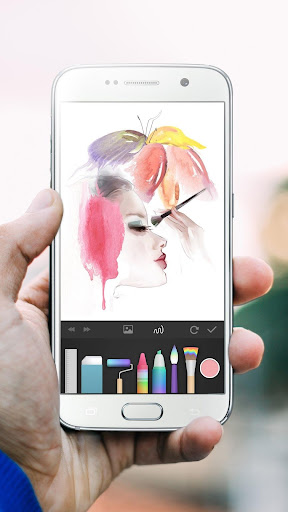
Imagine having a digital sketchpad at your fingertips, ready to capture your ideas when inspiration strikes—be it during a journey, at a party, or just passing the time in an airplane. Its intuitive interface makes learning to paint simple and accessible for everyone, turning your phone or tablet into a portable art studio.
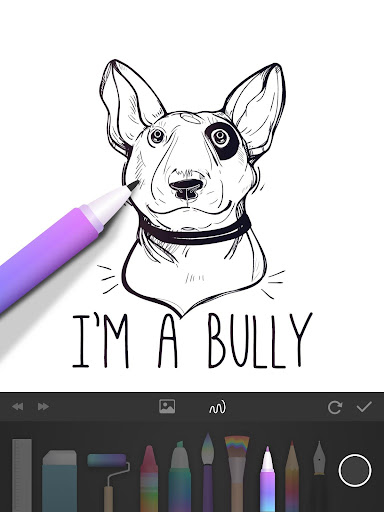
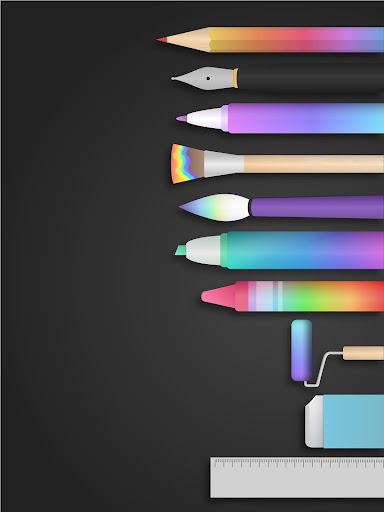
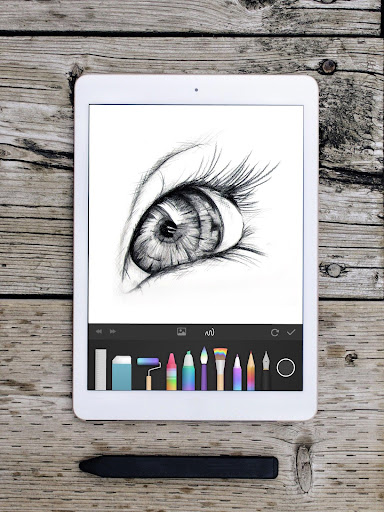
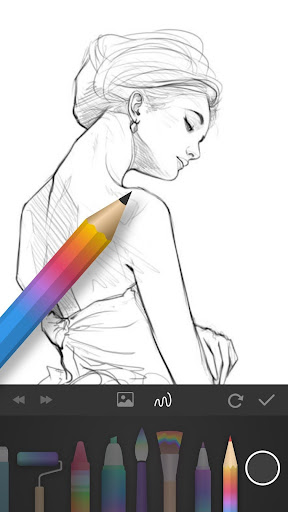
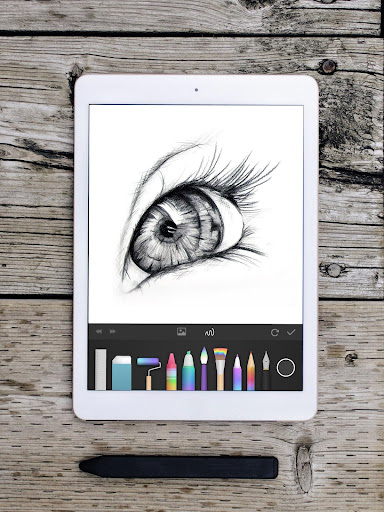
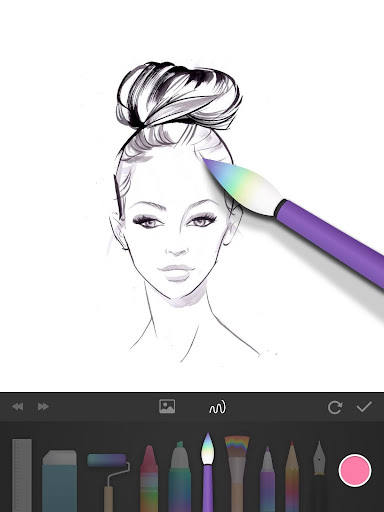
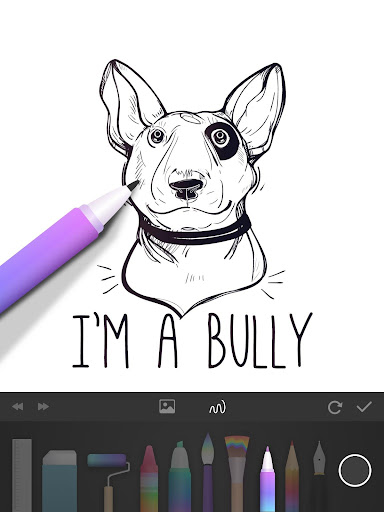
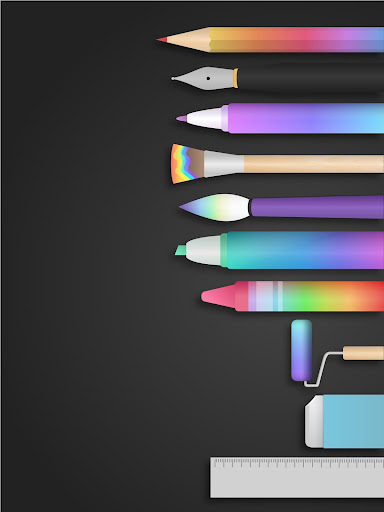
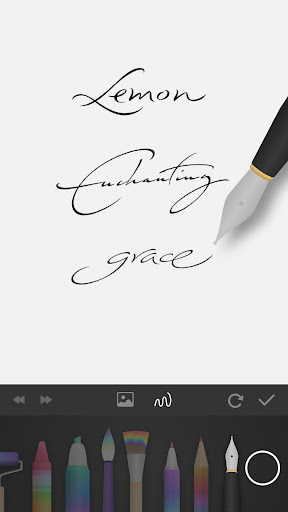
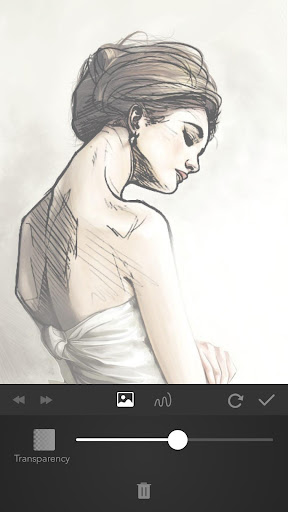
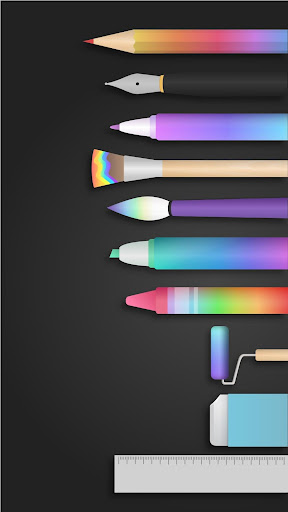
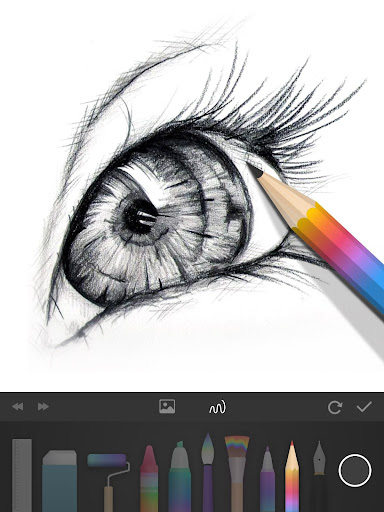
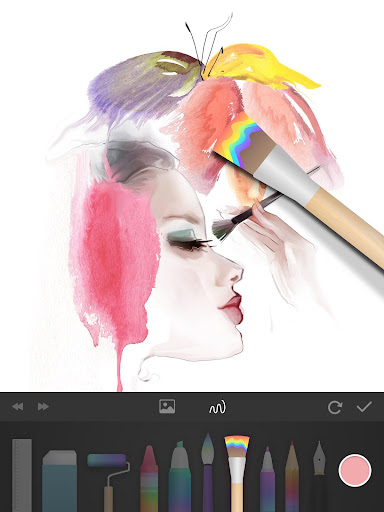
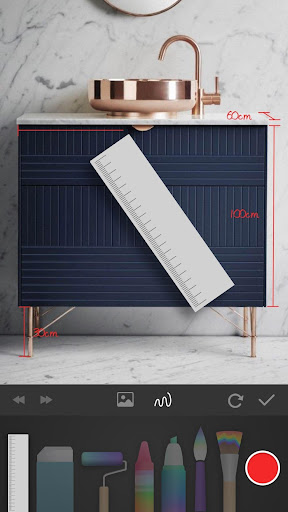
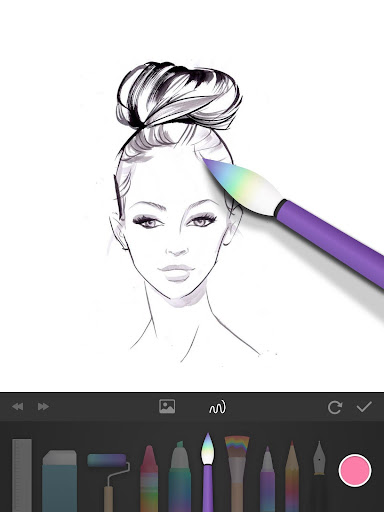
PaperColor features exquisite drawing tools including options for handwriting signatures with a pen, a variety of tools that imitate paintbrushes, rulers, and erasers, all designed to enhance your artistic process. You can mark up photos, draw directly on pictures, and enjoy a seamless drawing experience. The base map feature allows you to learn drawing in a structured way by selecting a photo as a reference and setting it to translucent, making it easier to trace and create. With dexterous scaling under your fingertips, you can manipulate your work space easily, allowing you to color and refine your artworks effortlessly.
Once completed, your artwork can be shared instantly on the internet to showcase your talent and creativity. Whether you want to show off your latest masterpiece or simply enjoy your painting time, PaperColor makes it all straightforward and enjoyable.
Why Choose PaperColor Among Digital Drawing Apps?
When exploring digital drawing applications, many options exist, but PaperColor stands out for its blend of traditional artistry and modern convenience. Imagine having a versatile drawing pad in your pocket, available anytime you want to capture your creative ideas — that’s exactly what PaperColor offers.
This app is designed with user-friendliness in mind, making it accessible even to those who are new to digital art. Its clean and intuitive interface allows users to dive straight into sketching without fuss or confusion, whether you’re doodling casually or working on detailed projects.
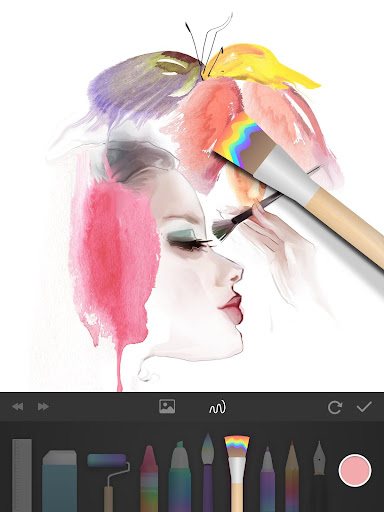
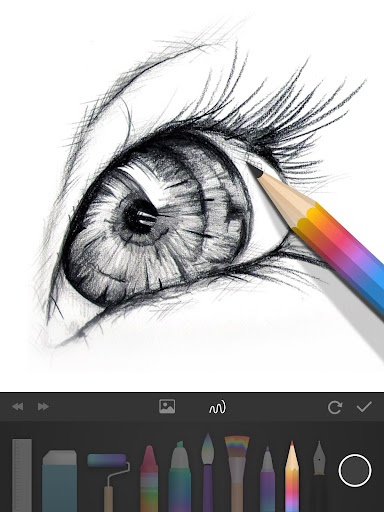
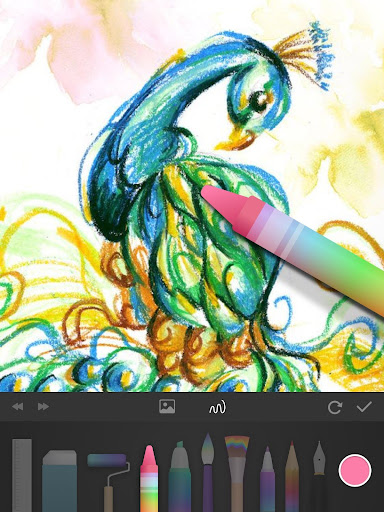
With features like a variety of brushes and colors, the app offers everything from pencil and pen to watercolor and acrylic strokes. The realistic pressure sensitivity simulation enhances the authenticity of your digital painting, replicating the feel of real art supplies. It’s like carrying a full suite of artistic tools right in your pocket!
Another powerful feature is the ability to import photos for reference or to draw over them, making it ideal for practicing portrait or landscape artwork. The layer functionality adds depth and complexity to your creations, enabling you to work non-destructively and refine your sketches with ease.
Sharing your work is effortless with PaperColor. The app allows quick uploads to social media or direct sharing with friends, fostering a community of artists and enthusiasts. Plus, the built-in gallery feature helps you organize your drawings, track your progress, and revisit your favorite artworks whenever you like.
In conclusion, whether you’re a beginners looking to explore digital art or a professional artist needing a portable sketchpad, PaperColor combines traditional drawing techniques with modern features. Its easy-to-use interface and rich set of tools make it an ideal companion for expressing your creativity.
Pros
- User-friendly interface with intuitive tools
- Realistic brush strokes and textures
- Wide range of colors and shades
- Supports layering for complex designs
- Offline mode available for sketching anywhere
Cons
- Limited export options for artwork
- Occasional app crashes reported
- No vector drawing support
- Advertisements in free version
- Requires in-app purchases for some features










