

Discover the Innovative AR Drawing - Sketchar App
Are you eager to learn how to draw but unsure where to start? Or perhaps you want to create unique artwork that seamlessly combines the real and virtual worlds? AR Drawing - Sketchar App is the perfect solution for artists of all levels—beginners and seasoned professionals alike. This app leverages cutting-edge augmented reality (AR) technology to turn your smartphone into a creative tool that transforms any surface into your personal canvas.
Empowering Creativity with Augmented Reality
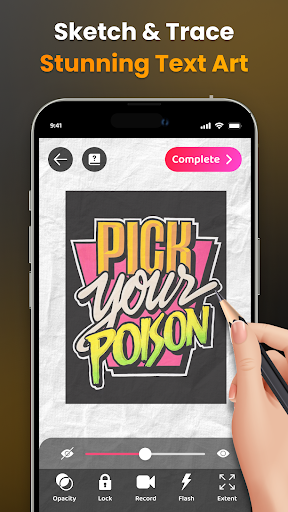
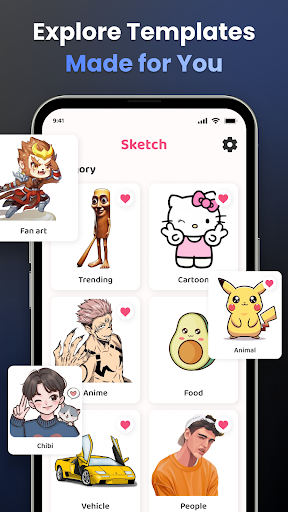
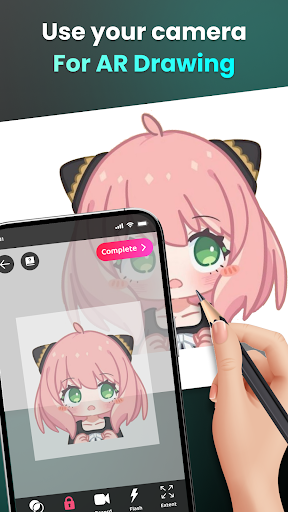
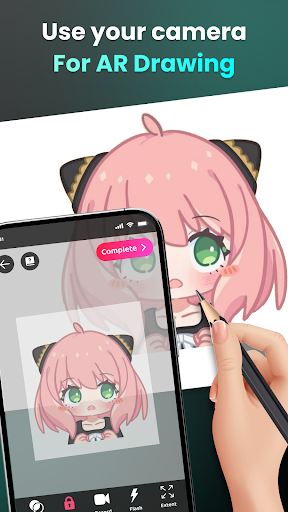
Transform your environment into an art studio by using the app's camera-based drawing features. Whether you want to sketch through your camera or trace images, AR Drawing - Sketchar App makes the process simple and engaging. Place your device on a stand, look through the screen, and start sketching everything from sample photos and surrounding objects to entire scenes. The app provides an endless array of topics, including Anime, Cartoon, Animals, Food, Fanart, Vehicles, Flowers, Holiday Themes like Christmas, and much more.
Key Features of AR Drawing - Sketchar App
Draw Through Your Camera
Use your device to overlay virtual images onto physical surfaces, enabling you to sketch everything you see in real time. You can draw unlimited characters such as Hello Kitty, Pikachu, or scenes inspired by popular anime and cartoons. The app's AR capabilities make it possible to explore an endless variety of topics and create compelling artwork anywhere.
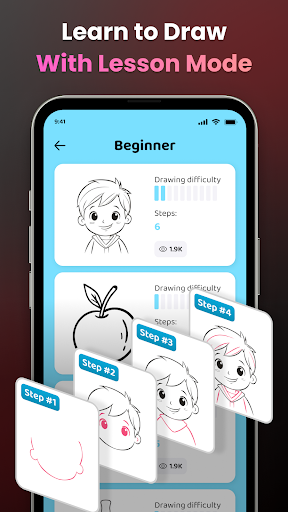
Learn to Draw Effortlessly
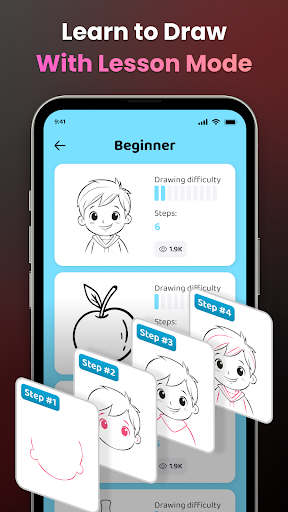
Transform complex images into simple outlines for easy tracing, which is ideal for practicing your drawing skills. The app offers a range of tailored lessons suitable for all skill levels, with three difficulty settings designed to challenge you progressively and help you master new techniques.
Unlimited Creativity with Advanced Tools
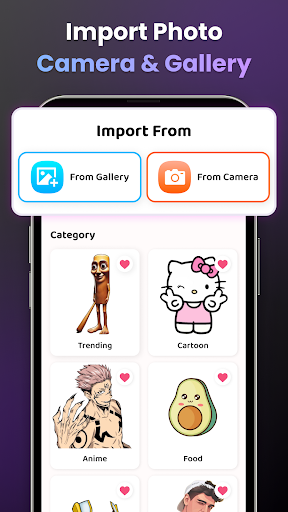
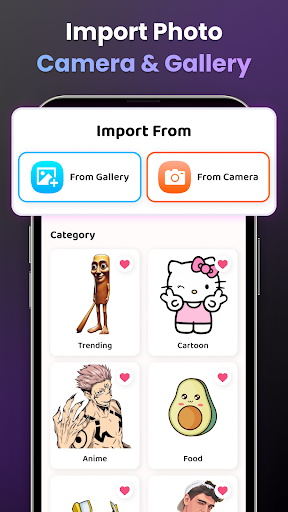
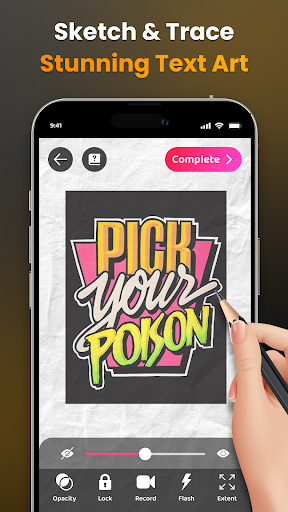
Choose from a diverse library of sample images or upload your own photos. Enhance your sketches with advanced features like adjustable Opacity, recording your drawing process to create video tutorials, zooming in and out, toggling the flash, and extending your workspace. For beginners, detailed tutorials are available to guide you step-by-step in drawing specific images and mastering the AR sketching experience.
Share Your Artwork and Progress
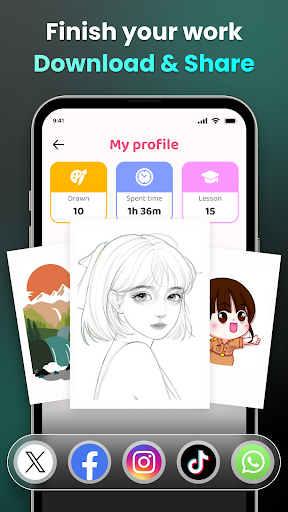
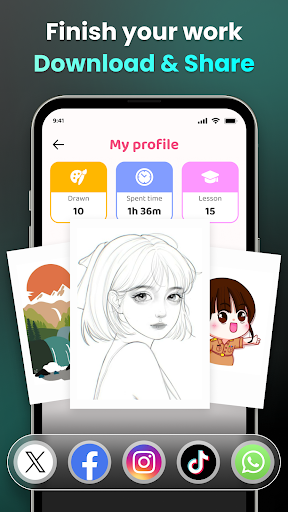
Share your finished masterpieces with the AR Drawing community or your friends directly from the app. Download videos of your drawing process to reflect on your progress or to showcase your skills on social media. The app also allows you to personalize your experience by tracking your learning journey, including time spent on each lesson and skill improvements.
Why AR Drawing - Sketchar App Stands Out
The app’s fusion of augmented reality and drawing provides a unique, immersive experience that enhances your artistic abilities. With continuous updates loaded with fresh templates, lessons, and features, AR Drawing - Sketchar App keeps your creative journey exciting and engaging. It serves as a virtual art coach, helping you build confidence and develop your art skills in a fun, interactive way.
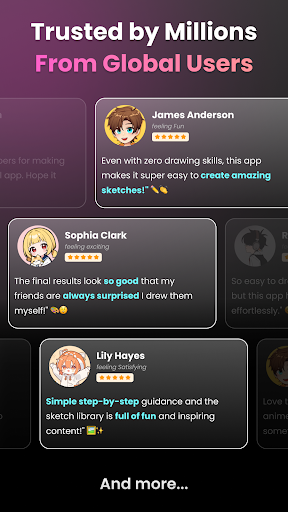
Join over 50 million users worldwide who have discovered the power of AR drawing. No matter if you're just starting out or enhancing your existing skills, this app offers an inspiring platform to explore new artistic horizons, trace your favorite characters, or craft entirely original artworks in augmented reality.
Get Started Today!
Download AR Drawing - Sketchar App now and dive into a new era where technology and creativity meet. With its intuitive interface, versatile tools, and vibrant community, you can unleash your inner artist and push the boundaries of digital art. Elevate your drawing experience and turn everyday surfaces into your personal canvas with the magic of augmented reality!
Pros
- User-friendly interface suitable for beginners.
- Offers a wide range of drawing tools.
- Supports sketches in augmented reality.
- Provides guided step-by-step drawing tutorials.
- Receives regular updates with new features.
Cons
- Requires a stable and strong internet connection.
- Limited features available for free.
- In-app purchases can be expensive.
- Reports of occasional app crashes.
- Consumes a significant amount of battery life.










