

Introduction to the AI Photo Editor: BG Remover
Are you looking to transform your personal photos into stunning digital artworks or simply want an easy way to remove unwanted objects and backgrounds? The AI Photo Editor: BG Remover is a powerful and user-friendly application designed to elevate your photo editing experience. Whether you're an aspiring photographer, social media enthusiast, or someone who loves capturing moments, this app provides an array of advanced tools to help you perfect every image with minimal effort.
Key Features of the AI Photo Editor: BG Remover
Background Removal
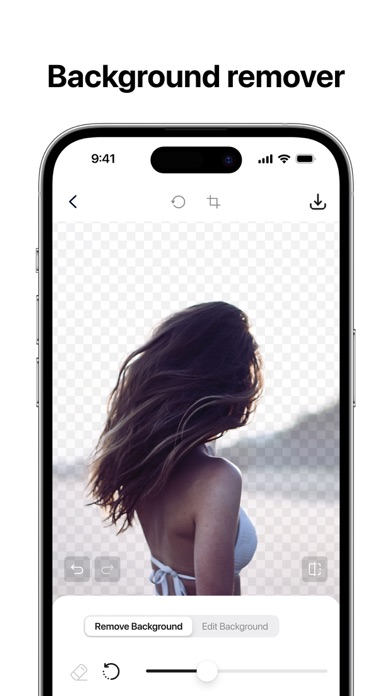
Effortlessly remove backgrounds from your photos to create striking visuals or place your subjects in new environments. The intuitive background eraser feature makes it simple to craft professional-looking composites, perfect for social media posts or digital art projects.
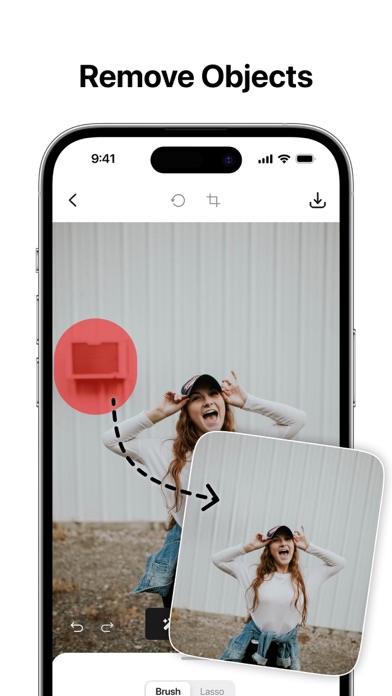
Object Removal
Want to eliminate distracting elements or unwanted objects? The app allows you to select and remove any objects or elements within your photos. This helps you achieve a clean and polished look without needing complex editing skills.
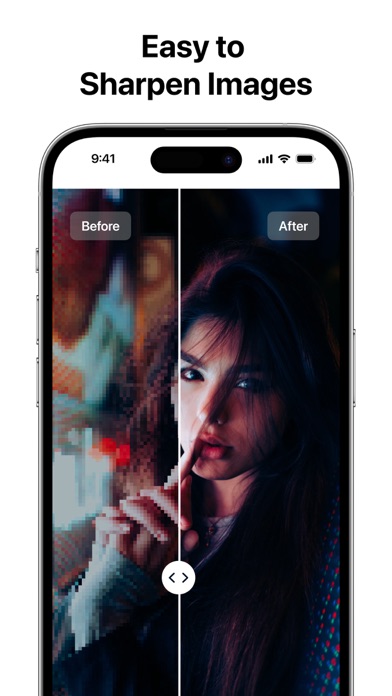
Photo Enhancer
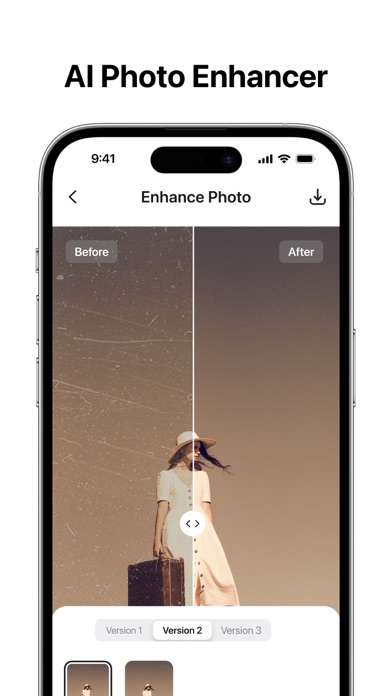
Make your images sharper and more vibrant. Use the built-in sharpening tools to restore old photos, magnify details, or improve overall image quality. This feature saves time by effortlessly enhancing your photos to look crisp and professional.
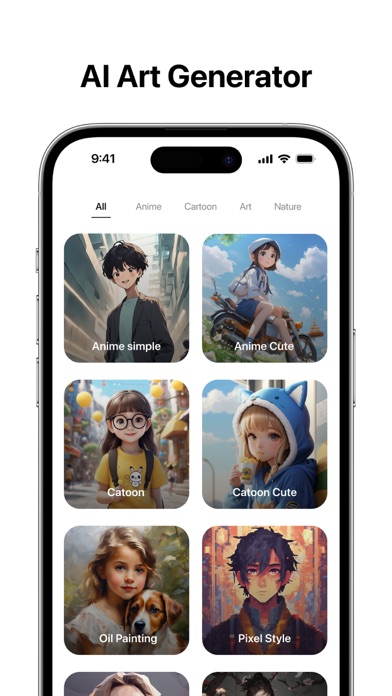
AI Art Generator
Turn your photos into artistic masterpieces with the AI Art Generator. Using artificial intelligence, the app applies various digital art effects and filters, transforming ordinary images into unique artworks. Simply select your preferred artistic style, and the AI creates stunning visuals from your original photo with just a tap.
Comprehensive Photo Editing Tools
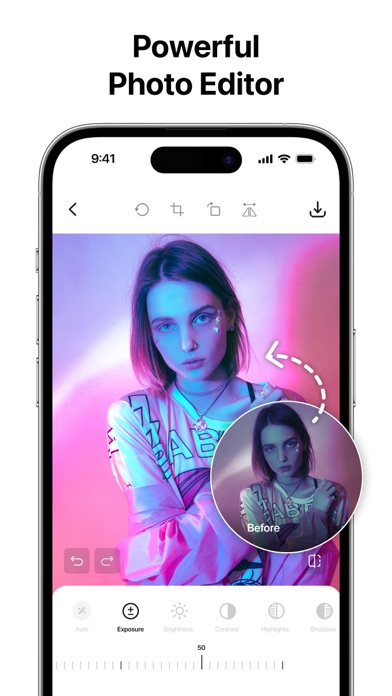
Crop, resize, or adjust aspect ratios easily. Fine-tune brightness, contrast, saturation, and more to achieve your desired look. Apply creative filters to add mood and depth to your images, making your photos stand out.
Create ID Photos
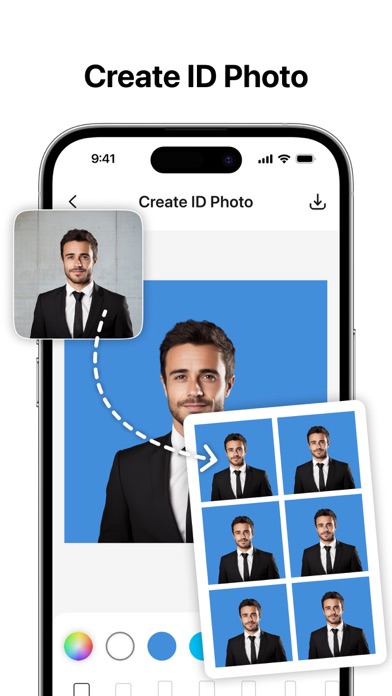
Easily produce professional-quality ID and passport photos. The app ensures the perfect dimensions and appearance, streamlining the process for personal or official use.
Save & Share
Save your edited images in high quality and share them directly on your favorite social media platforms. The app's smart selection tools make object removal quick and precise, maintaining your image resolution without compromise.
Intuitive and Efficient Editing Experience
The AI Photo Editor: BG Remover boasts a highly intuitive interface, making advanced photo editing accessible even for beginners. Upload your photo, and let the AI handle the complex task of identifying and separating subjects from backgrounds. You can then customize your images further—adding filters, background replacements, or enhancements—to craft perfect visuals. Whether you're creating holiday memories, updating your profile picture, or designing marketing content, this app provides all the tools needed for professional results.
Ideal for Everyone
This app isn’t limited to professional photographers or influencers. It’s perfect for anyone wanting to improve personal photos or generate eye-catching content for social media. As you experiment with different features, you’ll develop a better eye for composition and style, gradually honing your editing skills. With the AI Photo Editor: BG Remover, editing photos becomes a fun and rewarding activity that doesn’t require expensive software or technical expertise.
Continuous Updates and Support
The developers are committed to improving the app, incorporating user feedback, and adding new features regularly. Feel free to explore the policies and terms of use for more information—making this a safe and reliable tool for your photo editing needs.
Conclusion
In today's visual-centric world, having an easy-to-use yet powerful photo editing app like AI Photo Editor: BG Remover can significantly enhance your content creation. From background removal and object erasing to applying artistic effects and improving photo quality, this application consolidates multiple editing functions into a single, accessible platform. Whether you’re aiming to craft stunning social media posts, professional ID photos, or digital artworks, this app provides the flexibility and tools needed to bring your creative visions to life. Embark on your photo editing journey today and unlock your full visual potential!
Pros
- User-friendly interface
- Excellent background removal quality
- Quick processing times
- Multiple editing tools available
- Supports various image formats
Cons
- Limited features in the free version
- Occasional application crashes
- Requires an internet connection
- Drains battery quickly
- Contains ads in the free version










