



Introduction to Desygner: Graphic Design Maker
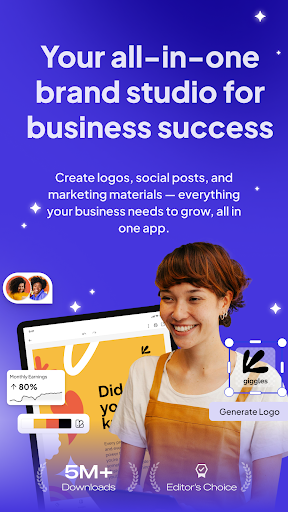
Are you searching for a powerful yet easy-to-use graphic design tool that transforms your creative ideas into stunning visuals? Look no further than Desygner: Graphic Design Maker. Recognized as the GOOGLE EDITORS’ CHOICE and hailed by top platforms like Forbes, Product Hunt, Social Media Examiner, and Terra, Desygner is the trusted design solution for over 33 million users worldwide. Whether you're crafting social media posts, promotional materials, or professional documents, Desygner offers a comprehensive platform to bring your imagination to life—completely free of charge. Its intuitive interface and feature-rich environment make designing accessible to everyone, regardless of experience level. In this blog-style overview, we'll explore why Desygner stands out as the ultimate all-in-one graphic design app and how it empowers users to create breathtaking content effortlessly.
Why Choose Desygner?
Desygner combines simplicity with advanced capabilities, making it an ideal choice for both beginners and seasoned designers. Key features that make Desygner a standout include:
- Unlimited access to millions of professional, royalty-free images, fonts, and icons. New trendy graphics are added monthly, ensuring your designs stay fresh and relevant.
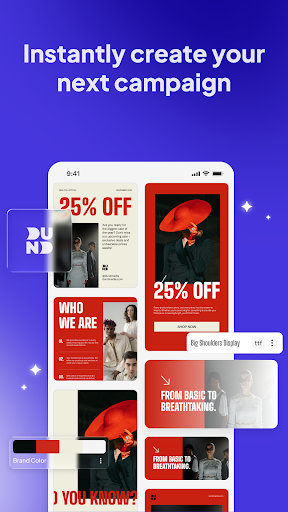
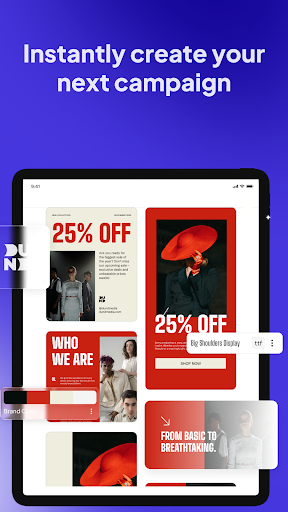
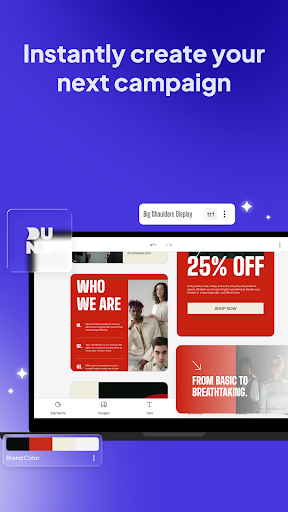
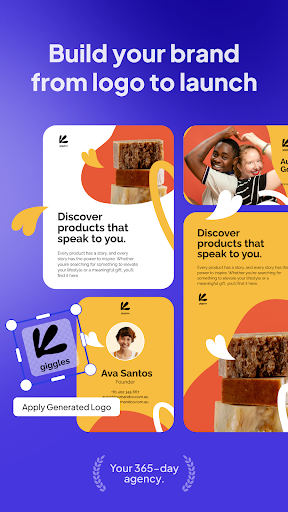
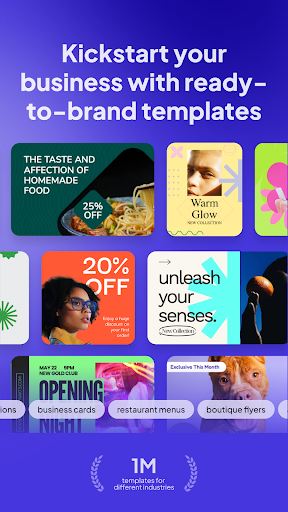
- Thousands of professionally-made templates that can be customized endlessly to fit your specific needs.
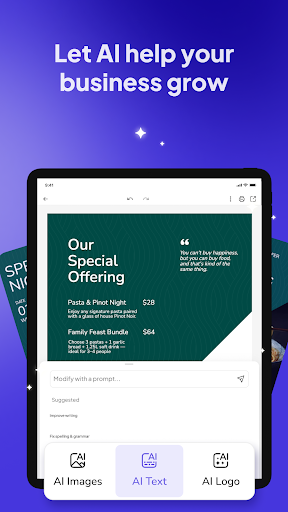
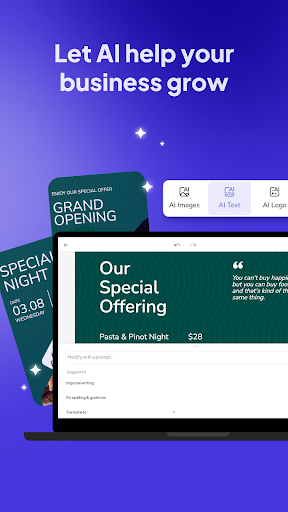
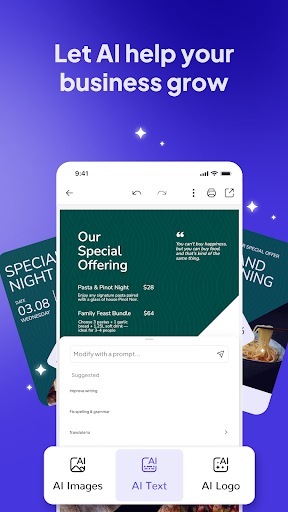
- Integrated AI features, including connection with ChatGPT, allowing you to generate copy quickly and enhance your content creation process.
- Automated Collections: Create entire sets of templates in one click—no manual editing required!
- Premium tools such as the PDF Editor, Background Remover, and advanced animations.
- Built-in Social Media Scheduler to design, plan, and publish posts across platforms like Facebook, Instagram, and LinkedIn seamlessly.
- Option to print designs directly from your mobile device, making physical production simple and accessible.
- Cross-platform functionality to create and modify designs on your phone, tablet, or computer without missing a beat.
Invite and Collaborate with Your Team
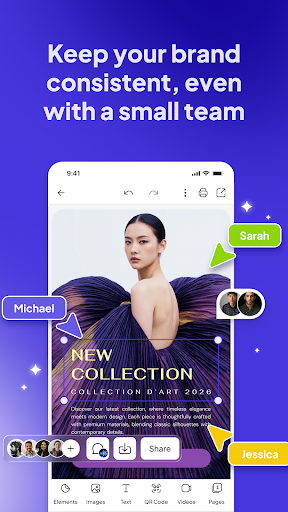
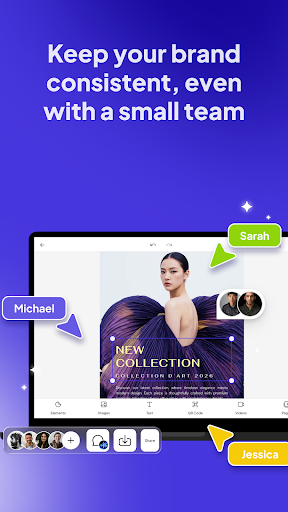
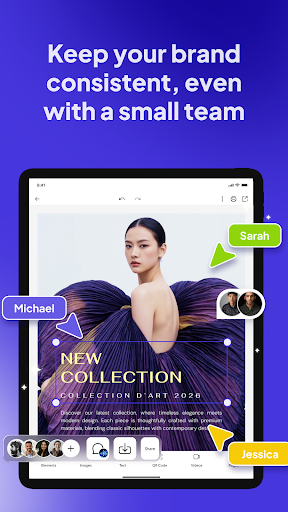
Desygner also shines as a collaborative tool. Pro+ users can invite up to 5 members for free to join their team, enabling real-time collaboration regardless of device. Whether you start a design on your mobile phone and finish it on your desktop or work simultaneously with others, Desygner makes teamwork effortless. This feature is especially valuable for remote teams, marketing teams, or small business owners who need quick, coordinated design workflows.
Versatile Use Cases for Every Need
Desygner is not just for social media posts; it is a versatile creative platform suitable for a host of marketing and personal projects, including:
Social Media Graphics
Create engaging posts and videos for platforms like Instagram, Facebook, LinkedIn, and YouTube, elevating your online presence with eye-catching visuals.
Advertisement Design
Quickly produce ads, banners, and various sizes of promotional graphics to accelerate your marketing campaigns.
Business Essentials
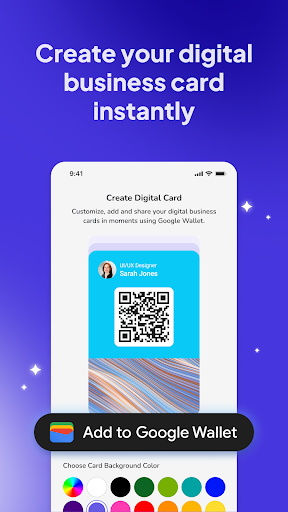
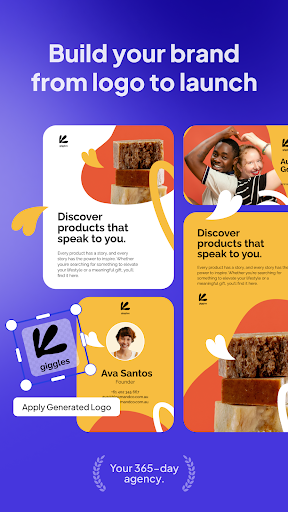
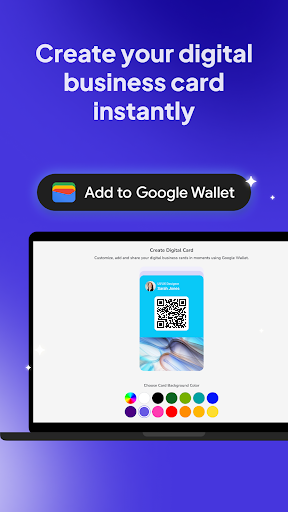
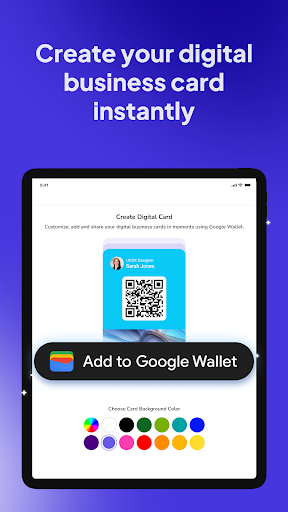
Design professional business cards, menus, certificates, and other official branding materials to strengthen your corporate identity.
Promotion & Event Materials
Generate flyers, posters, eBook covers, and event invitations that capture attention and boost engagement.
Creative and Artistic Projects
Develop album covers, podcast artwork, photo collages, magazine covers, planners, and seasonal graphics—making every project uniquely yours.
Professional Documents
Create compelling resumes, cover letters, profile photos, and other documents that reflect your professionalism and style.
Easy to Get Started — Download Today
Have you not started your free trial yet? Download the Desygner app today and unlock a world of creative possibilities. Whether you're at home, in the office, or on the go, Desygner provides a seamless design experience across devices. Its user-friendly interface and powerful features make graphic creation straightforward, even for beginners. Switch effortlessly between mobile and desktop versions, and keep your workflow smooth with real-time sync. Let Desygner simplify your design process, so you can focus on creating impactful content that resonates.
Conclusion
In summary, Desygner: Graphic Design Maker is an all-in-one solution for anyone looking to craft stunning visuals without the steep learning curve of traditional design software. Recognized as a top-tier app by major platforms and trusted by millions around the world, Desygner offers a rich set of tools—from customizable templates and a vast media library to AI-powered features and team collaboration. Whether you need social media graphics, marketing materials, professional documents, or creative artworks, Desygner simplifies the process while delivering professional-quality results. Download now and start creating captivating designs effortlessly—your next masterpiece is just a few clicks away.
Pros
- User-friendly interface suitable for beginners.
- Availability of a wide variety of design templates.
- Effortless integration with cloud storage services.
- Cost-effective premium features.
- Supports multiple file formats.
Cons
- Limited offline capabilities.
- Reports of occasional app crashes.
- Frequent in-app purchases.
- Lacks advanced editing features.
- Certain templates require premium access.










