

Canva: AI Photo & Video Editor
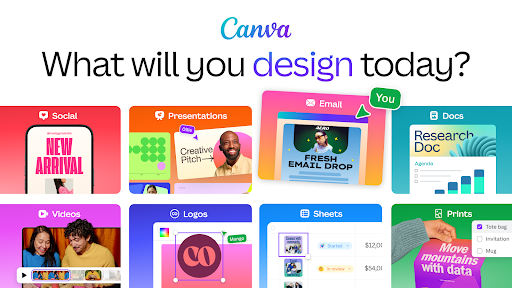
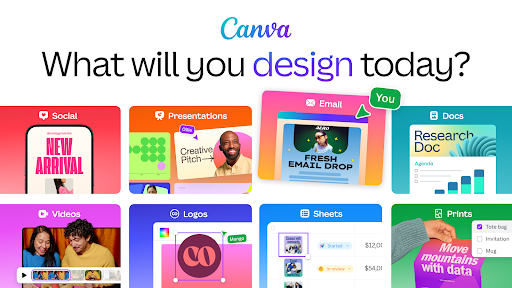
Discover the ultimate all-in-one content creation platform with Canva. Whether you're a beginner or a professional, Canva offers powerful tools to create stunning visuals, videos, and digital art seamlessly. As a free photo editor, logo maker, collage creator, and video editor, Canva embodies simplicity and versatility, making it an essential app for social media enthusiasts, entrepreneurs, students, and creative professionals alike.
Unleash Creativity with Advanced AI Tools
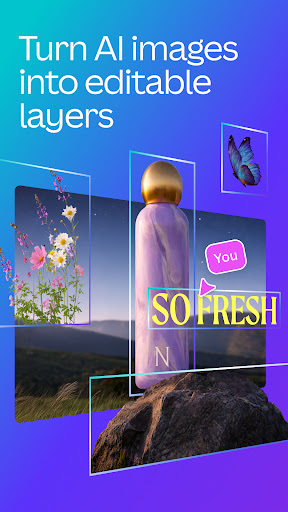
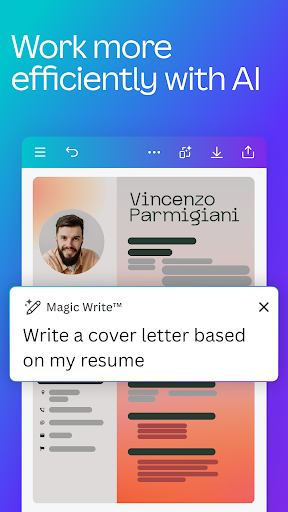
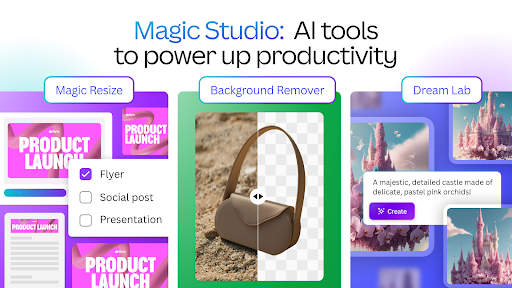
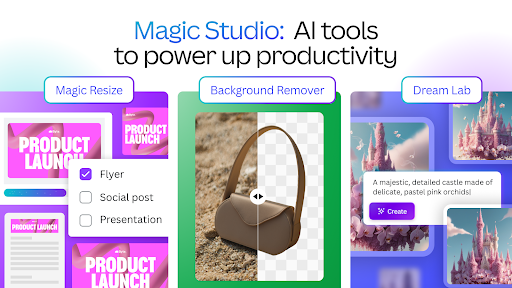
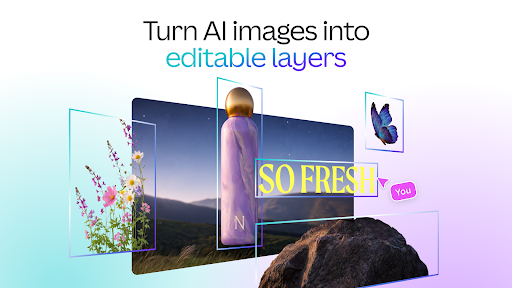
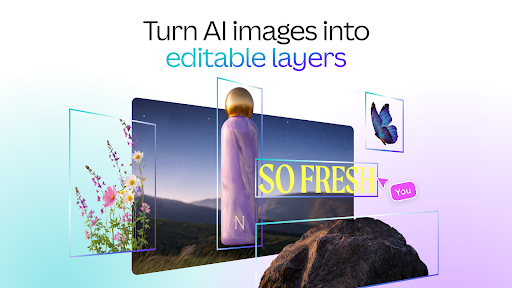
One of Canva's standout features is its AI magic tools. These include the innovative AI image generator, which allows users to transform text prompts into vibrant images within minutes. This feature empowers users to craft unique digital art effortlessly, saving time and enhancing their creative output. The Magic Design tool takes it further by enabling you to upload an image and receive design suggestions automatically, streamlining the creative process.
With the Magic Edit feature, you can swap or add elements to existing images, enhancing or modifying visuals with ease. The Magic Eraser allows you to effortlessly remove unwanted objects from your photos, making your images cleaner and more professional. Plus, the Translate feature supports automatic language translation for your designs in over 100 languages, perfect for global projects.
Powerful Photo Editing Capabilities
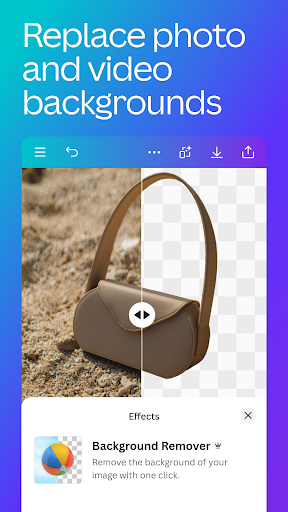
Canva's photo editor is packed with features to enhance your images. You can crop, flip, adjust brightness, contrast, saturation, and apply filters to achieve the perfect look. The background eraser tool helps isolate subjects, while the auto-focus feature sharpens your main subject and blurs the background for a professional touch. Adding text is simple with access to over 500 fonts and various effects, allowing you to personalize your visuals.
Create captivating collages and photo layouts using Canva’s intuitive drag-and-drop system. Combine photos, filters, and grids to craft digital artwork tailored to your aesthetic needs.
Easy Video Editing at Your Fingertips
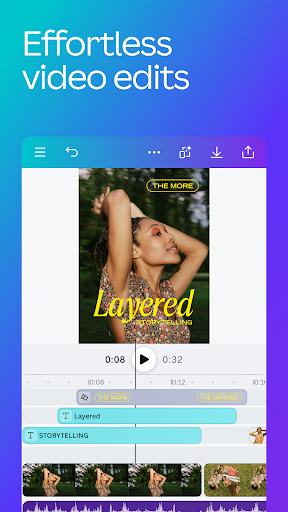
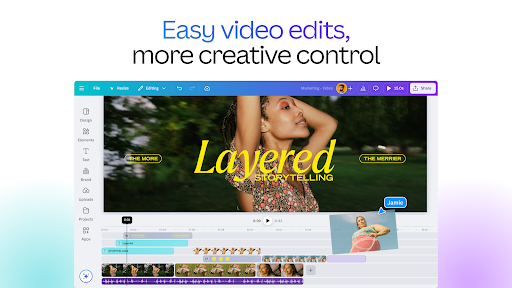
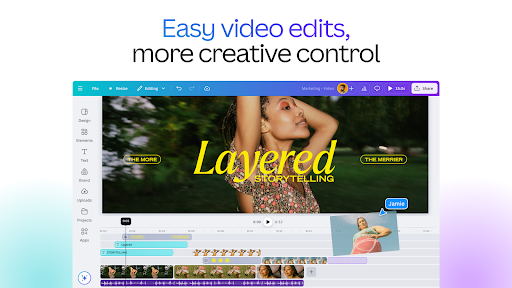
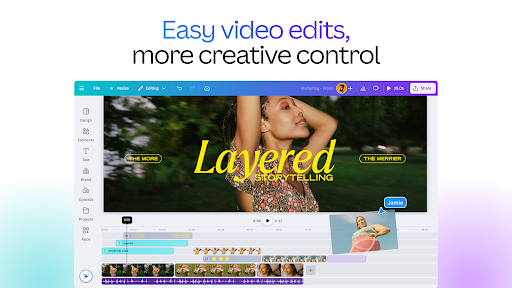
Elevate your content with Canva’s user-friendly video editing tools. Create professional-quality videos in just a few taps, perfect for social media reels, presentations, or marketing ads. The app provides a library of over 25,000 pre-licensed audio & music tracks, and real-time collaboration makes team projects a breeze. You can crop, resize, flip videos and images, and add effects like slow motion or reverse playback.
Enhance your videos further by adding animated elements, page transitions, subtitles, or replacing green screen backgrounds. The Beat Sync feature automatically syncs your edits to music beats, making your videos more engaging and dynamic.
Perfect for Social Media & Content Planning
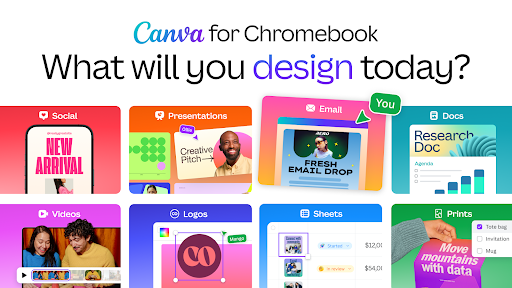
Canva shines in social media content creation. Design eye-catching Instagram posts, stories, Facebook banners, YouTube thumbnails, and LinkedIn graphics. The built-in Scheduler (available with Canva Pro) helps plan and publish your posts directly to social platforms, saving time and maintaining consistency.
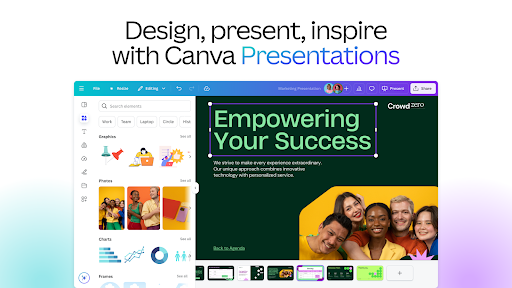
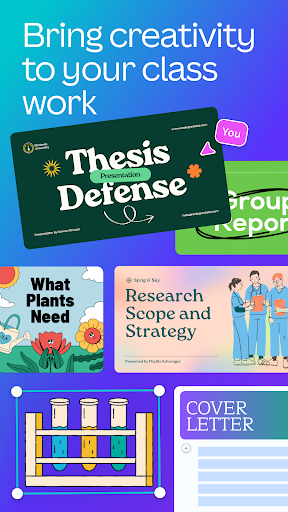
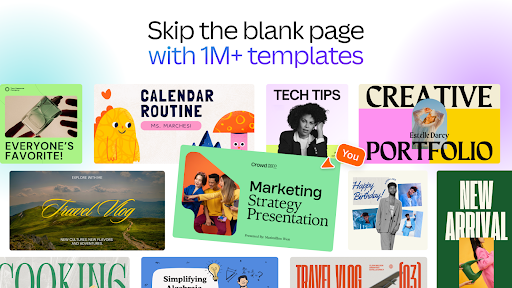
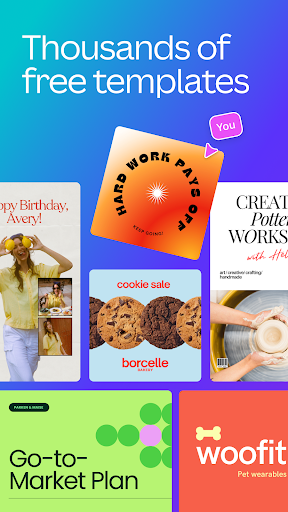
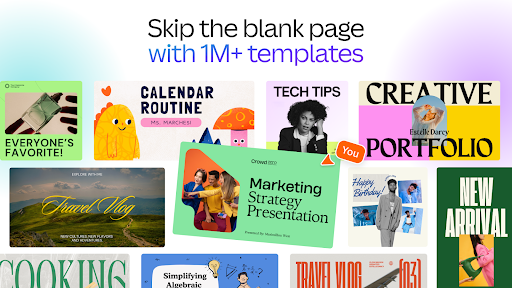
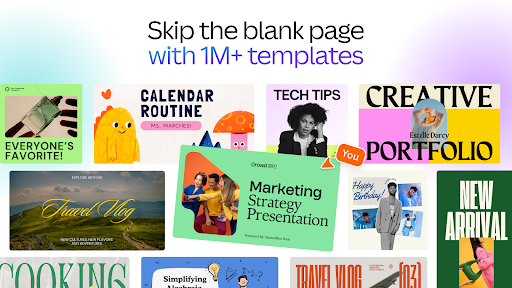
Use Canva's extensive template library to craft engaging flyers, posters, resumes, and presentation slides. The collage maker and meme generator offer additional tools for fun and professional visual content.
Massive Content Library
Gain access to over 2 million royalty-free images, thousands of videos, and 25,000+ pre-licensed audio tracks to enrich your projects. Customize text with a wide selection of fonts and effects or create entirely new images with the Magic Text to Image AI tool.
Seamless Collaboration & Easy Sharing
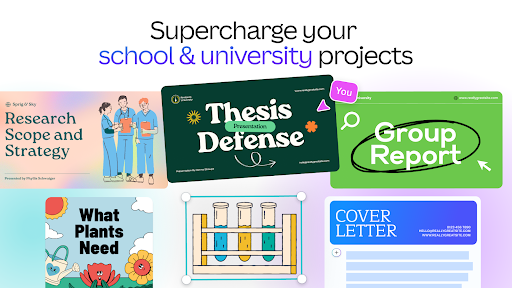
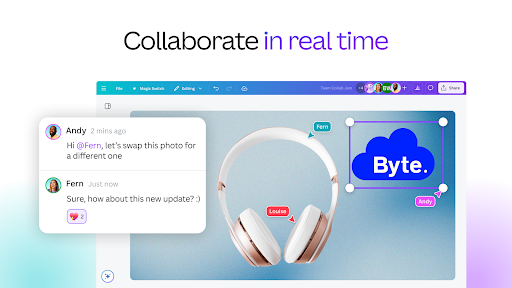
Designed for teamwork, Canva allows you to invite colleagues or friends to collaborate on projects in real time. Share your creations directly via email, social media, or download them in various formats. This collaborative approach makes Canva perfect for team brainstorming, client presentations, or group projects.
Enhanced Features with Canva Pro
The Canva Pro subscription unlocks premium templates, images, videos, and advanced editing tools. Features like the Background Remover, Magic Resize, and the Brand Hub—where you can store logos, colors, and fonts—are designed to boost your branding efforts and create polished content effortlessly.
Designed for Everyone
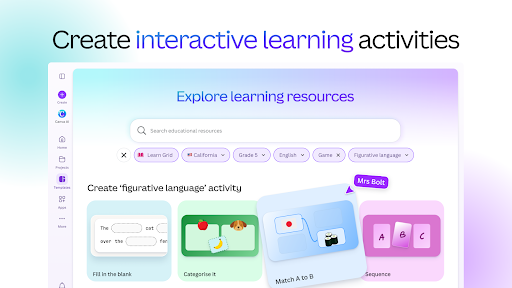
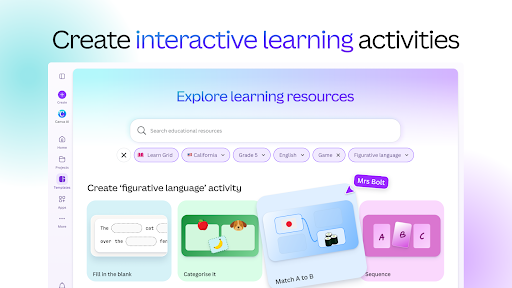
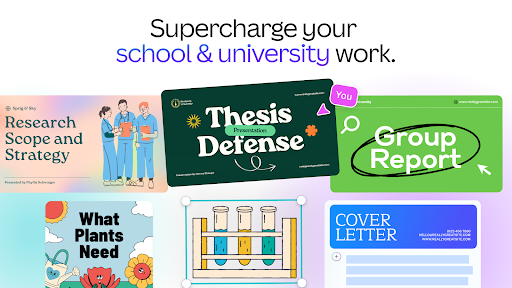
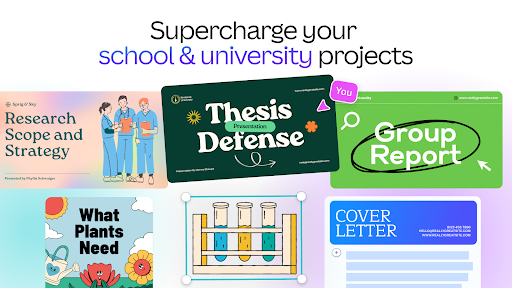
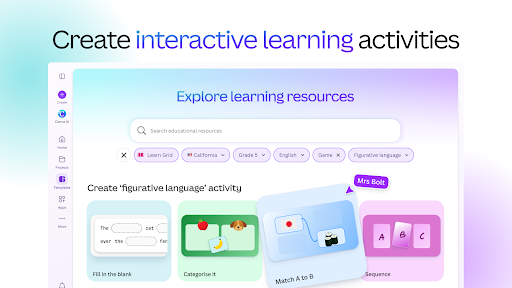
Whether you're a personal user crafting social media content or a business owner growing your brand, Canva provides tailored solutions. Students, teachers, social media managers, and content creators all benefit from its versatile features that make design accessible and enjoyable.
In conclusion, Canva’s AI-powered photo and video editor revolutionizes digital content creation. Its intuitive interface, vast library, and innovative AI tools make it easier than ever to design, edit, and share stunning visuals—all within a single platform. Dive into Canva today and unlock your creative potential with the ultimate design assistant at your side!
Pros
- User-friendly interface for quick design creation
- Extensive selection of templates suitable for various purposes
- Includes AI tools to enhance creativity
- Features for collaboration on team projects
- Accessible on both mobile devices and desktops
Cons
- Premium features require a subscription plan
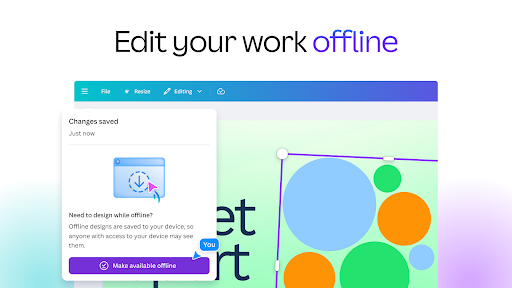
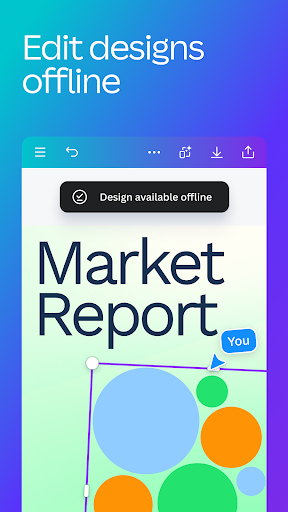
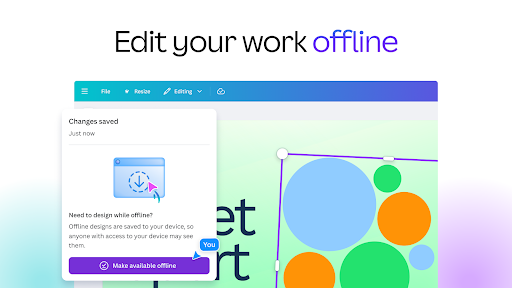
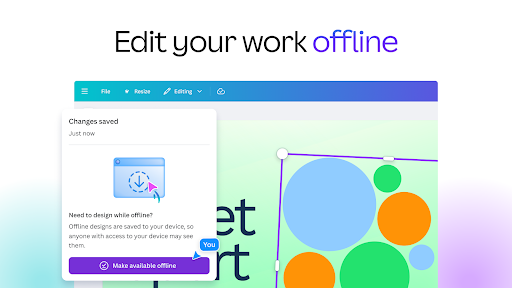
- Limited offline capabilities
- Occasional slow loading times
- Some templates offer limited customization options
- Advertisements in the free version can be intrusive










