
Overview of TurboScan™ Pro: PDF Scanner App
Over three million users have chosen TurboScan! Thank you for your support! TurboScan transforms your smartphone into a full-featured and powerful multipage scanner designed for documents, receipts, notes, whiteboards, photos, and other everyday text. Whether you need to quickly digitize important papers or organize casual sketches, TurboScan offers a seamless experience to capture, enhance, and share high-quality scans with ease.
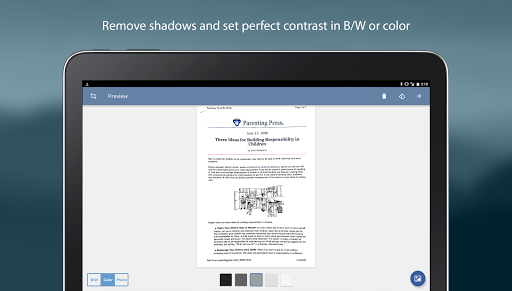
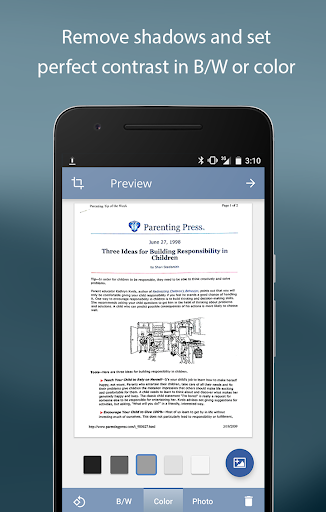
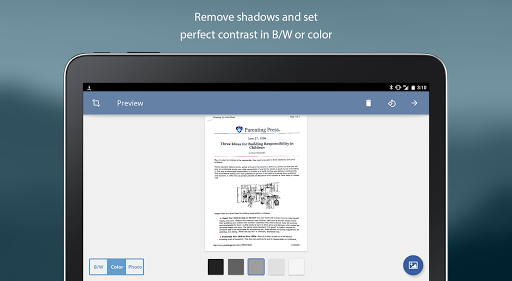
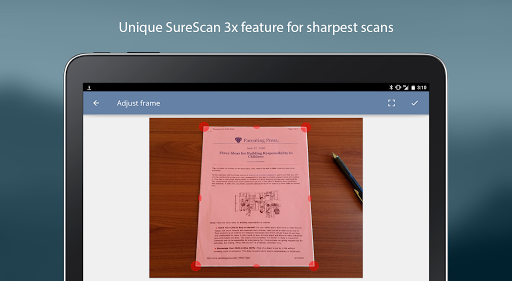
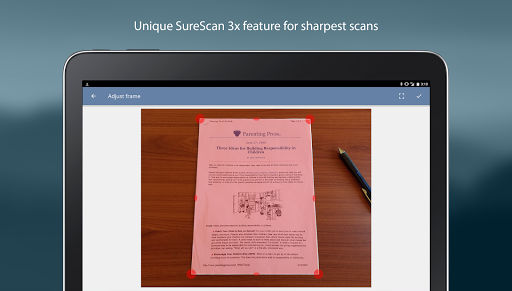
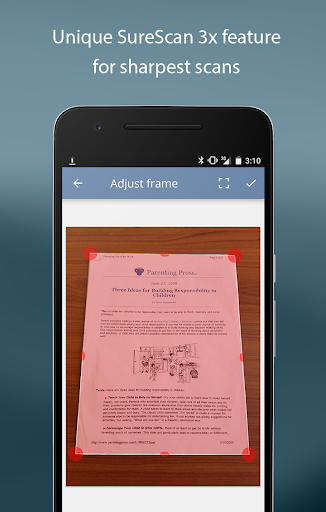
This app leverages advanced fast algorithms to accurately detect document edges, correct perspective distortions, eliminate shadows, and set the perfect contrast—black on white. Its intuitive interface delivers instant one-tap controls for adjusting brightness, rotation, and color, making the scanning process effortless. The proprietary SureScan mode further enhances scan clarity by taking multiple images for optimal sharpness, particularly useful in low-light conditions.
With TurboScan, you can instantly share your scans via email, upload to online storage platforms like Evernote, and store your documents securely on your device. Importantly, since all processing occurs locally on your phone, your data remains confidential and private—all without requiring an internet connection. This makes TurboScan a reliable tool for professionals, students, and anyone needing quick, high-quality document scanning on the go.
Key Features of TurboScan™ Pro
Automatic Edge Detection and Perspective Correction
The app automatically detects the edges of your documents, ensuring every scan is accurately framed. It also adjusts perspective distortions to produce flat, professional-looking results, making your scanned documents suitable for official use or archival purposes.
SureScan Mode for Sharper Scans
This advanced feature involves capturing three images in quick succession to generate a much sharper and clearer scan, especially in challenging lighting conditions or when capturing glossy or crumpled documents.
Fast Processing Speed
TurboScan offers ultra-fast processing—typically under three seconds per page—so you can quickly digitize multiple pages without delay.
Flexible Document Management
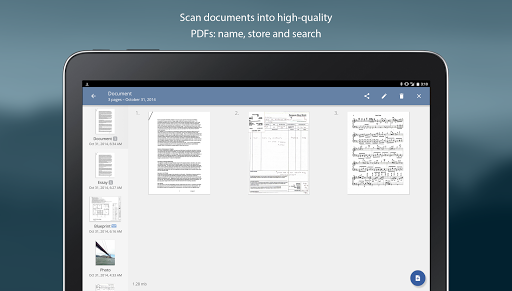
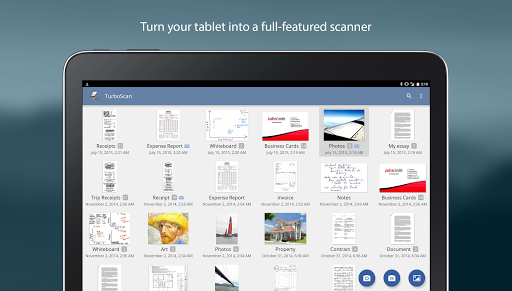
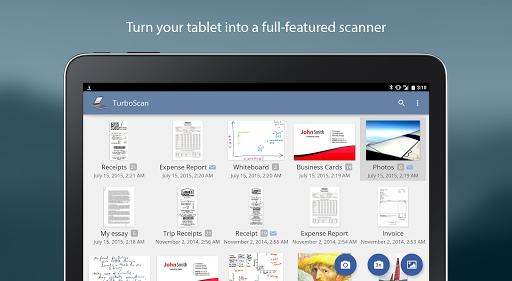
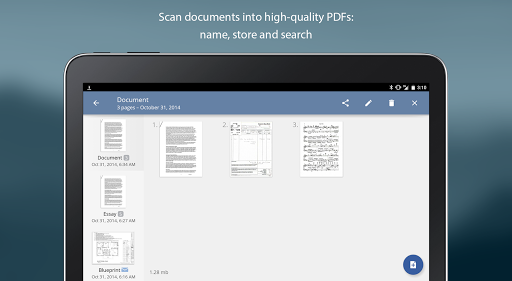
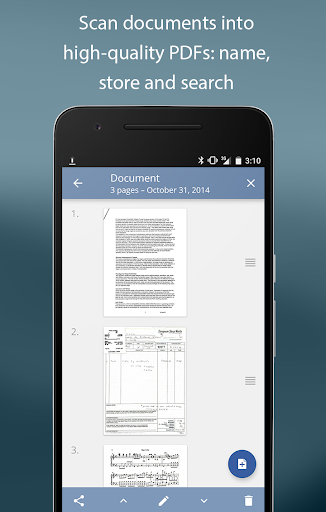
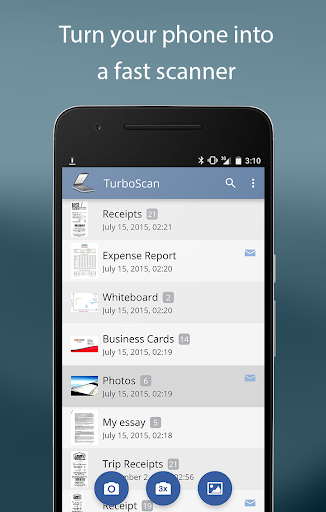
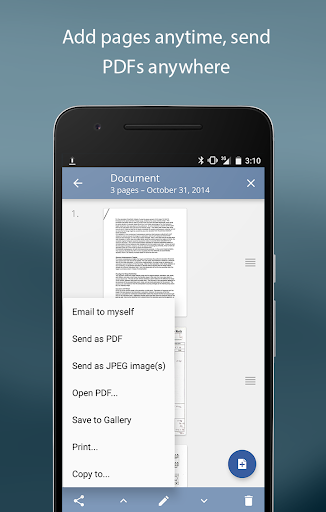
You can name your documents, store them within the app, and easily search through your collection. The app supports multipage editing: adding, reordering, or deleting pages as needed, providing a comprehensive document management system.
Sharing and Export Options
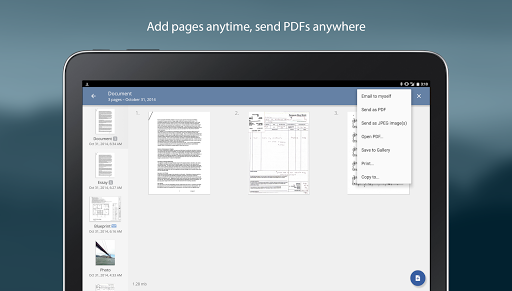
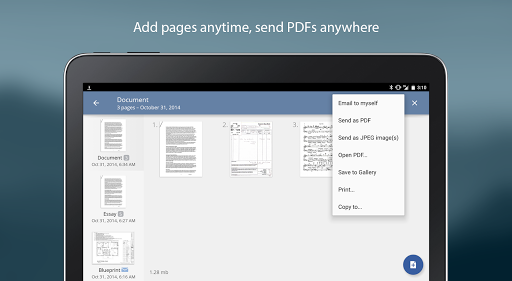
Export your scans as PDF, JPEG, or PNG files, which you can email directly, save to your device, or upload to cloud services like Dropbox, Evernote, Google Drive, or OneDrive. The app also supports printing via Cloud Print and other printing apps, making it versatile for different workflows.
Additional Handy Features
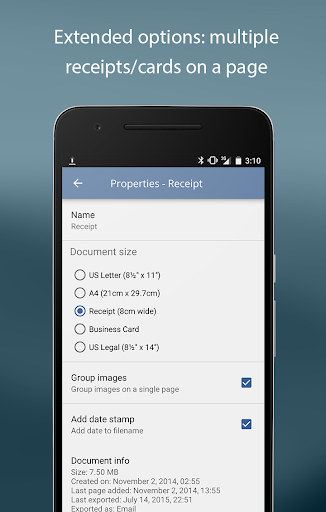
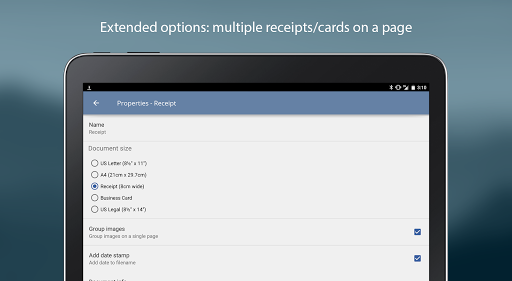
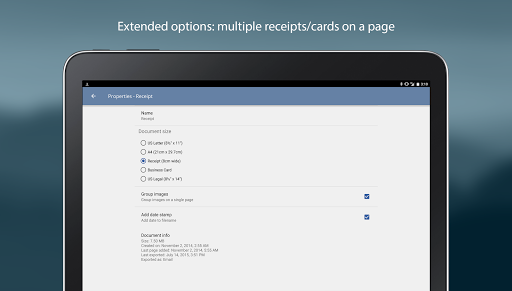
Arrange multiple receipts or business cards on a single PDF page, extract and copy pages between stored documents, and ensure compact attachments with adjustable sizes. All controls for brightness, rotation, and color adjustments are accessible with a single tap for maximum convenience.
Tips for Optimal Scanning
For best results, ensure your documents are flat and well-lit. Include some margin around your document to aid edge detection. Use the flash in low-light settings but avoid glare when scanning glossy documents. If overexposure occurs, the flash options can be customized in app settings.
Why Choose TurboScan™ Pro?
Unlike traditional scanners, TurboScan offers a combination of speed, quality, and ease of use, making it ideal for busy individuals across various professions. Whether scanning lecture notes, contracts, receipts, or whiteboards, the app ensures your digital copies look crisp and professional.
Its cost-effective and portable nature eliminates the need for bulky hardware, allowing users to have a scanner anytime, anywhere. The app's continual improvements and attentive customer support make it a trusted choice among millions seeking a reliable mobile scanning solution.
In summary, TurboScan™ Pro: PDF Scanner is your perfect companion for maintaining an organized, digital workflow—saving time and effort while delivering high-quality document scans. It’s a must-have tool for students, professionals, and anyone who needs to digitize paperwork on the fly.
Pros
- Fast and dependable document scanning
- Produces high-quality PDFs
- Intuitive and user-friendly interface
- Supports various file formats
- Works offline without needing internet
Cons
- Limited options for editing documents
- Does not offer cloud storage integration
- Requires purchase, no free version available
- OCR can sometimes be inaccurate
- Lacks advanced sharing capabilities











