


Trace Drawing-Sketch and Paint
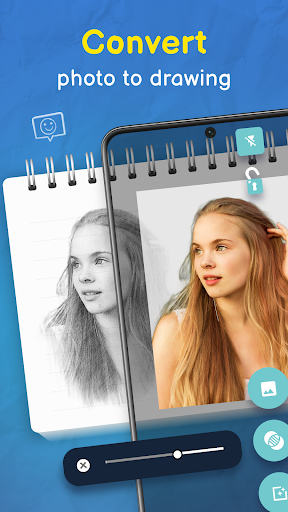
Have you ever felt the urge to unleash your inner artist but felt held back by complex software or costly tools? Trace Drawing-Sketch and Paint makes digital art approachable for everyone. Available for Android and iOS, this mobile app trims the guesswork and invites you to dive straight into creativity. It’s designed for beginners and seasoned creators alike—no pressure, just fun. Simply draw at your own pace, and you can transform photos or images into traceable sketches, helping your ideas come to life with surprising ease. With Trace Drawing-Sketch and Paint, your artistic vision starts with a single stroke.
At its core, the app offers a canvas that feels friendly and intuitive. It supports a wide range of brushes, colors, and textures, and it embraces layers so you can sketch, paint, or doodle in stages. Whether you want to sketch a portrait, a landscape, or a decorative pattern, the tools make it easy to experiment and refine. The goal is accessibility: anyone can pick up the phone, tap a few controls, and watch their ideas take shape on screen.
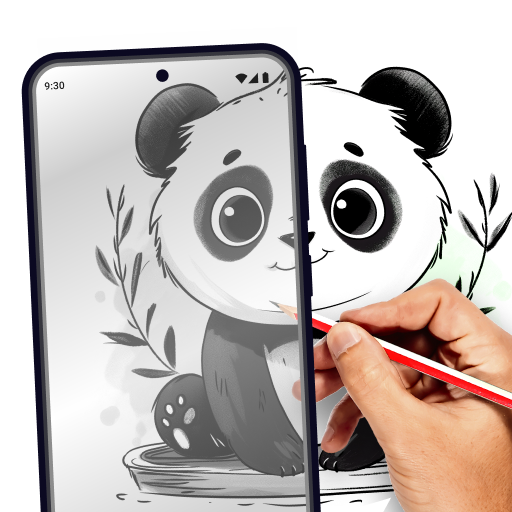
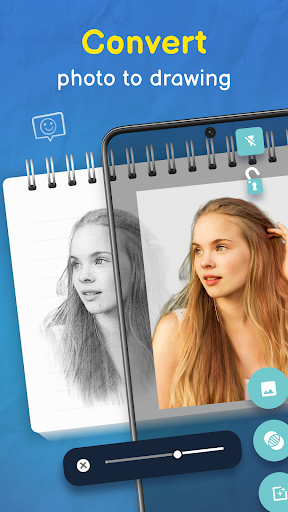
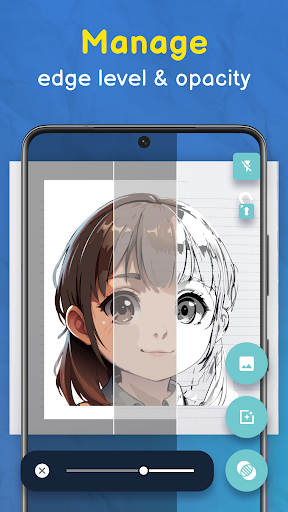
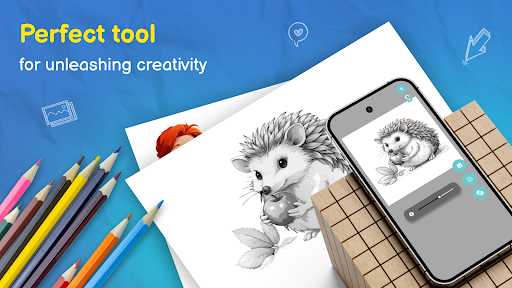
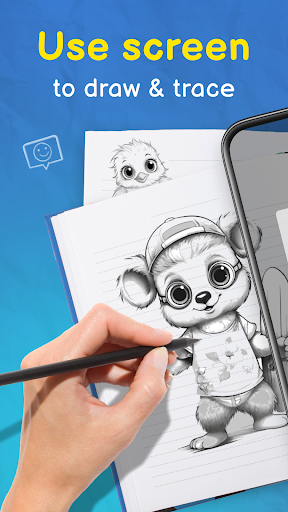
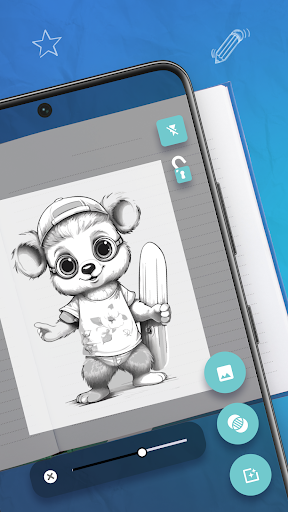
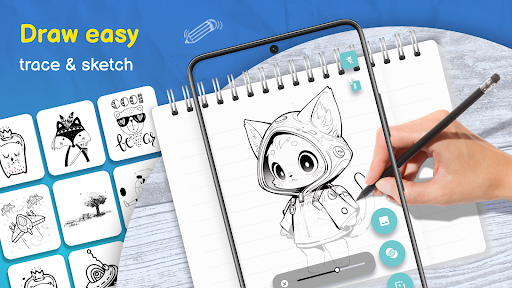
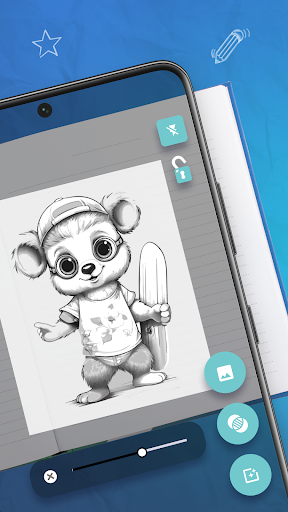
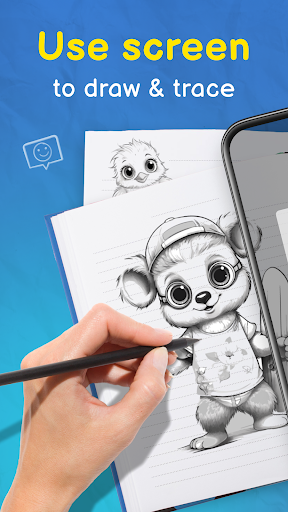
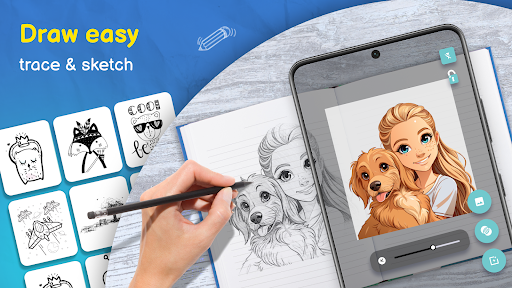
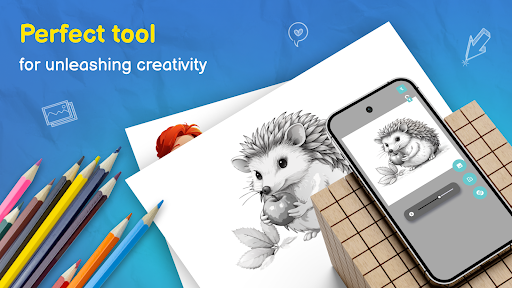
One standout feature is the tracing function. Import an image and use the image projector to convert it into a clear outline you can trace over. The ability to project the image onto your real drawing surface lets you trace over it with precision, turning every practice session into a learning opportunity. You can also adjust the opacity to control how strongly the guide appears, giving you the perfect balance between guidance and creativity. The result is a reliable digital lightbox you can carry anywhere.
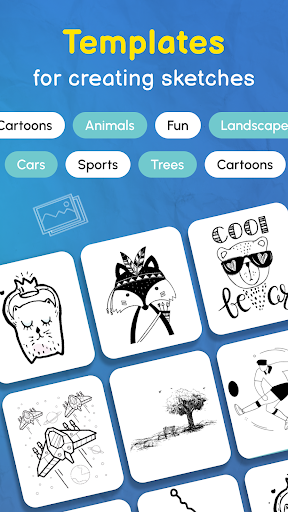
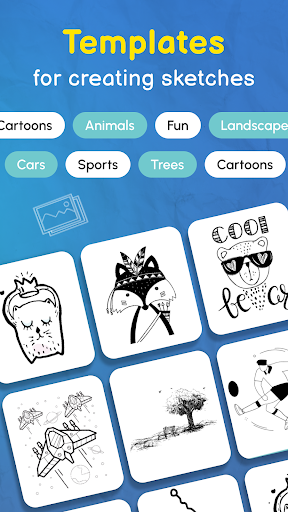
In addition to tracing, Trace Drawing-Sketch and Paint enriches creativity with a vast library of ready-to-trace images—from animals and nature to geometric patterns—so you always have a starting point. Step-by-step drawing guides help beginners learn the basics of sketching and tracing, while more experienced artists can refine technique and explore new styles. The app is designed to be a full-feature tool: trace, sketch, color, layer, and iterate, all in one accessible package.
When you’re finished, sharing is effortless. The app integrates with social media and supports saving in high-quality formats, making it easy to showcase work or keep a polished portfolio. Trace Drawing-Sketch and Paint isn’t just a tool for a quick doodle; it’s a versatile platform for developing skills, experimenting with ideas, and producing ready-to-share art on the go. If you’re looking for a friendly, powerful drawing app that makes digital creativity approachable, this is a natural first choice.
At its core, the app offers a canvas that feels friendly and intuitive. It supports a wide range of brushes, colors, and textures, and it embraces layers so you can sketch, paint, or doodle in stages. Whether you want to sketch a portrait, a landscape, or a decorative pattern, the tools make it easy to experiment and refine. The goal is accessibility: anyone can pick up the phone, tap a few controls, and watch their ideas take shape on screen.
One standout feature is the tracing function. Import an image and use the image projector to convert it into a clear outline you can trace over. The ability to project the image onto your real drawing surface lets you trace over it with precision, turning every practice session into a learning opportunity. You can also adjust the opacity to control how strongly the guide appears, giving you the perfect balance between guidance and creativity. The result is a reliable digital lightbox you can carry anywhere.
In addition to tracing, Trace Drawing-Sketch and Paint enriches creativity with a vast library of ready-to-trace images—from animals and nature to geometric patterns—so you always have a starting point. Step-by-step drawing guides help beginners learn the basics of sketching and tracing, while more experienced artists can refine technique and explore new styles. The app is designed to be a full-feature tool: trace, sketch, color, layer, and iterate, all in one accessible package.
When you’re finished, sharing is effortless. The app integrates with social media and supports saving in high-quality formats, making it easy to showcase work or keep a polished portfolio. Trace Drawing-Sketch and Paint isn’t just a tool for a quick doodle; it’s a versatile platform for developing skills, experimenting with ideas, and producing ready-to-share art on the go. If you’re looking for a friendly, powerful drawing app that makes digital creativity approachable, this is a natural first choice.
Pros
- Intuitive user interface for easy navigation.
- Wide variety of brushes and colors available.
- Supports multiple layers for complex designs.
- Regular updates with new features and tools.
- Seamless integration with cloud storage options.
Cons
- Requires a subscription for premium features.
- Occasional lag on older devices.
- Limited free version features.
- Ads can be intrusive at times.
- No offline mode available.











