Torque Pro (OBD 2 & Car) – Blog-Style Feature Description
Torque Pro (OBD 2 & Car) turns your smartphone into a powerful car diagnostics toolkit. By pairing with a Bluetooth OBD2 adapter, the app taps into your vehicle’s engine management system to deliver real-time data, fault codes, and sensor readings right to your screen. Whether you’re a curious enthusiast or a DIY mechanic, Torque Pro provides insight that helps you understand what’s happening under the hood and decide whether a visit to the shop is needed. The app supports customizable dashboards, performance tracking, and easy data export, making it a versatile companion for daily driving and weekend road trips alike.
Real-time Diagnostics and Fault Codes
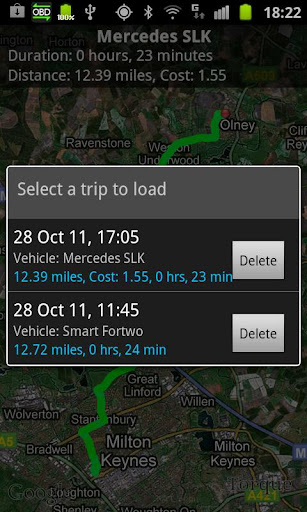
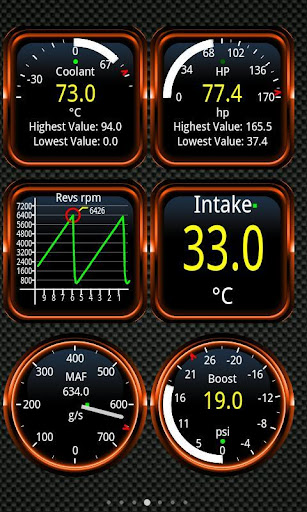
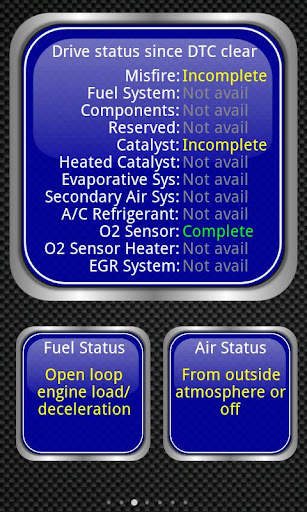
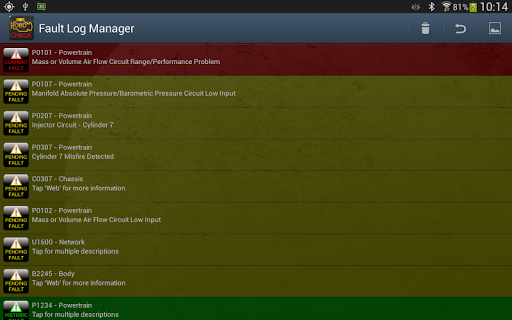
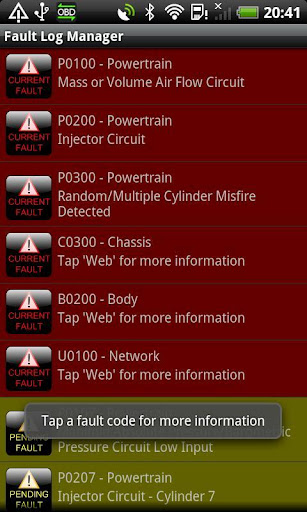
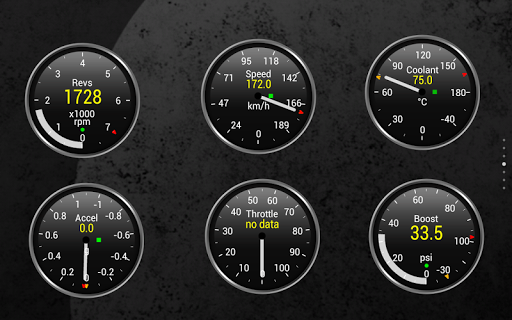
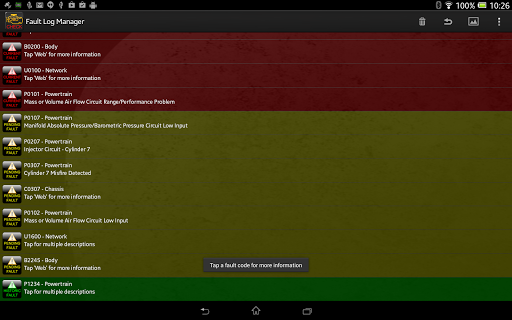
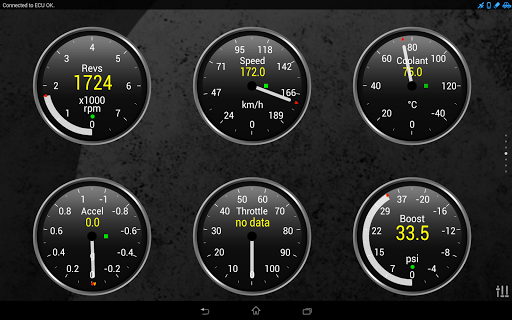
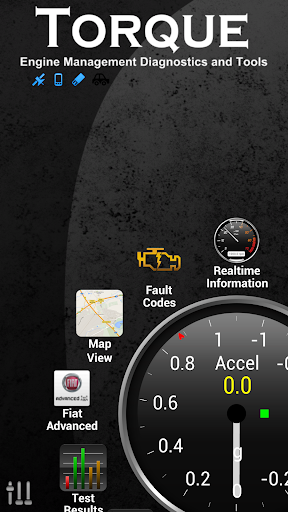
Once connected to an OBD2 adapter, Torque Pro streams a wealth of live information—from engine RPM and coolant temperature to throttle position and fuel consumption. The fault code reader decodes DTCs (diagnostic trouble codes) and CELs (check engine lights), turning cryptic codes into clear, actionable explanations. This realtime insight helps you pinpoint issues early and can save you time and money on unnecessary trips to the mechanic. With GPS-backed logging, you can map exactly where and when events occurred, giving you a complete picture of your car’s activity on any journey.
Customizable Dashboards and Personalization
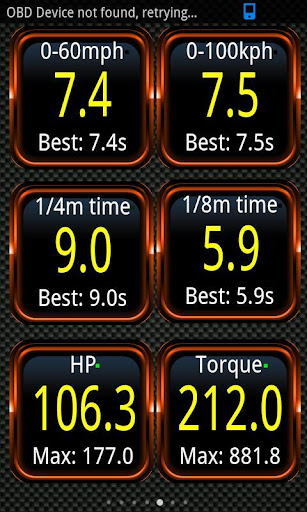
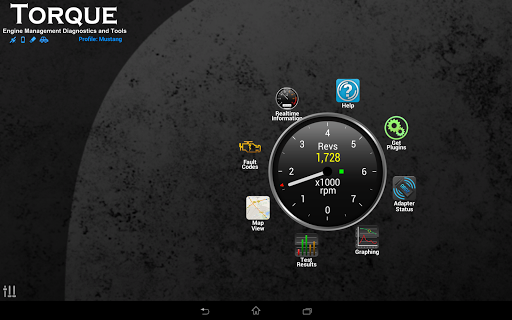
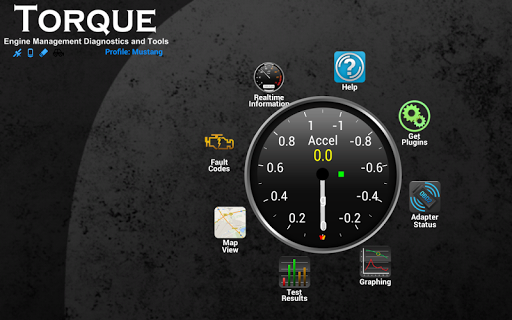
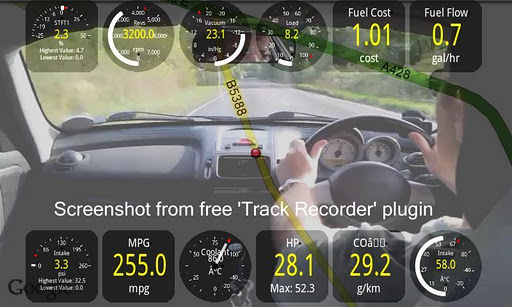
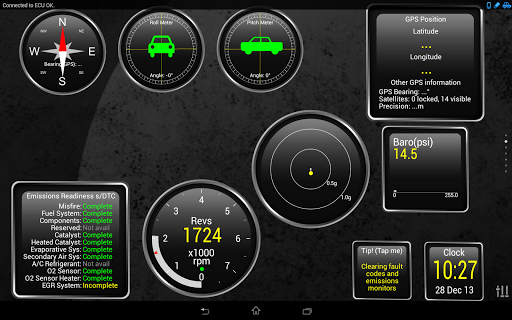
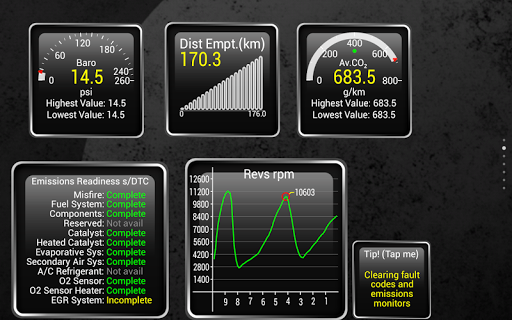
Personalization is a strength of Torque Pro. Build your own dashboard by selecting the widgets and gauges that matter most to you, then drag items to arrange a layout that suits your driving style. Save multiple profiles for different drivers or scenarios, so you always see the data you care about. Track performance metrics such as 0–60 times, horsepower, torque, and MPG, and even monitor CO2 emissions. For a deeper review, the Track Recorder plugin overlays real OBD data on video, letting you capture and review your trips with your engine data visible on the screen.
Performance Metrics and Data Sharing
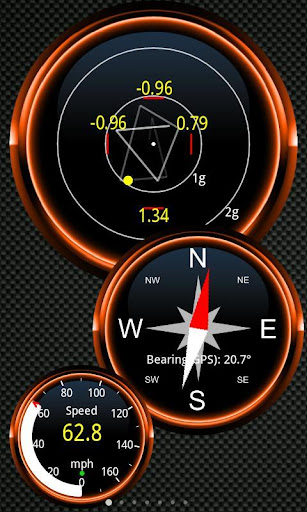
Beyond basics, Torque Pro offers a suite of features that appeal to performance-minded users. Use HUD mode for night driving, view a GPS-based compass, and monitor additional sensors supported by your vehicle’s ECU. The app supports data export via email or web, with CSV or KML formats for analysis in Excel or OpenOffice. You can also push logs to your favorite sharing channels and leverage an AIDL API for third‑party integrations, enabling developers to build complementary tools around your OBD data.
Compatibility, Setup, and Tips
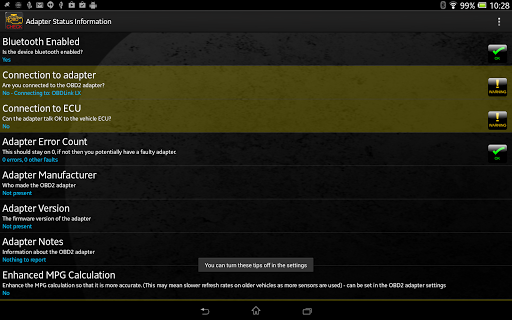
Torque Pro works with vehicles that use the OBD2 standard—most cars manufactured after 2000, and some late-1990s models—across a wide range of makes and regions. A Bluetooth OBD2 adapter is required for connection, and there are several reputable options (including adapters from Scantool, OBDKey, PLX, and others) that pair reliably with the app. While most features are widely supported, some ECUs provide more sensors than others, so capabilities may vary by vehicle. If you experience occasional app instability on certain devices, it can help to disable conflicting Bluetooth apps or check for device firmware updates. Always verify compatibility with your manufacturer if you’re unsure.
Pros
- Comprehensive real-time vehicle diagnostics
- Supports multiple car models and protocols
- Customizable dashboard displays
- Includes GPS tracking for the vehicle
- Affordable one-time purchase price
Cons
- Requires purchase of an OBD2 adapter
- The interface can be overwhelming for new users
- Free version has limited features
- Some devices may have compatibility issues
- Occasional connection dropouts