
Introduction to Time Clock: Easy Tracker
Are you tired of the chaos that comes with managing your work hours manually? Do you find it challenging to track your time efficiently, especially when juggling multiple projects or clients? Enter Time Clock: Easy Tracker, a simple yet powerful application designed to streamline your time management and boost productivity. Whether you're a freelancer, employee, or small business owner, this app offers a user-friendly solution to keep your work hours in check and ensure you're compensated accurately.
Why Choose Time Clock: Easy Tracker
What sets Time Clock: Easy Tracker apart is its emphasis on simplicity and practicality. Unlike many complex time management tools, this app focuses on delivering core features that make tracking effortless. Its clean, intuitive interface minimizes the learning curve, allowing users to start logging hours immediately. The seamless integration with different platforms and devices makes it an indispensable tool for busy professionals on the go, ensuring your work hours are always accurately recorded and easy to access.
Main Features of Time Clock: Easy Tracker
Efficient Time Logging
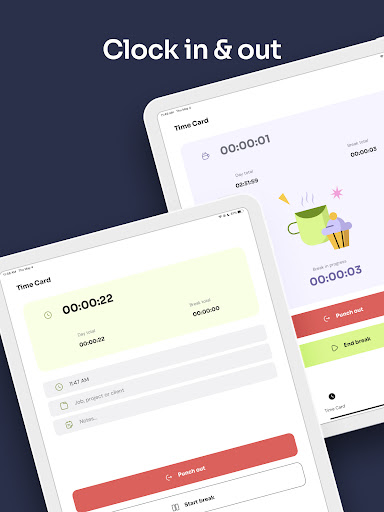
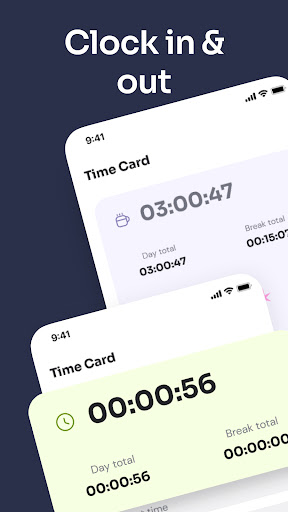
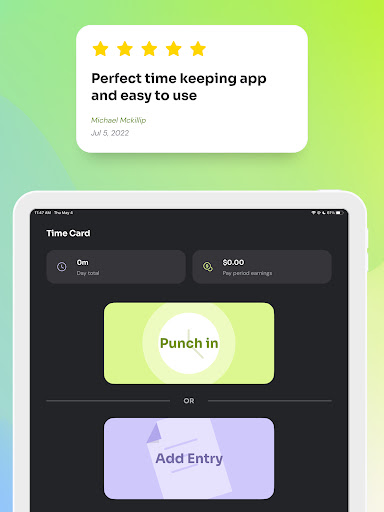
• Time Clock: Log in and out with a single tap, add tags, notes, and breaks on-the-fly. You can also manually adjust clock-in times if needed, making it flexible enough for various work schedules. Quick access widget enables clock-ins without launching the app, saving you time.
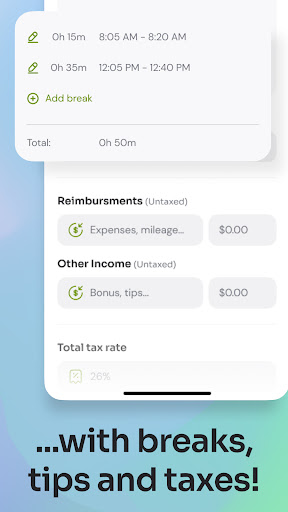
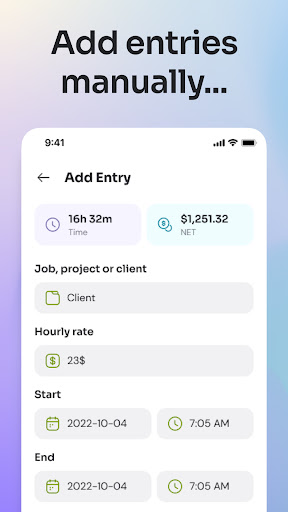
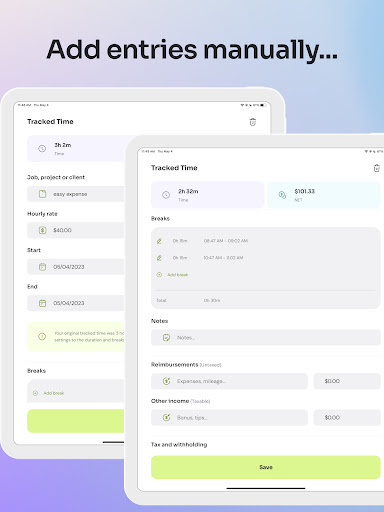
• Time Cards: Prefer manual entries? Easily add work hours at the end of your day or week, customizing start and end times, breaks, reimbursements, and deductions. This feature makes planning ahead or adjusting entries straightforward and efficient.
• Time Cards: Prefer manual entries? Easily add work hours at the end of your day or week, customizing start and end times, breaks, reimbursements, and deductions. This feature makes planning ahead or adjusting entries straightforward and efficient.
Automated Reports and Timesheets
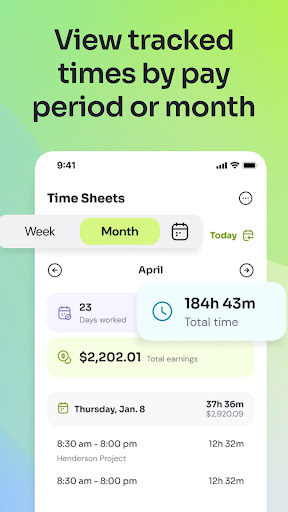
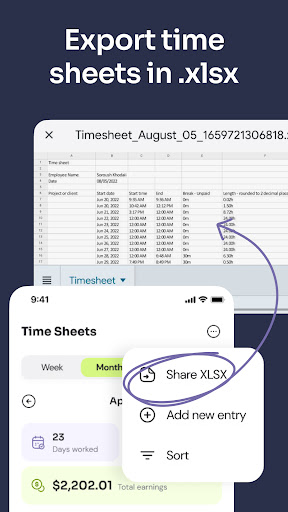
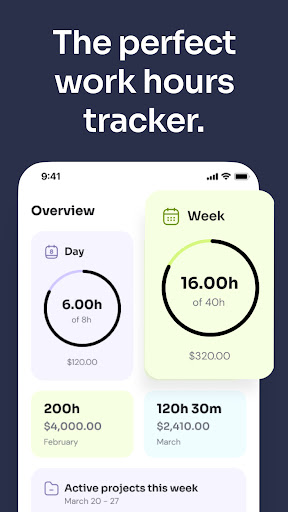
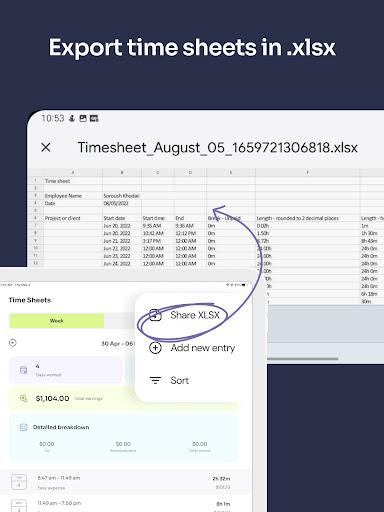
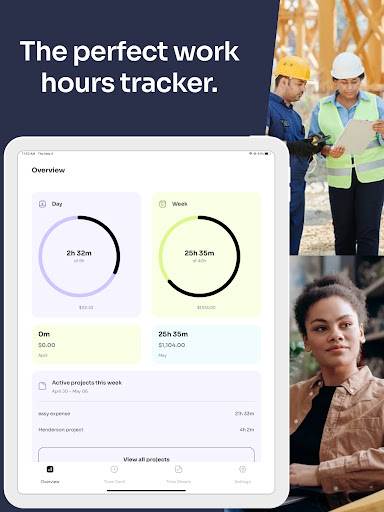
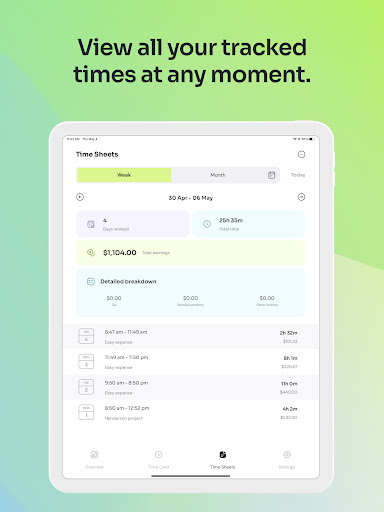
As you log hours, the app automatically generates weekly and monthly reports—ideal for payroll, invoicing, or record keeping. You can generate detailed timesheets by selecting your desired period, which are downloadable in XLSX format and compatible with Excel, Sheets, and OpenOffice. For cloud users, saving directly to Google Drive or Dropbox is seamless. These reports adjust for overtime or pay periods, ensuring accuracy.
Secure Cloud Backup and Cross-Device Access
Your time data remains securely stored and backed up in the cloud, accessible across multiple devices including iOS and Android. This means even if your device restarts unexpectedly or runs out of battery, your tracked hours remain intact—allowing you to focus on your work without worry.
Designed for Different Users
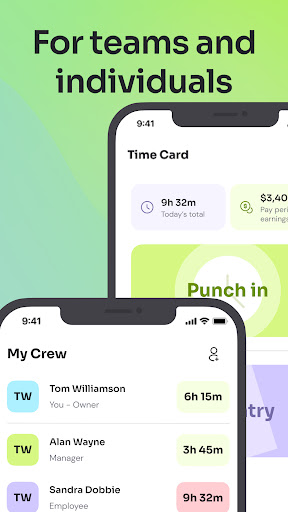
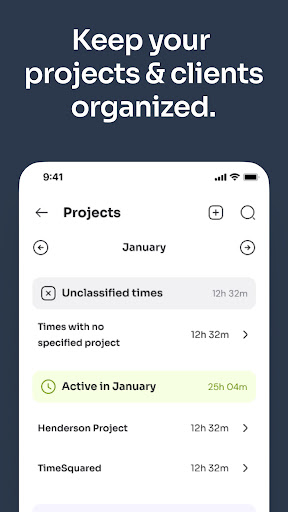
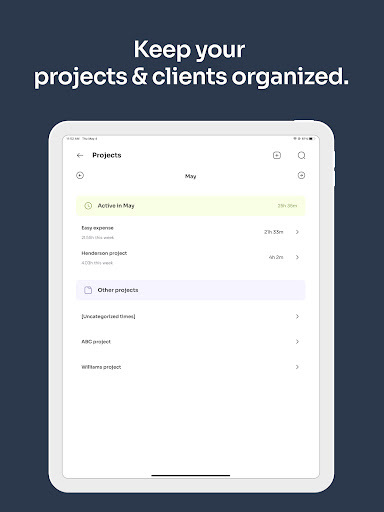
• Small Businesses: Simplify payroll and billing by accessing employee times anytime, tracking detailed project-specific hours, and safeguarding historical records with change history. Features like GPS location logging enhance security during clock-ins and clock-outs.
• Individuals: Perfect for employees, freelancers, and sole proprietors, Time Clock: Easy Tracker helps monitor work hours without the hassle of paper timesheets. Preview estimated earnings, share timesheets with clients, and keep your schedule organized—ideal for professionals managing multiple clients or jobs.
• Individuals: Perfect for employees, freelancers, and sole proprietors, Time Clock: Easy Tracker helps monitor work hours without the hassle of paper timesheets. Preview estimated earnings, share timesheets with clients, and keep your schedule organized—ideal for professionals managing multiple clients or jobs.
User Experience and Accessibility
The app is designed with a clean and intuitive interface that makes time tracking a breeze. Whether on an Android or iOS device, the performance is seamless, offering quick access to all features. Integration with calendars and scheduling tools helps keep your work and appointments synchronized, avoiding double-booking or missed entries. Smart notifications and reminders act as your personal assistant, ensuring you never forget to clock in or out.
Conclusion
If you're seeking a simple, secure, and highly effective work hours tracker, Time Clock: Easy Tracker is the solution you've been waiting for. Its blend of automation, customization, and cross-platform compatibility makes it perfect for freelance professionals, small business owners, and employees alike. With built-in features to generate detailed reports, share timesheets, and keep your data safe in the cloud, this app empowers you to manage your time effortlessly and focus on what truly matters—your work and your income. Give it a try and experience the difference a well-designed time tracking app can make in your productivity and financial accuracy.
Pros
- User-friendly interface for easy navigation
- Accurate project time tracking
- Integrates with popular payroll systems
- Customizable alerts for managing time
- Supports multiple languages
Cons
- Limited offline capabilities
- Full feature access requires a subscription
- Initial setup may be lengthy
- No integration with Google Calendar
- Lacks advanced reporting options











