
Thumbnail Maker - Channel Art
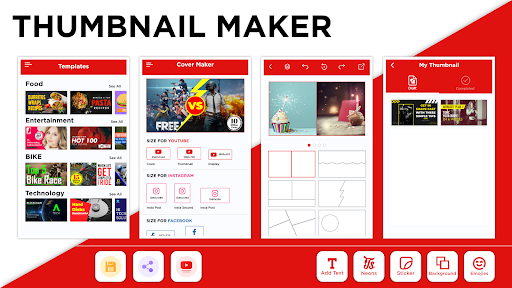
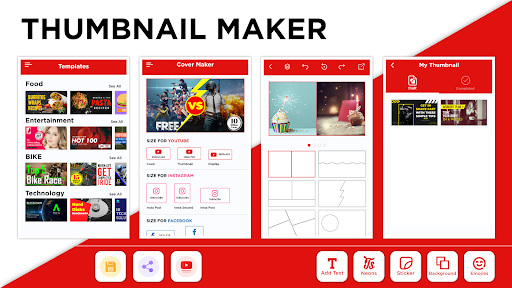
Are you looking for a powerful yet user-friendly thumbnail maker for YouTube? This free tool allows users to create stunning thumbnails, banners, and cover photos for multiple social media platforms with ease. Whether you're designing a thumbnail for a YouTube video or crafting a banner for Instagram, this app provides an all-in-one solution to enhance your visual presence online. The importance of eye-catching thumbnails and banners cannot be overstated — they significantly boost your content's visibility, attract more viewers, and increase engagement.
Why Thumbnail Maker for YouTube Shorts Videos and Social Media?
Attractive and professionally designed thumbnails are crucial to capturing attention in crowded feeds. Studies indicate that videos with compelling thumbnails, banners, and intro images tend to garner up to 50% more views across various search engines and social platforms. If you’re searching for an easy-to-use tool to create Twitter banners, YouTube Shorts, or social media covers, this free online app is your perfect companion. Its versatile features enable you to perform multiple design tasks without the need for professional editing skills, saving you both time and money.
Uses of the Intro Maker for YouTube Channel
This creative video cover maker for YouTube isn’t limited to just generating channel arts. It doubles as a robust banners and intro cover photo maker, compatible with Yt Studio. Additionally, the app's functionalities extend to creating and editing thumbnails and covers for various social media platforms including Facebook, Instagram, Twitter, LinkedIn, and more.
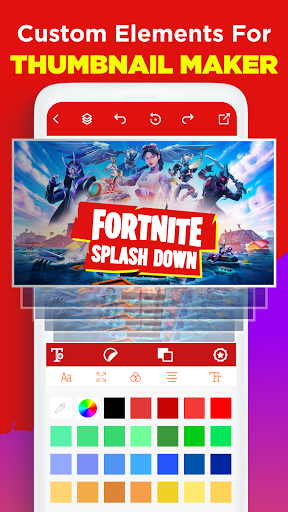
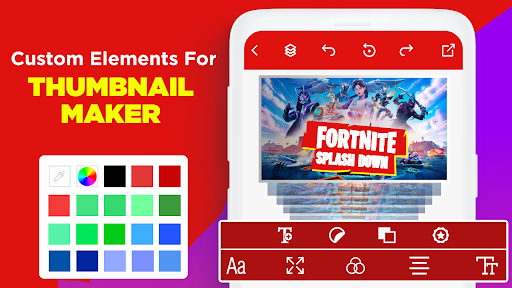
With no watermark, you can design Fornite thumbnails, YouTube channel art, and banners quickly and efficiently. It offers a comprehensive suite of tools that let you craft professional-looking graphics, making it an all-in-one thumbnail editor and banner creator. This ensures your videos and social content stand out with personalized, eye-catching visuals.
Features of the Video Thumbnails & Banner Maker for YouTube
- Create thumbnails for YT and covers
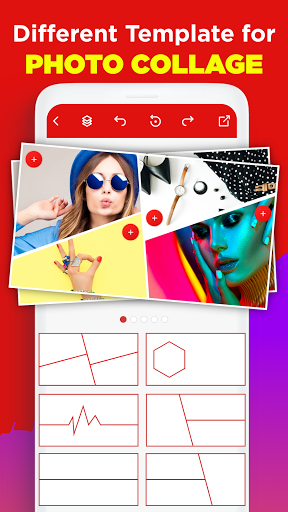
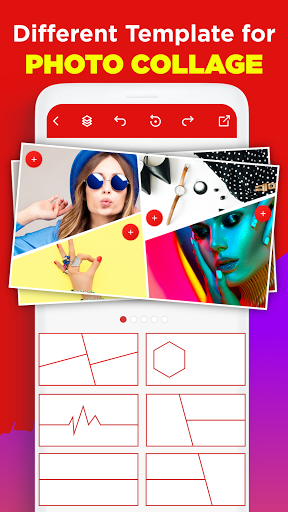
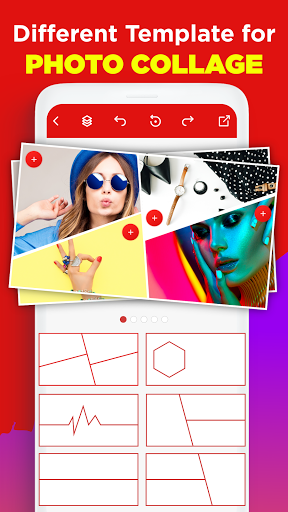
- Extensive library of free backgrounds across multiple design categories
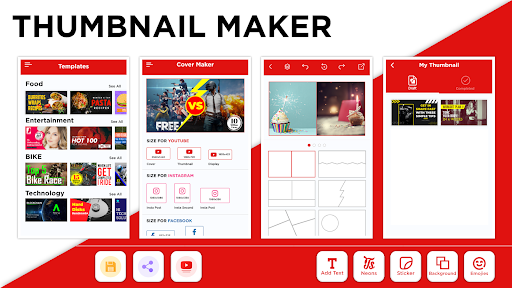
- Select preferred thumbnail dimensions for tailored outputs
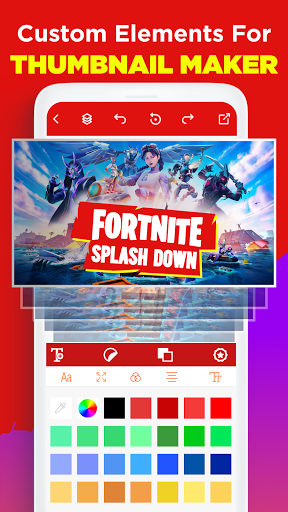
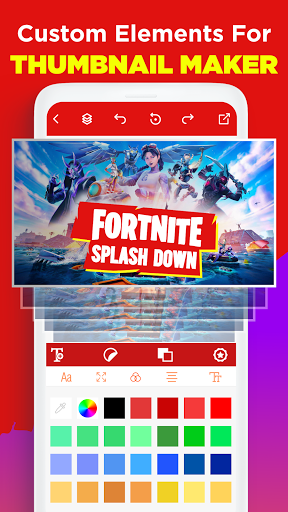
- Add text and overlays for personalized design
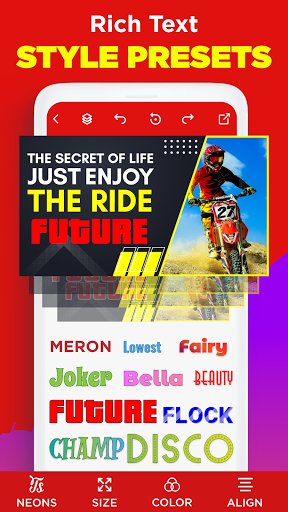
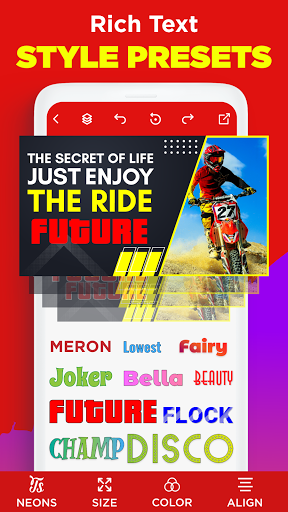
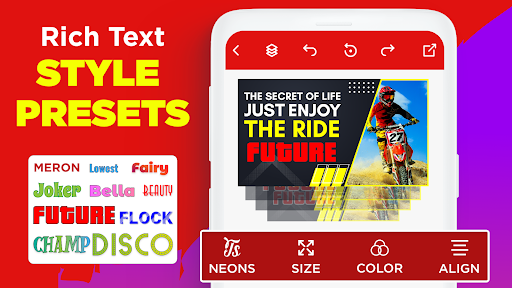
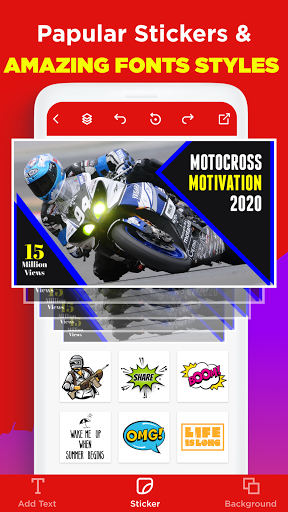
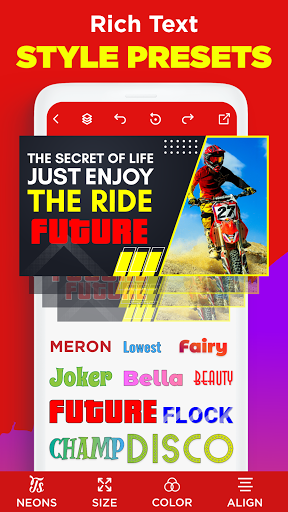
- Unique typography fonts & effects to make your thumbnails stand out
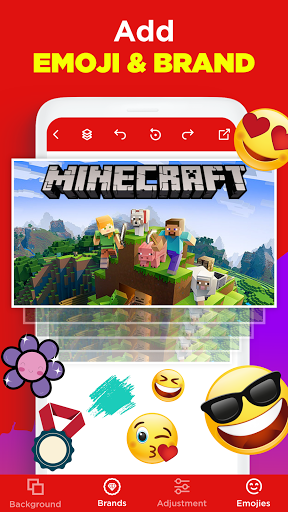
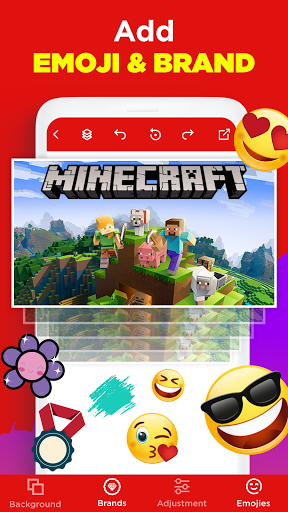
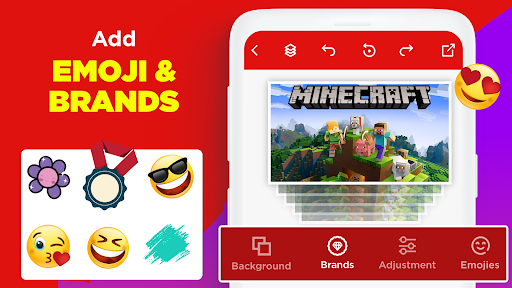
- Incorporate design elements like shapes and symbols for custom flair
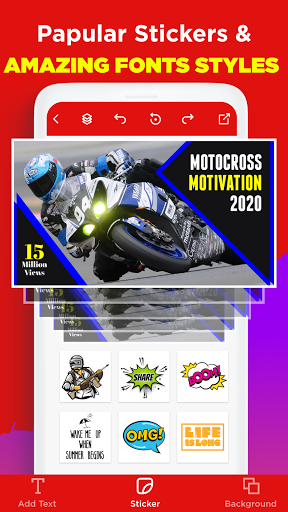
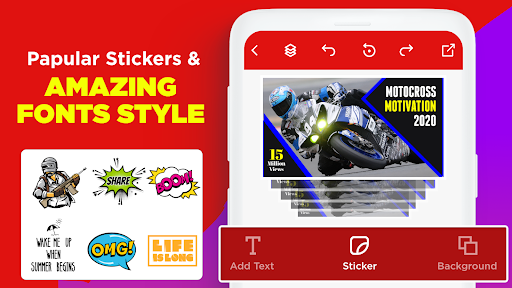
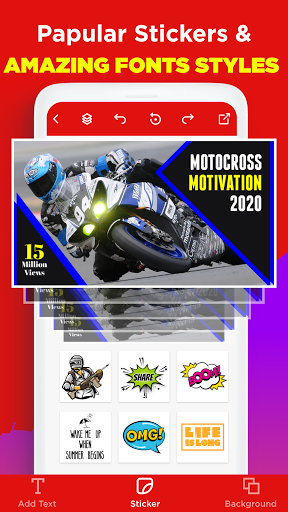
- Utilize stickers to buff up your thumbnails
- User-friendly interface designed for both beginners and advanced users
- Save your work in high resolution directly on your device and share anywhere
How to Use the Best Video 3D Thumbnail Maker
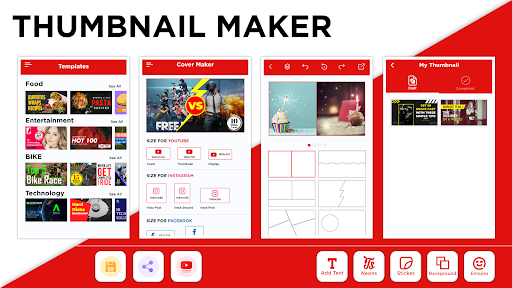
Getting started is straightforward. Search for prompt video thumbnails and YT channel art templates. Upload an image or pick a background from various categories or just start with a blank canvas. You can also select images from your gallery. After choosing your preferred thumbnail and banners dimensions, add text, overlays, or branding elements, then save and share your creation. This process makes professional-level thumbnails accessible to everyone, eliminating the need for hiring a dedicated designer.
Final Thoughts
In conclusion, Thumbnail Maker - Channel Art is an excellent tool for content creators, small business owners, or anyone eager to elevate their online visuals. Its intuitive interface, extensive features, and versatility make it easy to produce professional-looking thumbnails, banners, and social media covers without hassle. Whether you're crafting eye-catching YouTube thumbnails or designing banners for different platforms, this free app helps you attract more viewers and boost engagement. Why wait? Try it today and watch your online presence flourish with stunning graphics that truly stand out.
Pros
- User-friendly interface
- High-quality design templates
- Easy to customize
- Variety of fonts and graphics
- Quick export options
Cons
- Limited free features
- Requires internet connection
- Occasional ads
- Some features behind paywall
- Limited stock image options











