
Discover the Power of TeamViewer Remote Control
Are you looking for a reliable and feature-rich remote control app that allows you to access your desktop and manage your devices from anywhere in the world? Look no further than TeamViewer Remote Control. Designed for both personal and professional use, this versatile app enables seamless remote desktop access, file management, and device support directly from your Android device, tablet, or Chromebook.
Main Features of TeamViewer Remote Control
Secure and Easy Remote Access
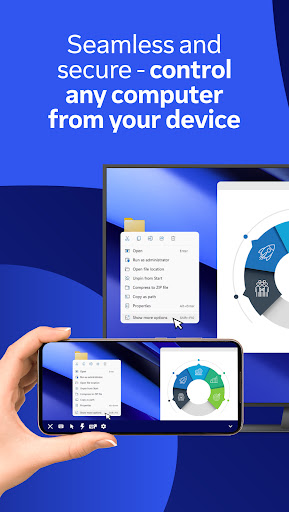
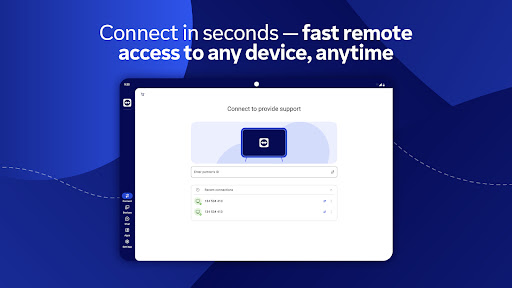
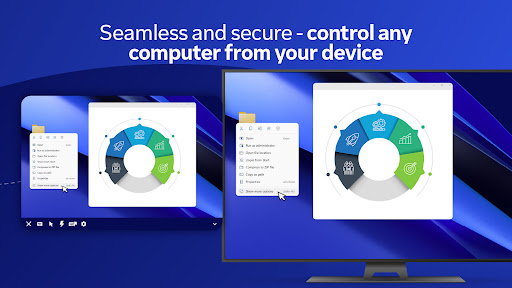
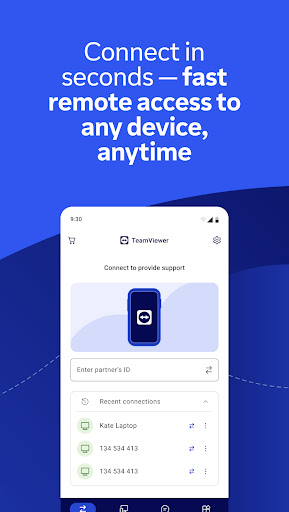
With TeamViewer, you can securely control your Windows, macOS, and Linux computers as if you were sitting right in front of them. Whether you're at home, in the office, or on the move, instantly connect to your devices to perform tasks, run applications, or troubleshoot remotely. The setup process is straightforward — simply install the app on your mobile device and the corresponding QuickSupport module on the target device. With unique session IDs and robust encryption, your connection remains safe and protected at all times.
Multi-Device Compatibility
This app supports a broad range of platforms including Android, iOS, Windows, macOS, and Linux. You can remotely access Android phones, tablets, and rugged devices, including kiosks and smart glasses. This cross-platform support ensures you stay connected regardless of the device or operating system, enhancing productivity and flexibility.
File Sharing and Transfers
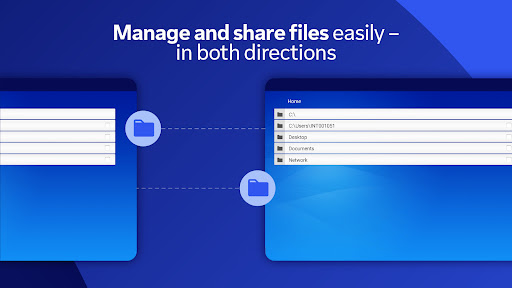
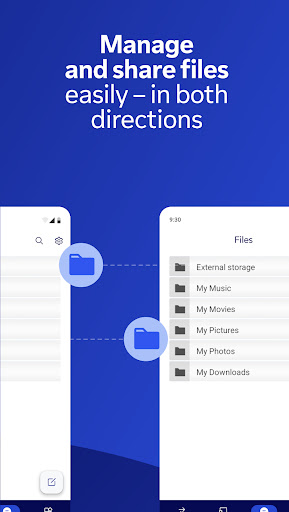
Effortlessly share and transfer files in both directions between your devices. Whether you're working on presentation materials or transferring important documents, TeamViewer makes it straightforward with drag-and-drop functionality. This seamless file management is essential for remote workers, IT support staff, and anyone who needs quick access to files on the go.
Live Support with Augmented Reality
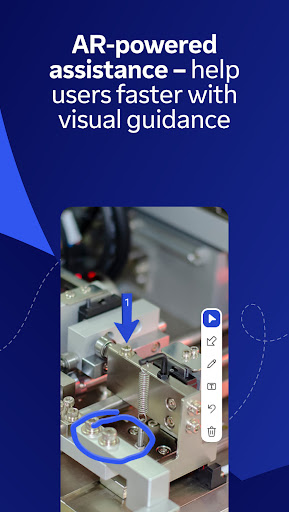
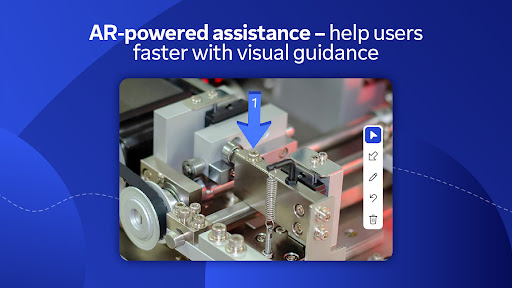
One of the standout features is Assist AR. This innovative tool allows live, visual support by placing 3D markers within the physical environment. It’s perfect for guiding users through technical procedures or troubleshooting issues remotely, making technical support faster and more effective.
In-Real-Time Communication
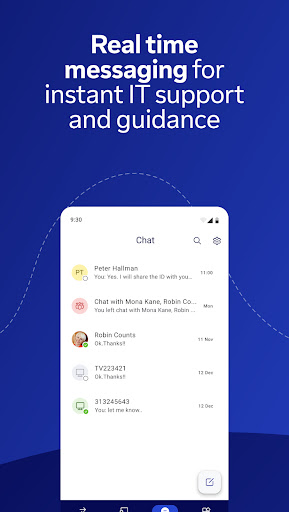
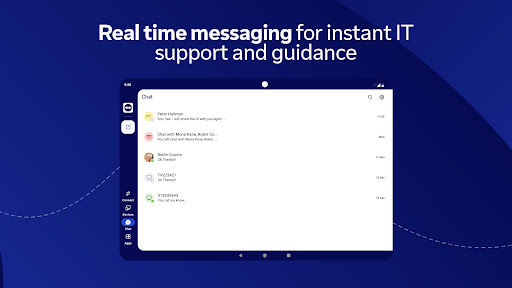
During a session, you can utilize the built-in real-time chat feature to ask questions, provide updates, or guide users. Additionally, the app supports high-quality audio and HD video transmission with sound, making the remote experience smooth and engaging. This combination of features ensures you have multiple communication options to suit your needs.
Performance, Security, and How to Get Started
Reliable Performance and Industry-Grade Security
TeamViewer Remote Control is optimized for high performance, adapting to your network speed to deliver minimal lag and crisp visuals. It maintains industry-grade security with 256-bit AES encryption, supporting safe and trusted remote sessions. Whether you're troubleshooting a server, managing multiple monitors, or streaming content, you can count on consistent, high-quality performance.
Getting Started is Simple
- Install the TeamViewer Remote Control app on your Android device.
- On the device you wish to access, install the TeamViewer QuickSupport app.
- Open both apps, enter the ID or Session code, and establish a connection.
Optional permissions include Camera for QR code scanning and Microphone for audio transmission. These are not mandatory for all sessions and can be adjusted in the app settings.
Conclusion: Why Choose TeamViewer Remote Control?
Whether you're a business professional needing reliable remote access or a tech enthusiast managing multiple devices, TeamViewer Remote Control offers everything you need. Its intuitive interface, comprehensive feature set—including full control, screen sharing, file transfer, multi-monitor support, and real-time chat—and robust security make it an ideal choice for remote operations. Compatible across multiple platforms, it enables flexible, efficient, and secure device management on the go.
If you're searching for a remote desktop app that combines ease of use, security, and powerful features—give TeamViewer a try. It’s a game-changer for remote connectivity, ensuring you stay connected and productive no matter where you are.
Pros
- Easy setup for remote access
- Supports connections across different platforms
- Provides stable and dependable connectivity
- Ensures secure data transmission
- Features an intuitive user interface
Cons
- Free version offers limited features
- Requires a fast internet connection
- Can experience occasional disconnections
- May be complicated for users without technical skills
- Consumes a high amount of system resources











