

Discover the Power of Tayasui Sketches: A Premium Digital Sketching Tool
If you're passionate about digital sketching, Tayasui Sketches stands out as a stylish and versatile app that seamlessly bridges the gap between traditional artistry and modern technology. Designed with both amateurs and professionals in mind, this app offers a minimalist interface packed with high-quality brushes and advanced features to elevate your creative process. Whether you enjoy doodling on your tablet or creating detailed illustrations, Tayasui Sketches provides an inspiring platform that makes drawing intuitive, enjoyable, and highly customizable.
Beautiful Tools for Authentic Artistic Expression
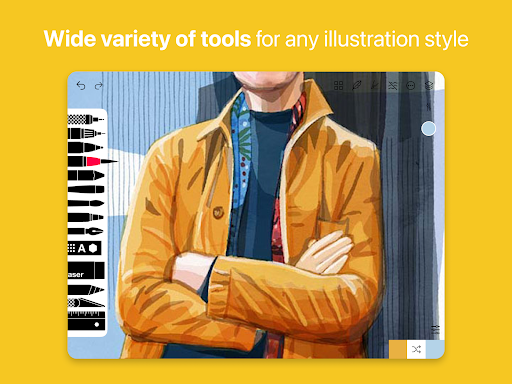
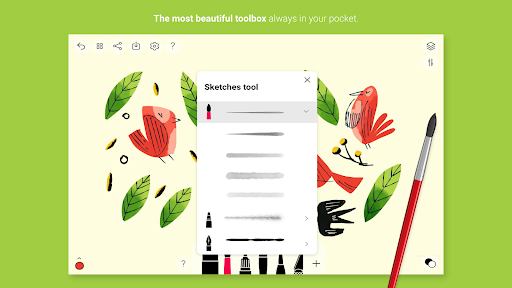
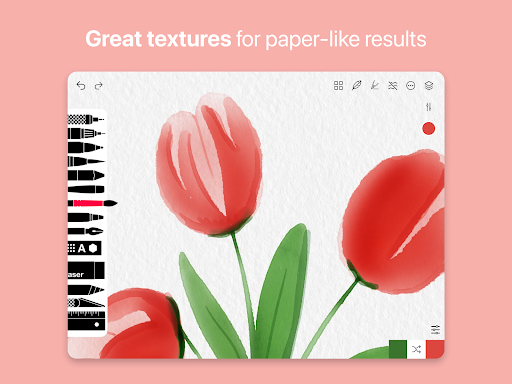
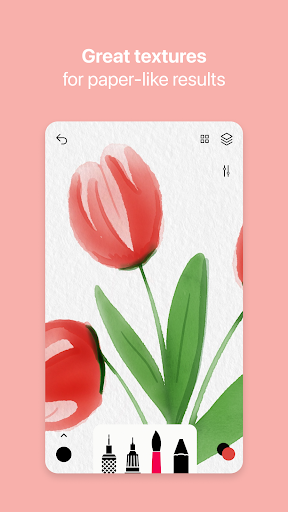
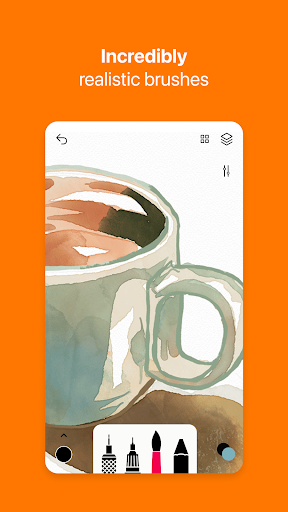
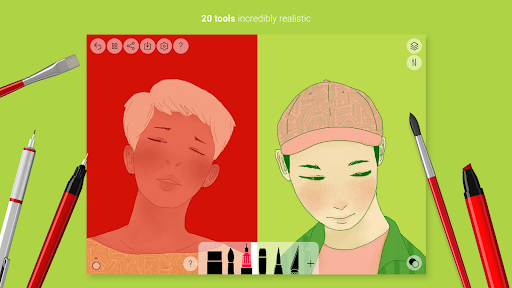
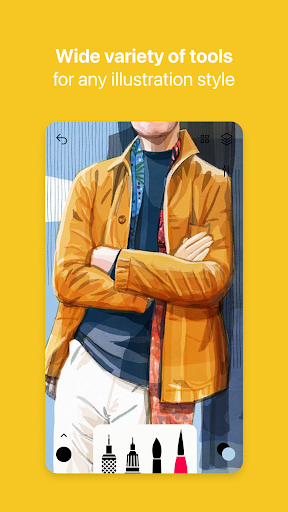
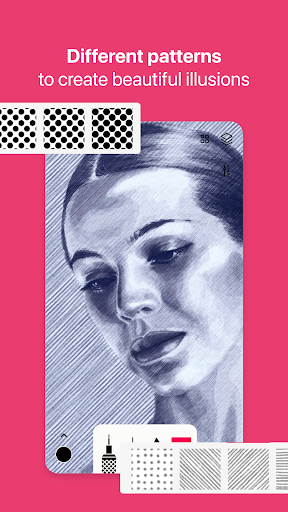
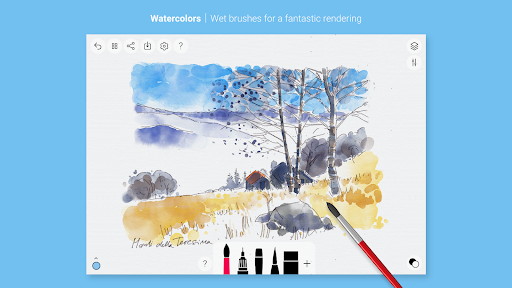
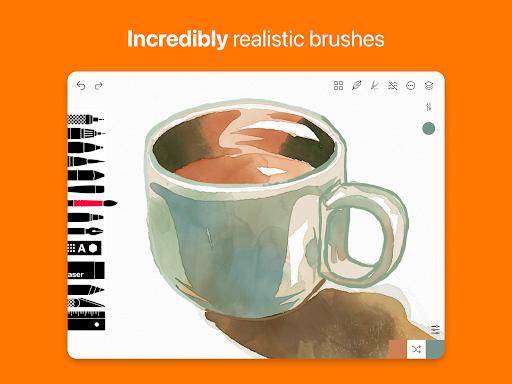
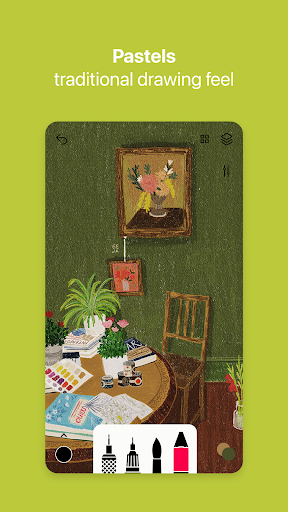
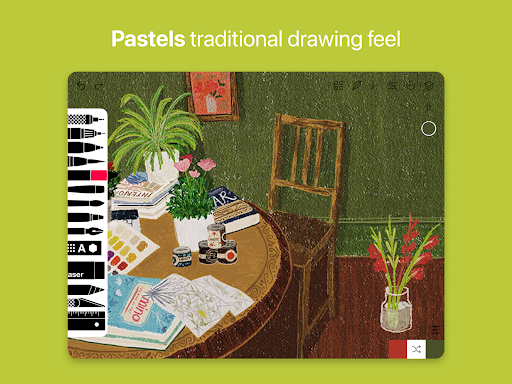
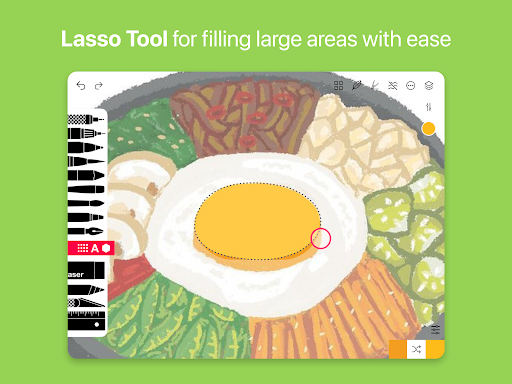
The core strength of Tayasui Sketches lies in its exceptionally realistic brushes and tools. It offers a list of over 20 ultra-realistic tools including pencils, watercolor brushes, felt pens, and oil pastels. Each tool behaves faithfully—mimicking the behavior of traditional media by adapting to pressure, angle, and stroke width, providing a true analog feel on your device. The inclusion of specialized brushes like the watercolor wet brush allows artists to create stunning effects with blended colors and transparent washes that closely resemble real watercolors. This attention to detail makes Tayasui Sketches perfect for artists who seek a professional-grade painting experience on their digital canvas.
Advanced Features for Creative Flexibility
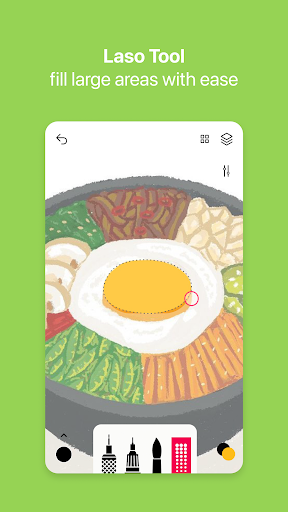
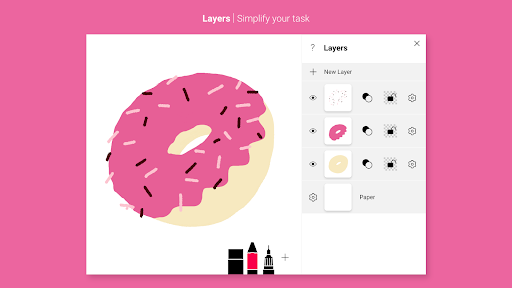
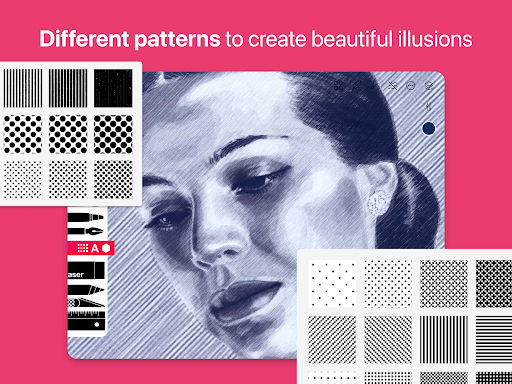
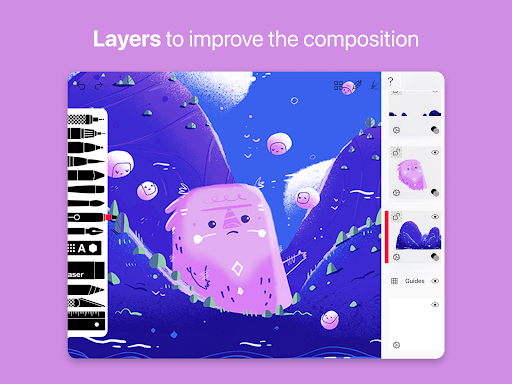
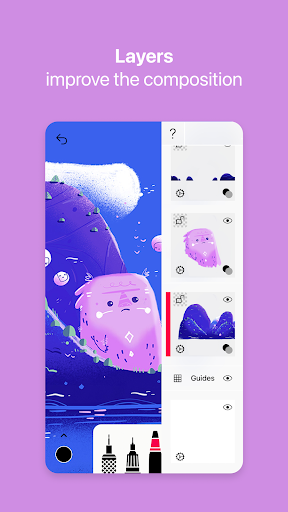
Beyond its impressive brush collection, Tayasui Sketches offers a suite of advanced features to support complex artwork. The app includes tools like layers—which simplify multi-step compositions and enable easy adjustments—along with options to import photos to enhance your sketches or add reference images. The brush editor allows for further customization of textures and stroke properties, giving artists complete control over their tools. Additionally, features like the color eyedropper facilitate precise color selection, and seamless sharing and export options make it easy to share your artwork across platforms or save in high resolution.
Intuitive Interface and Cross-Device Support
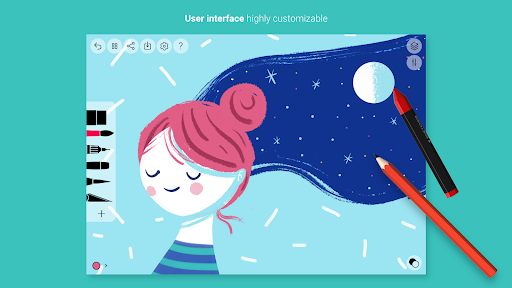
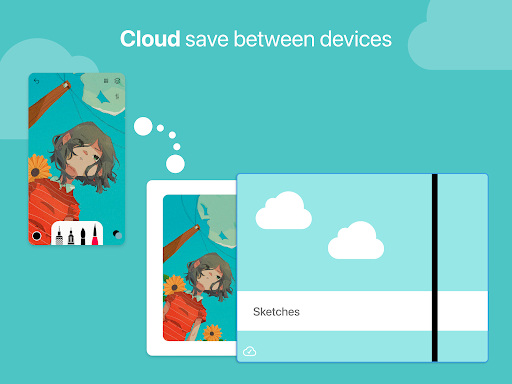
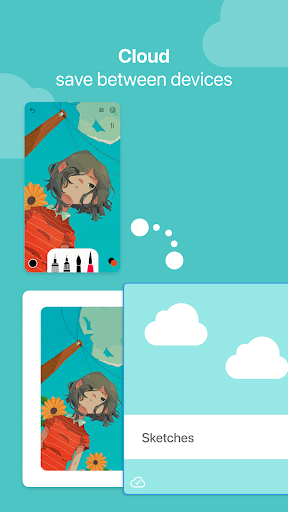
Tayasui Sketches boasts a clean, minimalist design that caters to users of all experience levels. Its intuitive layout ensures that you spend more time creating rather than navigating menus. The app's stylus support enhances the drawing experience, whether you're using an Apple Pencil or a compatible third-party stylus—offering natural responsiveness and precision. Available on both Android and iOS, Tayasui Sketches provides a consistent workflow across devices, especially optimized for tablets to utilize larger screens for detailed work. This versatility ensures that you can sketch anywhere, whether at home or on the go.
Subscription Model and Premium Features
To unlock the full potential of Tayasui Sketches, users can subscribe to premium plans on a weekly or yearly basis. A free trial is available for selected subscriptions, allowing you to explore advanced tools and features without immediate commitment. Post-purchase, subscriptions are managed through your app store account, with auto-renewal settings customizable in your account preferences. Subscribers gain access to extensive tool variants, additional layers, enhanced exporting capabilities, and unique brushes that are otherwise limited in the free version. This flexible subscription model makes Tayasui Sketches accessible for hobbyists and professional artists alike, providing a cost-effective way to elevate your digital art.
Why Tayasui Sketches Is a Must-Have for Any Digital Artist
In summary, Tayasui Sketches is more than just a sketching app; it’s a creative companion designed to bring your ideas vividly to life. Its combination of realistic tools, powerful yet simple interface, and cross-platform accessibility makes it an ideal choice for anyone interested in digital art — whether you're just starting out or a seasoned professional. With support for stylus devices, a rich set of brushes, and flexible sharing options, Tayasui Sketches promises to inspire your imagination and help refine your artistic skills. If you're ready to refine your digital drawing experience, this app is certainly worth exploring.
Pros
- Intuitive interface suitable for users of all ages.
- Multiple brush options to foster creative expression.
- Layer support for creating complex artworks.
- Responsive and smooth drawing experience.
- Offline mode available for mobile use.
Cons
- Free version offers limited features.
- May experience occasional lag on older devices.
- Lacks direct sharing options to social media.
- Limited options for customizing brushes.
- Full access requires in-app purchases.











