

Overview of Stop Motion Studio
Discover Stop Motion Studio, the world's easiest and most intuitive app designed to jumpstart your stop motion moviemaking journey today! Whether you're a beginner or an experienced animator, this versatile application makes creating captivating animated videos straightforward and fun. Its user-friendly interface allows you to produce beautiful movies reminiscent of classic Wallace and Gromit animations or modern YouTube Lego shorts with ease. The app is so deceptively powerful that it enables you to craft professional-quality animations right from your mobile device or desktop, making it the perfect tool to unleash your creativity.
Key Features of Stop Motion Studio
Intuitive and Powerful Interface
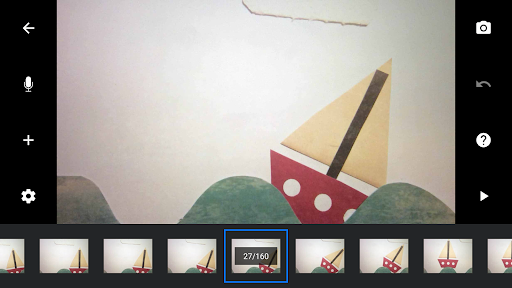
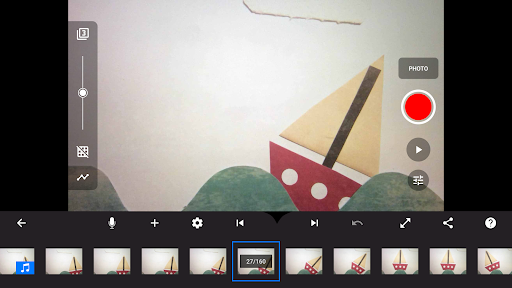
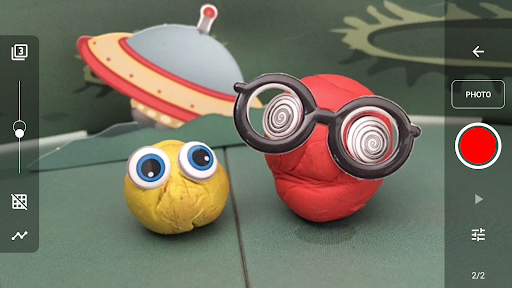
The app boasts a simplistic, easy-to-use interface—ideal even for those new to animation. It includes an overlay mode that displays differences between frames, helping you produce smooth, seamless animations. The animation guides assist in positioning objects precisely, while the interactive timeline ensures you stay organized, no matter how many frames you add.
Creative Movie Making Tools
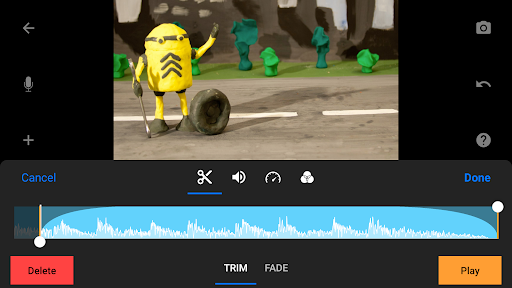
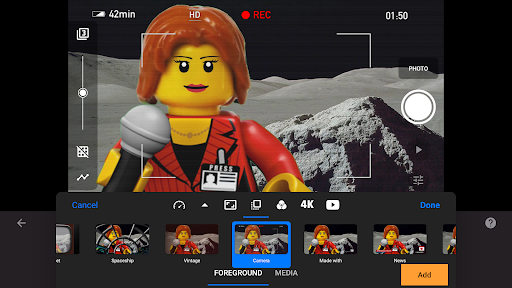
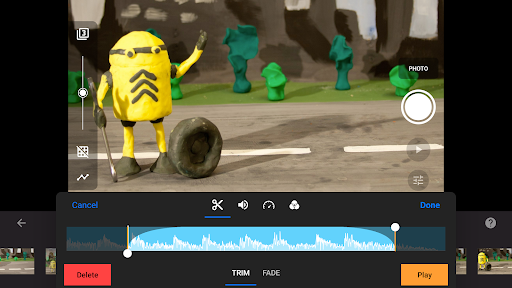
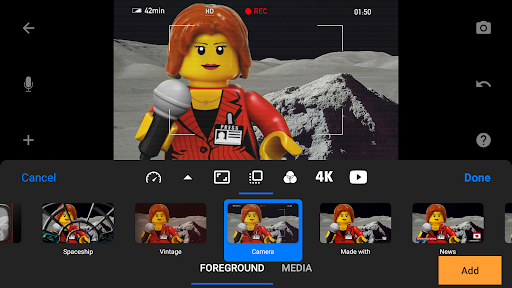
Make your movies stand out with a wide array of tools. You can select from numerous titles, credits, and text cards or create your own using the built-in editor. Adjust the video filters for the perfect look, add dynamic foregrounds, backgrounds, and manipulate aspect ratios and fade effects. Importantly, you can craft soundtracks through the built-in music library, include sound effects, or record narrations directly. The app also offers advanced features like rotoscoping, allowing you to import videos and draw over them for stunning animations, and a compelling green screen feature to change backgrounds for magical scene effects.
Media Management and Editing
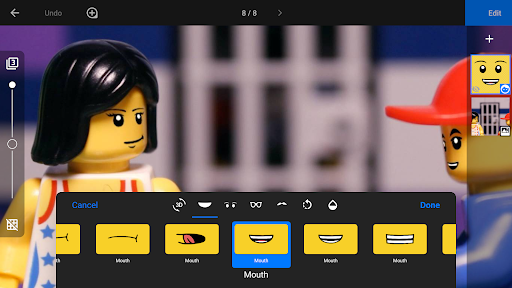
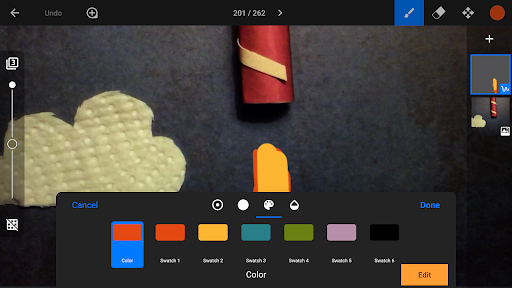
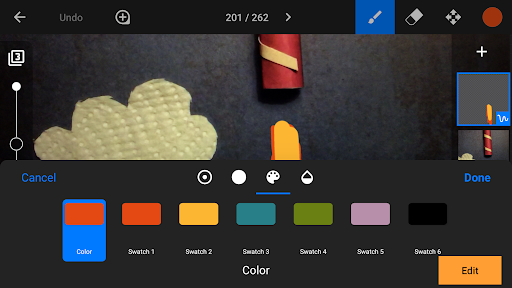
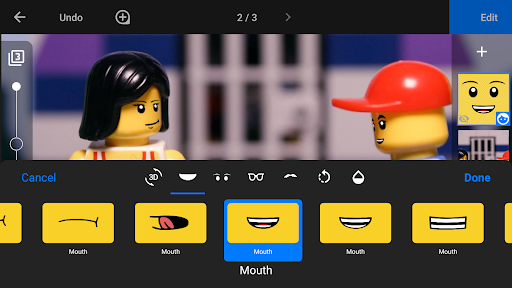
Import photos seamlessly from your device, and connect a keyboard for quick shortcuts to streamline editing. The built-in layer-based image editor enables adding text, speech bubbles, facial expressions, and titles. You can also enhance images, sketch, paint, or erase unwanted objects. For fast-moving scenes, merge frames to simulate speed, all within an easy-to-navigate environment.
Professional Capture Capabilities
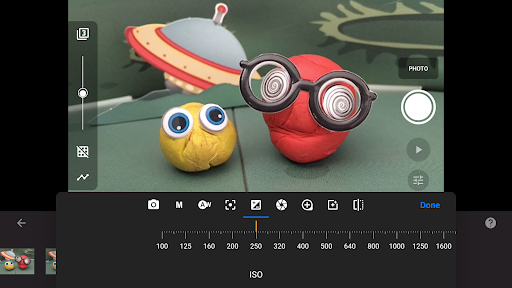
Capture frames with an adjustable time interval feature, and achieve full control over your camera settings—including white balance, focus, exposure, ISO, and shutter speed. You can even use a secondary device as a remote camera, elevating your filmmaking experience to a professional level.
Sharing and Collaboration
Once your project is complete, share your creations effortlessly. The app supports exporting videos in 4K or 1080p, saving as animated GIFs, or exporting all frames for further editing. Easily transfer your projects between devices via Dropbox or Google Drive, and even start on your mobile device before continuing work on your desktop—perfect for collaborative projects and on-the-go editing.
_learning and Support
To help users master the art of stop motion animation, Stop Motion Studio provides comprehensive learning resources. Watch included tutorial videos, read the detailed manual, and explore a wide range of tips and tricks. Whether you are a beginner or seeking advanced techniques, the app guides you every step of the way, making it easy to grow your skills and bring your ideas to life.
Conclusion
If you're passionate about animation or want to experiment with creating your own stop motion videos, Stop Motion Studio offers a feature-rich, user-friendly platform for all skill levels. Its combination of powerful tools and ease of use makes it a top choice for hobbyists, educators, and aspiring filmmakers alike. Dive into the world of stop motion animation and see where your creativity can take you with this engaging and versatile app.
Pros
- User-friendly interface for easy navigation.
- Provides a comprehensive set of editing tools.
- Supports full HD video output.
- Enables frame-by-frame previewing.
- Can connect with external cameras.
Cons
- Free version has limited features.
- May experience lag on older devices.
- Exports from the free version include a watermark.
- In-app purchases can add up over time.
- Lacks integration with cloud storage services.











