
Introduction to Stop Motion Studio Pro
Easy Setup and User-Friendly Interface
Powerful Features for Creating Stunning Movies
Intuitive Editing Tools
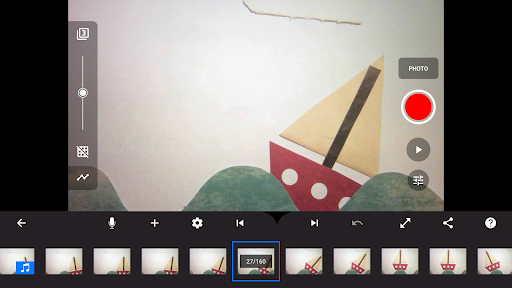
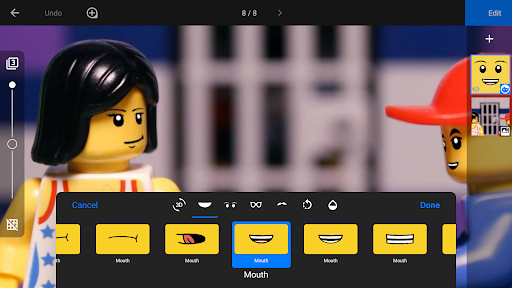
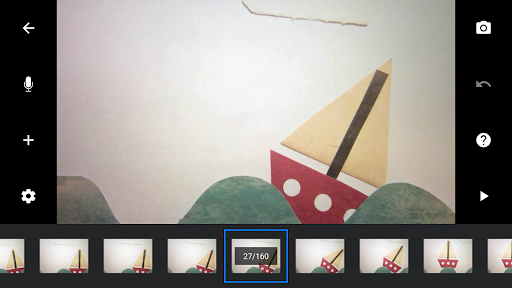
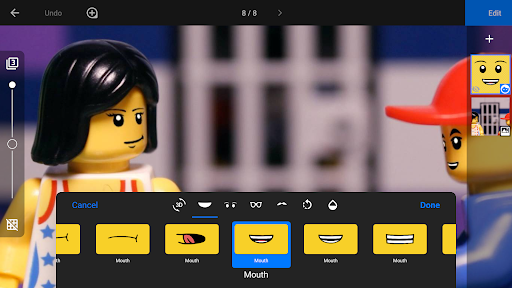
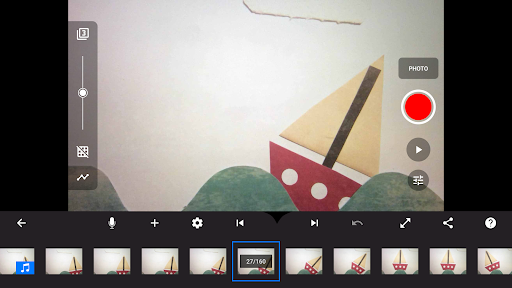
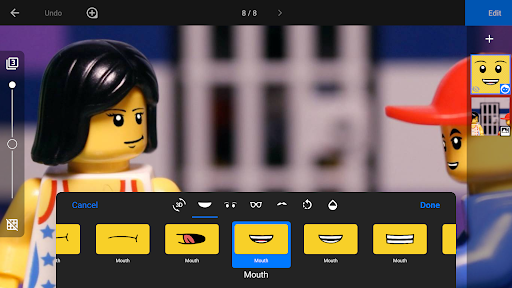
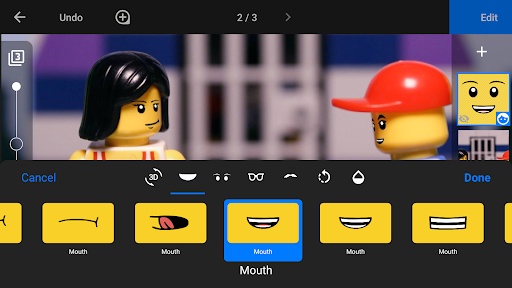
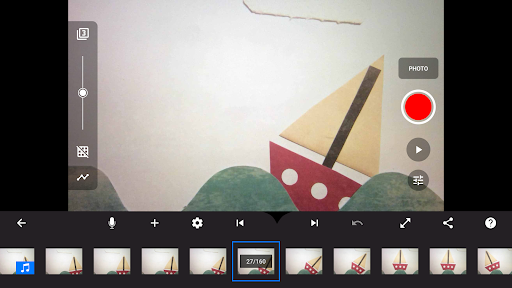
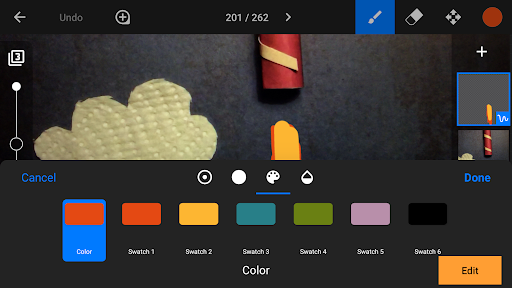
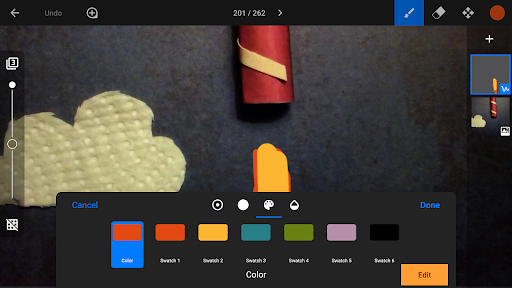
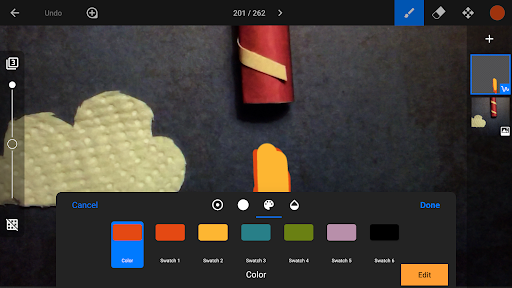
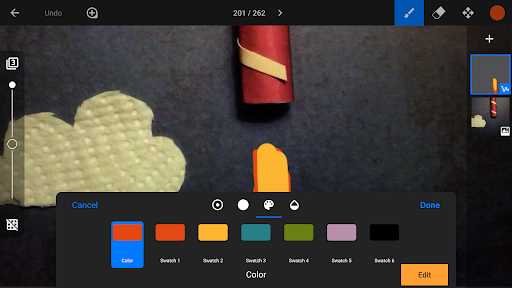
The app includes a layer-based image editor that enables you to add texts, speech bubbles, facial expressions, or even make touch-up enhancements. Features like copy, paste, cut, and insert frames give you complete control over your animation timeline. The interactive timeline ensures you stay organized, even with hundreds of frames, allowing for precise edits. The overlay mode helps you compare differences between frames, making your stop-motion sequences seamless and professional-looking.
Creative Options for Your Movies
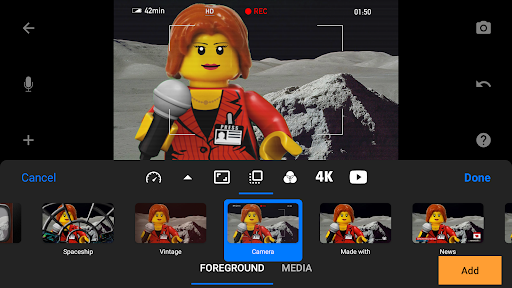
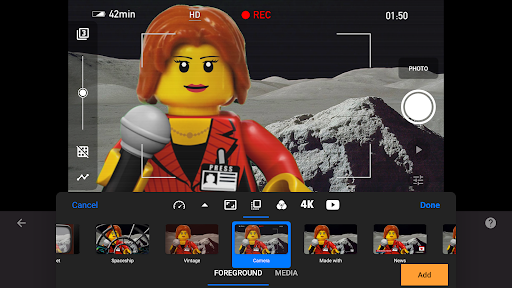
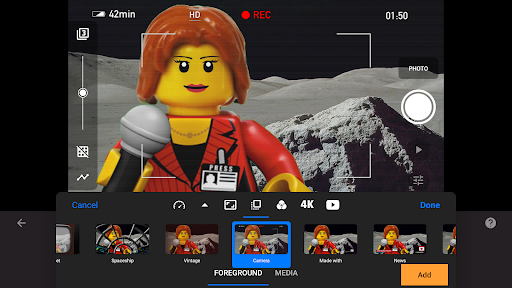
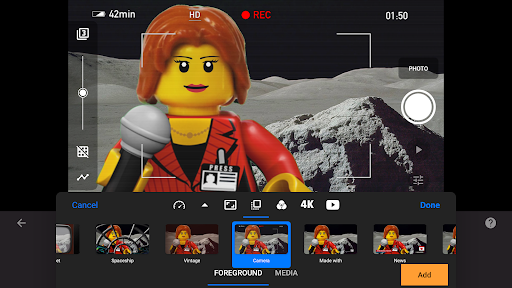
Transform your projects with a variety of visual effects. Choose from multiple video filters, adjust aspect ratios, and apply fade effects for a polished appearance. Add unique titles, credits, and text cards using the built-in editor or create custom titles to give your animation a distinctive identity. Incorporate different backgrounds, foregrounds, or even import images from your device’s photo library for added depth and creativity. Additionally, rotoscoping allows you to import videos and draw over them to create stunning animations, while the green screen feature turns your scenes into imaginative worlds.
High-Quality Sound and Music Integration
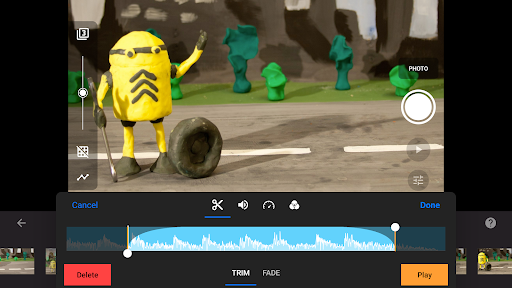
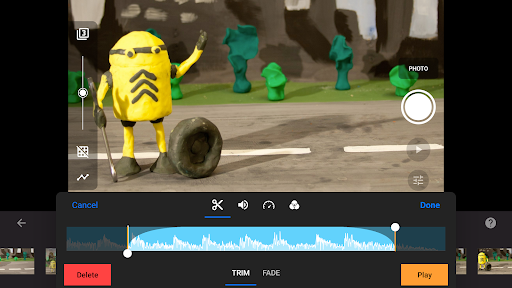
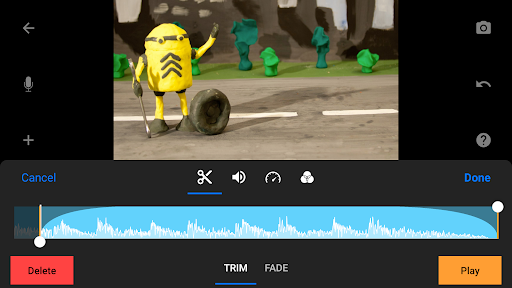
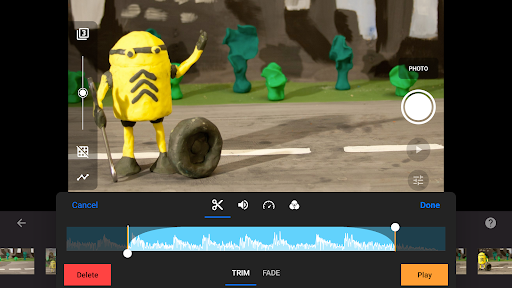
Enhance your movies with soundtracks from a library of built-in music and sound effects, or import your own songs. Record narration directly within the app and sync it perfectly with your animation, bringing your characters' voices and ambiance to life. This comprehensive audio support ensures your stop-motion films are engaging both visually and auditorily.
Capture and Control Like a Pro
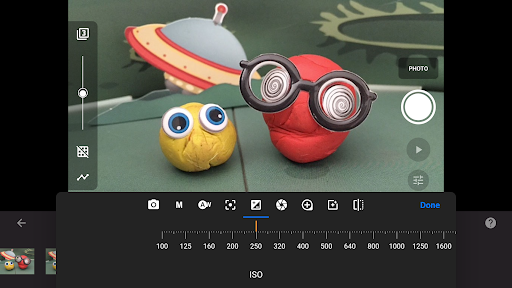
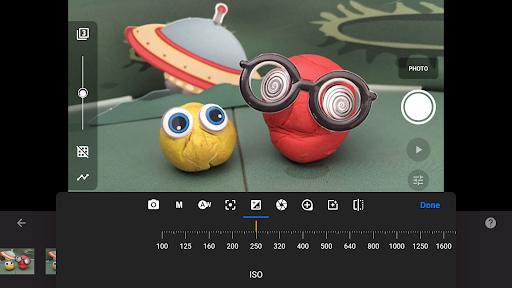
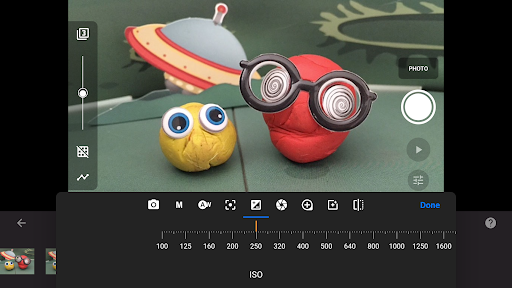
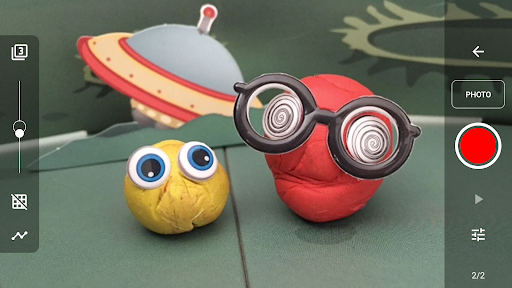
The app offers adjustable capture settings, including capture interval and advanced camera controls such as auto/manual white balance, focus, exposure, ISO, and shutter speed. With full camera control, you can achieve the precise look you desire. For added convenience, connect a secondary device as a remote camera, making synchronized captures easy.
Advanced Editing and Sharing Capabilities
After creating your animation, the app's robust sharing features make distribution simple. Export your project in 4K or 1080p resolution, or save animated GIFs for quick sharing on social media. You can also save all individual images for further editing or use cloud services like Dropbox or Google Drive to transfer projects between devices seamlessly. This flexibility encourages ongoing creativity and collaboration.
Learning and Improving Your Skills
To help you master stop-motion filmmaking, Stop Motion Studio Pro includes tutorial videos, a comprehensive manual, and helpful tips and tricks. Whether you're new to animation or looking to refine your techniques, these resources support your journey into the fascinating world of stop-motion animation. Practice, experiment, and let your imagination run wild!
Why Choose Stop Motion Studio Pro?
With its complete set of features embedded into a user-friendly platform, Stop Motion Studio Pro is the ultimate tool for creating professional-looking stop-motion movies. From capturing detailed frames to adding dynamic effects, this app empowers aspiring filmmakers and hobbyists alike. Its versatility, combined with seamless sharing options, makes it the perfect partner for bringing your creative visions to life. So, grab your props, set your scene, and start crafting your own animated masterpieces today!
Pros
- User-friendly interface suitable for beginners
- Excellent video quality output
- Extensive selection of editing tools
- Available across multiple platforms
- Frequent updates introducing new features
Cons
- Limited features in the free version
- Requires patience when working on lengthy projects
- Occasional application crashes
- Steeper learning curve for advanced functions
- In-app purchases can be expensive











