


Introducing Stitch Photo: Your Ultimate Photo Stitching Companion
Key Features of Stitch Photo
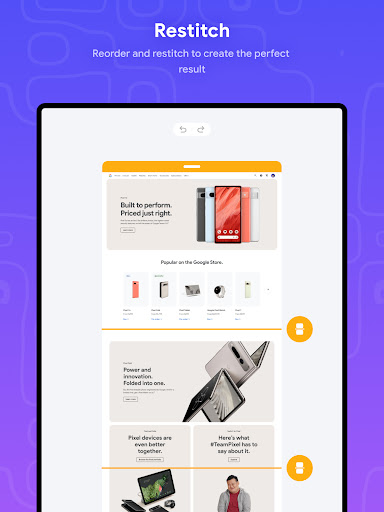
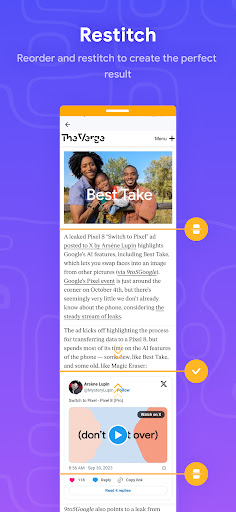
- Automatic stitching: Effortlessly combine photos both vertically and horizontally
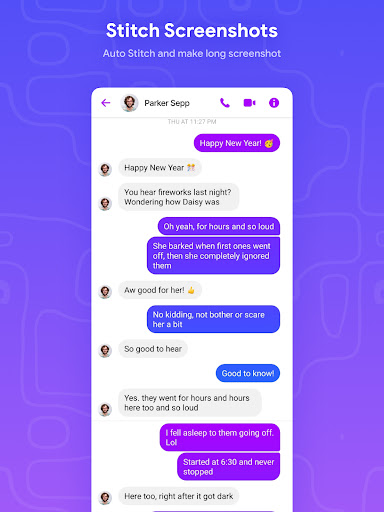
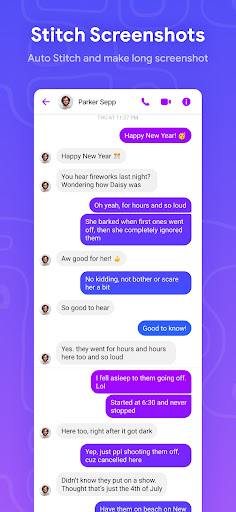
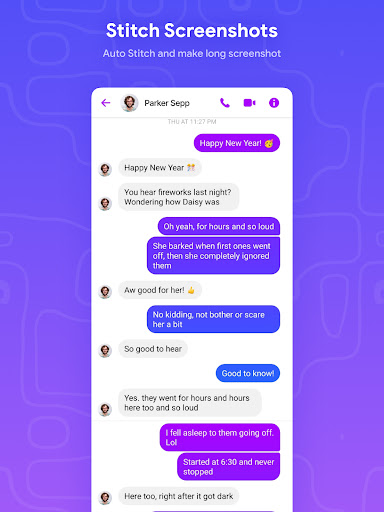
- Seamless long screenshot stitching: Perfectly merge multiple images into one cohesive picture
- High-resolution output: Save your long screenshots with exceptional clarity and detail
- User-friendly interface: Designed for ease of use, making photo stitching hassle-free for all users
Why Choose Stitch Photo for Your Photo Stitching Needs
Say goodbye to the tedious process of manually aligning and editing overlapping images. Stitch Photo provides a smooth, glitch-free experience, turning what once was a challenging task into a simple one-touch action. Its intelligent detection of overlaps and alignment makes creating seamless panoramic images, long website captures, or detailed photo collages a breeze. This innovative app is perfect for photographers, social media enthusiasts, or anyone needing accurate, high-quality long screenshots.
Enhanced User Experience and Versatility
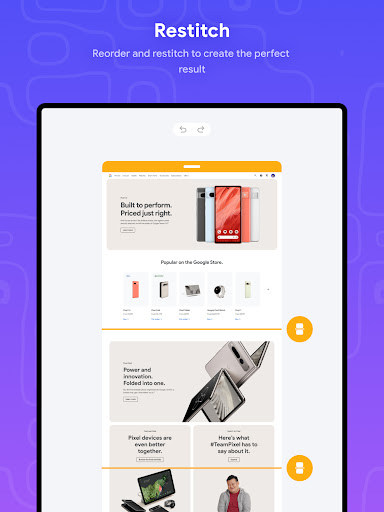
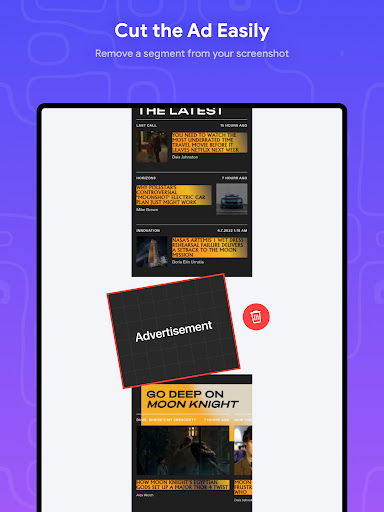
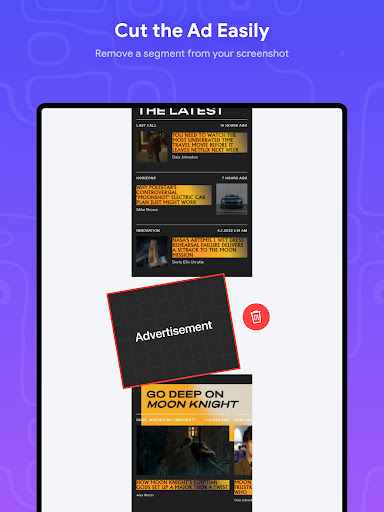
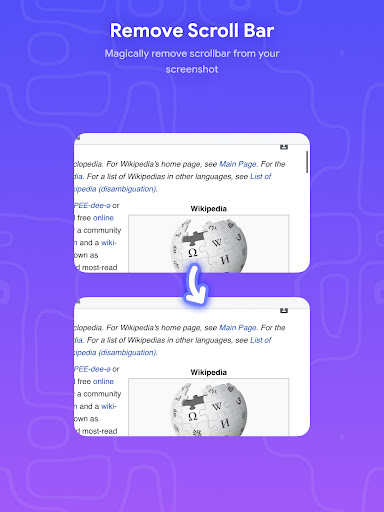
One of the standout aspects of Stitch Photo is its intuitive design. Even if you're not tech-savvy, you’ll find the app easy to navigate. It detects overlaps automatically, aligning your images perfectly without manual adjustments. After stitching, users can access a suite of editing tools to crop, annotate, or fine-tune the final image — ideal for highlighting specific web content or conversation snippets. The app’s efficiency means quick processing times, even for complex multi-image projects, making it suitable for both casual users and professionals.
Perfect for Capturing Entire Web Pages and Long Conversations
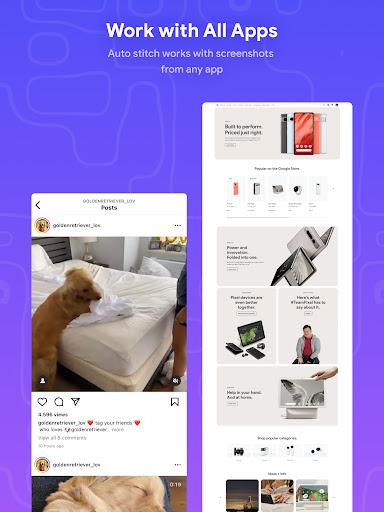
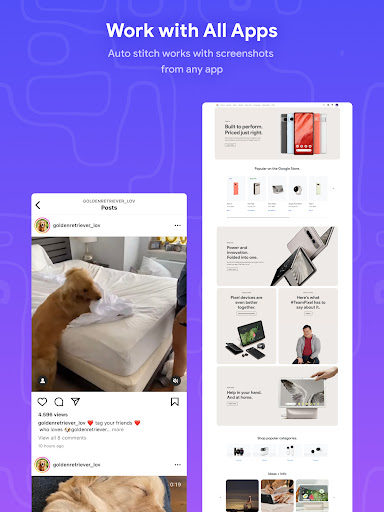
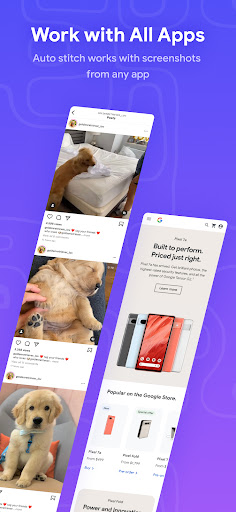
Are you tired of taking multiple screenshots of lengthy webpages or chats, only to struggle piecing them together? Stitch Photo solves this common headache. Its automatic overlap detection and seamless stitching capabilities allow you to capture full-length web pages, lengthy discussions, or extensive social media feeds in one clean image. Plus, the app supports sharing your stitched images directly to social media or saving them high-resolution for professional use.
Final Thoughts
In an age where sharing detailed visual information is vital, Stitch Photo emerges as an essential tool for anyone looking to create flawless long screenshots and panoramic images easily. Its powerful AI-driven technology, combined with an intuitive interface and high-quality output, makes it stand out from traditional photo stitching apps. Whether you’re capturing entire web pages, storytelling through images, or documenting beautiful landscapes, Stitch Photo simplifies and enhances your photo editing experience.
Pros
- Easy to capture long screenshots.
- Intuitive user interface.
- Supports multiple image formats.
- Fast stitching process.
- High-quality output.
Cons
- Limited editing features.
- Occasional app crashes.
- Ads can be intrusive.
- Requires in-app purchases for some features.
- Limited sharing options.











