

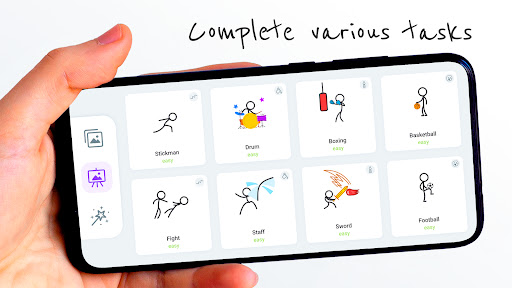
Discover the Fun and Creative World of Stickman: Draw Animation Maker
Are you fascinated by the idea of creating your own animations but feel overwhelmed by complex software? Look no further than Stickman: Draw Animation Maker — a delightful app designed for aspiring artists and animators of all ages. This intuitive tool transforms simple doodles into lively animated stories, making animation accessible, fun, and engaging.
Getting Started with Stickman: Draw Animation Maker
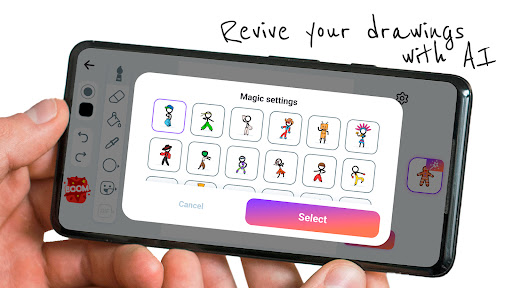
Upon launching the app, you'll be greeted by a user-friendly interface that requires no manual to navigate. Crafted with simplicity in mind, the platform offers a seamless experience suitable for kids, beginners, or anyone who enjoys doodling. Whether you're imagining epic hero adventures or funny stick figure antics, the app provides all the essential tools to bring your ideas to life effortlessly.
Key Features That Make Animation Easy and Exciting
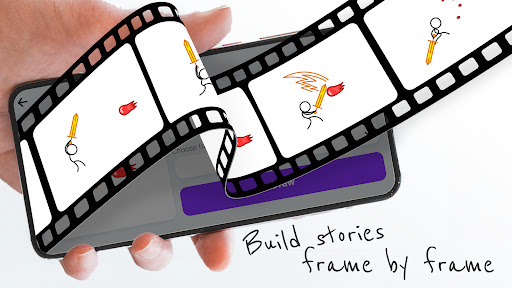
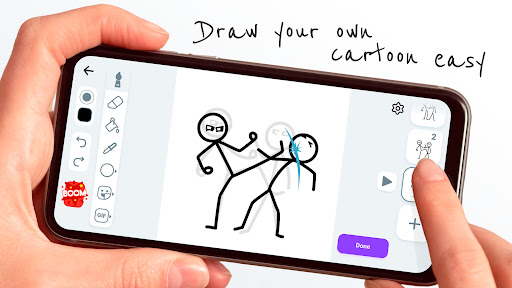
One of the standout features is the frame-by-frame animation capability, which allows you to draw each movement step-by-step. This method gives you complete control over your animation's flow, producing smooth and natural movements. Complementing this is the onion skinning feature, enabling you to see the previous frame overlayed faintly while drawing the next, ensuring consistency and fluidity throughout your animation.
Adding sounds is made simple with the app’s audio integration feature. Embed sound effects or music to turn your static stick figure motions into lively short movies. This audio-visual blend adds depth and excitement, making your animations more engaging and lifelike.
Why Stickman: Draw Animation Maker Is So Much Fun
Creating animations with this app isn’t just about producing final clips; it’s about enjoying the creative journey. The platform encourages experimentation—try different styles, characters, or storylines without the fear of ruining your work. The handy undo button provides a safety net, allowing you to correct mistakes easily and learn as you go.
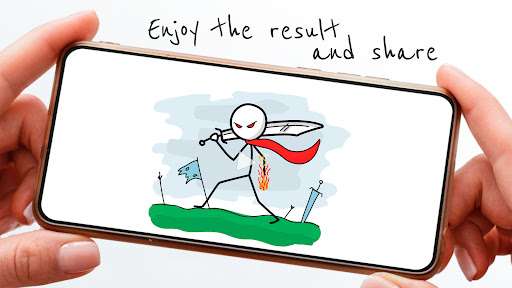
One of the most rewarding aspects is watching your stick figures come alive with movement. Share your animations within the app’s community or with friends, and draw inspiration from others’ creations. This interactive element fosters a sense of collaboration, learning, and improvement, helping you grow as a digital artist.
Limitations and Opportunities for Growth
While Stickman: Draw Animation Maker offers an excellent platform for beginners, more experienced animators might find its features somewhat basic compared to professional animation software. However, its simplicity is actually a strength for newcomers, striking a perfect balance between functionality and ease of use. To further enhance the user experience, additional tutorials or guided lessons could be introduced, helping users refine their skills and produce more polished animations.
Unleash Your Creativity and Start Animating Today!
Overall, Stickman: Draw Animation Maker is an engaging, accessible app that opens up the exciting world of animation to everyone. Whether you want to craft hilarious stick figure jokes, epic hero stories, or animated short films, this app provides all the necessary tools to turn your ideas into motion. Dive into doodling, frame by frame, and experience the thrill of becoming a real animator—all on your phone.
Pros
- User-friendly interface suitable for beginners
- Extensive selection of drawing tools
- Enables frame-by-frame animation
- Flexible export options
- Strong community support
Cons
- Lacks some advanced features
- Prone to occasional crashes
- Ads may be disruptive
- Certain tools are difficult to locate
- Does not support online collaboration











