

Discover and Create Unique WhatsApp Stickers with Sticker.ly
Are you looking to elevate your messaging experience with funny WhatsApp animated stickers and personalized creations? Look no further than Sticker.ly - Sticker Maker. This innovative app offers a seamless way to discover billions of meme animated stickers and craft your own stickers (WAsticker) effortlessly. Whether you're messaging friends or sharing stories, Sticker.ly helps you stand out by adding a creative touch to every chat.
Explore a Vast Library of Stickers and Automatic Creation Tools
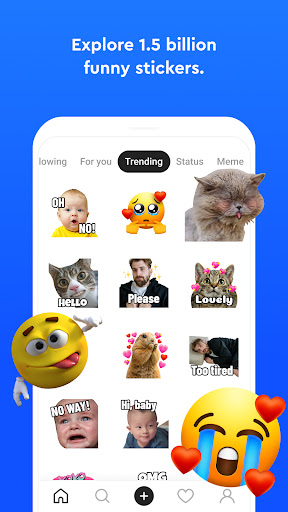
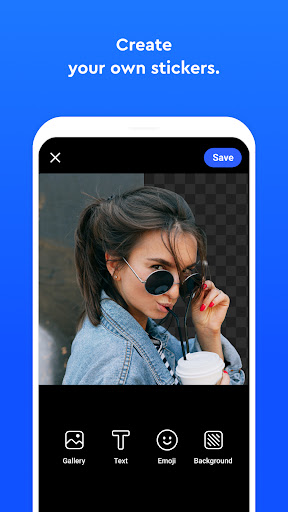
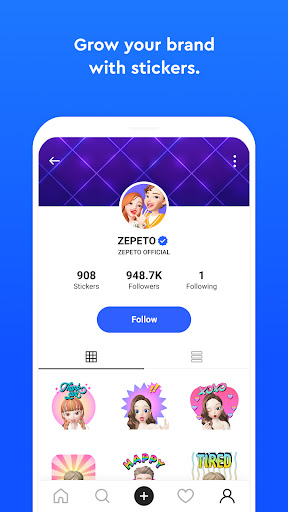
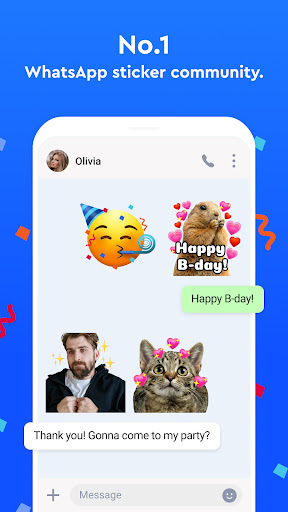
Sticker.ly provides access to billions of meme animated stickers that you can use instantly in your chats and status updates. Simply browse through its expansive library of pre-made animated stickers featuring TV shows & Movies, Celebrities & Models, Animals, Sports, Anime, Funny memes, and more. Want to create something unique? The app's advanced Auto Cut technology allows you to generate animated stickers directly from your videos or photos with ease, without the hassle of manual cropping.
Seamless Sticker Creation and Customization
How to Create Your Own Sticker Pack
Creating personalized WhatsApp stickers is simple and straightforward:
- Name your sticker pack.
- Select photos or videos and use the Auto Cut technology to crop out stickers automatically.
- Add captions to give your stickers more character and personality.
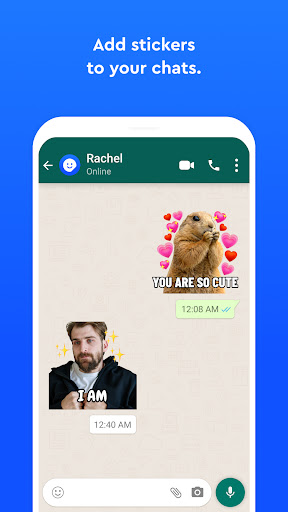
- Export your sticker pack directly to WhatsApp or Telegram and share with friends.
The app also allows you to adjust the position, size, and angle of your stickers, giving you full control over the design. With no limits to the number of custom stickers you can create, Sticker.ly is the perfect tool to build and grow your personal brand or community.
User-Friendly Experience and Sharing Made Easy
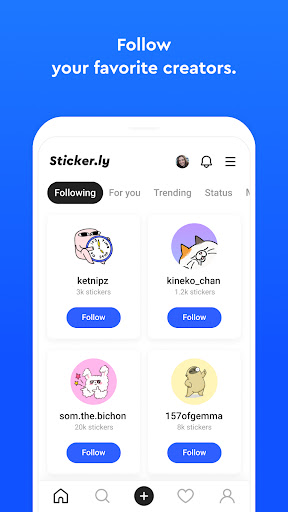
The interface of Sticker.ly is sleek, intuitive, and designed for all users, even those with little technical experience. Creating stickers feels effortless, thanks to its well-organized layout. After crafting your stickers, sharing them with friends across WhatsApp, Telegram, or other social media platforms is quick and simple. You can even generate sharable links to distribute your high-quality GIF emoji packs easily.
Stay Up-to-Date and Grow Your Creativity
Keep yourself ahead with the latest sticker packs and updates by following Sticker.ly on their Instagram or visiting their official website. The app also features regular updates to enhance your sticker creation experience and introduce new tools, ensuring your messaging remains lively and engaging.
Additional Features and Compatibility
Sticker.ly supports both WhatsApp and Telegram, making it versatile for users across different platforms. The app requests optional access to storage, photos and videos, and notifications to provide a smooth experience, including saving your custom stickers and notifying you of new updates. Even without granting these permissions, you can still enjoy most features of the app.
Whether you're looking for funny animated stickers, video statuses, or just want to express yourself uniquely, Sticker.ly is the comprehensive solution for creating, customizing, and sharing innovative stickers.
Conclusion
In summary, Sticker.ly - Sticker Maker is a top-tier app designed for anyone eager to add a personal touch to their messaging experience. Its combination of extensive sticker libraries, intuitive creation tools, and easy sharing options makes it a must-have for sticker enthusiasts. Dive into the world of fun and creativity today and become the next sticker art maestro among your friends!
Pros
- Simple to design personalized stickers.
- Extensive collection of ready-made stickers.
- Intuitive and easy-to-navigate interface.
- Supports use of GIFs and videos.
- Regular updates with new features.
Cons
- Advertisements can be disruptive.
- Few features are available for free.
- Requires an internet connection to function.
- App may occasionally crash.
- Some stickers have low quality.











