


Overview of Snapseed
Snapseed is a comprehensive and professional photo editor developed by Google that empowers users to transform their photographs into stunning works of art. Designed for both beginners and experienced photographers, Snapseed combines a user-friendly interface with a powerful set of editing tools, making it a popular choice for mobile photo editing on both Android and iOS devices.
Main Features and Capabilities
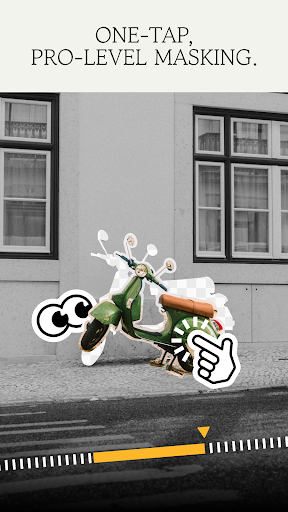
At the heart of Snapseed are 29 tools and filters, which include essential editing features such as Healing, Brush, Structure, HDR, and Perspective. These tools allow users to perform precise adjustments, retouch images seamlessly, and create professional-quality edits. The app supports JPG and RAW files, offering flexibility whether you're working with simple snapshots or high-resolution RAW images.
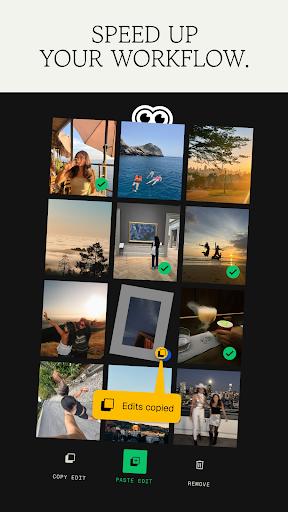
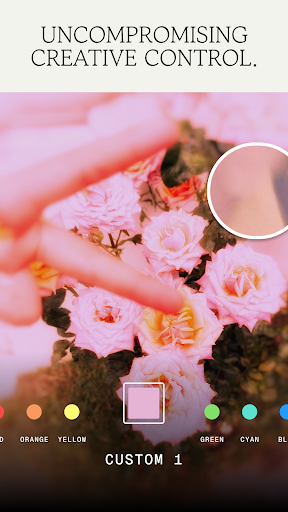
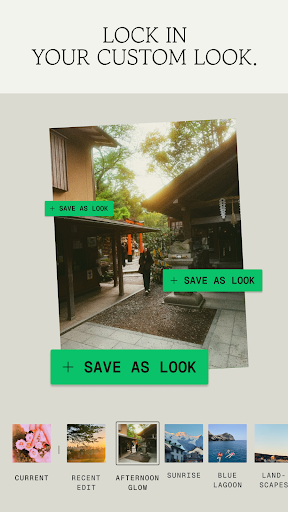
One of the standout features is the ability to save and apply personal looks, enabling quick retouching across multiple photos. The Selective filter brush offers fine control over specific areas, giving users the capacity to enhance details or correct exposure selectively. Additionally, all styles can be fine-tuned with precise control settings, providing a high level of customization.
Powerful Editing Tools and Filters
Image Adjustment and Enhancement
The RAW Develop tool allows for non-destructive editing of RAW DNG files, giving professional photographers the flexibility to fine-tune their images without quality loss. The Tune Image feature adjusts exposure, color, and ambiance, providing an instant enhancement. The Details tool enhances surface textures and intricate details, making images appear sharper and more defined.
Cropping and Perspective Correction
With the Crop and Rotate tools, users can crop images to standard or freeform sizes and straighten skewed horizons. The Perspective tool corrects skewed lines and improves the geometry of buildings or landscapes, ensuring perspective accuracy.
Color and Artistic Filters
Snapseed excels in artistic editing with filters like HDR Scape, Drama, Grunge, Vintage, Retrolux, and Black & White. These add creative effects, textures, and nostalgic tones to photos. Unique features such as Glamour Glow add soft, beautiful glows perfect for portraits and fashion photography, while Lens Blur creates a stunning Bokeh effect, ideal for highlighting subjects.
Specialized Retouching and Effects
Tools like Healing help erase unwanted objects or blemishes, and Face Enhance smartly focuses on eyes, smooth skin, or facial features. The Double Exposure feature allows blending of two images with various modes, inspired by traditional film techniques. Other creative filters such as Vintage, Noir, and Black & White provide a nostalgic touch for photographers seeking classic looks.
Intuitive User Experience
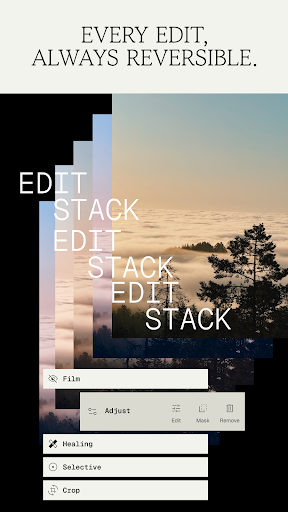
Getting started with Snapseed is simple and straightforward. The interface is clean, with easy navigation that accommodates both novices and professionals. The non-destructive editing approach ensures that all modifications can be reverted or adjusted without losing the original image quality. This flexibility encourages experimentation and creative freedom.
The app also supports RAW file processing, which is vital for professional photographers aiming for high-quality results. Its features extend beyond basic editing, offering photography tips and insightful guidance within the app. These educational elements help users learn new techniques and improve their skills over time.
Conclusion
In summary, Snapseed stands out as a versatile and powerful photo editing app that caters to users of all levels. Its extensive toolkit, support for RAW files, and creative filters make it a top choice for mobile photography enthusiasts and professionals alike. Best of all, it’s a free application, providing incredible value without any cost. Whether you're looking to enhance your everyday photos or craft stunning artistic images, Snapseed has everything you need to unlock your creative potential and produce visually compelling photographs.
Pros
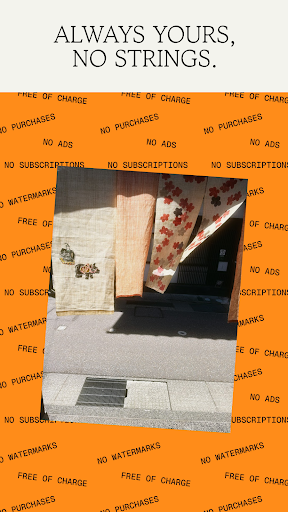
- Free to use with no in-app purchases
- Supports editing RAW files
- Intuitive and user-friendly interface
- Offers a wide variety of filters
- Equipped with powerful editing tools
Cons
- Lacks cloud storage options
- Limited options for sharing on social media
- App may occasionally crash
- Consumes a significant amount of battery life
- Can be difficult for beginners to learn











