
Introduction to the SmartWatch & BT Sync Watch App
The SmartWatch & BT Sync Watch App is an innovative tool designed to enhance the connectivity and functionality of your smart devices. Whether you're an Android user or rely on Bluetooth-enabled smartwatches from popular brands like Samsung, Garmin, Xiaomi, or others, this app bridges the gap between your smartphone and smartwatch, making them work harmoniously. With seamless synchronization, it transforms your wearable device into a versatile companion, offering not just basic notifications but an array of features to optimize your daily routines. The app excels in providing a smooth, user-friendly experience while boosting your smartwatch's capabilities, ensuring you stay connected, organized, and stylish at all times.
Main Features of the SmartWatch & BT Sync Watch App
Universal Compatibility and Bluetooth Notifier
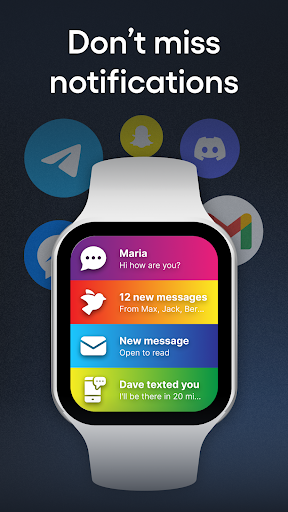
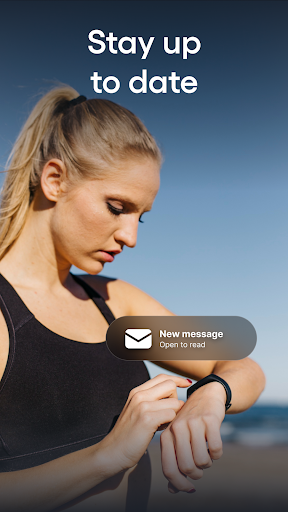
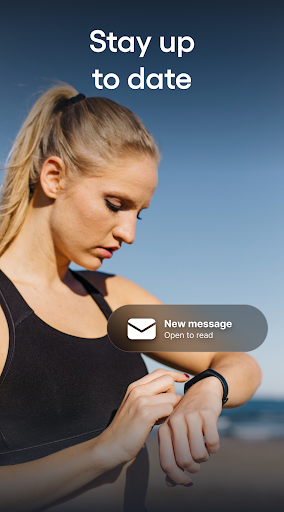
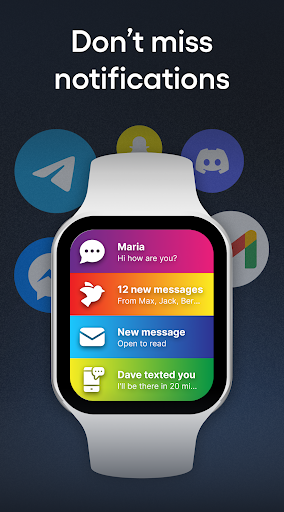
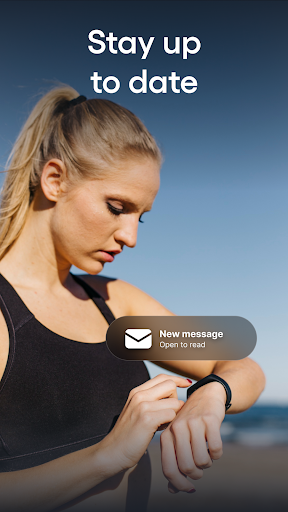
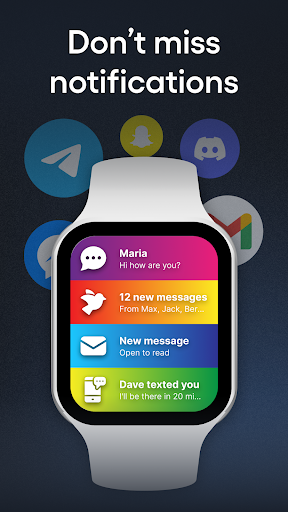
The app supports Android smartphones and Bluetooth notification sharing, allowing you to establish a reliable BT binding between your device and your smartwatch. Once paired, it can display all incoming Bluetooth messages directly on your watch's screen, keeping you updated without reaching for your phone. This is particularly useful during activities such as running, exercising, or working, where quick access to notifications can be a game-changer.
Enhanced Watch Performance
By expanding your watch's facilities, the SmartWatch & BT Sync Watch App maximizes device performance. It allows customization of watch styles with dozens of colors and themes, making your smartwatch look fresh and personalized every day. Users can add important events, write notes to prevent data loss, and set reminders—all directly from the app, transforming a simple wearable into a personal productivity tool.
Stay Connected Always
The app ensures you are constantly connected by enabling you to read messages, emails, and answer calls instantly. Basic models permit message viewing and call hanging, while advanced models support answering calls and messages directly from the watch. This feature is invaluable for those on the move or engaged in activities where handling a smartphone isn't practical.
Supported Brands and Customization
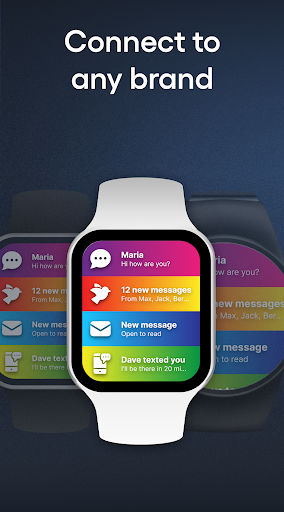
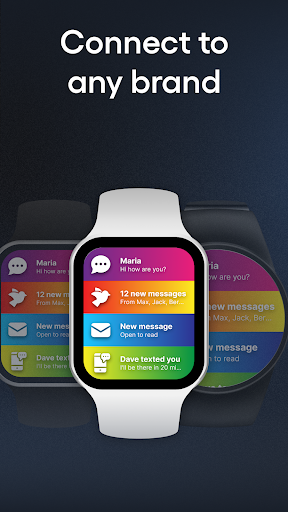
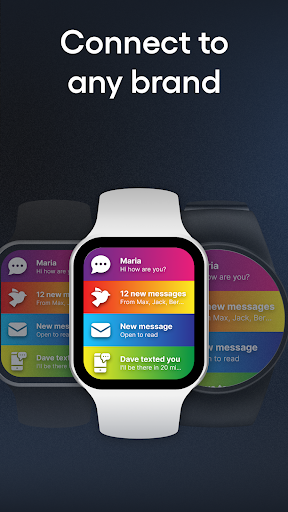
Compatible with many popular smartwatch brands such as Samsung, Garmin, Xiaomi, Grape, Fundo, Kurio, and more, the app provides versatile support. Users can choose from a variety of colorful notification themes for each contact, sender, or application, creating a unique and personalized watch experience that matches your style.
Additional Features
Beyond notifications, the app includes features like locating your paired phone, tracking health metrics (steps, heart rate, sleep patterns), and even paying via the smartwatch. These functions turn your smartwatch into a comprehensive daily assistant.
Easy Installation and Troubleshooting
Step-by-step Setup
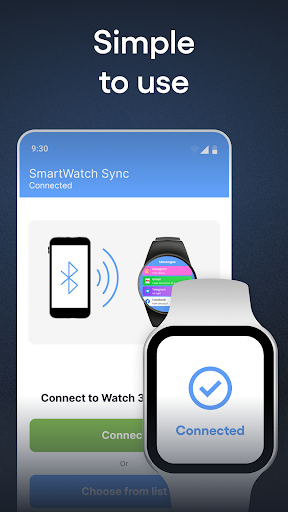
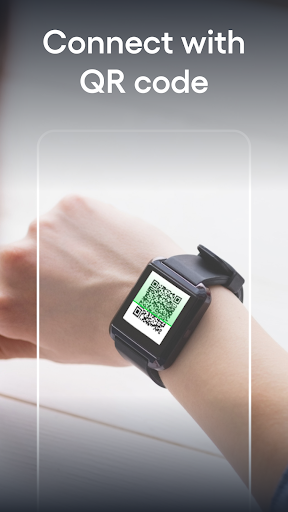
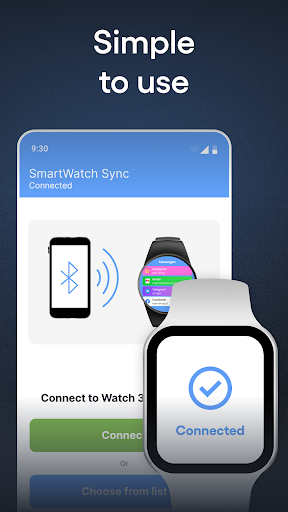
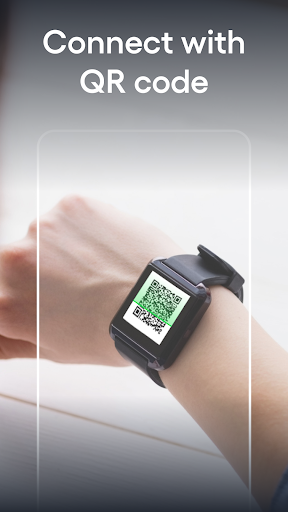
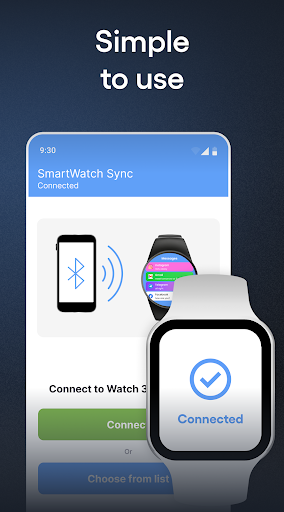
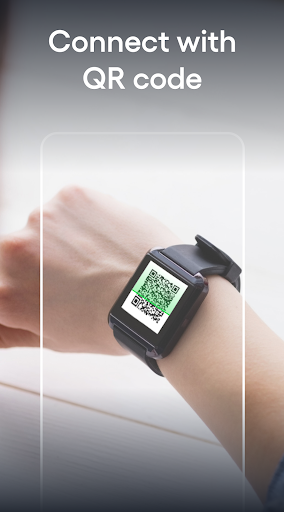
To set up, install Smartwatch sync & BT notifier from your app store. Open the app on your smartwatch, enable Bluetooth, and make it discoverable. Then, launch the sync app on your mobile, grant necessary permissions, and connect your devices by selecting your smartwatch from the list. Confirm pairing on both devices, and you’re ready to go. For detailed guides, visit: qwegnumor.com/Smartwatchsync.
Common Bluetooth Sync Issues
If you encounter problems, ensure your devices are close together to improve pairing success. Restart the Bluetooth connection, check device power levels, and disconnect/reconnect as needed. It may also help to manually update connection settings if your smartwatch attempts to reconnect to a previous device. Keeping devices charged helps prevent power management features from disabling Bluetooth unexpectedly.
Benefits of the PRO Version
- No intrusive ads on your phone or watch for a seamless experience.
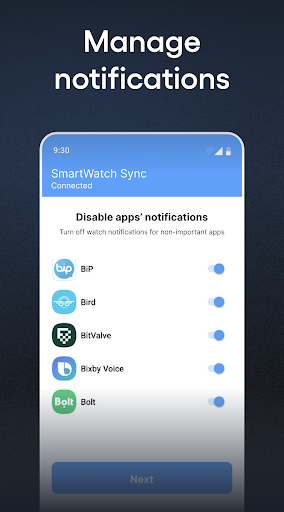
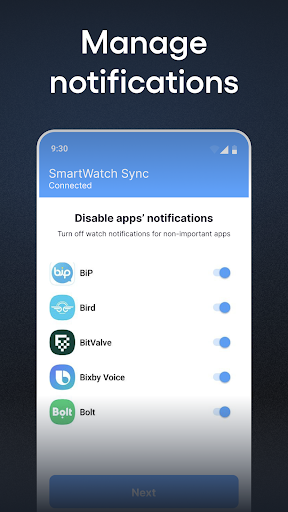
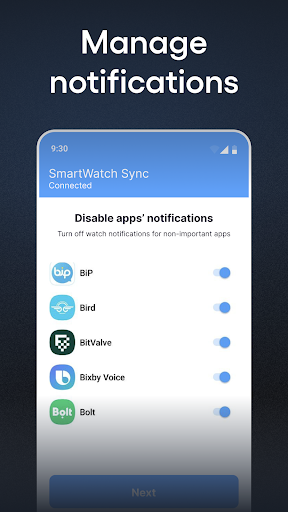
- Customized notifications for specific contacts, apps, or messaging platforms, including setting on/off preferences.
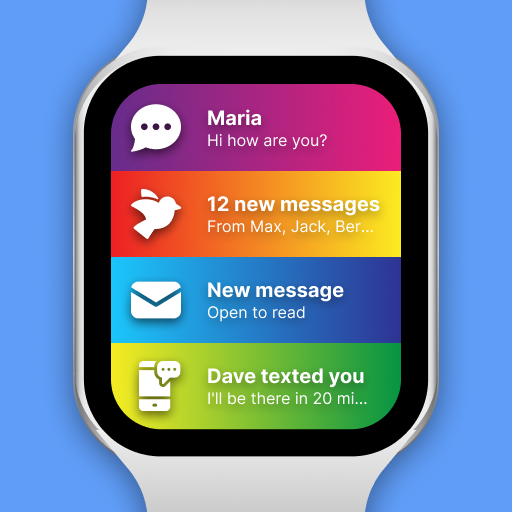
- Bright themes for notifications, allowing colorful and personalized alerts that enhance user experience during daily activities.
Why Choose the SmartWatch & BT Sync Watch App
This app is perfect for users seeking to unlock the full potential of their smartwatch. It simplifies device management, enhances notification delivery, and offers versatile customization options. Whether you're a fitness enthusiast tracking your health metrics or someone who needs instant updates without reaching for your phone, this application is a reliable, performance-optimized solution. Its compatibility with leading smartwatch brands and support for various features make it an essential accessory in your tech arsenal. Embrace the convenience of smartwatch synchronization and elevate your wearable device experience with this powerful app.
Pros
- Seamless synchronization with a variety of smartwatch brands.
- Intuitive interface for simple navigation.
- Real-time notifications displayed directly on your smartwatch.
- Customizable watch faces and themes.
- Optimized battery consumption for longer smartwatch usage.
Cons
- Limited support for older smartwatch models.
- Occasional delays in notification delivery.
- Requires Bluetooth to be constantly enabled.
- May deplete phone battery faster.
- Some features require a paid subscription.
- Complex setup process for users who are not tech-savvy.











