

Introduction to Smartsheet: Projects & Teams
Are you looking for a powerful project management tool that can streamline collaboration and enhance team productivity? Smartsheet: Projects & Teams is a versatile work execution platform designed to help teams plan, track, automate, and deliver projects efficiently. With its intuitive interface, rich features, and seamless integrations, Smartsheet is trusted by thousands of organizations worldwide to manage complex workflows and foster effective collaboration.
Getting Started with Smartsheet
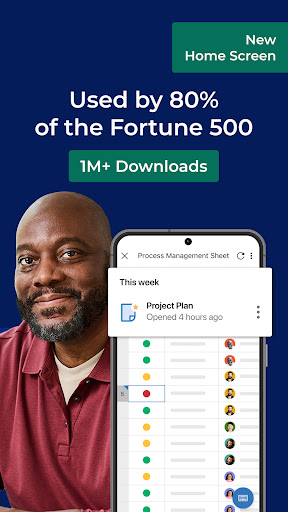
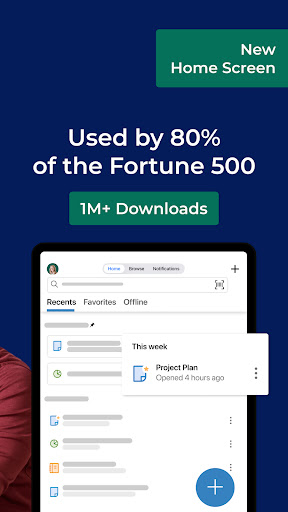
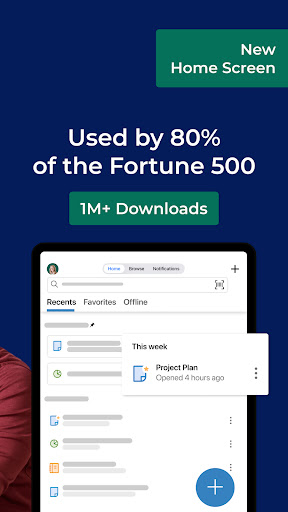
Getting started with Smartsheet is simple and user-friendly. You can sign in using your existing Smartsheet account or quickly create a new account by entering your email for a free 30-day trial. Join millions of innovative users and upgrade to a paid plan at any time to unlock more advanced features. This powerful work execution platform supports teams across 190 countries and is trusted by over 80,000 leading brands, including 75% of the Fortune 500 companies.
Core Features of Smartsheet
Effective Collaboration Tools
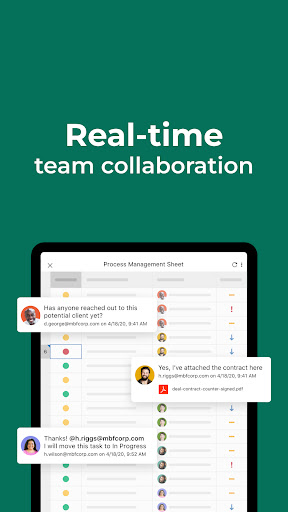
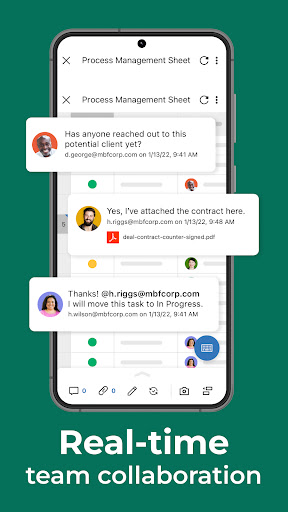
One of the standout features of Smartsheet is its collaboration capabilities. Teams can easily create, share, and work on projects from anywhere. The platform allows you to access projects, tasks, workflows, and sheets at any time, providing a centralized hub for all project-related activities. You can review and edit documents collaboratively, ensuring everyone stays updated and aligned. Additionally, business collaboration tools facilitate efficient teamwork planning and execution.
Organizing Projects & Tasks
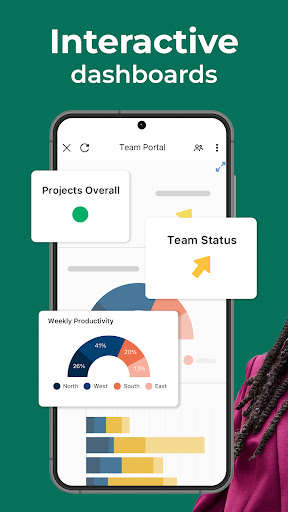
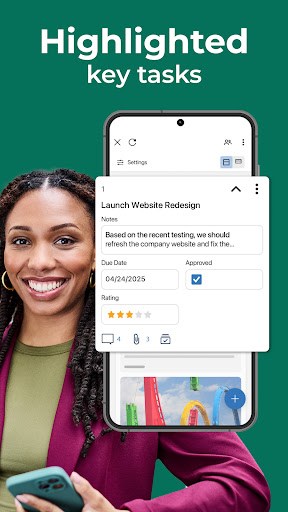
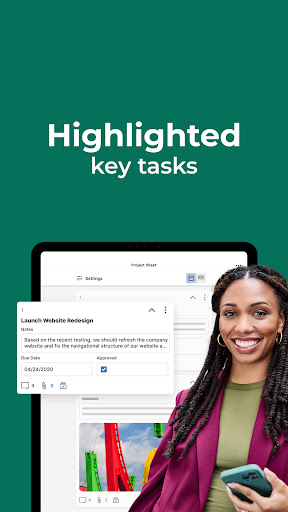
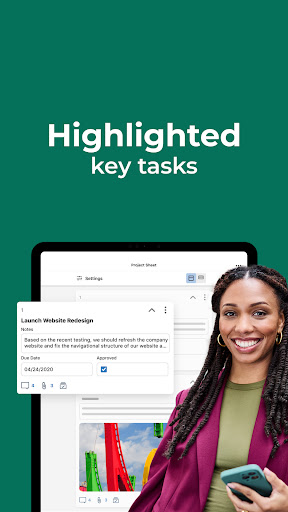
Smartsheet uses sheets to oversee tasks and workflows, enabling project planning and progress tracking. You can assign tasks, specify due dates, add followers, checklists, and attach files from services like Google Drive, OneDrive, and Dropbox. Visualize tasks effortlessly by switching between grid, card, Gantt, and calendar views. Automated updates and approval requests streamline processes, reducing meeting times and boosting efficiency. Dashboards offer visual insights with reports, charts, and forms to monitor project KPIs and progress clearly.
Automating Workflows
The platform enables you to set up automated workflows quickly to monitor progress and improve efficiency. Automate repetitive tasks, send alerts, and request approvals to keep projects moving smoothly without manual intervention. This automation helps teams stay focused on high-value activities while reducing errors and delays.
Unified Workspace
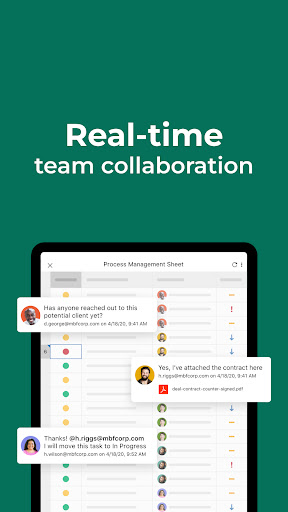
Work in one cohesive environment where work conversations, decisions, and rationales are stored alongside tasks and documents. Share spreadsheets with colleagues for real-time editing or commenting, fostering seamless collaboration regardless of location. The platform’s integrated workspace enhances visibility and coordination among team members.
Data Collection with Forms
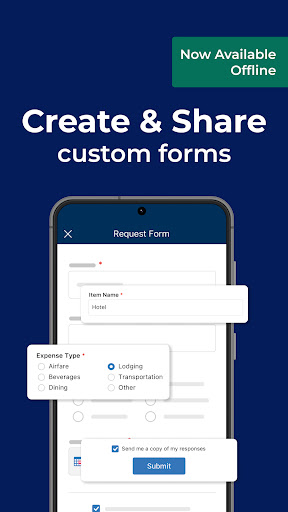
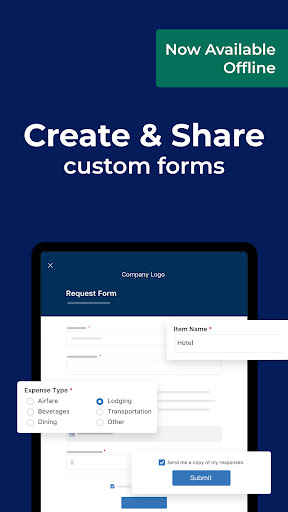
Forms in Smartsheet allow you to gather data from the field efficiently. Capture images, scan barcodes, or collect information offline in low-connectivity situations. Create forms that automatically map data to sheets, ensuring error-free data entry. Embedding forms on dashboards and websites provides easy access for stakeholders to submit inputs directly into your projects.
Increasing Productivity & Taking Action
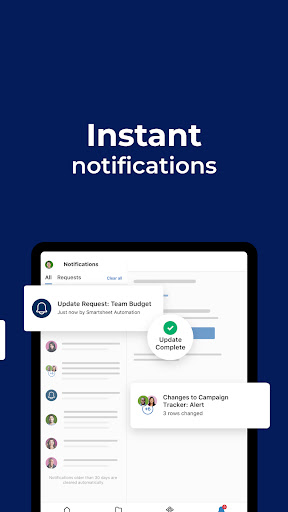
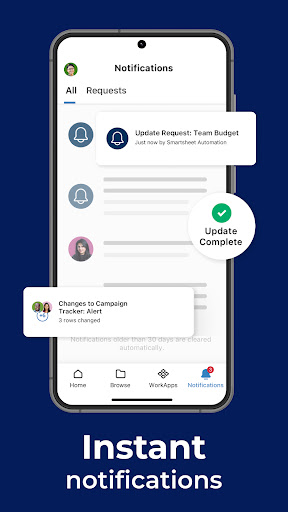
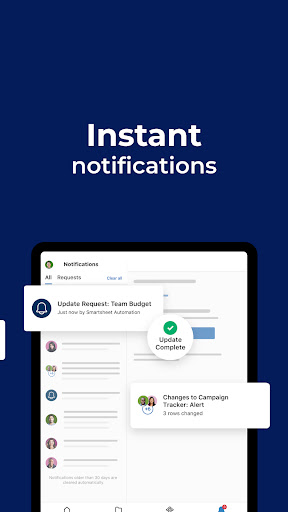
Stay on top of your work with notifications directly sent to your inbox about project updates, pending tasks, and workflow requests. Act on approvals or update task statuses effortlessly in card view. View dashboards and sheets in real-time from your mobile device, keeping you informed about project health and key metrics on the go.
Real-Time Work Visibility
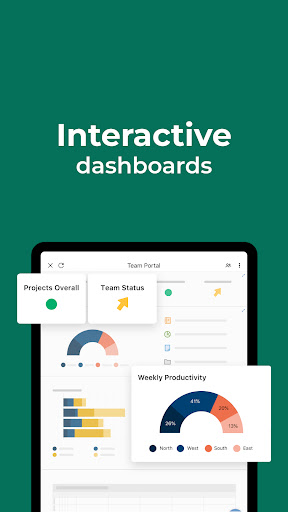
Visualize project data instantly through interactive dashboards that display live metrics, charts, and KPIs. These real-time insights enable project owners, stakeholders, and leadership to identify trends quickly and make data-driven decisions. Adapting to shifting priorities becomes seamless with comprehensive visibility into project statuses, risks, and opportunities.
Integrations & Building Custom Apps
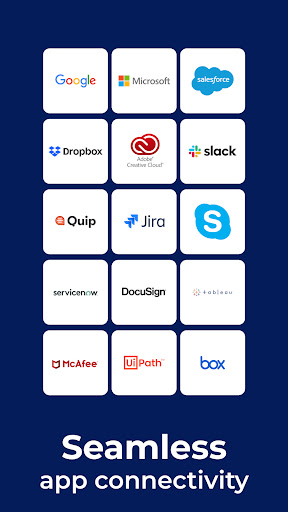
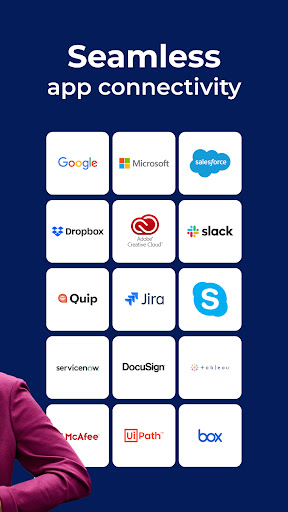
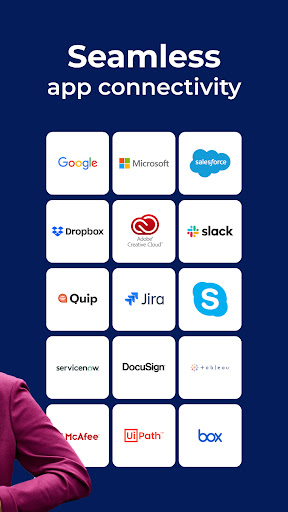
Smartsheet integrates smoothly with many popular applications like Google Workspace and Microsoft Office, allowing real-time data synchronization and visibility across platforms. Additionally, using WorkApps, a no-code platform, you can create custom web and mobile applications tailored to your business needs, streamlining processes without programming knowledge.
Why Choose Smartsheet: Projects & Teams?
Whether you're managing a small team or a large enterprise, Smartsheet scales effortlessly to fit your project management needs. Its versatile templates, automation features, collaborative tools, and real-time analytics make it an indispensable platform for boosting productivity, fostering collaboration, and ensuring project success. Plus, with mobile access, you can manage and monitor work from anywhere, anytime.
If you're aiming to optimize your workflows, improve team communication, and deliver projects on time, Smartsheet is worth exploring. It’s more than just a project management software—it's a comprehensive work platform designed to help teams excel and achieve their goals effectively.
Pros
- User-friendly interface simplifies project management.
- Real-time collaboration enhances productivity.
- Customizable templates improve workflow efficiency.
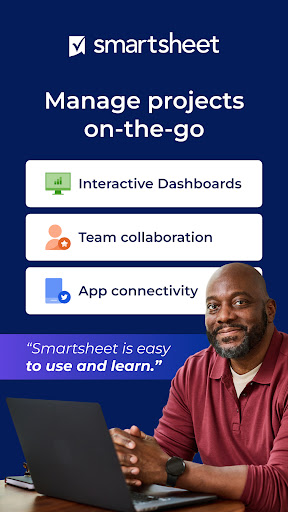
- Mobile application provides on-the-go access.
- Seamless integration with popular tools like Google Workspace.
Cons
- Limited offline capabilities.
- Steep learning curve for new users.
- Subscription may be costly for small teams.
- Occasional synchronization problems with mobile app.
- Advanced features are available only in premium plans.











