
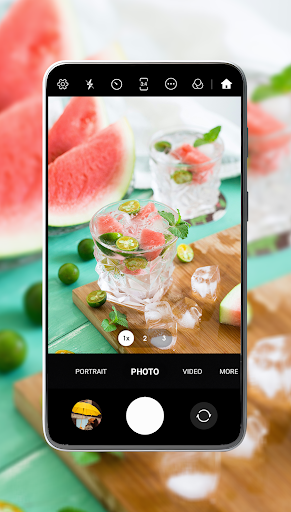
Introduction to Camera for S23 - Galaxy Camera
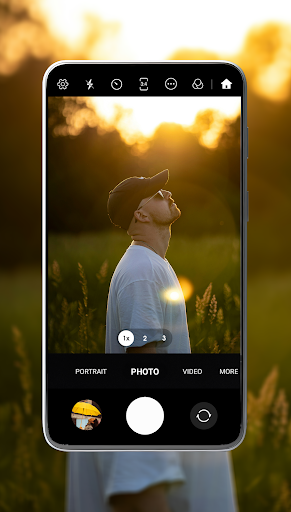
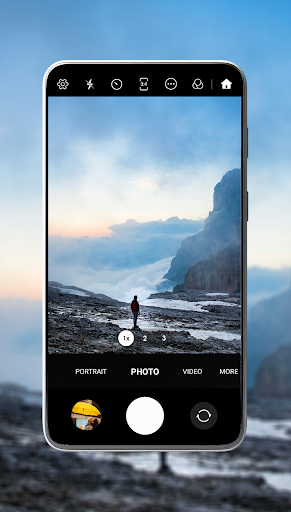
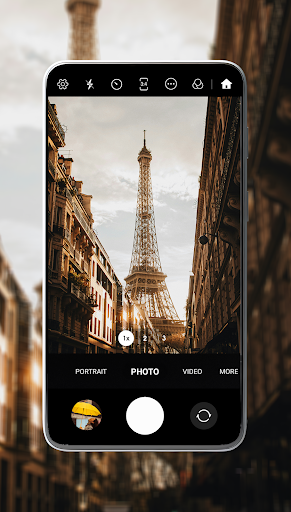
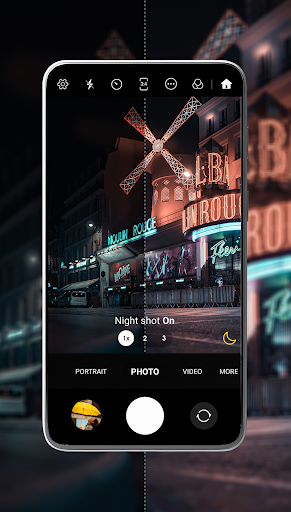
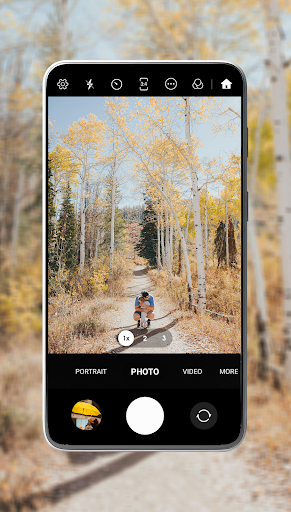
The Camera for S23 - Galaxy Camera app offers an exceptional mobile photography experience, inspired by the powerful camera capabilities of the Galaxy S23 series. Whether you're an enthusiast or a casual shooter, this feature-rich application transforms your smartphone into a professional-grade camera, enabling you to capture stunning photos and videos with ease. Designed with user-friendliness and advanced features in mind, it provides a seamless interface that caters to both beginners and seasoned photographers looking to elevate their mobile photography game.
Key Features of Camera for S23 - Galaxy Camera
Enhanced Photo Capture
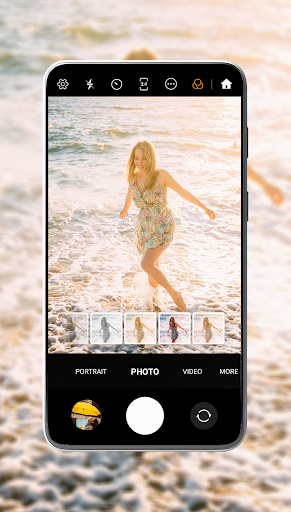
One of the standout aspects of this camera app is its ability to deliver flawless, camera-ready skin in every shot. With over 150+ filters, users can effortlessly enhance their photos, smoothing skin and illuminating features for a radiant look. The Beauty Selfie Camera feature automates skin smoothing and blemish reduction, ensuring every selfie looks fresh and natural. For users seeking precise control, the Professional Mode allows fine adjustments of ISO, shutter speed, and white balance, perfect for creating Instagram-worthy portraits or artistic shots with stunning clarity.
Advanced Photography Tools
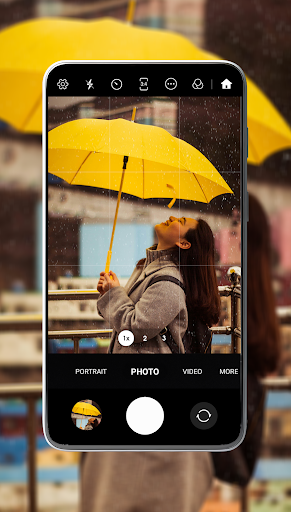
The app supports intuitive controls like Pinch-to-Zoom and Touch-to-Focus, enabling quick and precise framing of your shots. HDR Support enriches your photos with vibrant colors and greater detail in high-contrast scenes. For adding a playful element to your photos, the Funny Mask Sticker feature lets you insert fun masks and stickers, perfect for social media fun and creative expression.
Video Recording & Customization
When it comes to videos, the Camera for S23 app doesn’t hold back. You can record in 4K resolution, ensuring your videos are sharp and professional-looking. The built-in stabilization minimizes shakiness, resulting in smooth footage even if you're recording on the move. Additional tools like Video Flash help illuminate your shots in darker environments, while features like Timer & Burst Mode allow capturing the perfect moment with delayed shots or multiple frames in quick succession. You can also add GPS tags and date/time stamps to preserve memory details.
Personalized User Experience
The app offers personalized controls for a tailored experience. Easily switch between cameras and adjust focus using intuitive gestures. Users can customize settings such as disabling shutter sounds or setting favorite pictures for quick access. The integrated album feature allows seamless organization, making it simple to access and share your best shots.
Why Choose Camera for S23 - Galaxy Camera?
If you're seeking a powerful camera app that combines ease of use with professional features, this application is a perfect choice. Inspired by the Galaxy S23 Ultra camera system, it brings a suite of advanced tools right to your fingertips, making your mobile photography more creative and enjoyable. From capturing lifelike photos with enhanced skin tones to shooting stable, high-resolution videos, this app is designed to help you craft stunning visual stories effortlessly.
Final Thoughts
Whether you're looking to perfect your selfies, capture vibrant landscapes, or record smooth videos, Camera for S23 - Galaxy Camera provides the comprehensive features needed to elevate your photography to the next level. Its blend of innovative filters, manual controls, and intuitive design makes it a must-have app for anyone eager to make the most out of their smartphone camera. Download it today and start creating beautiful images with ease and confidence!
Pros
- High-quality photo resolution
- User-friendly interface
- Variety of shooting modes
- Fast image processing
- Seamless integration with S23
Cons
- Limited editing tools
- Consumes significant battery
- Occasional app crashes
- Requires frequent updates
- Some features require a paid version











