
Discover the Creative Power of Sketchbook: Your Ultimate Digital Drawing Companion
Unleash Your Creativity with Professional-Grade Tools
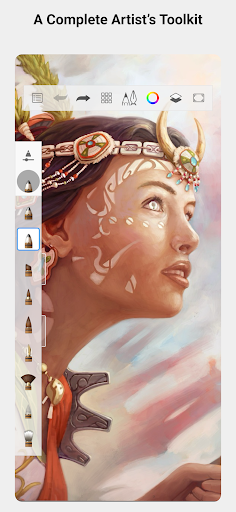
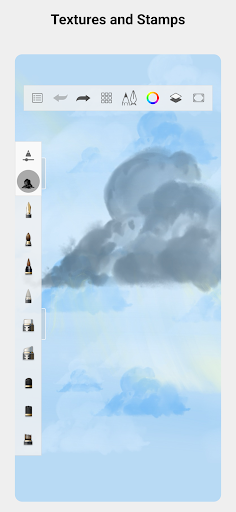
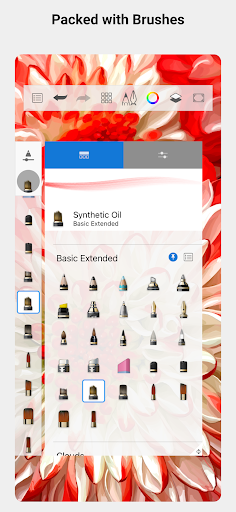
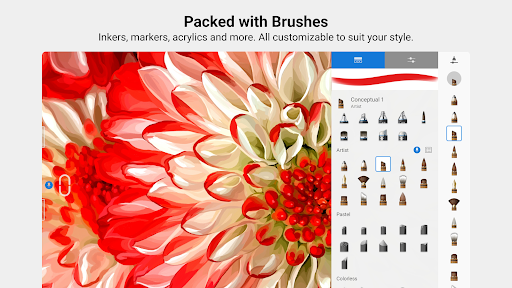
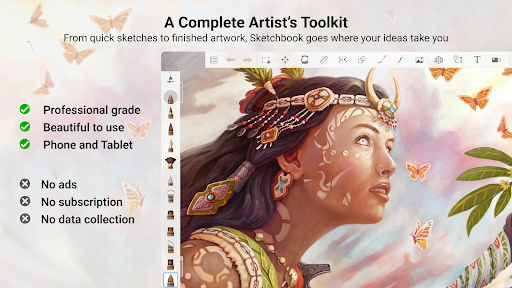
Sketchbook provides a comprehensive set of features that cater to both beginners and seasoned artists. One of its standout features is the full complement of brush types—including pencils, markers, airbrushes, smear tools, and more—that mimic their real-world counterparts with stunning accuracy. Whether you're working on delicate linework or bold coloring, these brushes look and feel just like physical tools, giving your artwork a natural and authentic touch.
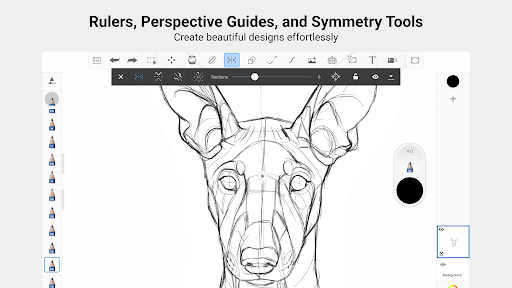
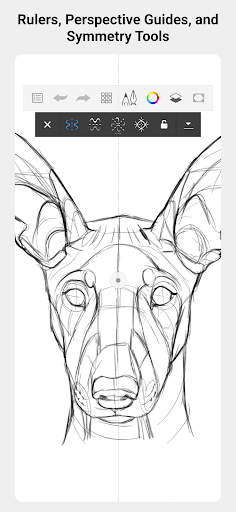
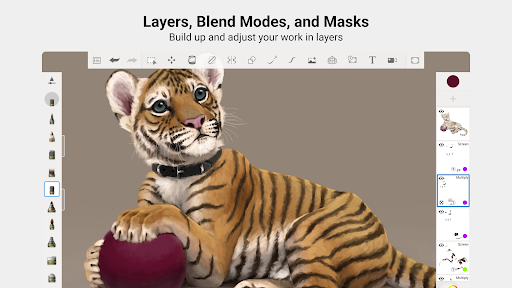
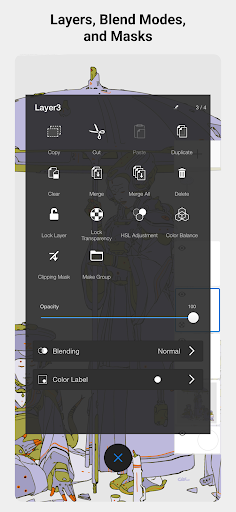
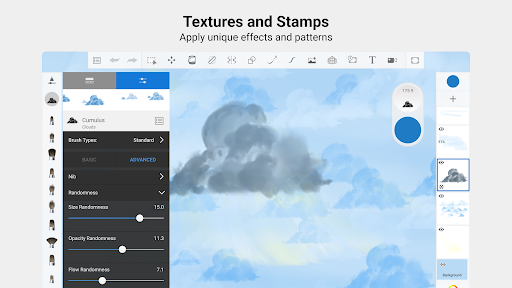
Customization is at the heart of Sketchbook’s offering. Artists can fine-tune brushes to achieve the desired texture, opacity, and flow, ensuring every stroke aligns perfectly with their vision. Supporting precision, the app also includes guides, rulers, and stroke tools, enabling detailed work and technical accuracy when needed. Its innovative multilayer system, complete with various blend modes, allows for complex compositions and vibrant coloring, turning a simple idea into a polished piece.
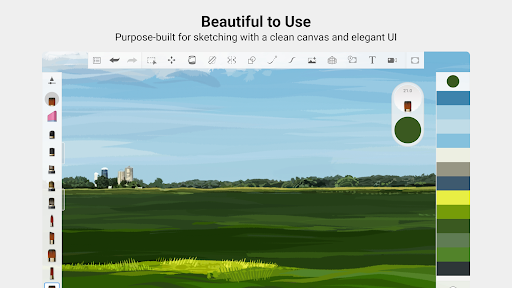
Built explicitly for sketching, the interface remains clean and unobtrusive, helping you stay focused on your art without distractions. The intuitive layout makes navigating tools effortless, so you can spend more time creating and less time figuring out how to use the software.
Ease of Use and Flexibility for Artists on the Go
Beyond its artistic capabilities, Sketchbook emphasizes a smooth and responsive user experience. This means your creative flow remains uninterrupted, even during intensive projects. The app supports easy import and export of files, ensuring your work moves seamlessly between desktop and mobile devices. This versatility is perfect for artists who like to work on various platforms and never want to compromise quality or precision.
One of the features I find particularly helpful is the quick access toolbar, which allows you to jot down ideas or start new sketches instantly when inspiration strikes. Plus, various tools such as symmetry ensure your artwork maintains perfect balance, whether you're designing characters, creating patterns, or exploring abstract concepts.
Sketchbook's performance is optimized for stability, offering a reliable environment for high-resolution artwork without lag or crashes—so you can focus entirely on your creative process. Its user-friendly interface and customizable workspace make it easy to tailor the app to your personal workflow, making every drawing session productive and enjoyable.
Why Artists Love Sketchbook
Artists and illustrators worldwide love Sketchbook for its professional features combined with an elegant, distraction-free interface. Whether you're a beginner exploring your artistic potential or a seasoned professional refining your craft, Sketchbook adapts to your skill level, providing powerful tools without overwhelming clutter.
The versatility and ease-of-use make it a go-to app for digital sketching, concept art, illustrations, and much more. Its ability to bring ideas to life quickly and efficiently helps you maintain a steady flow of inspiration, whether you're working in a studio or on the move.
In summary, Sketchbook stands out as a versatile, intuitive, and professional digital drawing tool that empowers artists to explore, create, and express their ideas with confidence. Its suite of customizable brushes, precision tools, and seamless file management make it an indispensable companion for digital artists striving for excellence in their work. Give Sketchbook a try and experience firsthand how it can unlock your full creative potential.
Pros
- Intuitive user interface
- Wide variety of brushes
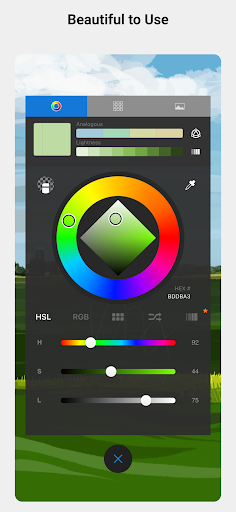
- Customizable color palette
- High-resolution export capability
- Layer management features
Cons
- Limited features in the free version
- Occasional crashes of the app
- Requires a powerful device to run smoothly
- In-app purchases are necessary
- Steep learning curve for new users











