
Overview of Sketch Pro: Draw & Create Art
Sketch Pro is a professional-grade drawing, design, illustration, and digital art application available for tablets and smartphones. Crafted with love by the Drawing Desk Team, this app is now enhanced with advanced AI tools to elevate the creative workflow of serious digital artists. Whether you're a graphic designer, illustrator, or a comic, anime, or manga artist, Sketch Pro provides a comprehensive suite of features to support your artistic journey.
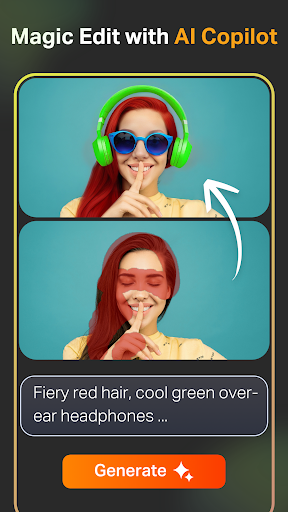
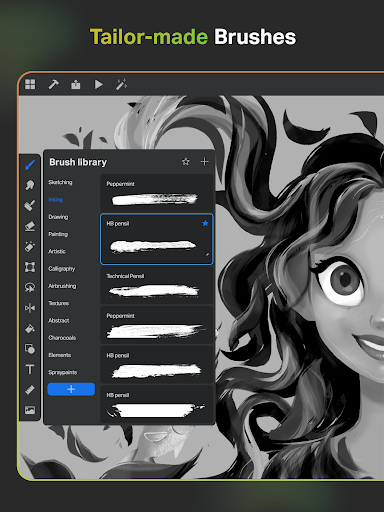
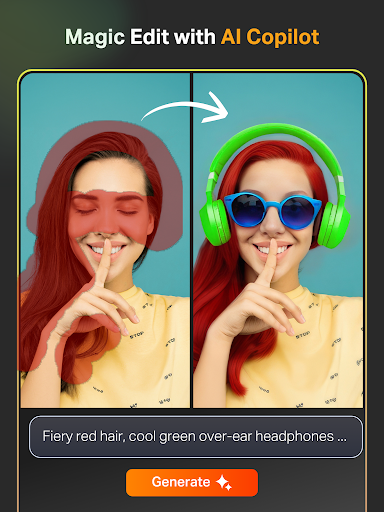
Designed specifically for creative professionals, the app offers a wide range of professional customizable brushes, AI-driven drawing tools, and flexible workspace options. These features make it easy to create detailed, polished artworks right on your device. With tools like Text to Image AI, Sketch to Image AI, and Magic Edit AI, artists can accelerate their workflow, transform sketches effortlessly, and add extraordinary details with minimal effort.
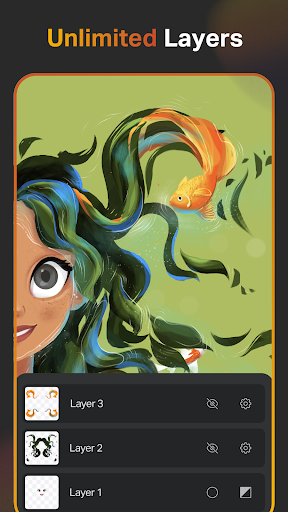
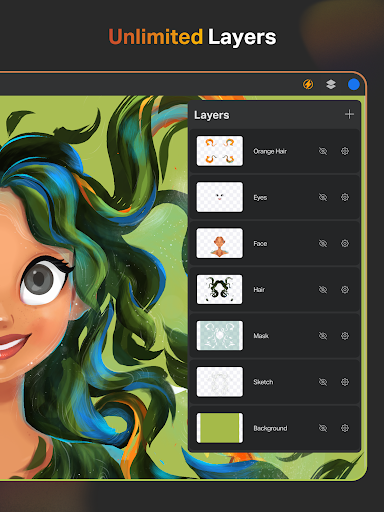
The app supports unlimited layers, advanced layer management options, and an extensive library of shapes and symbols, ensuring every artist can tailor their workspace to fit their style. Its user-friendly interface combined with powerful features makes Sketch Pro ideal for both beginners and seasoned professionals. Whether you're doodling casually or working on complex projects, this app aims to turn your creative ideas into reality with ease and precision.
Key Features of Sketch Pro: Draw & Create Art
Creative Professional Drawing Tools
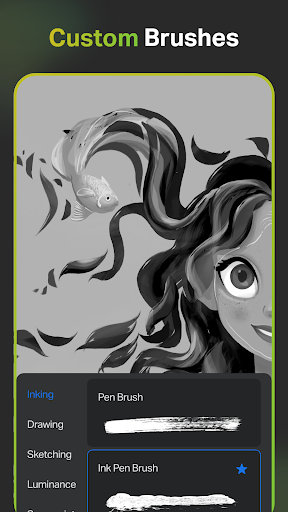
Enjoy a range of pro creative brushes suitable for sketching, painting, doodling, and illustrating. These brushes can be customized to match your unique style, with options to save your favorites for quick access. The app also offers a Free Roller Brush featuring over 100 patterns, perfect for adding textures and professional touches to your artwork.
AI-Powered Drawing and Editing Tools
The integration of AI tools transforms the way artists work. Generate artwork effortlessly using Text to Image AI by simple prompts, or convert hand-drawn sketches into refined images with Sketch to Image AI. Want to revamp colors or add objects? Use Magic Edit AI to modify textures, replace objects, or enhance your images seamlessly. Need to expand your canvas? The Expand Artwork AI tool enlarges your artwork without sacrificing quality.
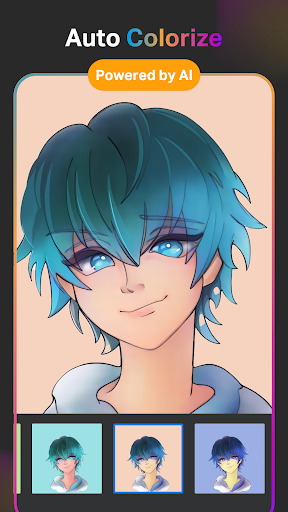
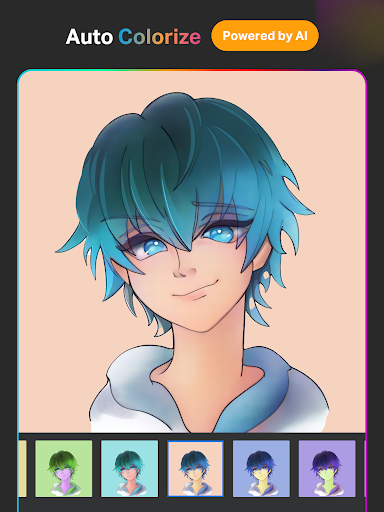
Coloring becomes faster with Auto-Coloring AI and Auto-Colorization AI, which add vibrant colors based on hints or automatically. Remove unwanted objects or backgrounds using Object Remove and Pro BG Remove tools for clean, professional results.
Advanced Drawing and Design Tools
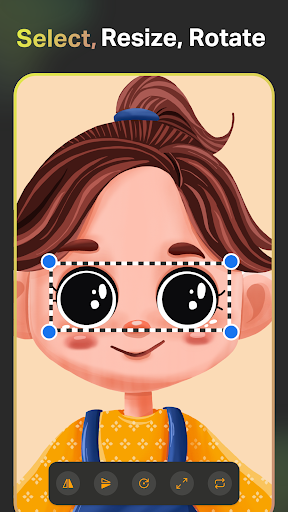
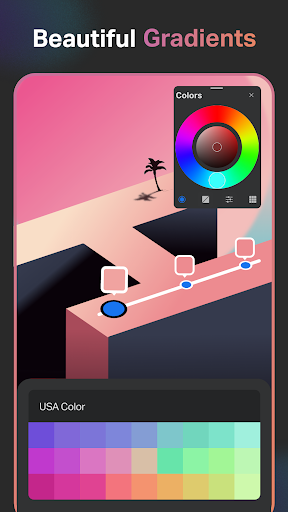
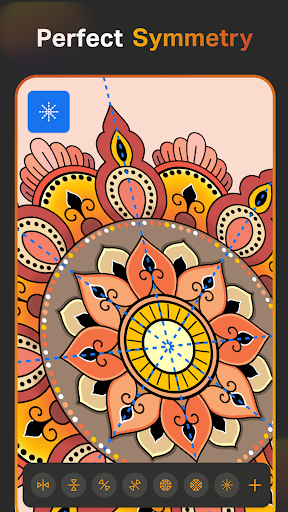
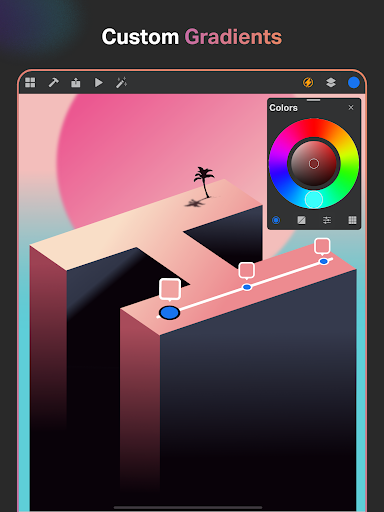
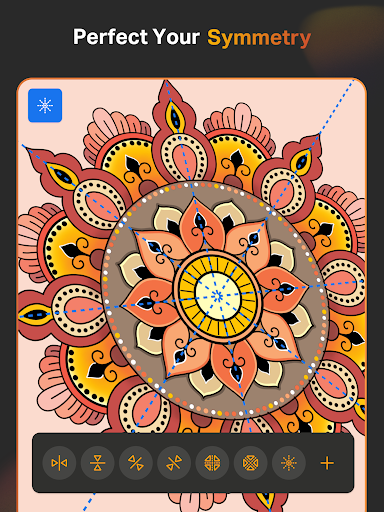
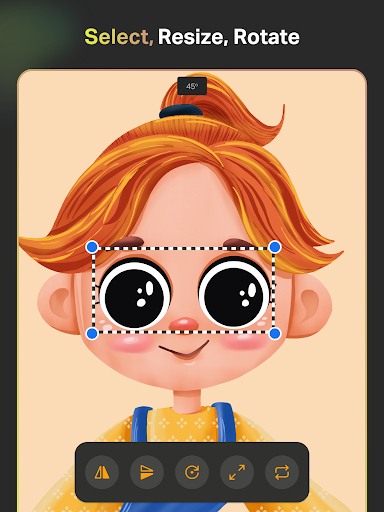
Use Smart Shapes for instant geometric figures, and the Symmetry Tool to create perfectly mirrored designs. The Gradient Tool offers both linear and radial options, enhancing your illustrations effortlessly. The Layer Transform Tool and Assisted Drawing Layer System facilitate complex compositions, allowing you to work with unlimited layers, duplicate, merge, and manipulate them with ease.
Text, Color, and Shape Libraries
Customize your artworks using an array of font styles and a comprehensive Color Wheel. Create professional-themed color palettes or import colors directly from photos. Access a library of over 15+ shape categories—from signs and symbols to decorative elements—to enrich your designs. Favorite shapes and colors for quick access and consistency.
Tools for Precision and Efficiency
Make use of tools like Smudge, Fill Bucket, and Cutter for detailed work. All standard features such as Reference images, adjustable Canvas sizes, and precise zoom support detailed creation. Save your work automatically and organize projects with cloud syncing, allowing access from any device. Playback your creative process with Time Lapse to review your progress or share your artistic journey.
Additional Features
The app also includes Dark Mode for comfortable working environments and various professional tools designed to make digital drawing seamless and enjoyable. Whether working on a quick sketch, complex illustration, or professional design project, Sketch Pro provides an immersive environment for expression and creativity.
Why Choose Sketch Pro: Draw & Create Art
If you ever felt overwhelmed by complex design software, Sketch Pro aims to be your creative companion—powerful yet accessible. Its intuitive interface and extensive feature set make it perfect for users at all skill levels. Whether you're just doodling or working on professional illustrations, this app supports your workflow every step of the way.
Join a thriving community of artists sharing tips and tutorials within the app, and stay updated with new features based on user feedback. With its combination of professional tools and beginner-friendly design, Sketch Pro empowers you to unleash your inner artist and bring your ideas to life effortlessly. Download now and start creating stunning digital art today!
Pros
- Intuitive user interface
- Wide variety of brushes
- Support for layers to handle complex designs
- Multiple export format options
- Compatible with stylus devices
Cons
- Limited features in the free version
- Potential lag when handling large files
- Requires significant storage space
- Lacks offline tutorials
- Full access requires a subscription











