
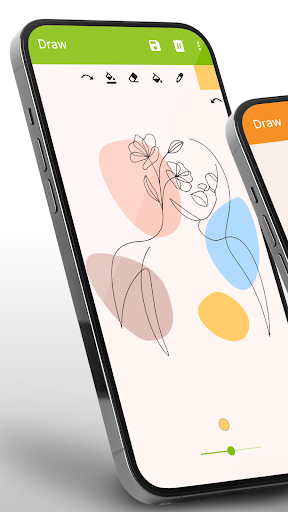
Simple Drawing - Sketchbook: Your Perfect Digital Drawing Companion
Are you searching for the best drawing app to carry in your pocket? Do you want to unleash your creativity without the hassle of traditional tools or paper? Look no further! Simple Drawing - Sketchbook is designed to provide a fun, easy, and accessible digital platform for drawing, sketching, and doodling anytime, anywhere. Whether you're a beginner, a kid, or a seasoned artist, this app offers a simple yet powerful way to bring your ideas to life without the need for advanced filters or complex tools.
Easy and Intuitive Interface
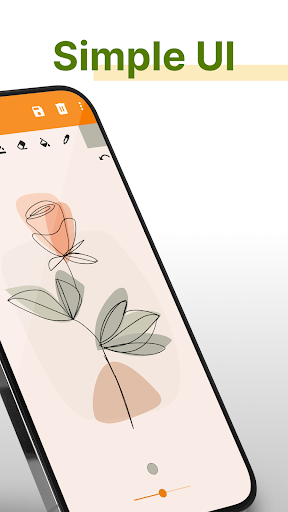
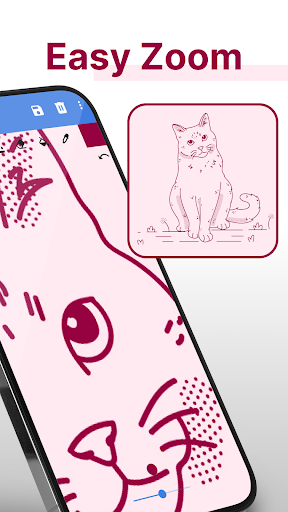
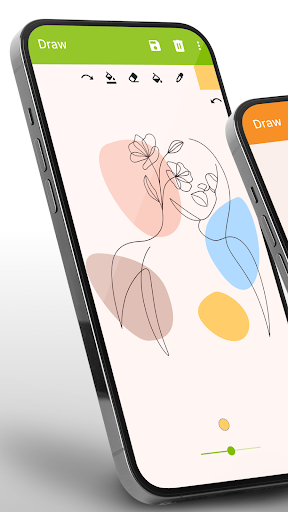
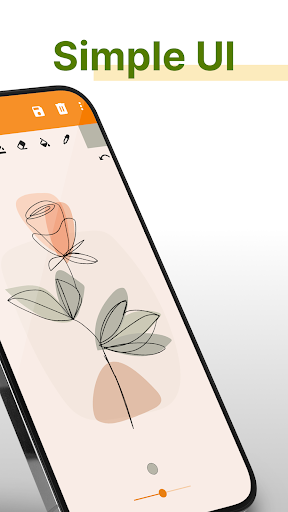
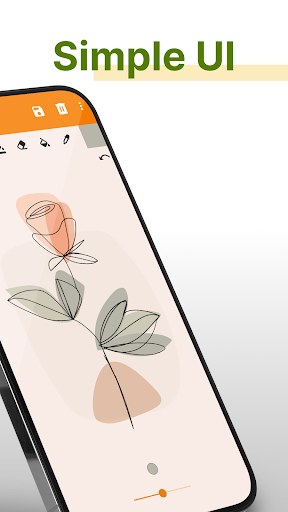
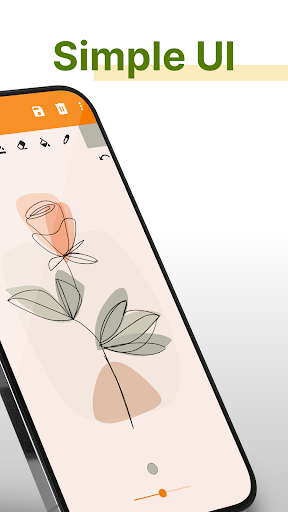
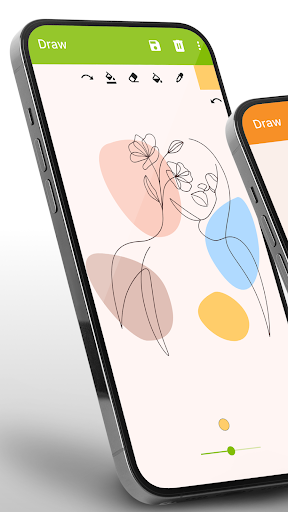
When you open Simple Drawing - Sketchbook, you'll be greeted with a clean and user-friendly interface that encourages creativity. The app mimics the experience of sketching in a real sketchbook, giving you a smooth and enjoyable drawing journey. Its straightforward design means you can start drawing immediately, making it ideal for quick sketches, doodles, or even detailed artwork. The simplicity of the app ensures you spend more time creating and less time figuring out how to use the tools.
Rich Features for Fun and Creativity
Despite its simplicity, Simple Drawing - Sketchbook is packed with useful features that cater to various creative needs:
- Multiple brushes and pens to simulate real-life drawing instruments like pencils, markers, and spray cans.
- Adjustable paint sizes for fine lines or bold strokes.
- Customizable background colors or alternative images from your gallery to enhance your artwork.
- Undo/redo functions to fix mistakes effortlessly.
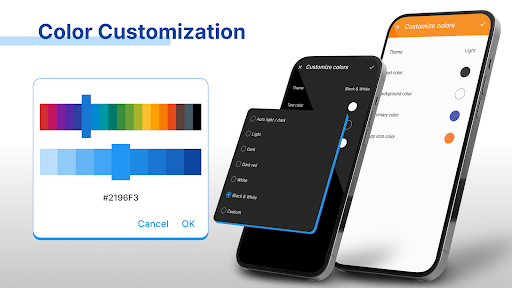
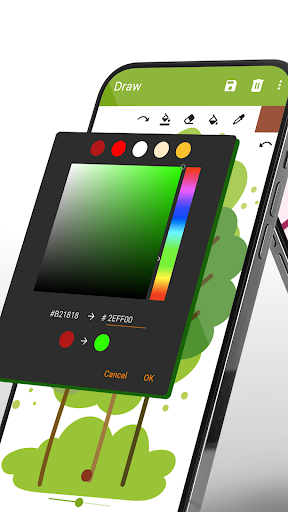
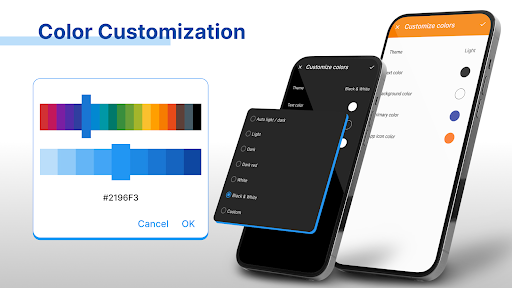
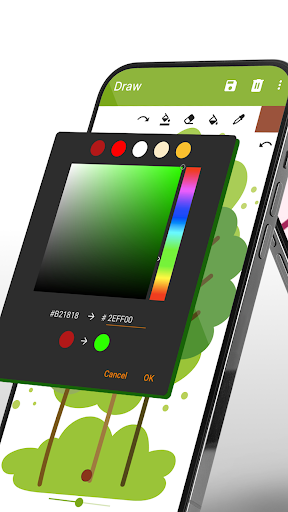
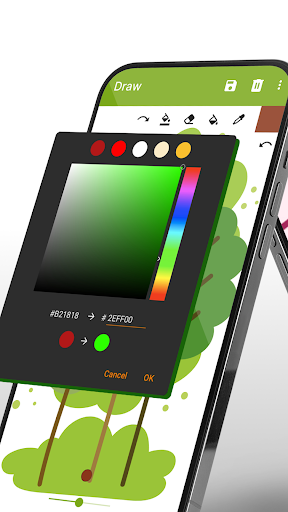
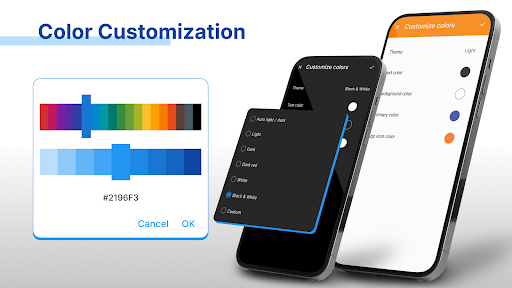
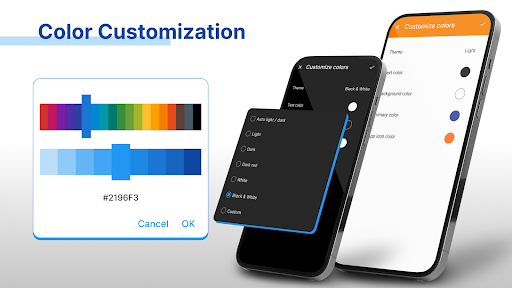
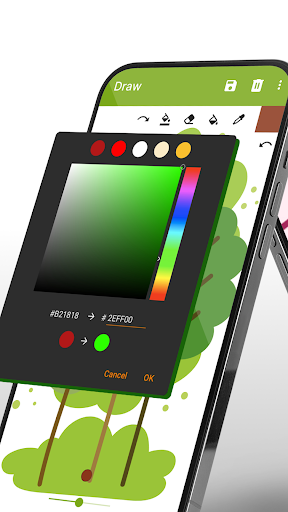
- Color palette with hex code input options to select exact shades, giving your sketches vibrant and precise colors.
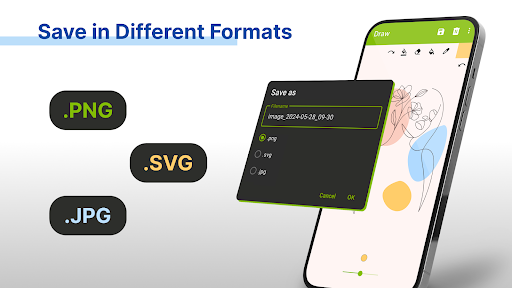
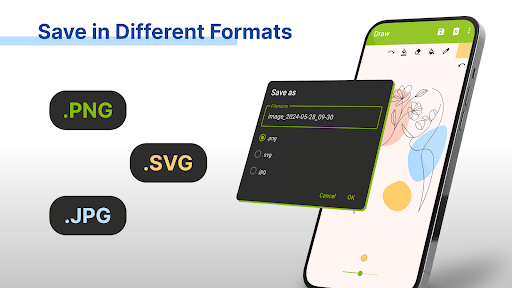
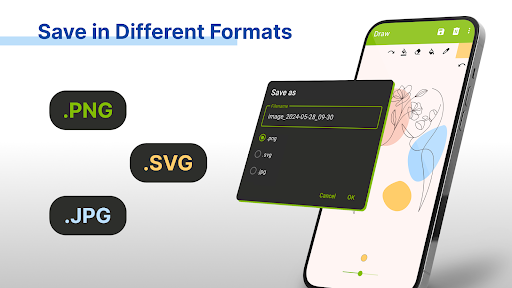
- Support for popular formats such as PNG, JPG, and SVG vectors, making it easy to save and share your creations.
Share and Connect With Others
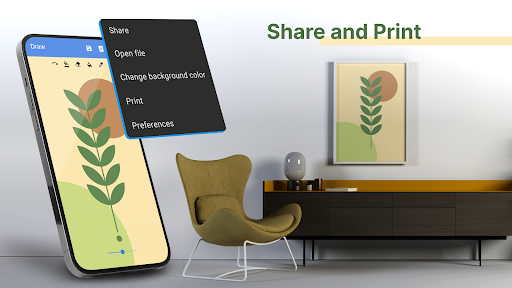
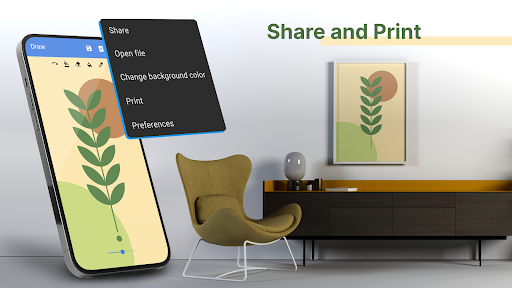
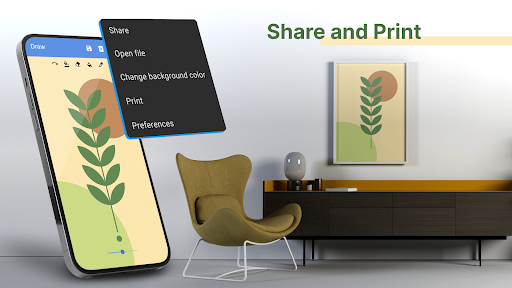
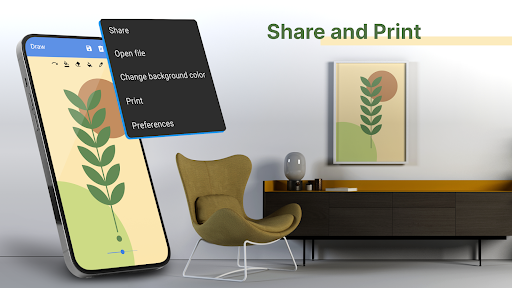
Sharing your artwork has never been easier. Simple Drawing - Sketchbook allows you to share your sketches directly via email or social media networks like Instagram and Facebook. Plus, the app hosts a community of artists where you can showcase your work, receive feedback, and participate in drawing challenges. This social aspect turns your simple sketches into an engaging experience, helping you grow your skills and connect with fellow art lovers from around the world.
Suitable for All Ages and Skill Levels
Whether you're a child just starting to explore drawing or an adult looking for a relaxing way to hobby or learn sketching, this app fits the bill. Drawing is a fantastic way for children to express their feelings, practice fine motor skills, and develop their artistic talents. With Simple Drawing - Sketchbook, young artists can create fun images of cars, animals, flowers, or anything their imagination conjures. It's also perfect for family fun or educational activities at home, making it a versatile tool for all.
Performance and User Experience
Designed to be lightweight and efficient, Simple Drawing - Sketchbook runs smoothly on both Android and iOS devices. Its performance optimization ensures it won’t drain your battery or slow down your device during extended drawing sessions. The absence of intrusive ads guarantees an uninterrupted creative flow, enhancing your overall experience. Thanks to its responsiveness and ease of use, you can focus on what matters most — your art.
Why Choose Simple Drawing - Sketchbook?
If you’re on the lookout for digital sketchpad app that combines simplicity with powerful features, Simple Drawing - Sketchbook is the ideal choice. It offers a wide range of tools to create colorful illustrations, sketches, and doodles, whether for fun or learning purposes. Perfect for quick sketches on your commute or detailed art projects at home, this app helps you explore your inner artist without any fuss. Download it today and start drawing your next masterpiece, anytime and anywhere!
Pros
- User-friendly interface suitable for beginners
- Offers a wide selection of brushes and tools
- Supports layers for creating detailed artwork
- Simplifies saving and sharing your artwork
- Receives regular updates with new features
Cons
- Free version has limited functionality
- App occasionally crashes sometimes
- Advertisements can be disruptive
- Lacks a text tool for annotations
- Some features require an internet connection











