
Securus Mobile: A Modern Way to Stay Connected
The Securus Mobile app is designed to help families and friends stay connected with loved ones who may be incarcerated. The latest version supports Android 10.0 and higher, and users are encouraged to update to access the full feature set. Expect a clean, user-friendly experience that focuses on secure communication, flexible payment options, and convenient tools to manage video visits, messaging, and account funds—all from your mobile device.
Effortless Communication
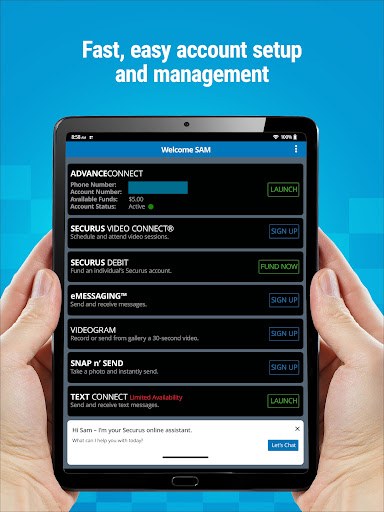
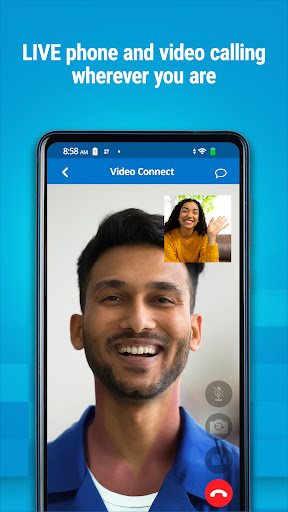
Whether you’re coordinating a Video Connect session or sending a quick message, Securus Mobile makes communication feel seamless. You can enroll in Video Connect and schedule video sessions with an incarcerated individual remotely from anywhere with Wi-Fi or cellular data. The app lets you view upcoming sessions, sync them with your calendar, and receive timely notifications so you never miss an important visit. For the best audio quality, the app recommends using a headset or earbuds with a microphone to minimize echo during video calls. You can also manage photos for identification, review your transaction history, and keep your credit or debit cards up to date for a smooth connection experience.
Video Connect and Scheduling
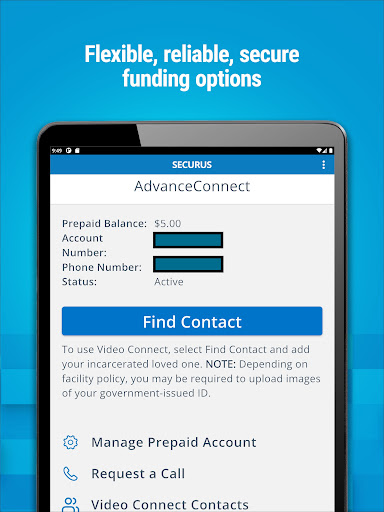
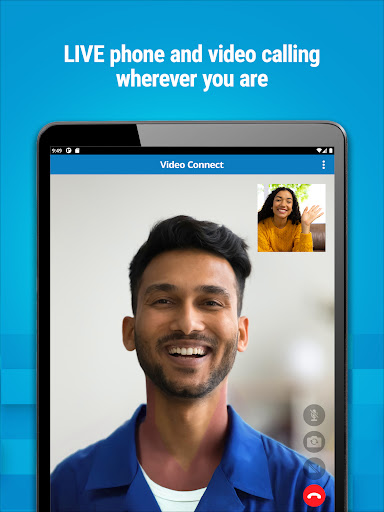
Video Connect is designed for flexible, remote communication. Enroll in the service, schedule sessions, and join video visits from any location where you have internet access. The feature set includes viewing your upcoming sessions, syncing details to your calendar, and receiving reminders, making long-distance contact feel almost like an in-person visit. Regular alerts help you stay on top of upcoming sessions and ensure a reliable connection.
Account Management and Funds
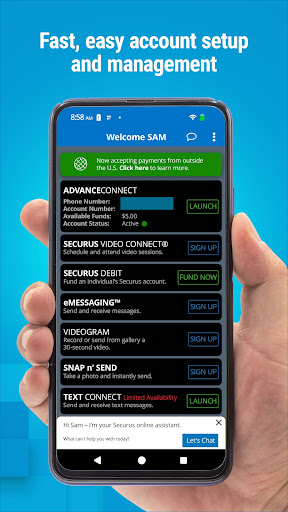
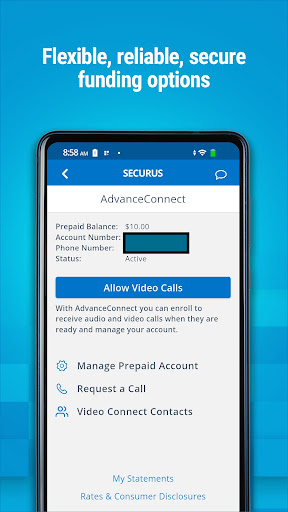
The app offers clear tools for managing funds so you’re always ready to connect. Advanced options include AdvanceConnect, which lets you fund a dedicated calling account and manage the numbers that can receive calls. You can enroll, add funds, monitor available balance, update contact numbers, view call details and transaction history, block or unblock numbers, and opt into AutoPay or TextPay. Securus Debit lets you deposit funds specifically for your contact to use for purposes such as calling any number, purchasing digital content on a tablet, scheduling Video Connect, or buying stamps to send eMessages and eCards. Availability of these features may vary by facility.
Messaging, eMessaging, and Attachments
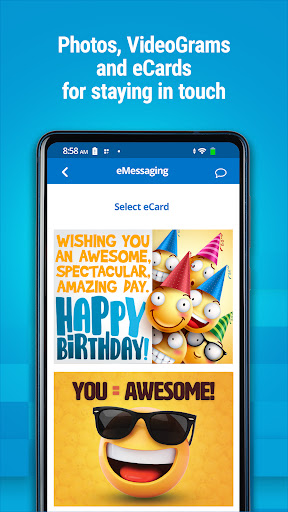
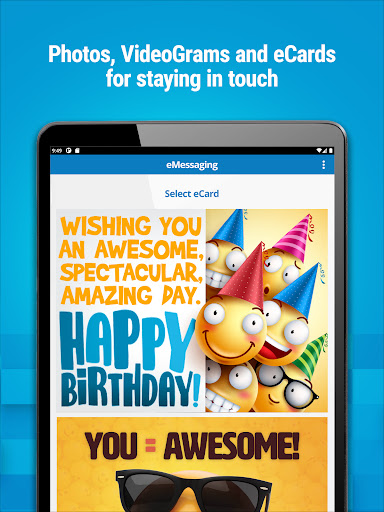
Securus Mobile includes robust messaging options to keep your conversations flowing. The eMessaging service lets you sign up, purchase stamps, and send and receive messages and eCards—digital greeting cards designed to encourage and uplift. You can attach photos to messages and use Snap n’ Send to share a selfie or gallery image with your contact. The platform supports multiple attachments (up to five eCards and photos per message), stamp transfers to your contact, and prepayment options to simplify replies. A 30-second VideoGram can also be sent to add a personal multimedia touch to your messages. Availability of some features can vary by facility.
Text Connect
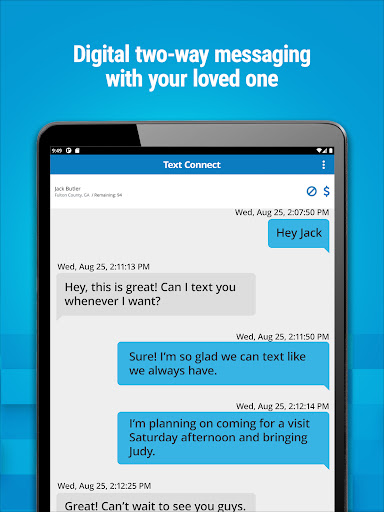
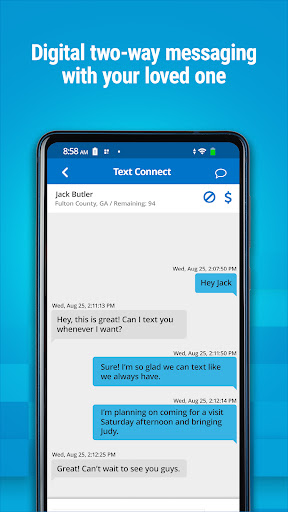
Text Connect enables real-time two-way short messaging between you and an incarcerated individual via the Securus app. You purchase a package of Connects for use at a facility, and the incarcerated individual can reply using those Connects. The app provides notifications for incoming texts and offers an automatic recharge option to maintain a steady conversation flow. Connects are purchased on a per-facility basis and can be used to text only incarcerated individuals at that facility. You can also send digital greeting cards (eCards) with text messages. Optional low-balance email alerts help you keep funds ready for continued messaging.
Availability, Fees, and Subscriptions
Feature availability may vary by facility, and while the Securus Mobile app is free to download, ongoing use of certain features typically requires a subscription. This pricing model reflects the secure, reliable service designed to keep you connected with your loved ones when in-person visits aren’t possible.
Why Securus Mobile Stands Out
In today’s connected world, staying in touch with incarcerated loved ones can be challenging. Securus Mobile acts as a bridge—offering video visits, instant messaging, and digital greetings in a single, secure app. The intuitive design helps users get started quickly, while strong security measures protect privacy across all communications. By combining flexible funds options (AdvanceConnect and Securus Debit) with diverse communication tools (Video Connect, eMessaging, and Text Connect), the app provides a comprehensive toolkit for maintaining meaningful connections anywhere, anytime.
Pros
- User-friendly interface
- Real-time notifications
- Comprehensive monitoring features
- Easy setup process
- Secure data encryption
Cons
- Limited free version
- Requires constant internet
- Occasional app crashes
- Battery consumption issues
- Subscription-based pricing











