




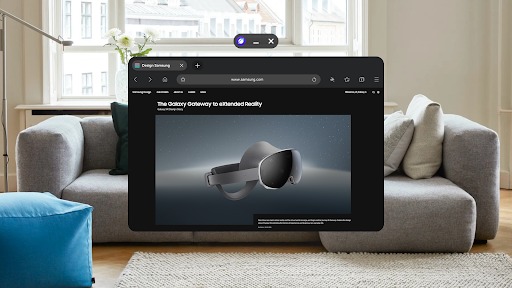
Samsung Internet Browser Overview
The Samsung Internet Browser offers a premium web browsing experience optimized for both Android and iOS devices. Featuring an array of innovative tools and privacy-enhancing options, this browser is designed to make your online activities more efficient, secure, and enjoyable. From handy extensions to sophisticated security measures, Samsung Internet is built to meet the needs of modern web users.
Key Features of Samsung Internet Browser
Enhanced Browsing Experience
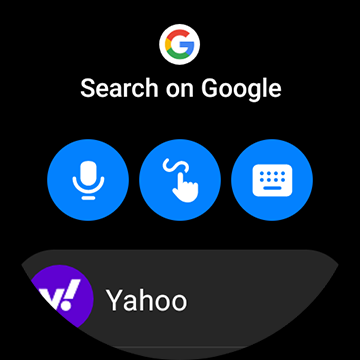
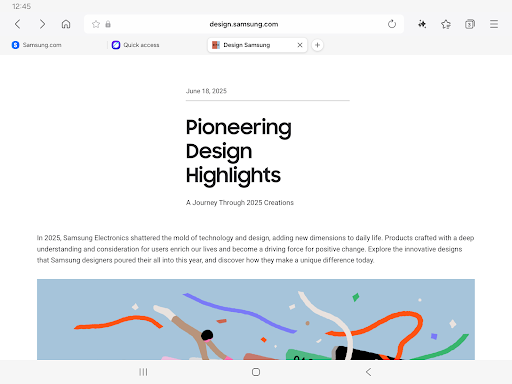
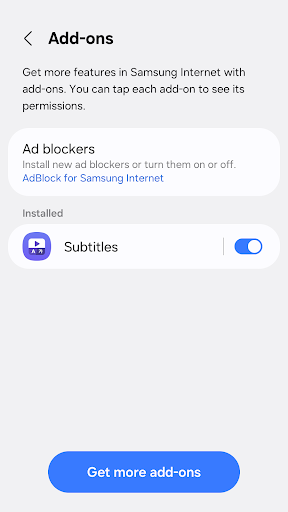
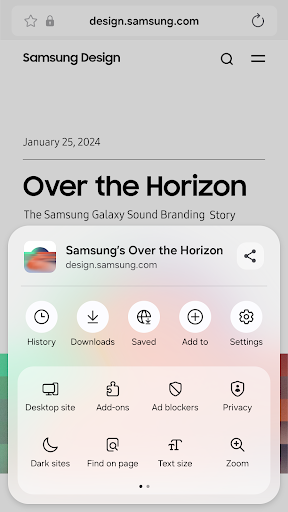
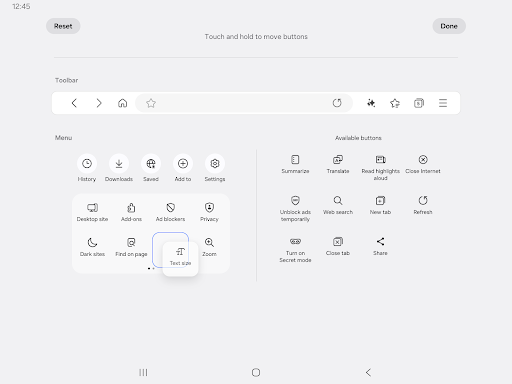
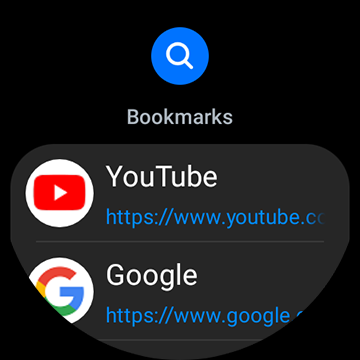
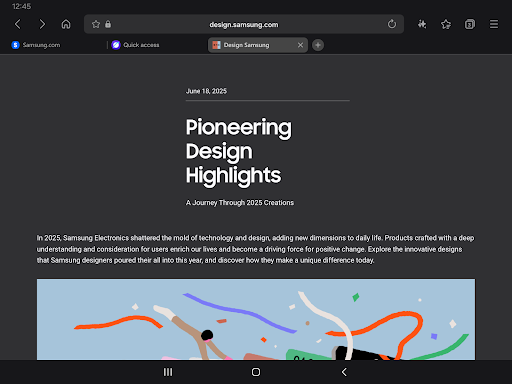
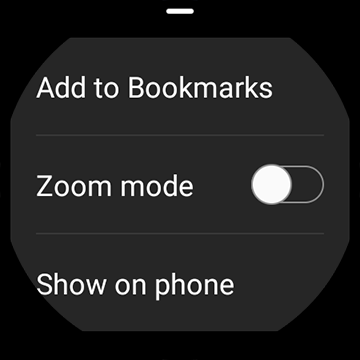
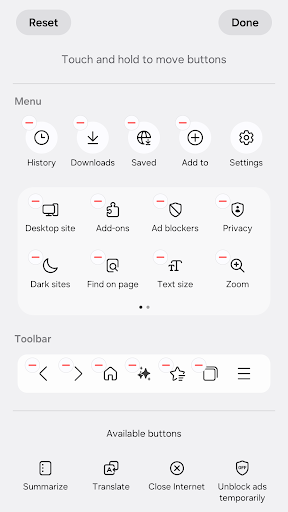
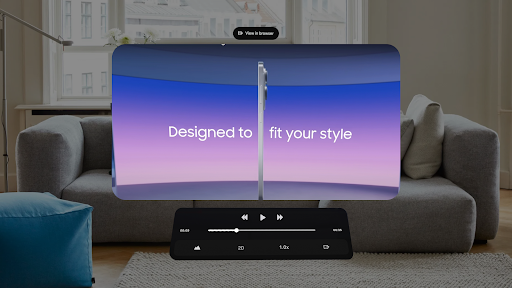
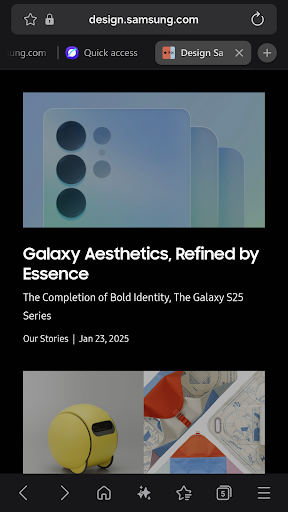
Samsung Internet provides a seamless browsing interface with features like Video Assistant for enjoying videos smoothly, Dark Mode for reducing eye strain during nighttime browsing, and a Customize menu option allowing users to tailor the toolbar to their preferences. Additionally, the browser supports extensions such as Translator to help overcome language barriers and improve overall usability. For users with Galaxy Watch devices supporting Wear OS (specifically the Galaxy Watch4 series and later models), the browser offers tiles and complication features, enabling quick access right from your smartwatch.
New Enhancements for Better Management
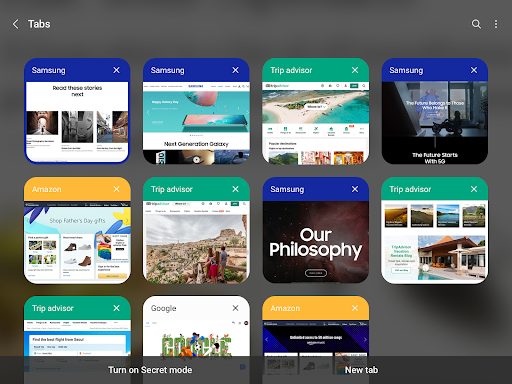
One notable addition is the recommendation to close old tabs. If you tend to keep numerous tabs open, Samsung Internet now proactively suggests which older or seldom-used tabs might be safe to close via the Tab manager. This helps maintain optimal browser performance and declutters your browsing environment.
Privacy and Security Features
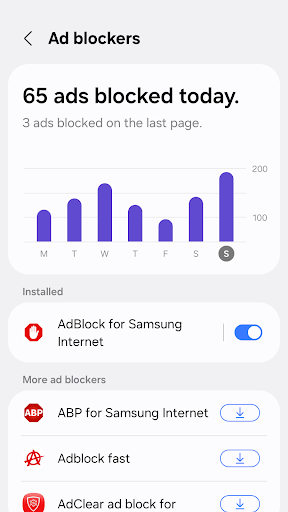
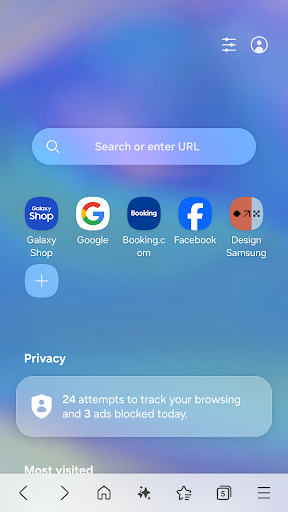
Protecting your privacy online is a priority with Samsung Internet. It includes robust security capabilities such as Smart Anti-Tracking, which intelligently identifies domains capable of cross-site tracking and blocks their storage access, like cookies. The Protected Browsing feature warns users before they visit known malicious sites, preventing potential data theft. Furthermore, the browser supports Content Blockers provided by third-party apps, allowing you to filter out unwanted content and enhance safety during your web sessions.
Privacy and Security Details
Samsung Internet's security features are designed to give users peace of mind while browsing. The Secret Mode ensures that your browsing history, cookies, and cache are not stored, offering an extra layer of privacy. The Smart Anti-Tracking feature works in the background to prevent cross-site tracking, protecting your online footprint. Additionally, Secure Browsing alerts you when you attempt to visit dangerous sites, safeguarding your data against malicious threats.
The browser requires certain permissions such as location, camera, microphone, and storage, which enable features like location-based content, webpage shooting, audio recording, and file uploads. These permissions are optional and default to disabled unless you choose to activate them for specific functionalities.
Performance and Compatibility
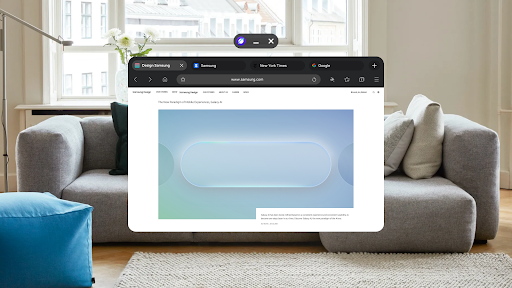
Performance-wise, Samsung Internet Browser is renowned for its speed and stability. Pages load swiftly, and the browser handles multiple open tabs with ease without crashing or lagging. It supports the latest web standards and technologies, ensuring compatibility with modern websites. The browser's optimization makes it a reliable choice whether you are casually browsing or performing more intensive research tasks. It is designed to deliver a smooth experience across both Android and iOS platforms, making it a versatile tool for diverse users.
Why Choose Samsung Internet Browser?
If you're seeking a secure, fast, and feature-rich mobile browser, Samsung Internet is an excellent option. Its combination of privacy protections, customization capabilities, and innovative functionalities ensures a tailored browsing experience. Whether you're interested in managing tabs effectively, blocking intrusive ads, or protecting your online privacy, Samsung Internet provides the tools you need for a safer and more efficient internet session. Give it a try, and discover a browsing experience that adapts perfectly to your digital lifestyle.
Pros
- Fast browsing speed
- Highly customizable interface
- Built-in ad blocker
- Enhanced security features
- Syncs across Samsung devices
Cons
- Limited to Samsung devices
- Occasional compatibility issues
- Not widely supported by all websites
- Lacks some advanced features
- Can be resource-intensive on older devices











