
RSA Authenticator (SecurID): A Comprehensive Security Solution
The RSA Authenticator (SecurID) app is a top-tier security tool designed to safeguard your digital life and simplify secure access. Whether you're part of an enterprise environment or operating within highly regulated industries, this app offers a trusted way to enhance authentication processes. It combines robust security features with user-friendly interface design, making it an excellent choice for individuals and organizations aiming to protect sensitive information and prevent unauthorized access.
Multi-Factor Authentication (MFA) Made Easy
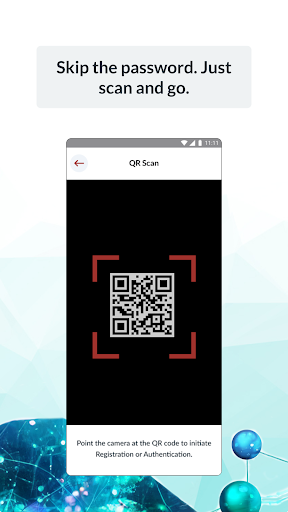
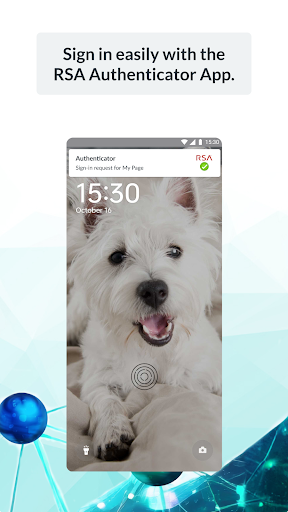
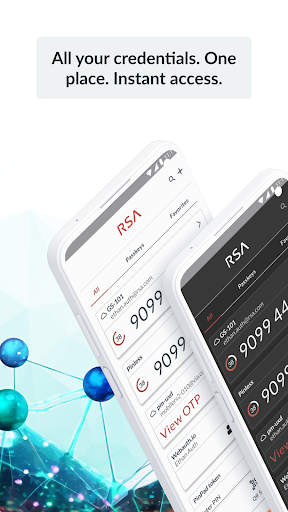
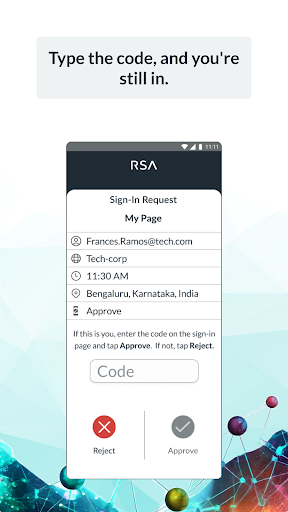
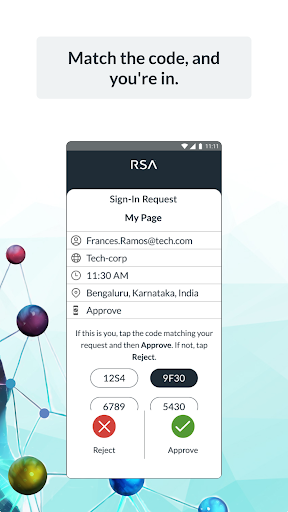
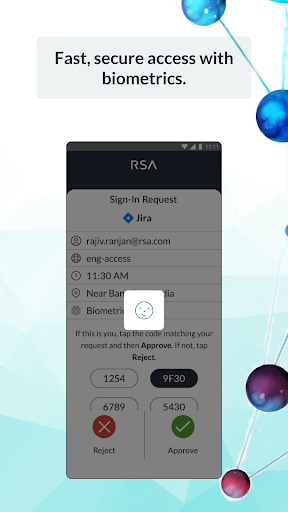
One of the most significant benefits of the RSA Authenticator app is its support for diverse •multi-factor authentication•. MFA adds an additional layer of security beyond just passwords, making it considerably harder for malicious actors to compromise accounts. RSA provides a variety of MFA options, including •one-time passcodes (OTP)•, QR code scanning, code matching, push notifications, biometrics, and integration with hardware authenticators. This flexibility ensures that you can choose the method that best suits your security needs and workflows.
Passwordless Security and Seamless User Experience
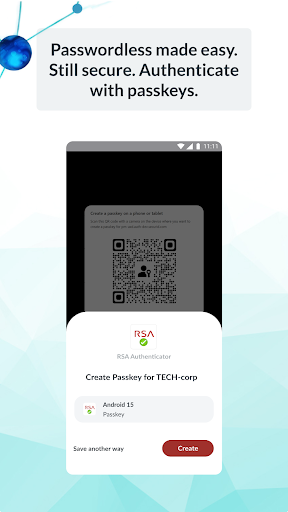
The RSA Authenticator promotes •passwordless security•, enabling users to forget password concerns by using device-bound passkeys. These passkeys facilitate fast, secure, and frictionless authentication, which is especially advantageous for organizations aiming to reduce risks associated with traditional passwords. The system is designed to be phishing-resistant, offering a reliable shield against common security threats. Whether you’re logging into enterprise applications or digital services, the app ensures a smooth experience without compromising security.
Ease of Setup and User-Friendly Design
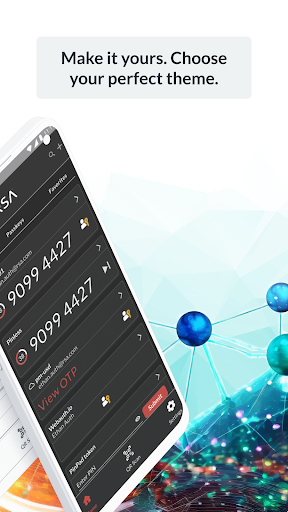
Getting started with the RSA Authenticator app is straightforward. Upon download, it guides users through an easy-to-follow setup process, requiring no advanced technical knowledge. This simplified setup approach makes it accessible for tech novices and experts alike. The intuitive interface minimizes clutter and unnecessary notifications, allowing users to focus on what matters most — secure access.
Core Features That Enhance Security
Beyond MFA, the RSA Authenticator offers •token-based authentication•. This feature enables users to authenticate their identity even when offline, proving invaluable in environments where internet access is limited or unavailable. Additionally, RSA’s trusted reputation in cybersecurity assures users that their sensitive information is well-protected while using the app. The platforms seamlessly integrate with existing enterprise systems, making complex security environments easier to manage.
Considerations for Users
While the RSA Authenticator provides extensive security capabilities, it does require users to place a certain level of trust in RSA’s services. Since the app handles sensitive authentication data, its security is paramount. Fortunately, RSA’s longstanding industry reputation alleviates many concerns. It’s worth noting that the app is primarily suited for users requiring robust security measures. For those seeking simple password management, this app might offer more features than necessary.
Conclusion: Is RSA Authenticator (SecurID) Right for You?
The RSA Authenticator (SecurID) stands out as a powerful cybersecurity tool for anyone prioritizing secure authentication and digital identity protection. It combines ease of setup, comprehensive security features, and a user-friendly interface to prevent unauthorized access effectively. Ideal for enterprises and security-conscious individuals, this app offers a reliable solution to enhance your cybersecurity posture. Embracing RSA Authenticator helps organizations and users achieve a higher level of security, making it an indispensable tool in today’s digital landscape. If protecting your digital assets and simplifying login processes is your goal, give the RSA Authenticator a try and experience the benefits firsthand.
Pros
- Easy setup for two-factor authentication
- Supports multiple tokens for user accounts
- Provides secure and dependable access
- Intuitive and user-friendly interface
- Includes options for offline authentication
Cons
- Initial setup process can be time-consuming
- Platform compatibility limited to RSA-supported systems
- No options available for backing up tokens if lost
- User interface may appear outdated
- Offline mode functionality is restricted to certain features











