

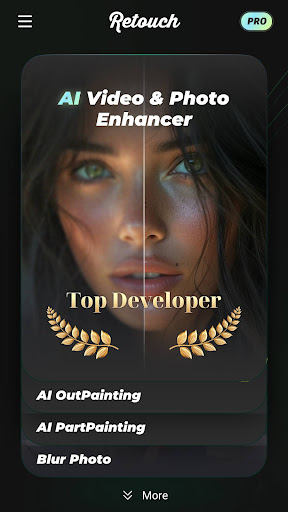
Introduction to Retouch Remove Objects Editor
Key Features of Retouch Remove Objects Editor
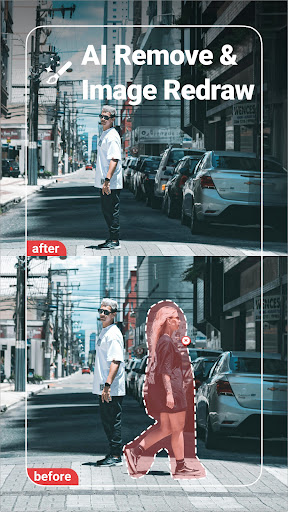
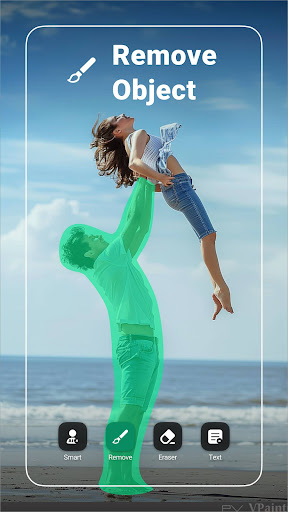
Remove Unwanted Content
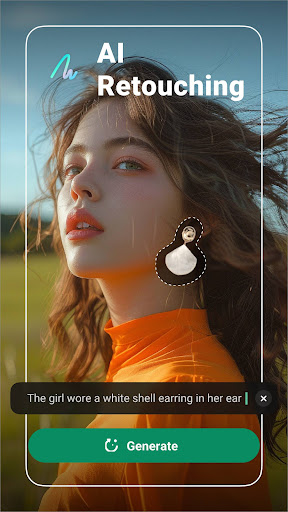
One of the standout capabilities of this app is the auto object remover. With just a tap, users can easily delete unwanted objects or components from their photos, such as stray people, text, logos, stickers, or captions. Simply swipe over the item you wish to remove, and the app uses advanced AI algorithms to fill in the background, making it vanish as if it was never there.
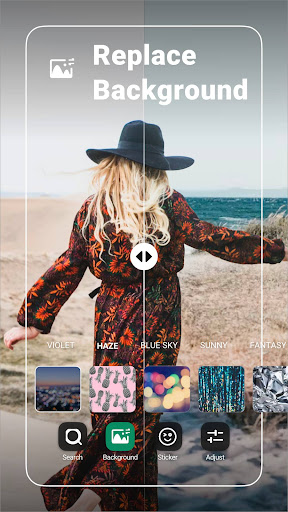
Background Replacement
A popular feature is the automatic cutout that isolates the subject from its current background, allowing you to place it on a different scene. Users can select any background from their gallery and swap out the original, creating stunning compositions—like putting yourself into famous locations or alongside celebrities.
Paste and Clone Tools
The app provides powerful paste and clone features. You can copy particular parts of a photo and insert them into other areas or onto different backgrounds, enabling creative edits such as duplicating yourself for fun clone effects. These tools are intuitive and quick to use, making advanced edits accessible to everyone.
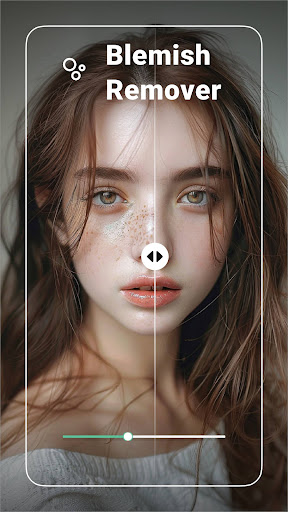
Blemish and Skin Touch-up
The blemish remover feature simplifies skin retouching. Easily eliminate acne, pimples, wrinkles, dark circles, and spots with a tap. This function is perfect for polishing selfies and professional portraits, ensuring your skin looks flawless in seconds.
Photo Enhancement and Editing
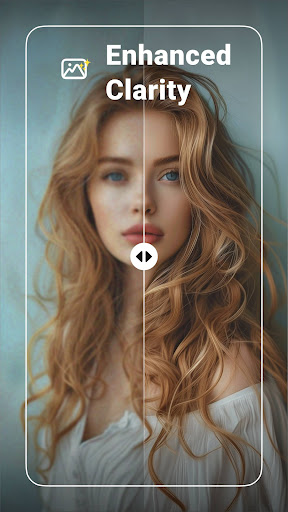
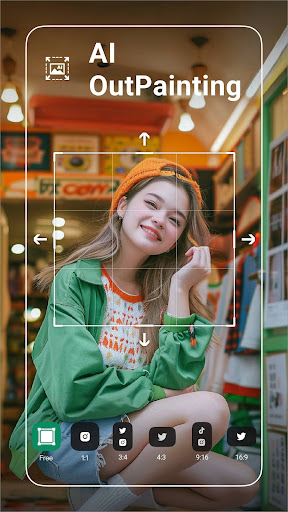
Beyond object removal, the app includes various editing functions—crop your photos, apply over 100 filters, and add stylish fonts and stickers. Adjust brightness, contrast, highlights, shadows, saturation, temperature, and tint for a personalized touch. Additionally, you can add borders and fit your images perfectly for social media sharing.
Quick Saving and Sharing
After retouching, save your masterpiece effortlessly to your device or share it directly to social media platforms. The interface emphasizes ease of use, ensuring that your editing process is quick and enjoyable.
User Experience and Performance
Users will appreciate the clean and intuitive interface, which makes navigation and photo editing straightforward even for beginners. Uploading images is simple, and the AI-powered tools perform swiftly without lag, even with high-resolution photos. Compatibility extends across Android and iOS devices, broadening access for all users.
While the app is free to download, some premium features are locked behind in-app purchases. Investing in the paid version unlocks advanced tools, providing a complete photo editing experience for enthusiasts and professionals alike.
Final Thoughts
The Retouch Remove Objects Editor stands out as a top-tier photo retouching app that combines artificial intelligence with user-centric design. Its ability to effortlessly remove unwanted objects, replace backgrounds, clone elements, and enhance photos makes it an invaluable tool for anyone eager to elevate their photography. Whether you're cleaning up casual snapshots or preparing professional images, this app offers all the editing tools needed to craft perfect pictures. Give it a try and discover how easy it is to transform your photos into stunning visual stories!
Pros
- Intuitive and easy-to-use interface.
- Fast and precise object removal.
- Supports high-resolution images.
- Provides a variety of editing tools.
- Periodic updates with new features.
Cons
- Some features require in-app purchases.
- May be demanding on older devices.
- Occasional glitches when processing complex images.
- Free version has limited functionality.
- Learning curve for advanced tools can be steep.











