

Overview of Resume Builder - CV Engineer
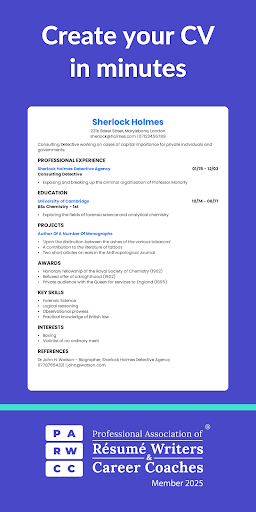
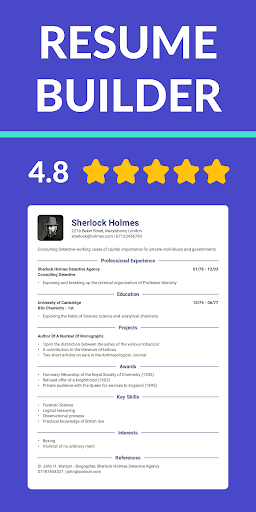
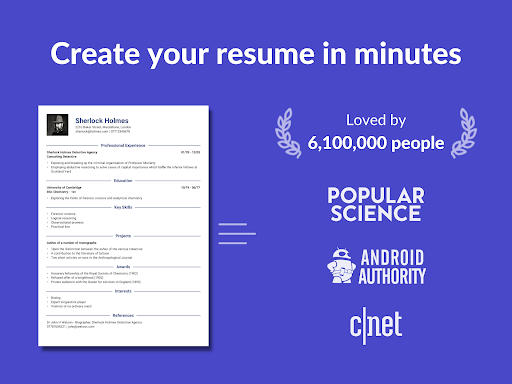
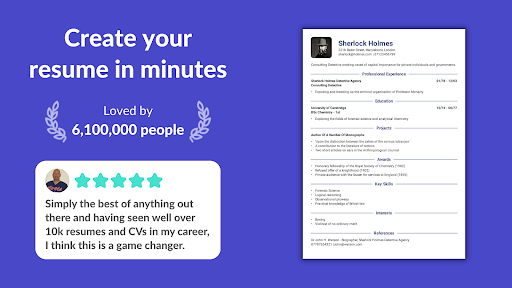
Looking for a free resume builder app? CV Engineer is a simple and effective way to create a professional PDF resume for your job applications. Designed with user-friendliness in mind, this app offers a variety of helpful features such as tailored resume templates, guidance, and examples—all crafted by a seasoned professional recruiter. With CV Engineer, users can confidently craft a CV that will impress potential employers and help advance their careers. Since its launch, the app has gained widespread popularity, being featured on the Play Store in 21 countries and helping over 3.6 million people build their resumes and secure jobs.
How Does It Work?
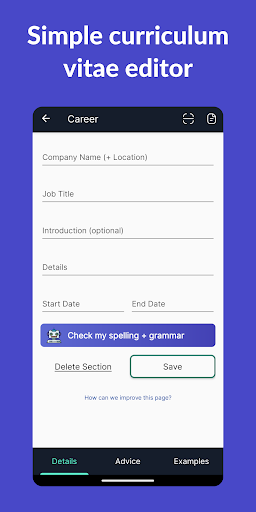
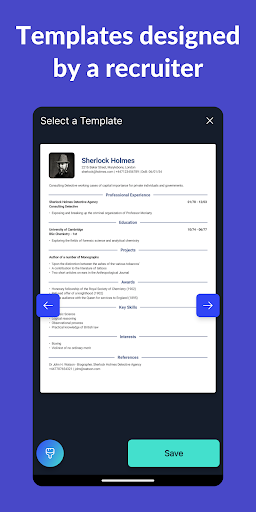
Getting started with CV Engineer is quick and straightforward. Users begin by selecting a professional CV template from a curated collection designed to catch recruiters' attention. The app then guides you through an easy-to-follow process where you fill in your personal information, work experience, education, and other relevant details. To assist with this process, the app provides examples and advice to ensure your content is compelling and tailored for success. Once completed, your resume is automatically formatted, saving you the hassle of manual adjustments.
Key Features of Resume Builder - CV Engineer
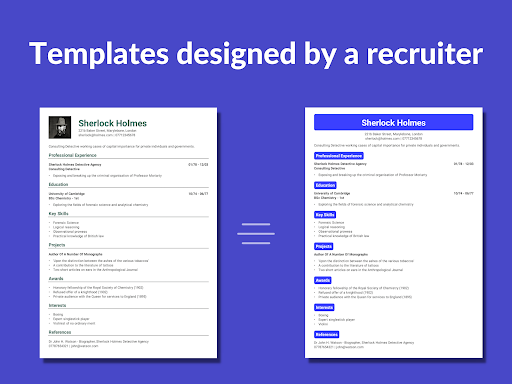
Professional CV Templates
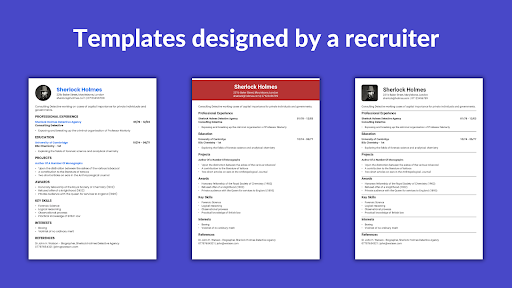
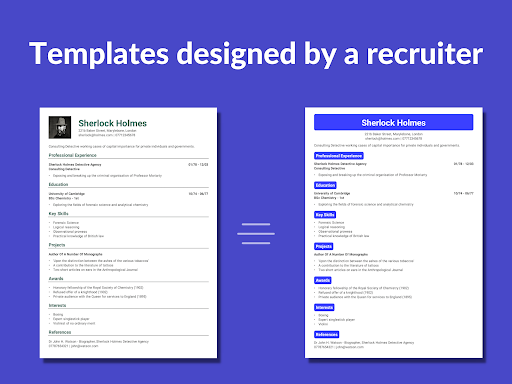
Choose from a variety of resume templates designed by experts and formatted to make your CV easy for hiring managers to read. Whether you're applying for healthcare, data science, engineering, or sales roles, there are templates suited for any profession.
AI Assistant
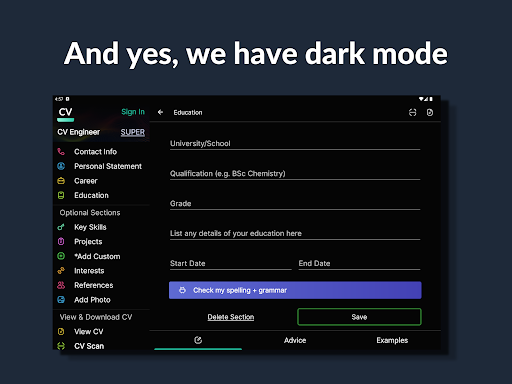
The integrated AI Assistant helps you rewrite and optimize your CV sections according to best practices. It also offers spelling and grammar corrections, ensuring your resume is polished and professional.
Easy Resume Editing and CV Writing Tools
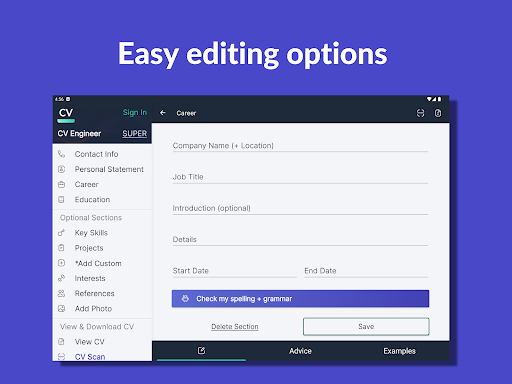
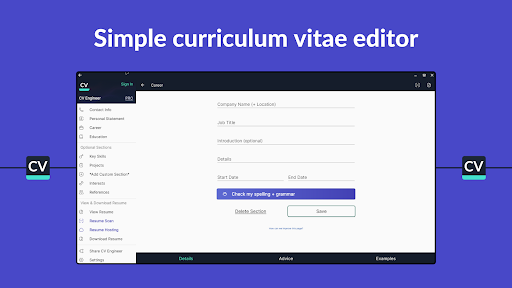
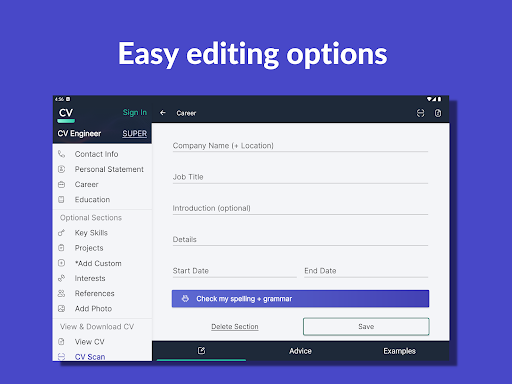
With intuitive editing options, you can quickly make modifications to your resume. The app handles formatting automatically, and you can use bullet points to highlight achievements, experience, and skills for better readability.
Custom Sections and Personalization
Need to include custom CV sections? The app allows you to add sections with your own titles, perfect for showcasing special skills, projects, or experience that don't fit into standard categories.
Expert Advice and Examples
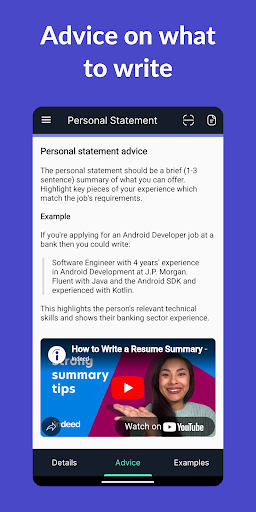
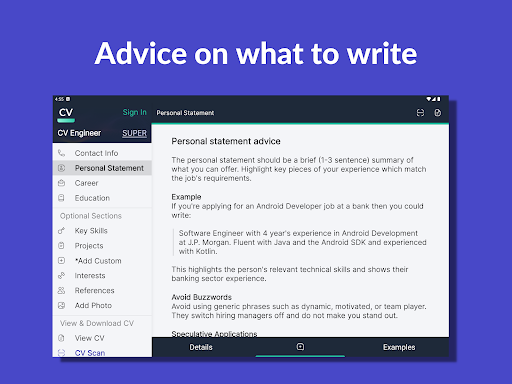
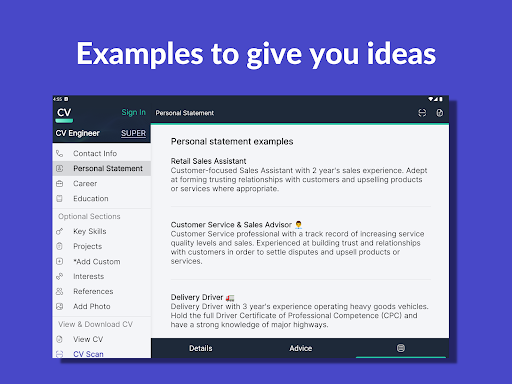
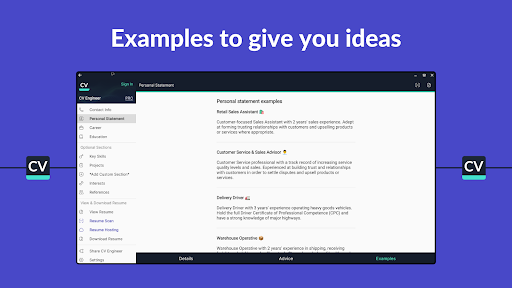
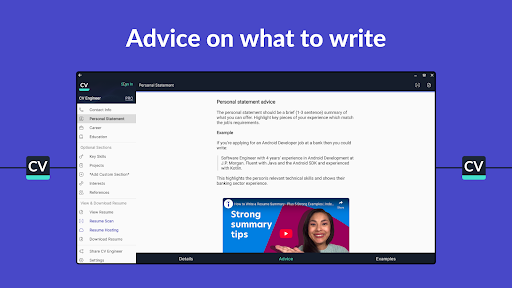
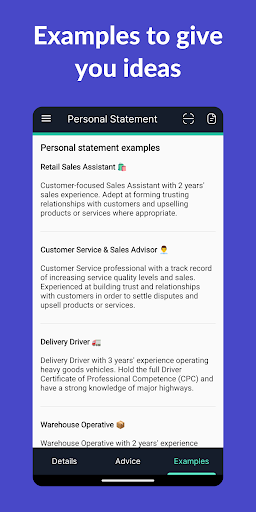
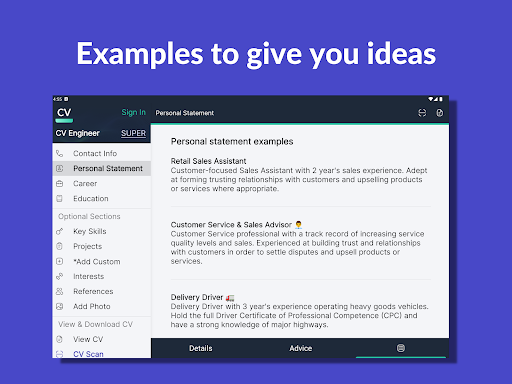
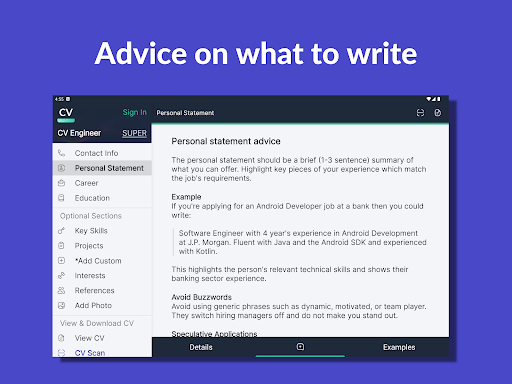
To help you craft a standout CV, the app offers step-by-step advice from professional recruiters for each section. Additionally, a library of example CV sections provides inspiration across various industries—including healthcare, programming, education, and management.
Formatting Options and Download
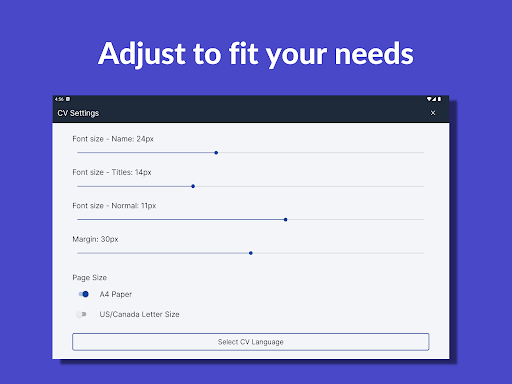
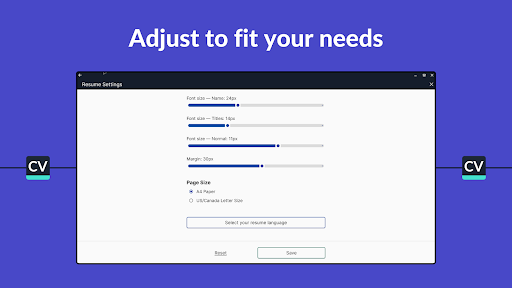
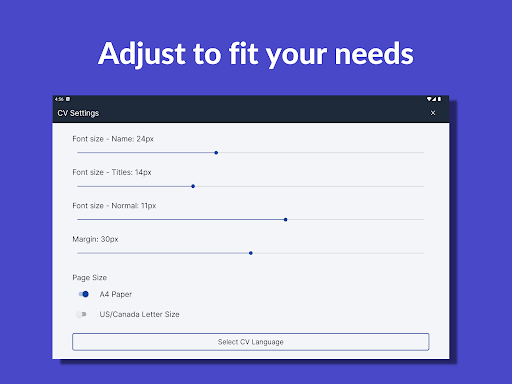
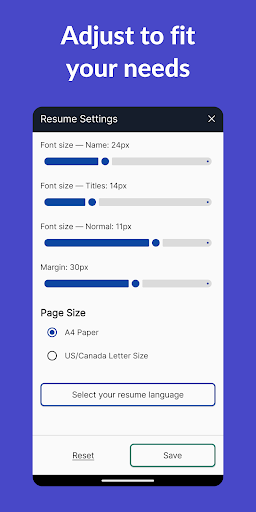
Customize your CV’s font size and margins to optimize space and presentation. When finished, you can download your resume as a PDF, which can be saved locally or uploaded to Google Drive. The app also allows easy sharing via email or other platforms.
Additional Features
Enhance your CV by adding a professional photo, and if you're applying in multiple languages, the app supports creating resumes in English, Spanish, German, French, Italian, Polish, Portuguese, and Turkish. To prepare for interviews, users can access interview questions and sample answers.
Why Choose CV Engineer?
Developed by a London-based professional recruiter, CV Engineer was created to help job seekers craft effective and easy-to-read resumes. Its comprehensive features—from templates to AI editing—are all aimed at boosting your chances of landing your dream job. The addition of interview preparation resources makes it a complete tool for career advancement. Featured on numerous reputable sites like Wired and CNET, it has established itself as a trusted resume-building solution.
Community and Support
Follow CV Engineer on social media platforms such as Twitter and LinkedIn for the latest career tips and resume advice. To provide feedback or seek assistance, users can contact the support team via email.
Conclusion
If you are looking for a free, user-friendly, and feature-rich resume builder, CV Engineer is an excellent choice. Its professional templates, AI guidance, and customization options streamline the process of creating a professional resume that grabs the attention of hiring managers. Whether you're starting your career, switching industries, or enhancing an existing CV, this app offers all the tools you need to succeed in your job search. Start building your impressive CV today and take the next step toward your career goals!
Pros
- User-friendly interface for quick CV creation.
- A wide range of customizable templates available.
- Guidance and tips provided for each CV section.
- No account required to use the application.
- Free to download with optional premium features.
Cons
- Limited export options in the free version.
- Advertisements may be disruptive during use.
- Some templates only accessible with a premium plan.
- Lacks direct integration with LinkedIn.
- Limited customer support options.











