
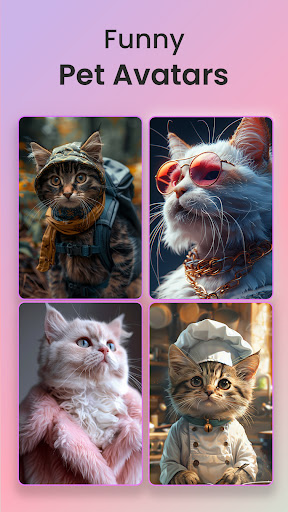
ReShot : AI Photo Generator – Discover the Future of Creative Photography
Imagine transforming your ordinary photos into stunning, professional-quality artworks with just a few taps. ReShot is an innovative AI-powered app designed to revolutionize your photography experience by offering a versatile range of artistic filters, styles, and editing tools. Whether you're aiming to craft captivating social media portraits, professional headshots, or fun cartoon illustrations, this app makes creativity accessible to everyone.
Create Studio-Quality AI Portraits Instantly
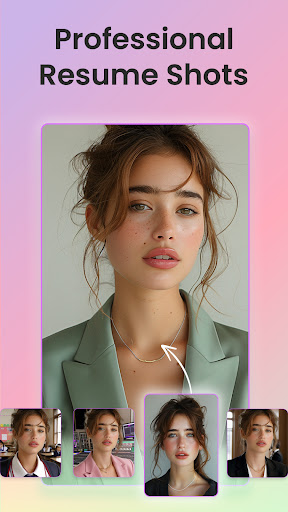
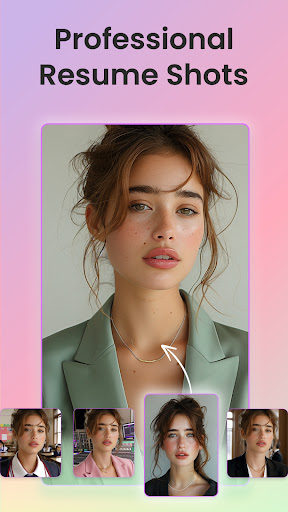
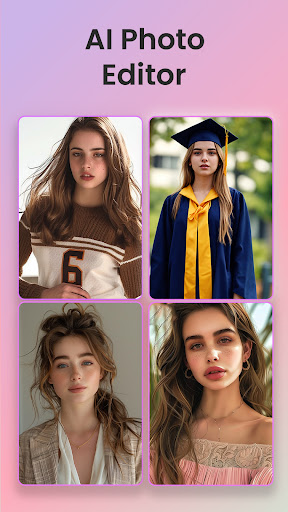
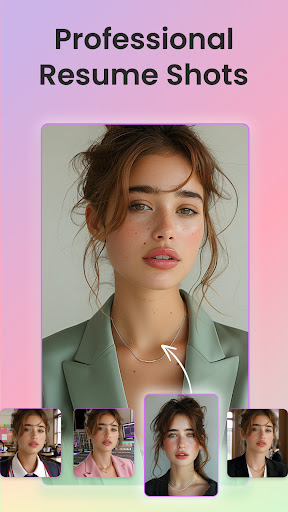
With ReShot, producing professional portraits has never been easier. Simply upload any photo—be it a selfie or a more formal picture—and select your desired style. The app's advanced AI technology seamlessly transforms your image into a high-quality headshot suitable for LinkedIn profiles, resumes, or personal branding. It’s like having a pocket-sized photo studio at your fingertips. Whether you want a polished corporate look or a casual vibe, ReShot’s array of AI headshot styles ensures a perfect fit for your needs.
Fun and Creative Artistic Filters
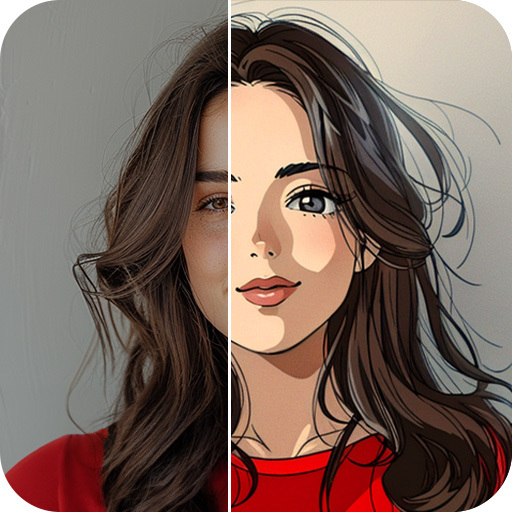
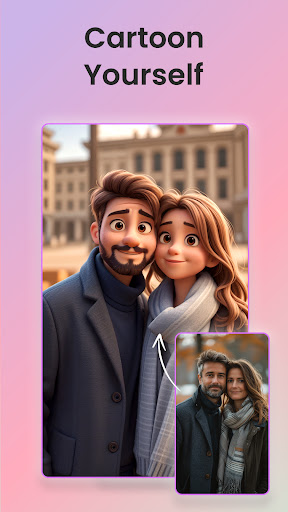
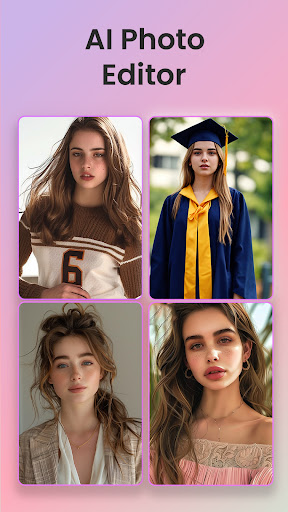
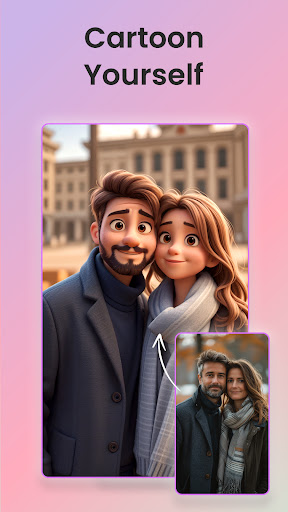
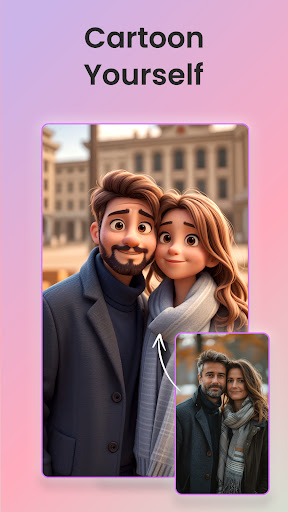
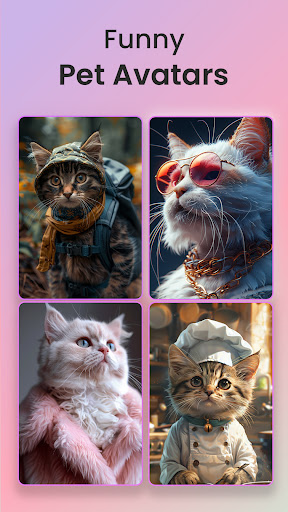
One of the standout features of ReShot is its fascinating AI Filters. Want your photos to stand out with a playful twist? The app allows you to turn your selfies into cartoon avatars, anime characters, or even Ghibli-inspired art. Imagine transforming a simple portrait into a magical, animated scene reminiscent of beloved anime movies with a tap. The neon style and pop art filters add an extra layer of fun, making your images vibrant and eye-catching. These filters are perfect for social media posts, personal projects, or just to experiment with different artistic expressions.
Versatile Styles for Every Mood and Occasion
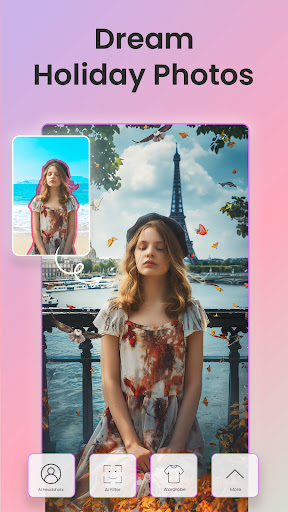
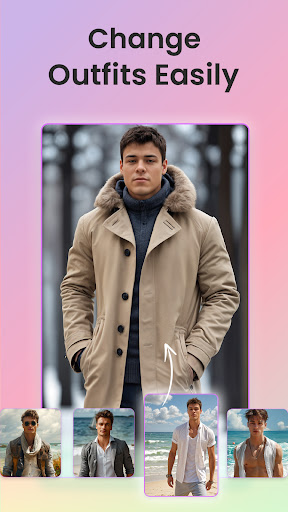
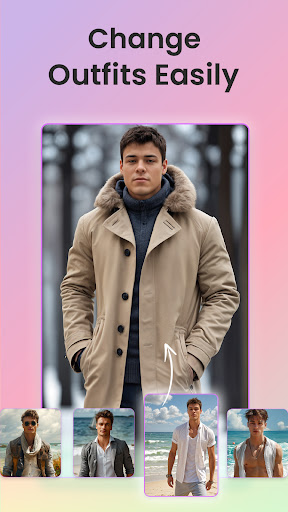
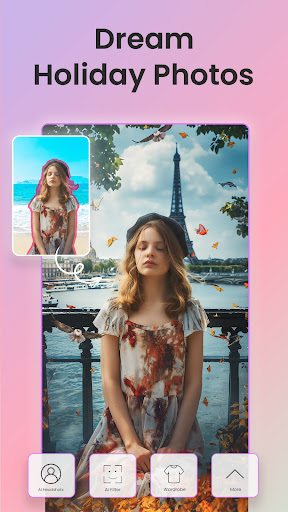
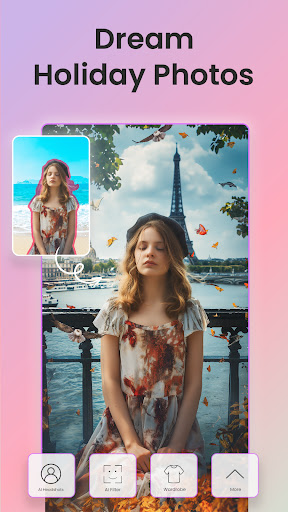
ReShot offers a wide range of styles to match any personality or event. Elevate your casual selfies with a trendy, playful cartoon look, or go for a sleek, professional look for work-related profiles. The app also supports educational headshots to help students and academics showcase their scholarly side, and formal styles ideal for elegant invitations or event promotions. Want to capture the adventurous spirit? Generate AI headshots inspired by travel scenes, enhanced with captivating backgrounds and lighting effects. For cozy moments, transform your photos into warm, anime-style portraits perfect for creating a comforting vibe.
Intuitive and User-Friendly Experience
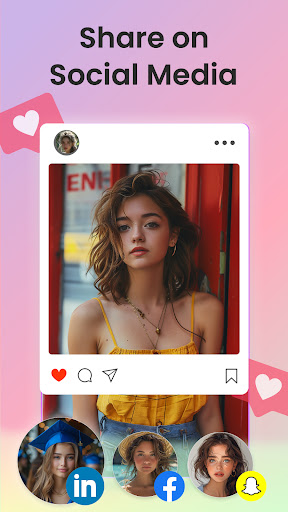
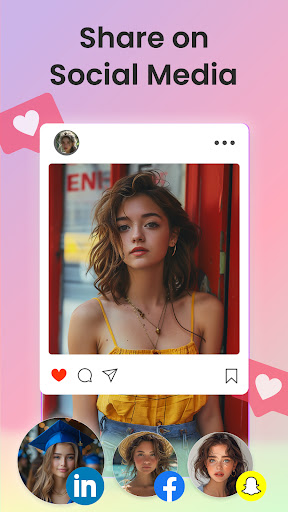
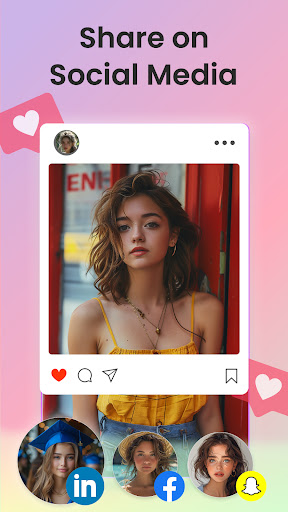
ReShot is designed with simplicity in mind. Its intuitive interface makes it easy for users of all skill levels to navigate. Upload a photo, choose a style, and watch as the AI does all the work—no manual adjustments needed. Batch processing allows you to edit multiple images simultaneously, ideal for travel albums or event collections. Sharing your creations is straightforward—save directly to your device or post effortlessly to your preferred social media platforms. The minimal ads ensure a smooth, uninterrupted editing experience, making creativity even more enjoyable.
Enhance and Elevate Your Photos with AI
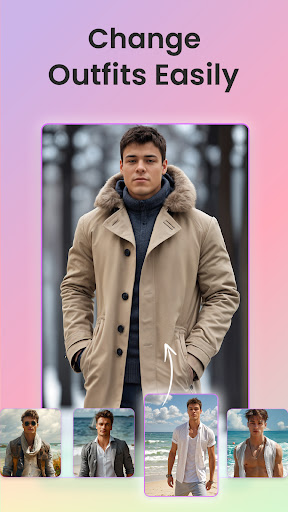
Beyond fun and artistic filters, ReShot empowers you to enhance your photos to a professional standard. From transforming casual portraits into cozy AI headshots to adding a tech lifestyle flair for modern professionals, this app covers all bases. The easy process—upload, select style, and transform—makes upgrading your images quick and efficient. It’s perfect for preparing standout visuals for business profiles, social media, or personal portfolios. ReShot’s continually expanding filter library ensures your creative options stay fresh, inspiring endless possibilities.
Why Choose ReShot?
In today’s image-driven world, quality visuals can make all the difference. ReShot blends AI technology with user-friendly design, offering an ultimate photo editing experience for everyone—from casual hobbyists to seasoned professionals. Whether you wish to create playful cartoon portraits, elevate your personal or professional images, or explore artistic styles inspired by animation or digital art, ReShot is your go-to tool. Download it today and unlock endless creative potential, turning every photo into a masterpiece.
Pros
- User-friendly interface
- Excellent image quality output
- Rapid processing speed
- Multiple style options available
- Regular updates introducing new features
Cons
- Requires an internet connection
- Limited free features
- Occasional presence of bugs
- Subscription may be expensive
- Consumes significant battery power











