

Discover the Power of Repixel: AI Photo Enhancer
Are you looking for an effortless way to breathe new life into your old or blurry photos? Repixel: AI Photo Enhancer is an innovative application that leverages cutting-edge AI technology to transform your images. Whether you want to make your photos crystal clear, fix blurry images, restore faded memories, or create fun cartoon versions, this app has you covered with its versatile features. Let’s explore how Repixel can help you enhance your photography experience and preserve precious moments with stunning quality.
Transform Your Photos with Advanced AI Technology
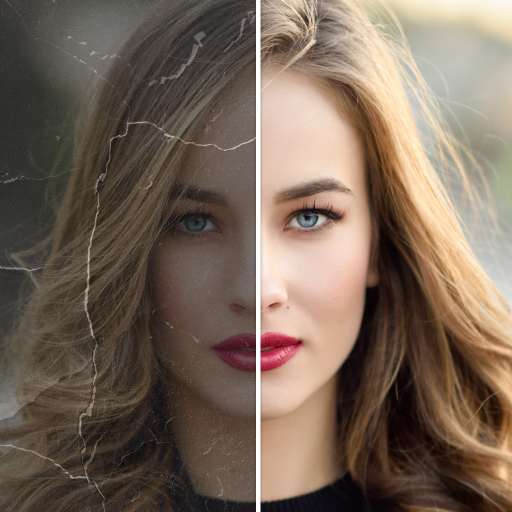
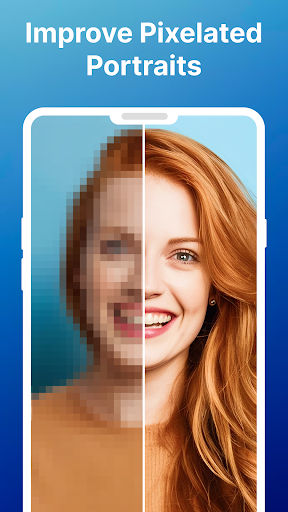
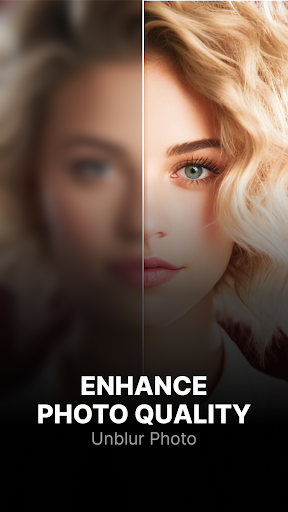
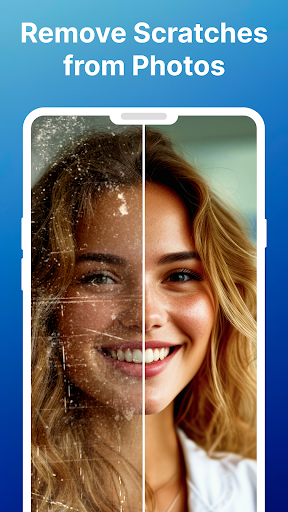
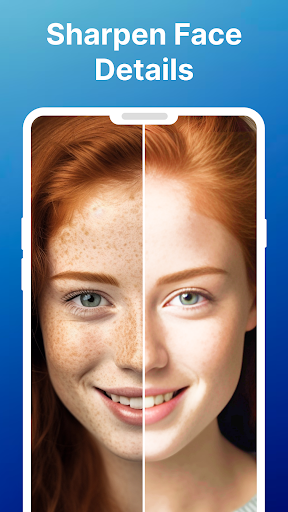
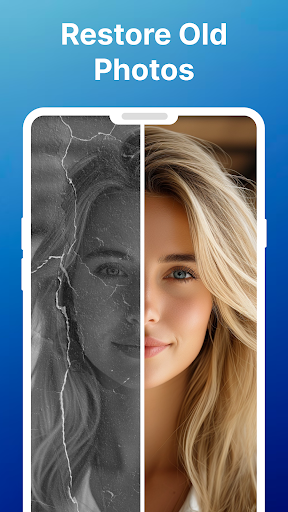
Using AI, Repixel can instantly enhance photo quality in seconds. It effectively tackles various photo issues such as blurriness, pixelation, scratches, and damage. The app’s core strength lies in its ability to restore old photos, bringing back crisp details and vibrant colors that might have faded over time. With its state-of-the-art photo repair algorithms, the app ensures that every aspect of your image—from fine facial features to backgrounds—is sharpened and polished, making even the oldest photos look like they were taken yesterday.
Key Features of Repixel: AI Photo Enhancer
Enhance Photo Quality Instantly
Whether you're working with a recent selfie or an old family portrait, Repixel makes improvement effortless. The tool increases resolution, enhances details, and adds clarity to your images—making them resemble professional photographs.
Fix & Unblur Blurry Photos
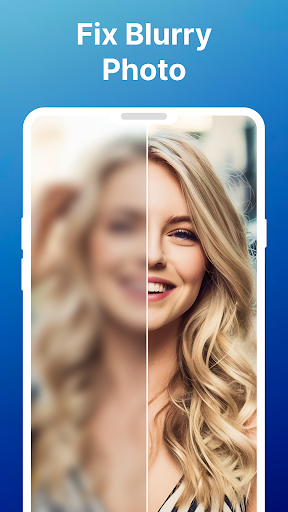
Do you have blurry photos that you'd love to sharpen? The blurry photo fixer feature works magic by instantly transforming hazy images into clear, HD-quality photos. Simply upload your picture, and the app will restore it to an impressive level of sharpness.
Restore & Colorize Old Photos
Bring your nostalgic memories back to life by restoring faded black and white photos. The colorize functionality can add vibrant hues to black-and-white images, turning them into colorful keepsakes. Plus, the old photo restoration tool removes scratches, repairs damaged areas, and enhances faded details, preserving your precious family history.
Cartoon & Creative Photo Effects
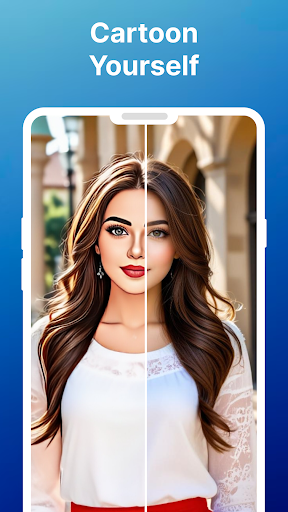
Looking to add a fun twist? With the cartoonize feature, you can effortlessly convert selfies or group photos into adorable cartoons. This playful feature turns ordinary images into charming, artistic creations—perfect for social media and personalized gifts.
Additional Creative Tools
Use Color Pop to selectively recolor your photo backgrounds without affecting the entire image. It’s an excellent way to highlight specific areas or create artistic effects. The app is continually updated with new features, promising even more creative options in the future.
User-Friendly Design & Effortless Editing
One of the standout qualities of Repixel is its simple, intuitive interface. You don’t need any technical expertise to use this app—just a few taps are enough to see dramatic improvements. Whether you're a tech-savvy photographer or someone just starting to explore photo editing, this AI-powered photo enhancer makes the process straightforward and accessible.
Why Choose Repixel: AI Photo Enhancer?
Beyond its impressive feature set, Repixel is a reliable tool for preserving and enhancing your digital memories. Its quick processing ensures you get results almost instantly, making it an ideal choice for busy users. Whether you want to restore family heirlooms, improve candid selfies, or stylize images for creative projects, this app offers everything you need in one place.
Conclusion: Preserve & Enhance Your Memories
In summary, Repixel: AI Photo Enhancer is an all-in-one solution for photo enhancement, restoration, and creative transformation. Its powerful AI algorithms deliver professional-level results effortlessly, making it the perfect app for photo enthusiasts, photographers, or anyone eager to enhance their photo collection. Download Repixel today and start turning your blurry, damaged, or black-and-white photos into stunning, colorful images that will stand the test of time.
Pros
- Improves image quality efficiently
- Intuitive and easy-to-use interface
- Compatible with multiple image formats
- Allows batch processing of images
- Requires minimal storage space
Cons
- Needs an internet connection to work
- Limited features in the free version
- Sometimes experiences processing delays
- Contains advertisements in the free version
- Does not support offline editing











