
Discover the Power of the Reolink App for Home Security
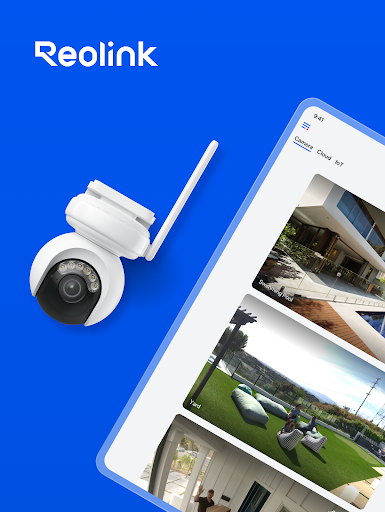
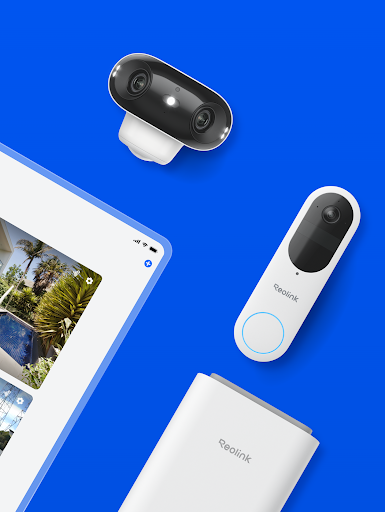
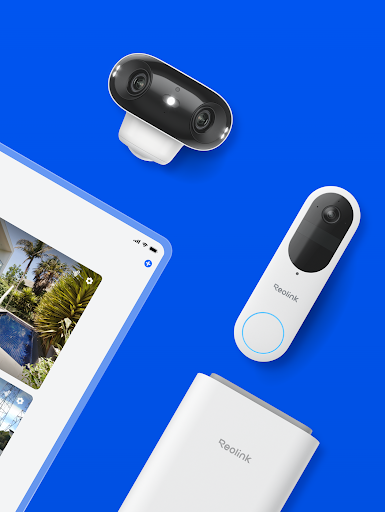
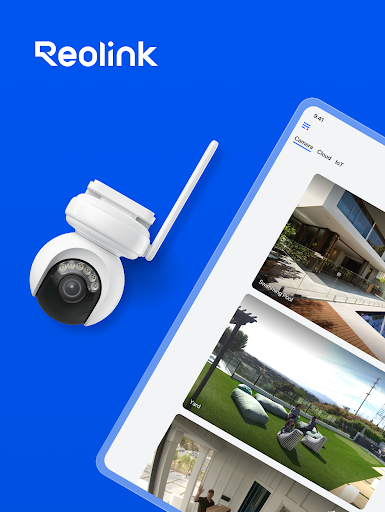
The Reolink app is a user-friendly and versatile surveillance solution designed to provide seamless access to your security cameras and NVR systems. Whether you’re at home or on the go, this app empowers you to monitor your property effortlessly, offering peace of mind with high-quality live streaming and intelligent features. Its intuitive interface and robust functionality make it an essential tool for both homeowners and small business owners seeking reliable security management from their mobile devices.
Key Features of the Reolink App
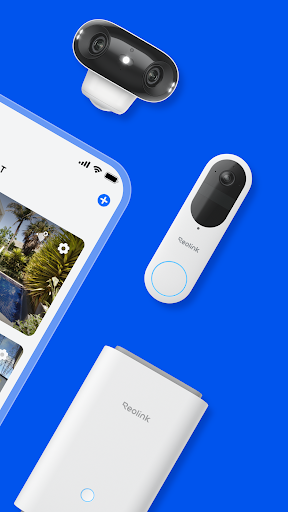
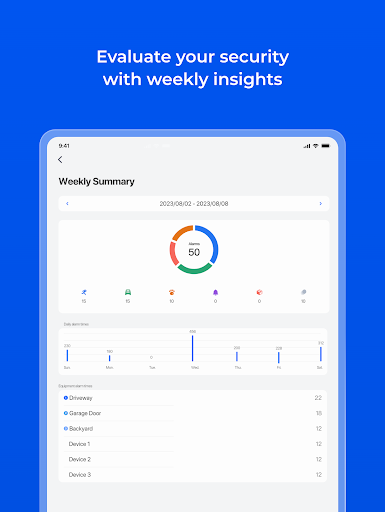
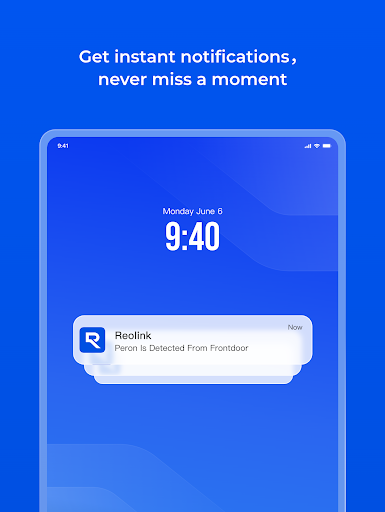
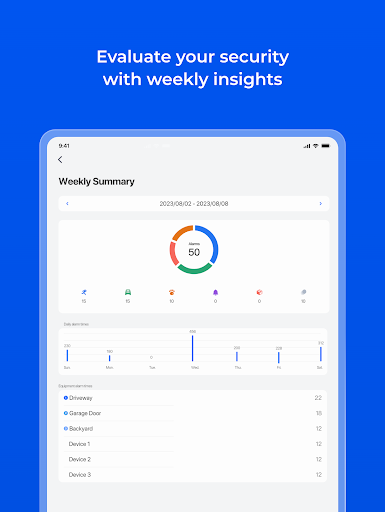
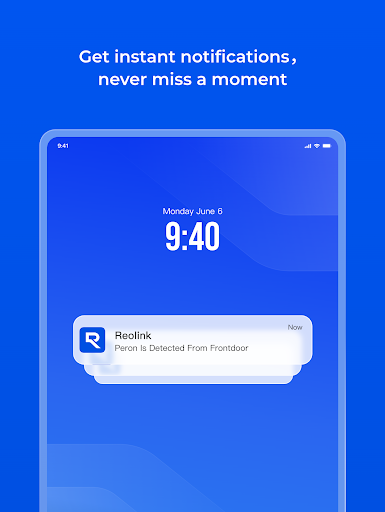
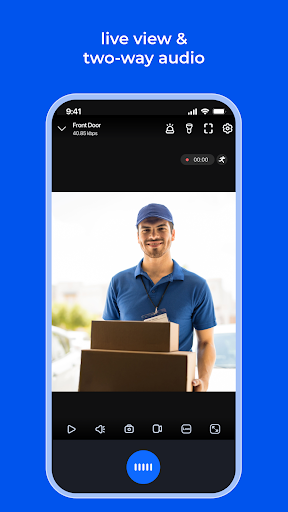
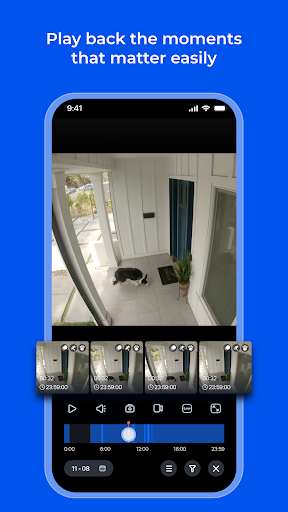
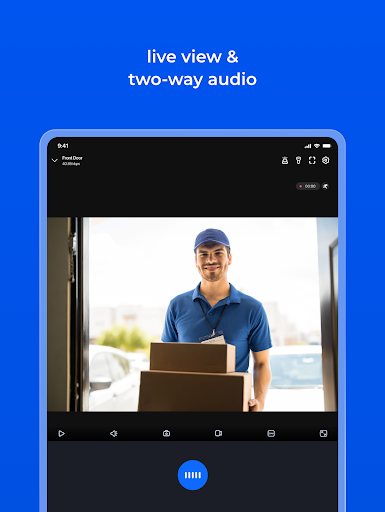
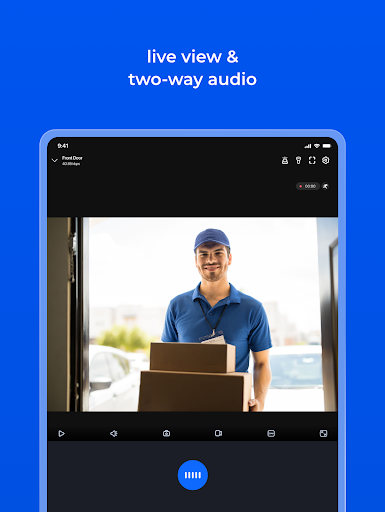
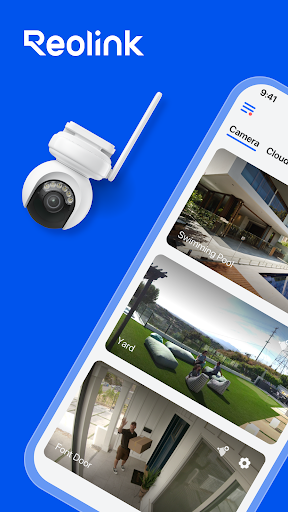
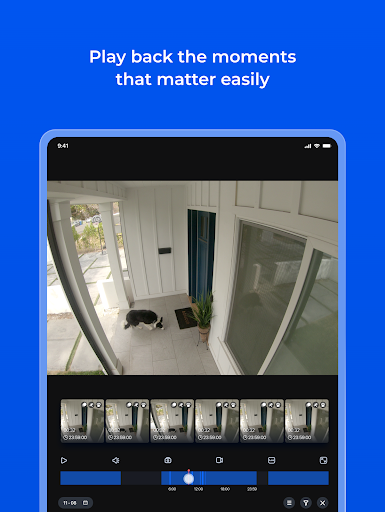
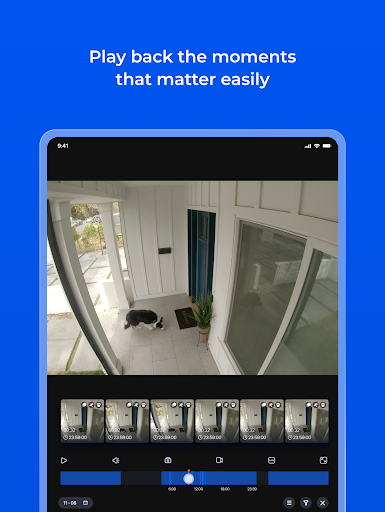
Setting up and managing your security system is simplified with the Reolink app. One of its standout features is the ease of access—just three quick steps are needed if your cameras are on the same local network, making it the easiest solution to connect and view your cameras. The app’s interface is designed to be friendly and approachable, ensuring users of all skill levels can navigate with confidence.Remote viewing is a core strength of the Reolink app. Using just your mobile device, you can watch live streams over 3G, 4G, or WiFi from anywhere in the world. The multi-channel viewing capability allows you to monitor up to 16 channels simultaneously, providing comprehensive surveillance over multiple areas at once. Additionally, you can remotely playback recorded video from your camera’s SD card or NVR’s HDD, giving you quick access to historical footage.Capturing moments is easy with the app’s photo and video snapshot features, allowing you to save single images or multiple clips directly to your device. The app also enhances security by sending real-time notifications through emails or push alerts when motion detection is triggered, ensuring you’re instantly aware of any activity.Scheduling recordings, whether motion-triggered or continuous, further optimizes storage and monitoring. You can also control PTZ (pan-tilt-zoom) cameras remotely, adjusting angles and zoom levels to get a detailed view from a distance, all from the convenience of your mobile device.Please note that the Reolink app is fully compatible with Reolink NVRs and IP cameras, making it an integrated solution for existing systems.
Why Reolink App Could Be Your Ideal Security Companion
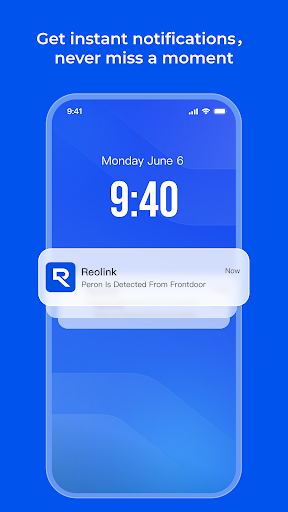
Imagine having a security guard in your pocket—ready to monitor, record, and alert you at any moment. That’s exactly what the Reolink app offers. Its straightforward setup process is designed for non-tech-savvy users, guiding you step-by-step to connect your cameras and start viewing live footage within minutes. The app’s clean design and easy navigation make it accessible for everyone, ensuring you can set up your security system with minimal hassle.Once operational, the app transforms your mobile device into a powerful surveillance tool. The HD live streaming provides crisp video quality, making it a breeze to keep an eye on pets, family, or property remotely. Its night vision capabilities ensure visibility in low-light conditions, turning your smartphone into a pair of night vision goggles. Whether you’re checking in during the day or monitoring overnight activity, the Reolink app maintains top-tier video clarity.Security alerts delivered instantly via push notifications mean you never miss an important event. Whether an intruder triggers motion detection or a scheduled recording kicks in, you’ll get timely updates, allowing you to respond quickly—even if you’re miles away.Moreover, the app’s flexibility extends to controlling PTZ cameras remotely. You can turn the camera left, right, up, or down, zoom in on specific areas, and adjust camera settings—all from your mobile device. This remote control capability adds a significant layer of convenience and security management.In summary, the Reolink app offers a comprehensive, reliable, and easy-to-use security solution that enhances your ability to protect and oversee your property. It combines straightforward setup, robust features, and high-quality video performance to deliver an experience that makes home or business security less overwhelming and more effective.
Get Connected and Stay Protected
For more information and support, the Reolink app is backed by a reliable website and active social media presence. You can explore their official site at reolink.com, follow their updates on Facebook and Twitter, or get in touch through their contact page. For engaging video tutorials and product demonstrations, visit their YouTube channel. The Reolink app continues to evolve, providing a trusted solution for professional-grade security that’s accessible to everyone.
Pros
- High-definition video quality
- Intuitive and easy-to-use interface
- Extensive selection of camera models
- Remote monitoring and control capabilities
- Cost-effective pricing
Cons
- Dependent on a reliable internet connection
- Limited customer service options
- Cloud storage requires a subscription plan
- App may freeze or crash occasionally
- Compatibility problems with certain devices











