

Introduction to the Recraft App
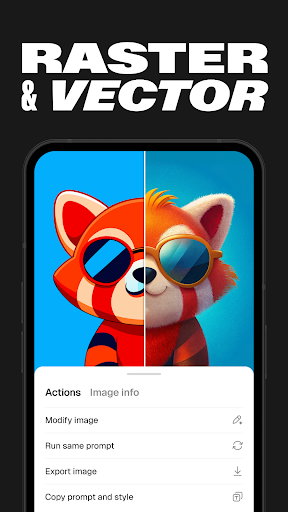
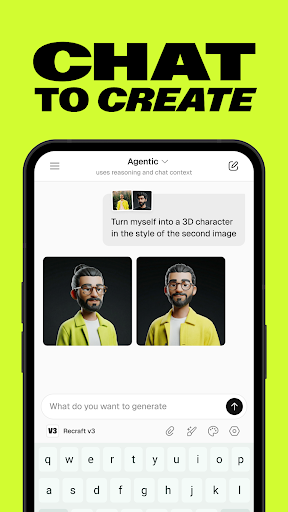
Ever found yourself wishing you could whip up a stunning graphic or illustration without spending hours scouring through online tutorials? Well, let me introduce you to Recraft! This innovative app functions like having a mini graphic design studio right in your pocket, empowering both beginners and experienced designers. With Recraft, creating vector art, icons, digital illustrations, and 3D graphics becomes effortless and fun, opening up endless possibilities for your creative projects.
Getting Started with Recraft
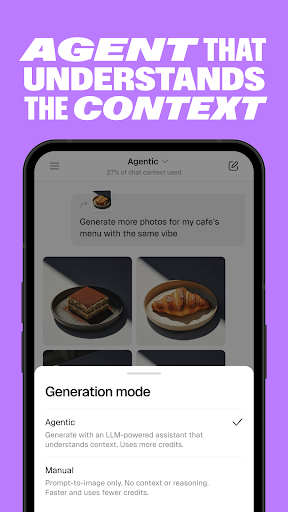
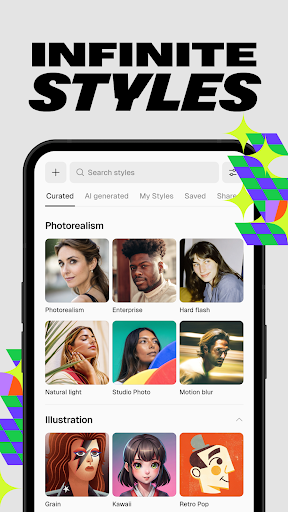
So, what’s the first thing you notice about Recraft? Its sleek, user-friendly interface makes even a novice feel like a professional designer. Upon launching the app, you're greeted with a clean, inviting layout that’s easy to navigate. The design philosophy focuses on simplicity, avoiding overwhelming options by guiding you step-by-step through your creative process. Whether it’s your first time or you're a seasoned designer, Recraft’s intuitive interface ensures a seamless experience that encourages experimentation and exploration.
Features that Stand Out
Extensive Templates Library
One of the key highlights of Recraft is its vast library of professional templates. Whether you’re designing a social media post, a business card, or a logo, Recraft provides ready-made options that give your projects a polished, professional look right from the start. These templates are fully customizable, allowing you to personalize each element to suit your style and requirements, saving you valuable time and effort.
Drag-and-Drop Editor
Another feature that sets Recraft apart is its intuitive drag-and-drop editor. Creating layouts and customizing designs is smooth and straightforward. You can easily tweak colors, fonts, and layouts with just a few taps or clicks. Support for layering enables stacking of elements, adding depth and complexity to your visuals—skills usually associated with more advanced desktop software but accessible here for everyone.
Unleash Your Creativity
Recraft is designed to inspire your artistic side. It offers a rich selection of design elements like icons, shapes, and lines that you can incorporate into your projects. The app’s color palette tool allows you to create and save custom palettes, ensuring harmonious color schemes across your designs. Plus, seamless integration with your photo library means you can import images effortlessly to use as background or focal points, adding a personal touch to your creations.
The Versatility and Power of Recraft
Recraft stands out as a versatile and powerful design tool suitable for a broad range of projects. Whether you’re a beginners exploring your creative potential or an experienced designer needing a quick way to produce high-quality visuals, this app is the perfect solution. From crafting simple flyers to developing complex 3D graphics or digital illustrations, Recraft equips you with all the necessary tools to turn your ideas into reality.
Conclusion
Next time you need a design fix, consider giving Recraft a try. It feels like having your own personal graphic designer at your fingertips, ready to help realize your creative dreams. With its user-friendly interface, extensive library of templates, and robust set of features for customization, Recraft makes graphic design accessible and enjoyable for everyone. Whether for professional projects or personal expression, this app is a game changer in the world of digital design.
Pros
- User-friendly interface for easy navigation
- Customizable templates to enhance creativity
- Quick rendering and exporting of designs
- Supports various file formats for versatility
- Regular updates with new features
Cons
- Limited features in the free version
- Occasional glitches on older devices
- Requires a constant internet connection
- High battery usage
- In-app purchases may be costly











